Pdfgpt





What is PDF GPT?
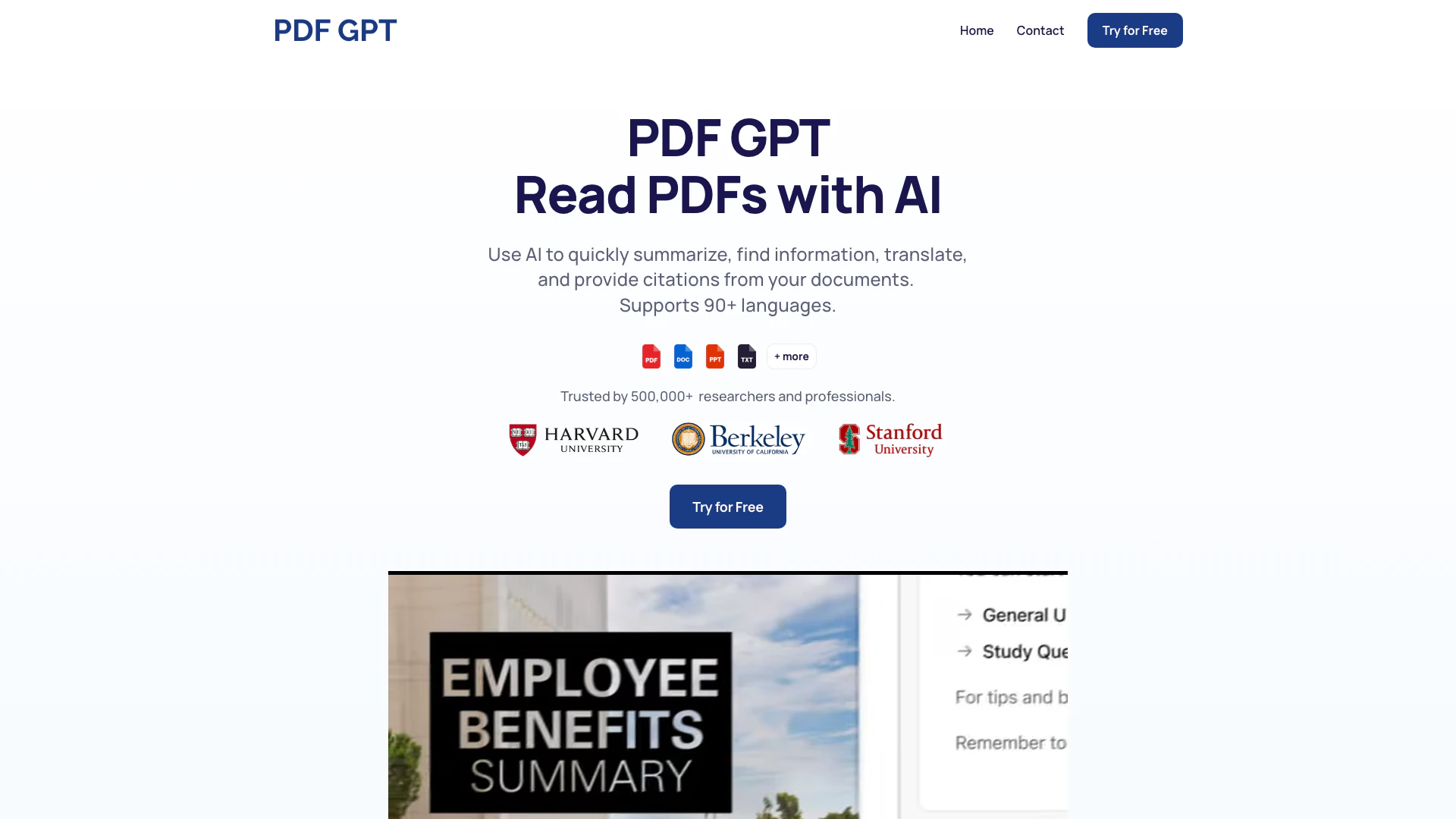
PDF GPT is an advanced chat application designed specifically for interacting with PDF documents. It allows users to summarize, search, and engage in conversations about their PDFs, leveraging artificial intelligence to streamline the process of extracting information. With support for over 90 languages, PDF GPT is ideal for researchers, students, and professionals who need to manage and comprehend large volumes of text efficiently.
How to use PDF GPT?
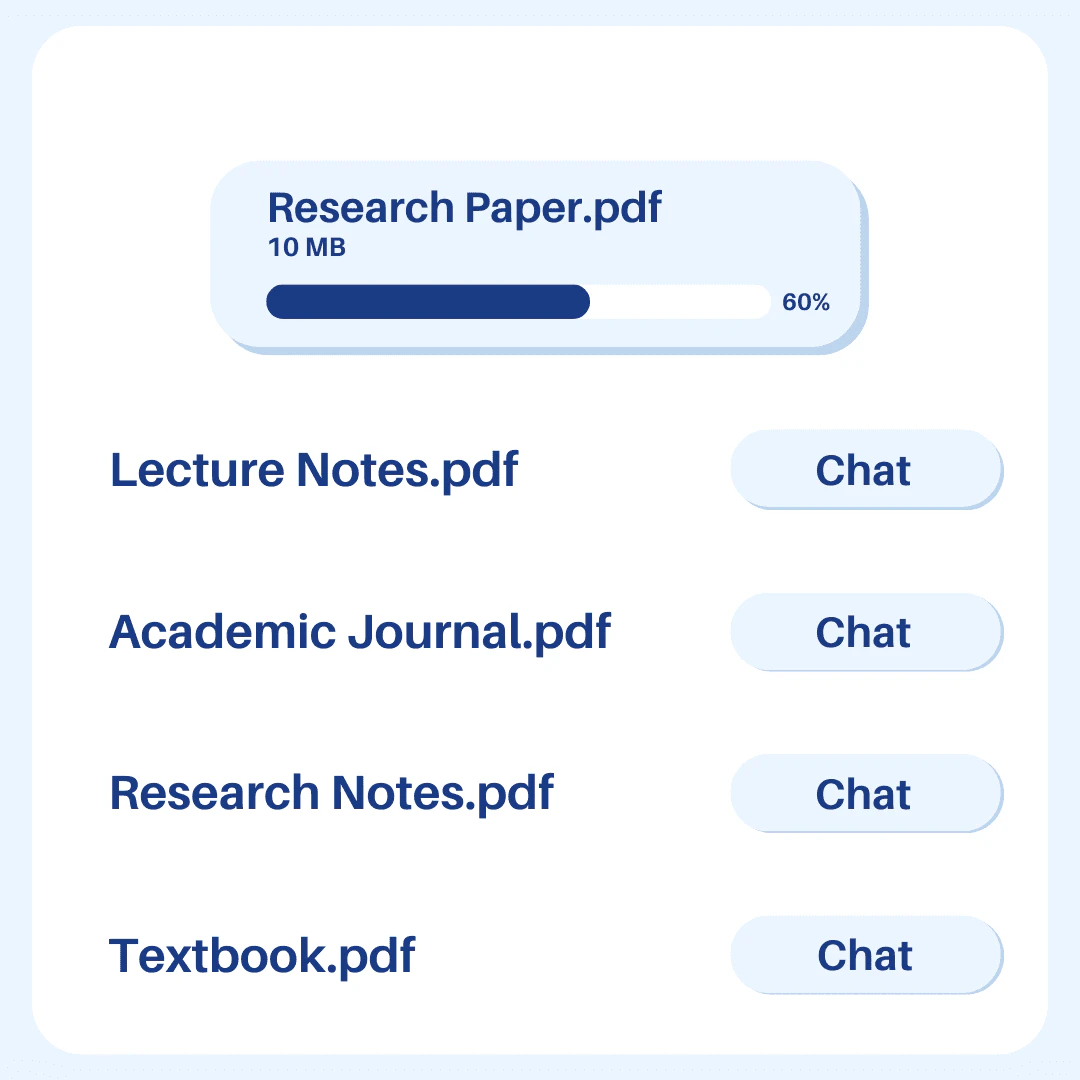
- Upload your PDFs: Start by uploading the PDF documents you wish to analyze or interact with.
- Ask questions: Once your PDFs are uploaded, you can ask specific questions about the content within them.
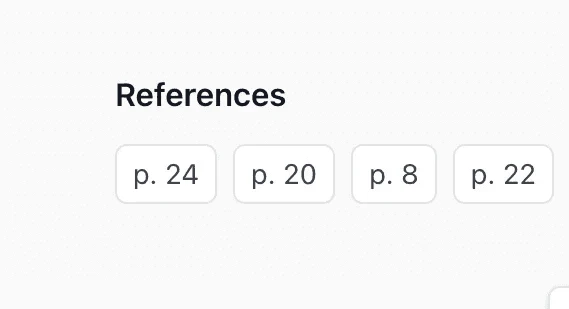
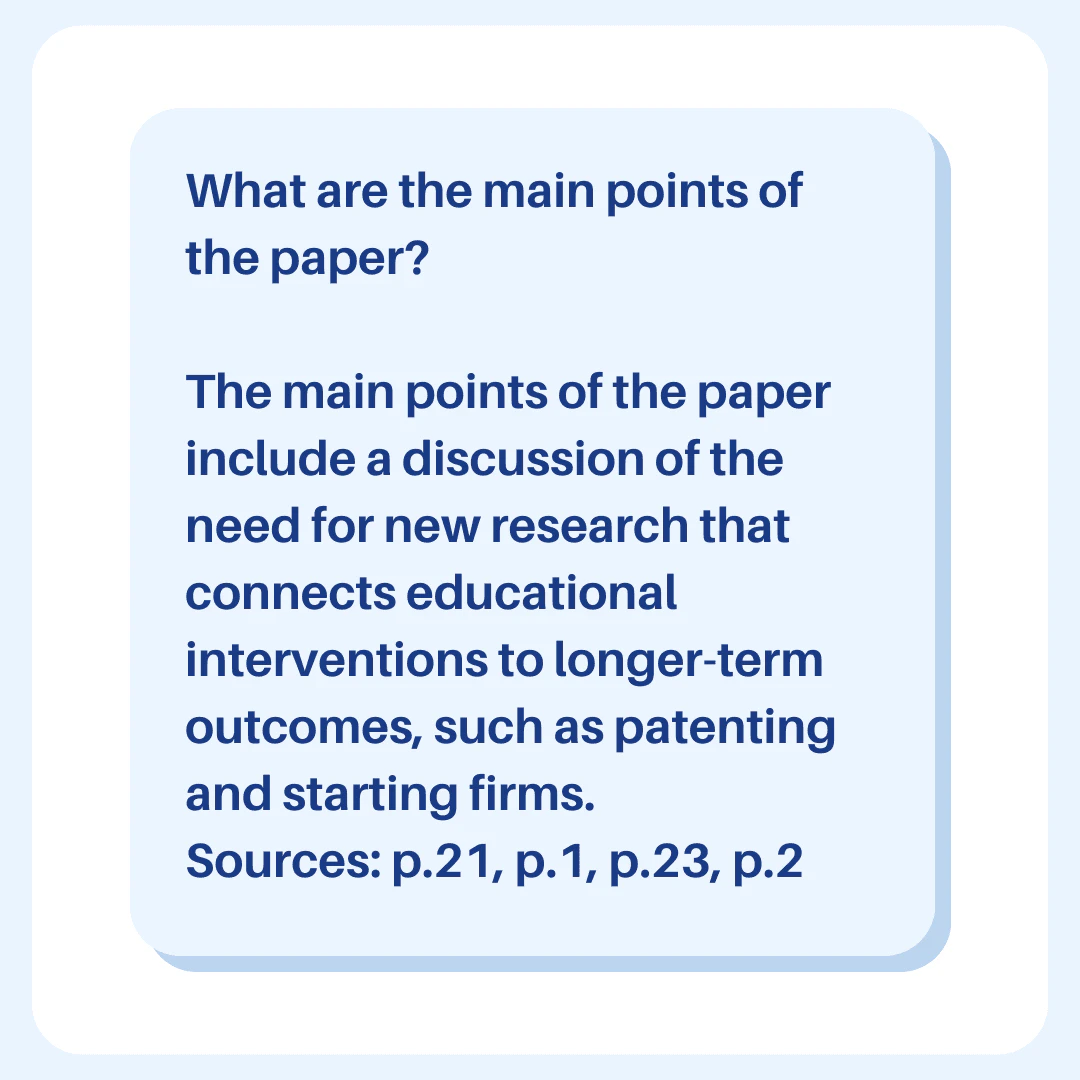
- Get answers: PDF GPT will provide you with answers, complete with clickable citations that reference the pages in the original documents.
What are the main features of PDF GPT?
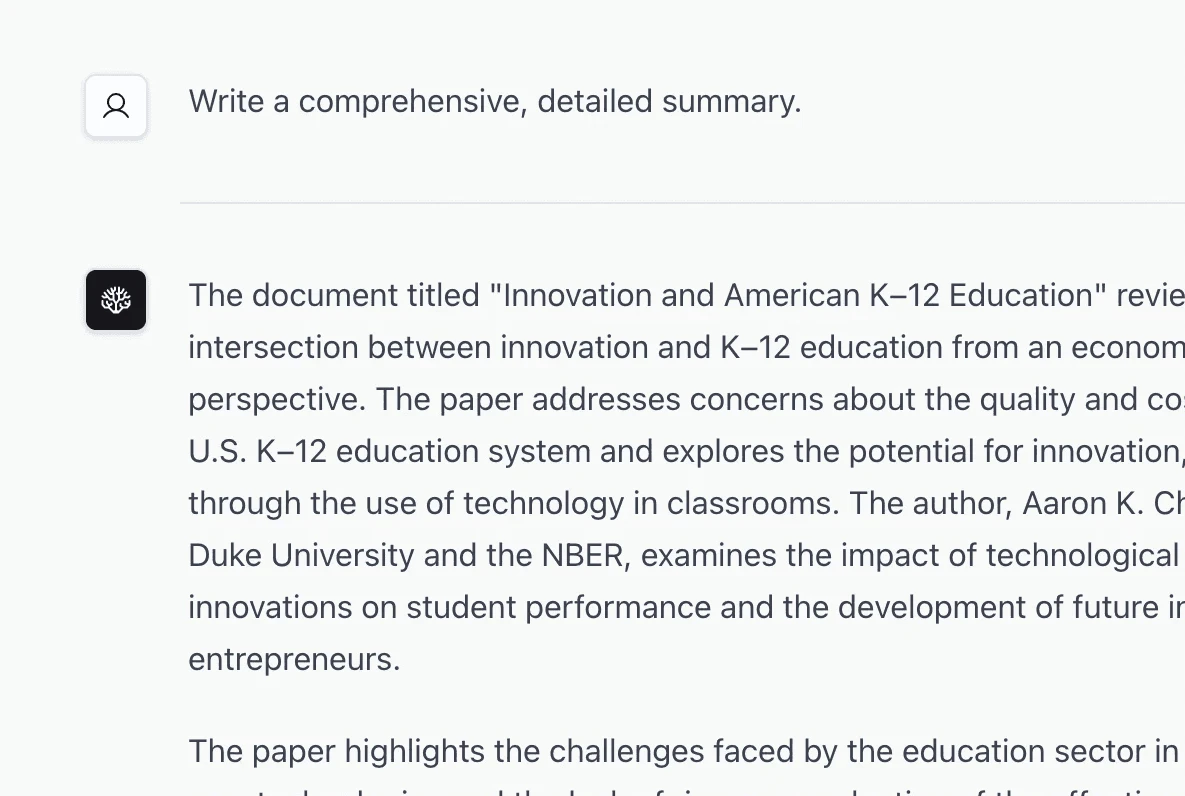
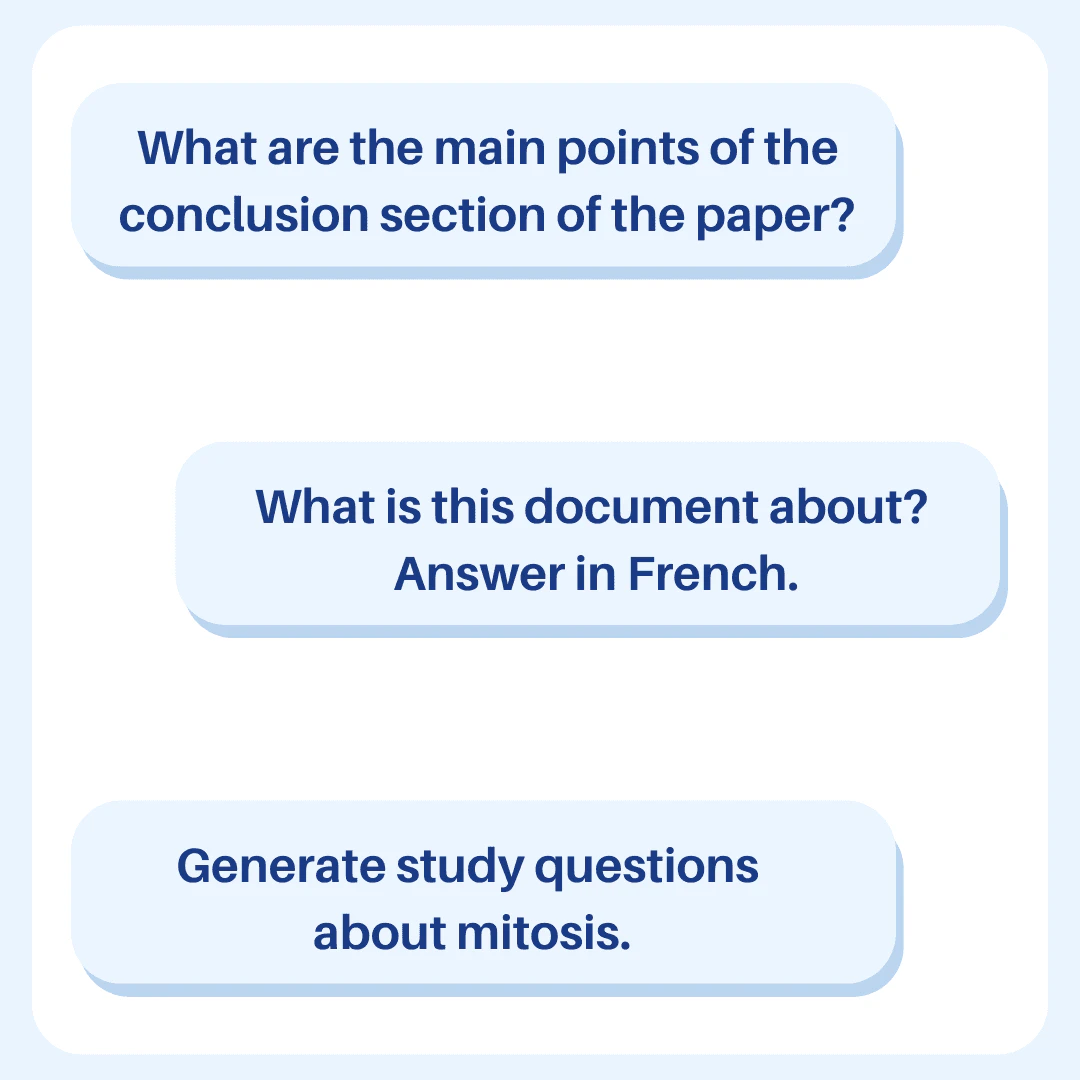
- Summarization: Instantly generate summaries of lengthy PDFs to save time.
- Citations with Answers: Every answer provided by PDF GPT includes clickable page references for easy navigation.
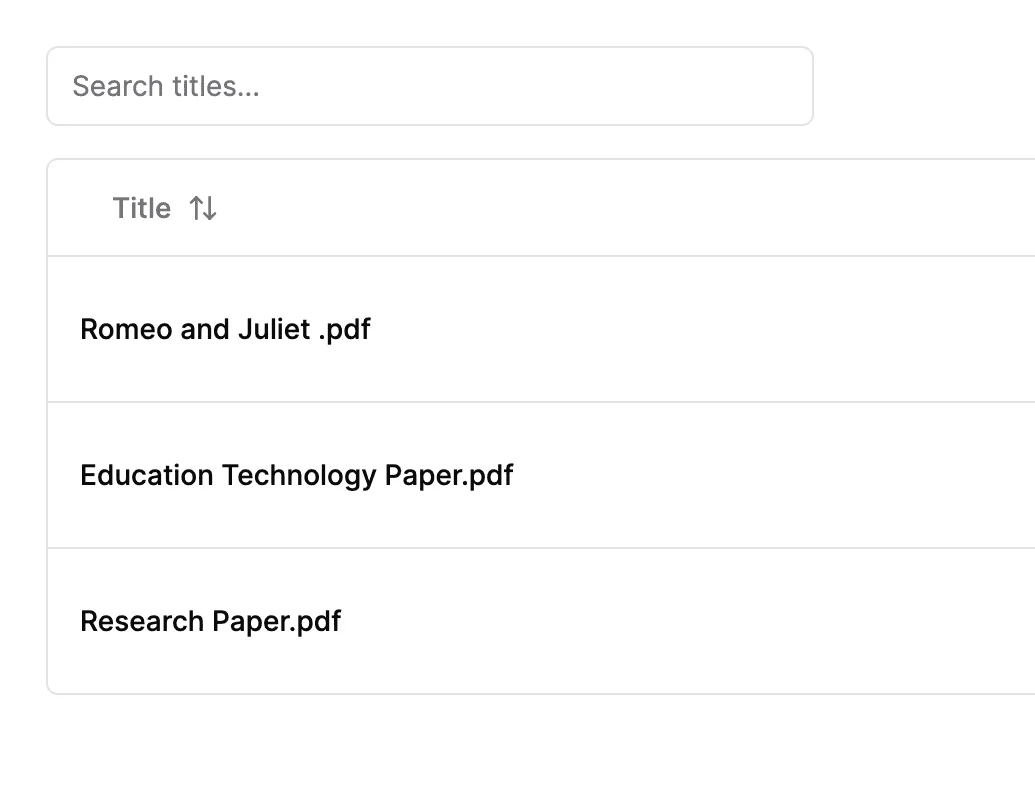
- Search Across PDFs: Upload multiple documents and search for specific information across all of them.
- Tag & Organize: Tag your documents for better organization and chat with groups based on those tags.
Who is PDF GPT for?
PDF GPT is designed for a wide range of users including researchers, students, professionals, and anyone who frequently works with PDF documents. It is particularly beneficial for those who need to extract information quickly, create study guides, or conduct detailed analyses of textual content. Its multilingual support makes it suitable for international users as well.
What are the use cases of PDF GPT?
- Research Assistance: Use PDF GPT to summarize academic papers and extract key points for research projects.
- Study Aid: Create study guides from lecture notes or textbooks by summarizing and organizing content effectively.
- Document Review: Quickly find and reference specific information in legal or business documents to enhance review processes.
Product Images
Pdfgpt Pros and Cons
Pros
- Instant PDF Summarization: PDF GPT provides quick and accurate summaries of lengthy PDF documents, saving users significant time.
- Multi-Document Search: Users can upload multiple PDFs and search for specific information across all documents, enhancing research efficiency.
- Citations with Answers: Every answer generated includes clickable page references, allowing users to easily verify information and locate sources.
Cons
No cons data detected for this tool
Analytics of Pdfgpt
Pdfgpt Website Traffic Analysis
Visits Over Time
Traffic Sources
Nov 2025 - Jan 2026 Worldwide Desktop Only
- Search: 44.71%
- Direct: 35.12%
- Referrals: 11.80%
- Social: 5.97%
- Paid Referrals: 1.48%
- Mail: 0.22%
Top Keywords
| Keyword | Volume | CPC | Estimated Value |
|---|---|---|---|
| chatgpt pdf | 2.88K | $0.14 | $0.00 |
| pdfgpt | 1.68K | $0.11 | $30.00 |
| gpt pdf | 750 | $0.00 | $0.00 |
| pdf gpt | 620 | $1.00 | $10.00 |
| chat gpt pdf | 500 | $0.13 | $0.00 |
Pdfgpt Reviews
PDF GPT processes HUGE amounts of text!
I love using PDF GPT to create study guides for my midterms!
For more reviews, visit this link: https://www.pdfgpt.chat#reviews