

Pdfgear



What is PDFgear?
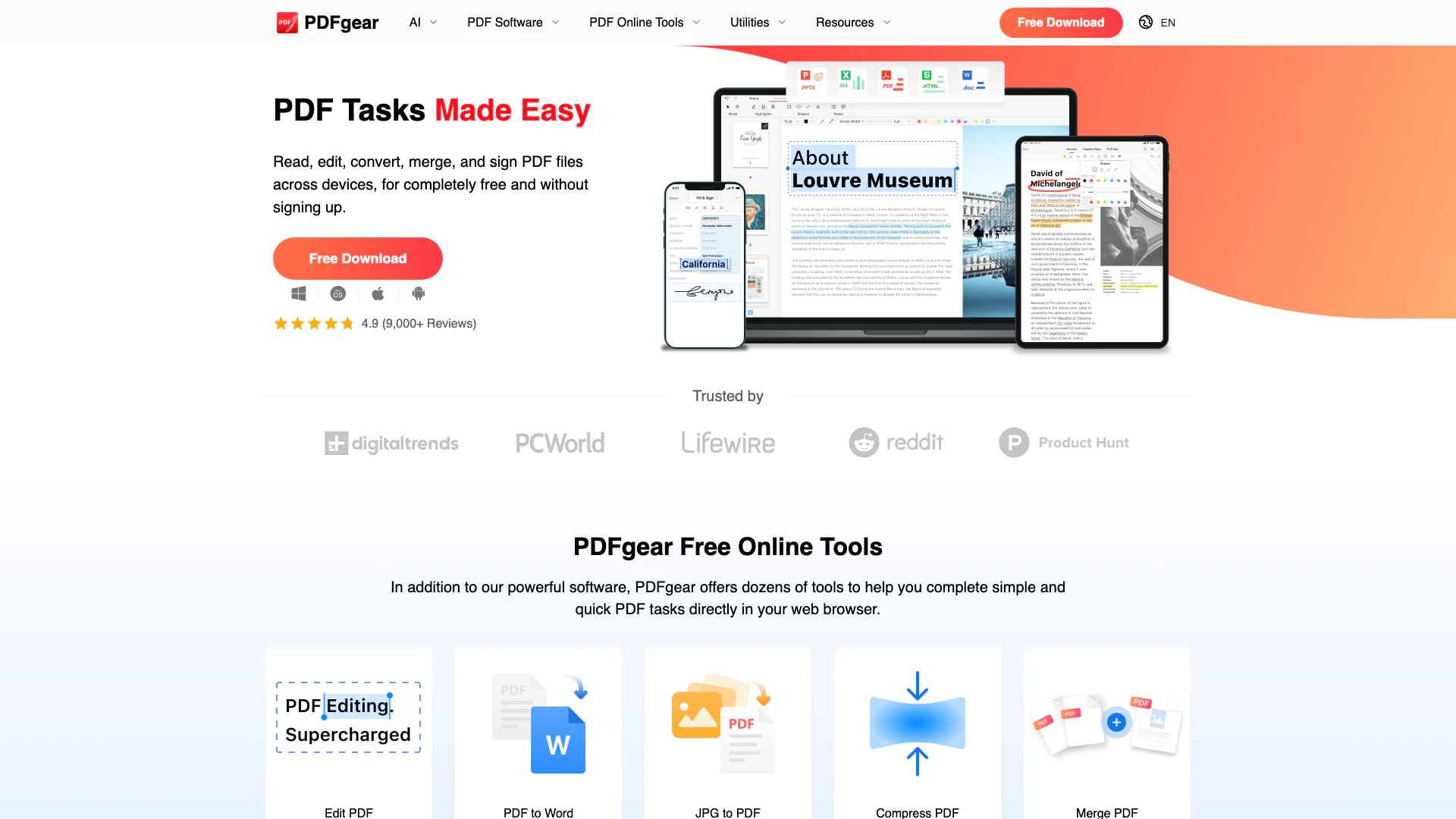
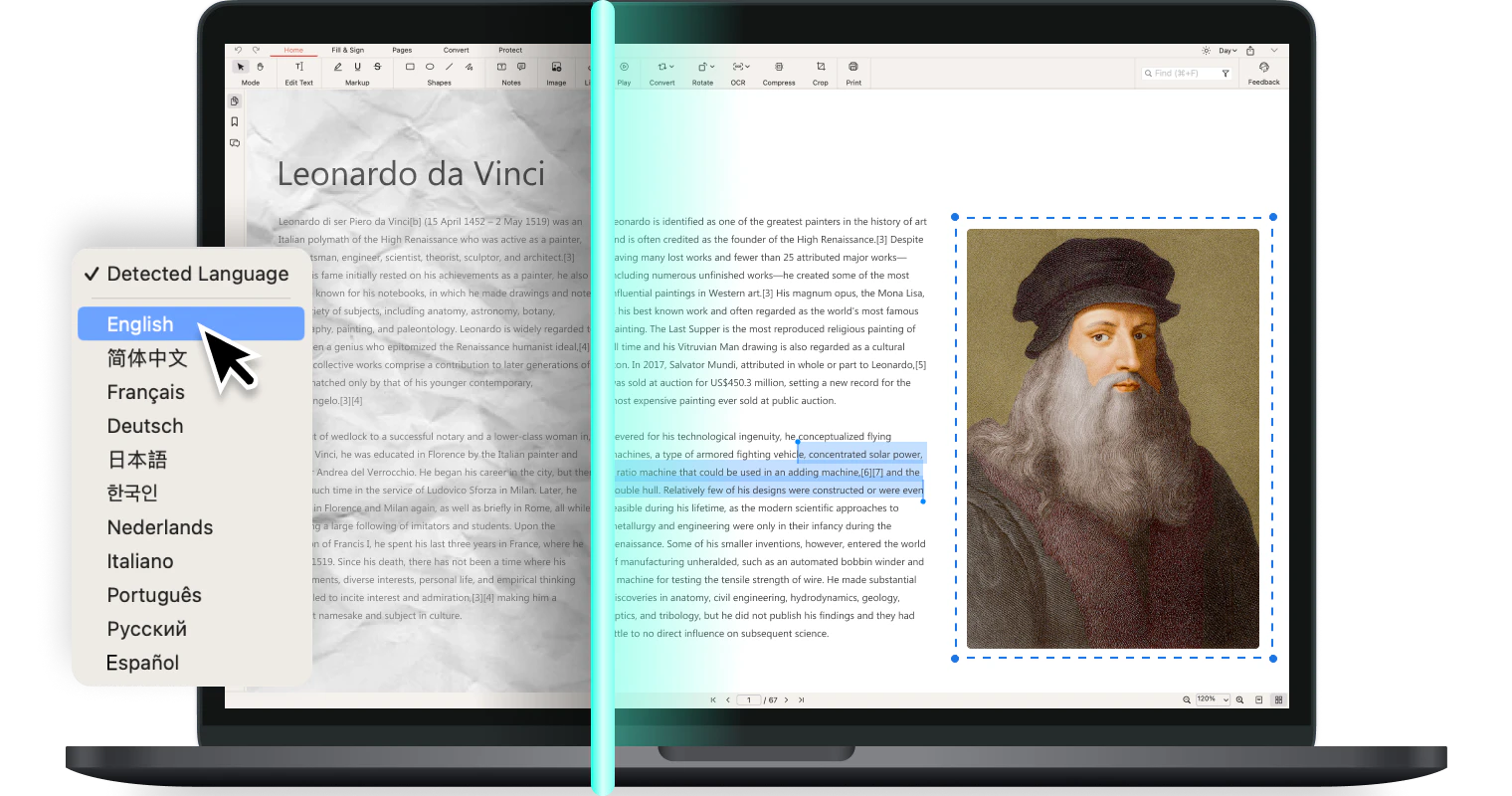
PDFgear is a versatile and user-friendly PDF editing tool that allows users to edit, merge, split, convert, and organize PDF files online or offline. It offers a suite of free tools and software designed to meet all your PDF needs, making it an ideal solution for individuals and businesses looking for a powerful PDF management system. With its AI-powered capabilities, PDFgear enhances productivity and simplifies complex PDF tasks, ensuring a seamless user experience.
How to use PDFgear?
- Visit the PDFgear website or download the software for your device (Windows, Mac, iOS, or Android).
- Choose the PDF tool you need, such as Edit, Merge, Convert, or OCR.
- Upload your PDF file to the platform.
- Use the available features to modify your PDF as needed (e.g., edit text, add annotations, or convert to another format).
- Once done, download the edited PDF or save it directly to your device.
What are the main features of PDFgear?
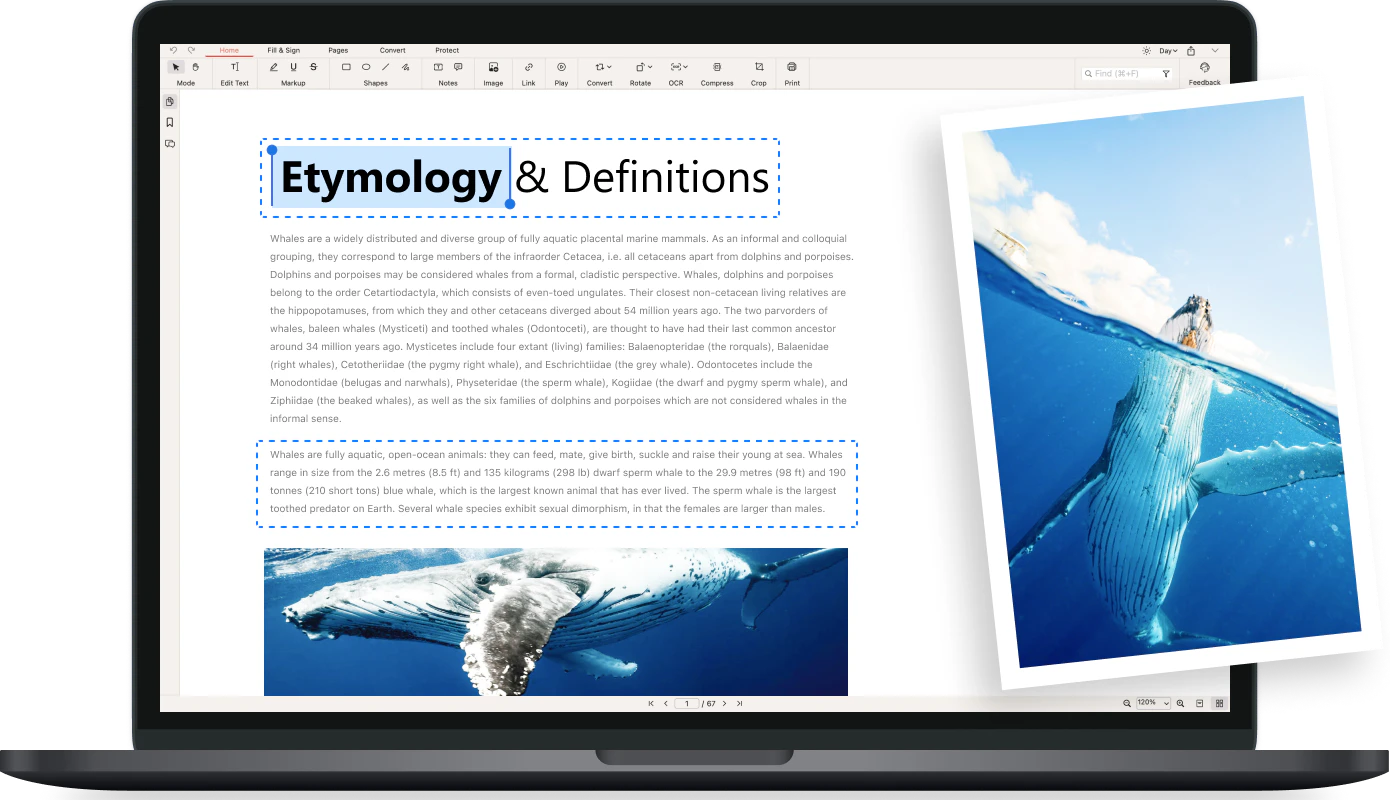
- Edit PDF: Freely edit text, images, shapes, signatures, and links within PDF files.
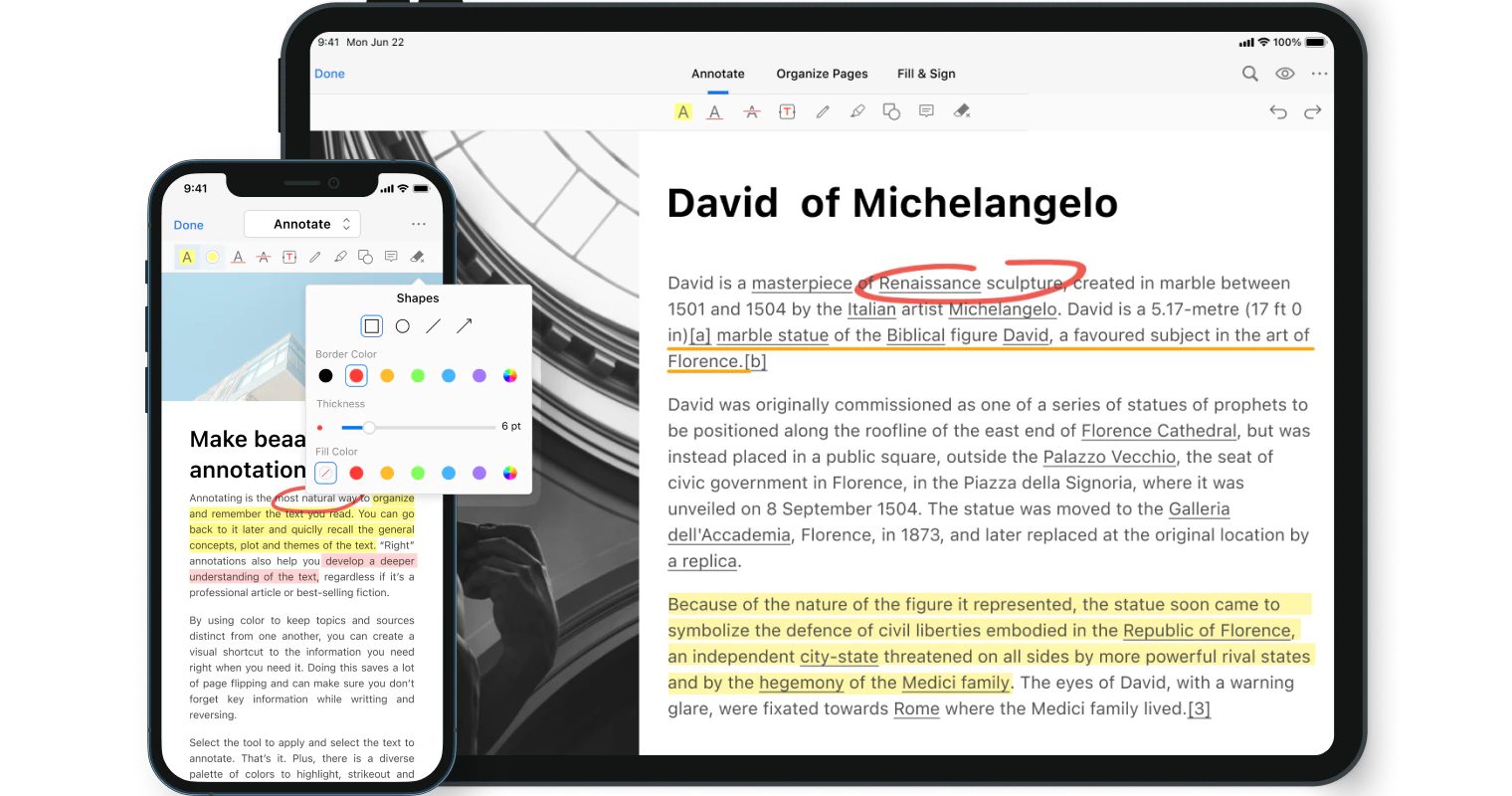
- Annotate PDF: Highlight, underline, strikethrough text, and add comments or stamps.
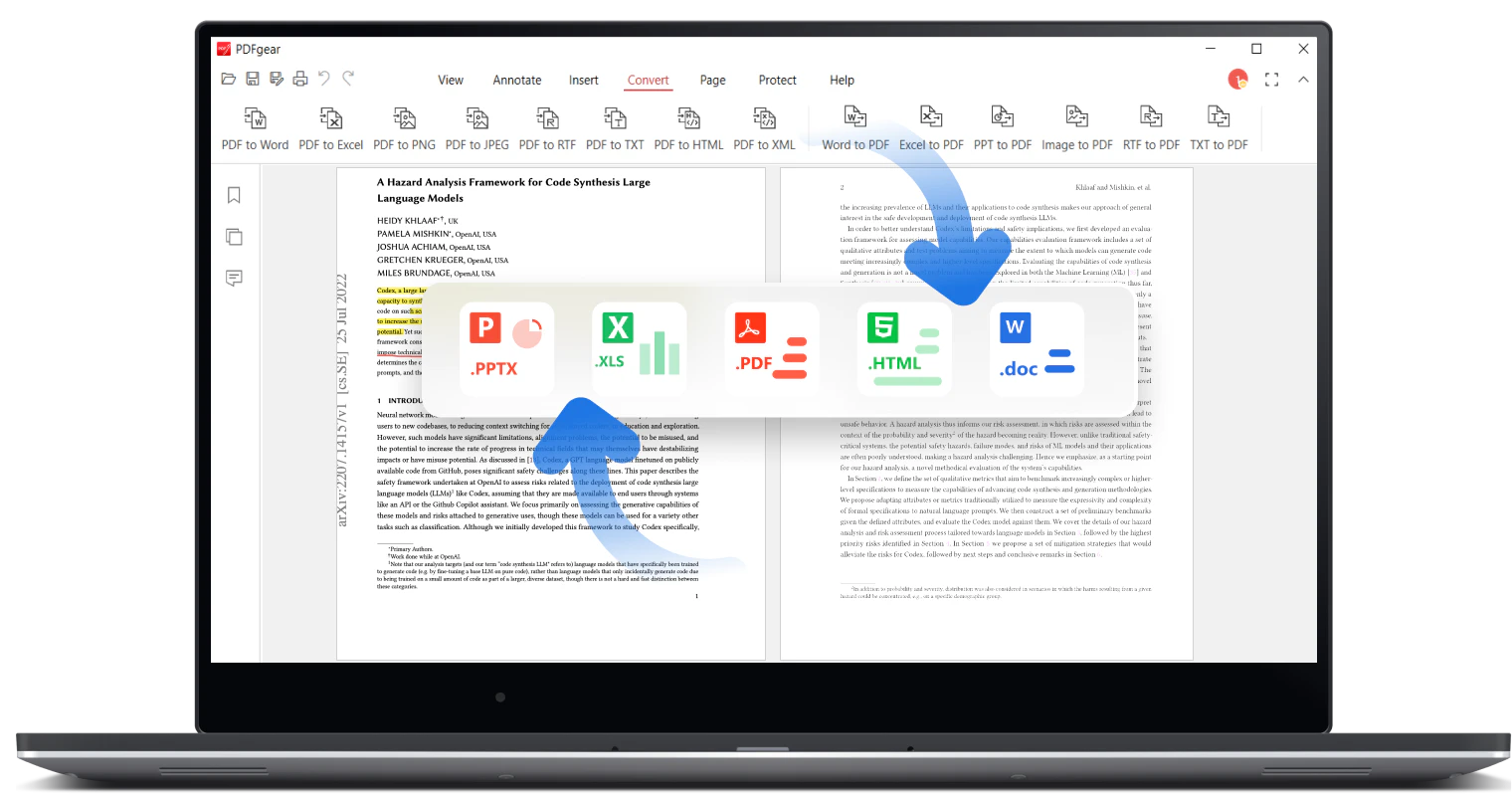
- Convert PDF: Convert PDF files to and from various formats like Word, Excel, JPG, and more.
- Merge and Split PDF: Combine multiple PDF files into one or split a single PDF into separate files.
- OCR PDF: Extract text from scanned documents and convert image-based PDFs into editable formats.
Who is PDFgear for?
PDFgear is designed for a wide range of users, including students, professionals, and businesses. It is ideal for anyone who frequently works with PDF documents and needs reliable tools to edit, convert, or manage these files. Whether you are a student needing to annotate lecture notes, a professional looking to streamline document workflows, or a business requiring robust PDF management solutions, PDFgear provides the necessary tools to enhance productivity.
What are the use cases of PDFgear?
- Editing Reports: Modify text and images in business reports or academic papers.
- Merging Documents: Combine multiple project files into a single PDF for easy sharing and collaboration.
- Converting Files: Transform PDF documents into editable formats like Word or Excel for further manipulation.
- Annotating PDFs: Add comments and highlights to study materials or provide feedback on documents.
- Scanning and OCR: Convert scanned paper documents into editable PDFs, making it easier to digitize important information.
Product Images
Pdfgear Pros and Cons
Pros
- Comprehensive PDF Editing Features: PDFgear offers a wide range of editing capabilities including text, image, and form field editing, making it a versatile tool for all PDF tasks.
- AI-Powered Tools: The integration of AI technology enhances PDFgear's functionality, allowing users to interact with PDFs more intelligently, such as summarizing content or extracting text.
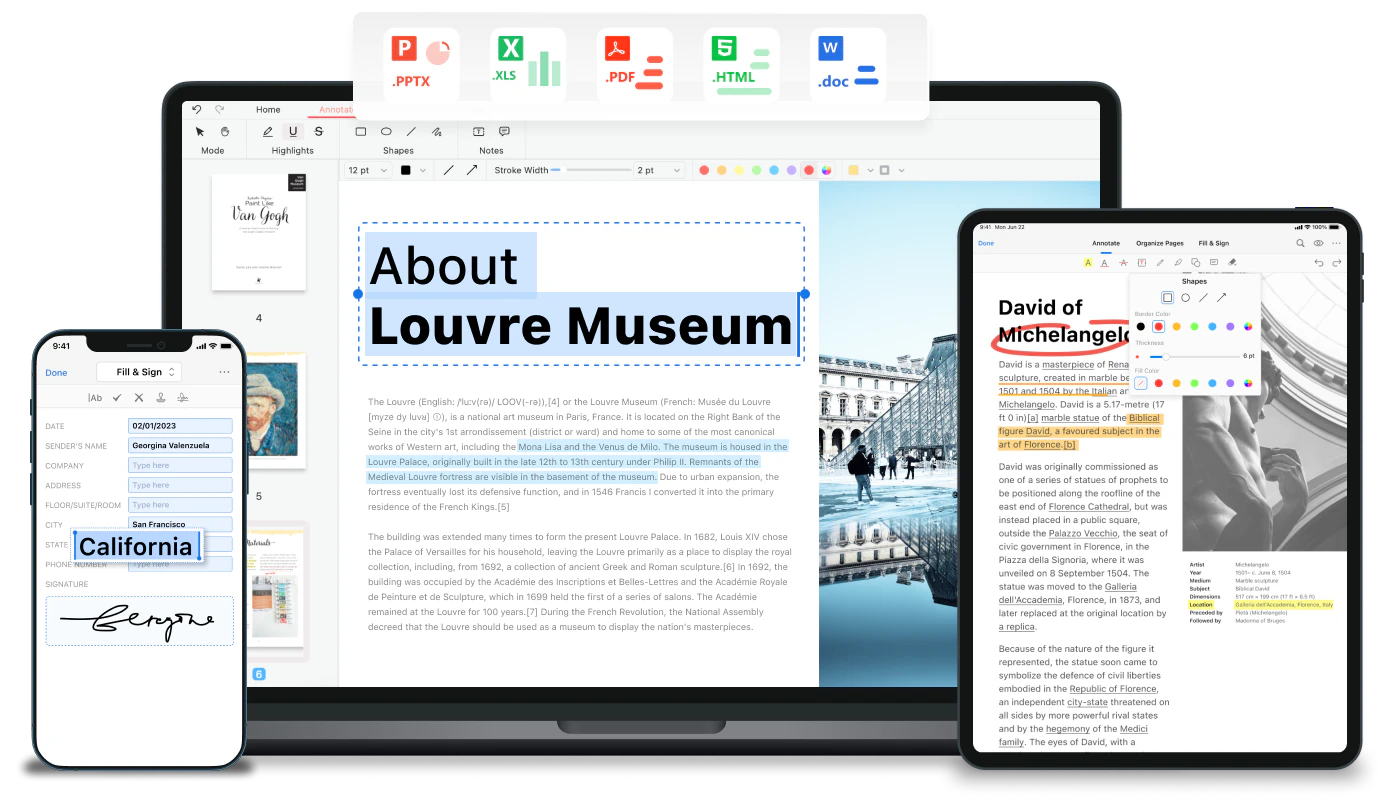
- Cross-Platform Availability: PDFgear is available on multiple platforms including Windows, macOS, iOS, and Android, enabling users to work with PDFs anytime, anywhere.
Cons
No cons data detected for this tool
Analytics of Pdfgear
Pdfgear Website Traffic Analysis
Visits Over Time
Traffic Sources
Nov 2025 - Jan 2026 Worldwide Desktop Only
- Search: 54.41%
- Direct: 37.36%
- Referrals: 4.23%
- Social: 3.47%
- Paid Referrals: 0.49%
- Mail: 0.04%
Top Keywords
| Keyword | Volume | CPC | Estimated Value |
|---|---|---|---|
| pdf to word | 7.32M | $0.16 | $44720.00 |
| jpg to pdf | 5.07M | $0.16 | $13520.00 |
| image to pdf | 1.45M | $0.19 | $11010.00 |
| pdfgear | 385.34K | $0.84 | $262870.00 |
| pdf gear | 118.27K | $0.84 | $83350.00 |
Pdfgear Reviews
It is the best PDF editor and alternative to Adobe PDF editor. It has very awesome features like you can add signatures to the documents. It is easy to use and integrate with my cloud documents. It gives you the ability to wipe out the documents into different parts.
After years of searching, I’ve finally found a free, offline, no-strings-attached PDF editor — and it’s excellent. It merges, it edits, it converts, and it even signs PDF documents with mouse-drawn inking. It also has ChatGPT built-in so you can have it summarize PDF documents for you, or find the most pertinent information with a simple question.
Of the free programmes I’ve tried, PDFgear has the easiest tool for this. Online tools such as Acrobat Online and ilovepdf.com can work okay, but they sometimes put the pages in the wrong order and you can’t easily select only certain pages from one file to add to another.
For more reviews, visit this link: https://www.pdfgear.com/#review



Pdfgear Social Listening
Best FREE PDF Editor | PDFgear
✨ Get PDFgear for FREE: https:...
Best FREE PDF Editor Ever!!
Tenorshare PDNob - https://bit...
⭐El MEJOR EDITOR de PDF GRATUI...
📄 PDFelement: el editor de PD...
Unlock to view 52 social media results.