Aibardpdf





What is Bard PDF?
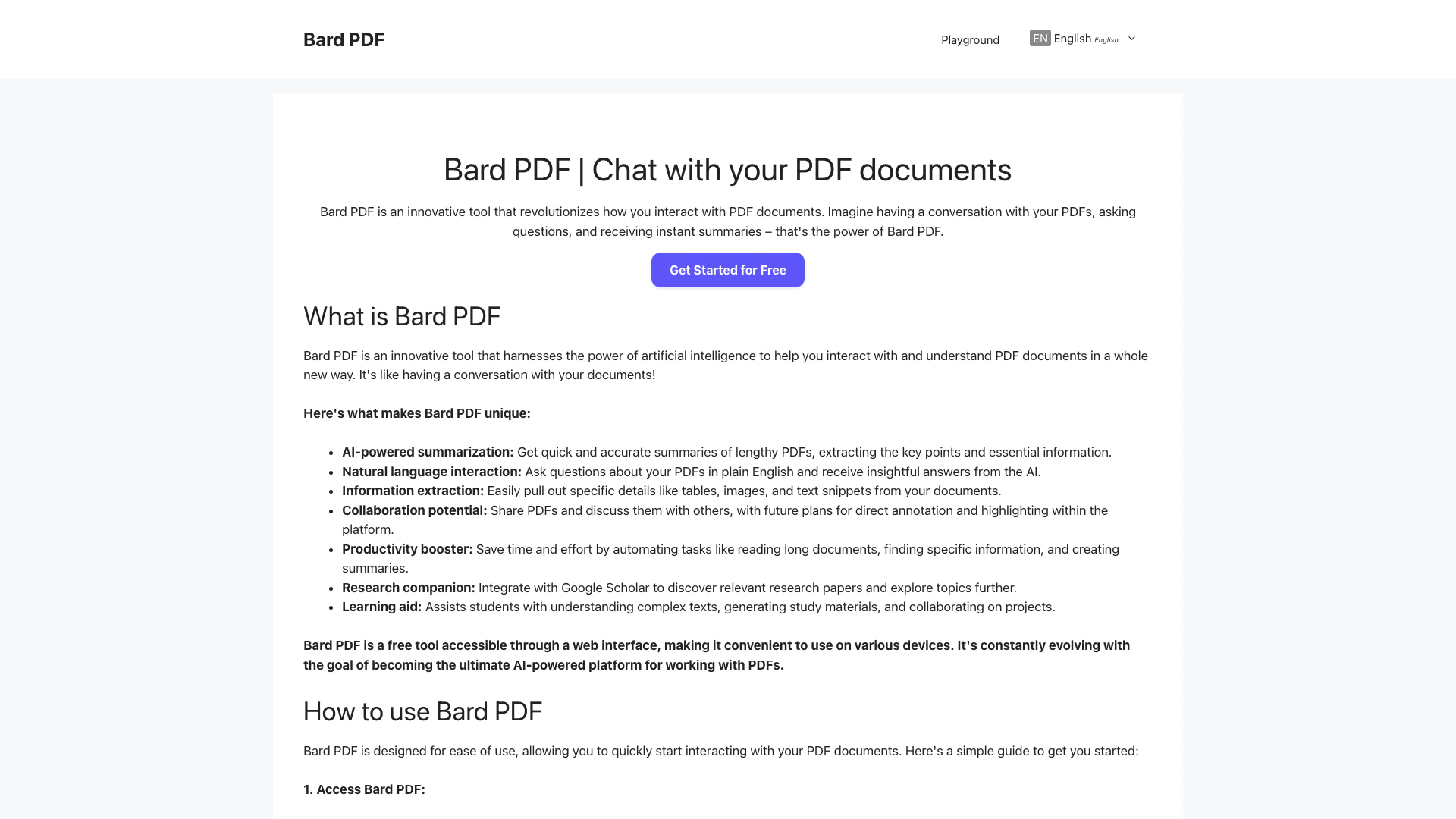
Bard PDF is an innovative tool that revolutionizes how you interact with PDF documents. This free interactive platform harnesses the power of artificial intelligence to enable users to engage with their PDF files in a conversational manner. With Bard PDF, you can ask questions, request summaries, and extract specific information from your documents, making it an invaluable resource for anyone who frequently works with PDFs. The platform is designed to enhance productivity, comprehension, and collaboration[5], allowing users to save time and streamline their workflow.
How to use Bard PDF?
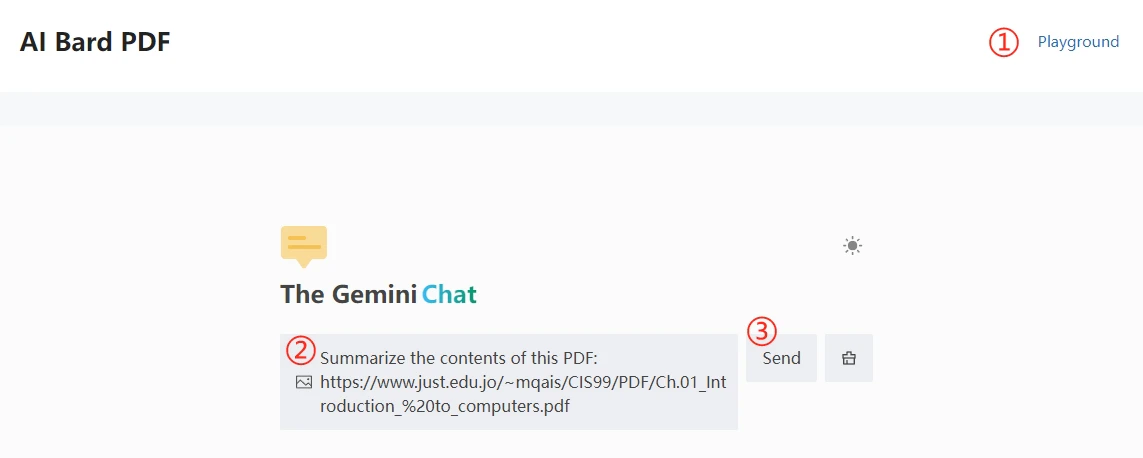
- Access Bard PDF: Open your web browser and go to the Bard PDF website: https://aibardpdf.com/.
- Provide the PDF URL: Locate the PDF document you want to work with online and copy its URL link. In the Bard PDF chat window, paste the URL link.
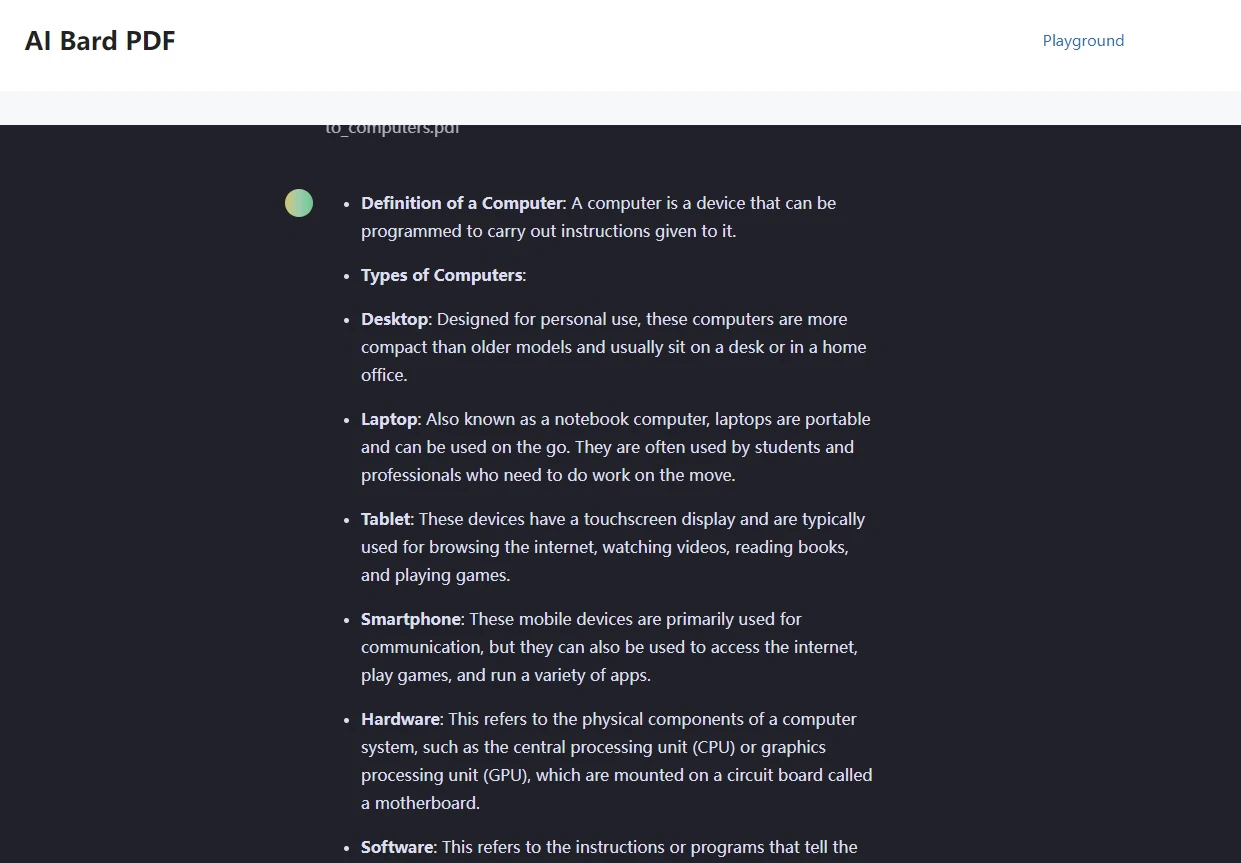
- Start interacting: Bard will process the PDF content and be ready for your instructions. You can now ask questions, request a summary, or extract specific information.
- Continue the conversation: Feel free to ask follow-up questions or explore different aspects of the document through natural conversation.
- Provide feedback (Optional): Help Bard PDF improve by providing feedback on its responses.
What are the main features of Bard PDF?
- AI-Powered[1] Summarization[2]: Generate concise summaries of lengthy PDF documents, extracting key points and essential information.
- Information Extraction[3]: Easily pull out specific details like tables, images, and text snippets from your documents.
- Natural Language Q&A[4]: Engage in a conversation with your PDFs by asking questions in plain English and receiving insightful answers.
- Collaboration Potential: Share PDFs and discuss them with others, enhancing collaborative learning and knowledge sharing.
- Productivity Enhancement: Automate tasks related to reading long documents, finding specific information, and creating summaries.
Who is Bard PDF for?
Bard PDF is designed for a diverse range of users, including educators, professionals, students, and anyone who interacts with PDF documents. Educators can enhance lesson plans and facilitate class discussions, while professionals can boost productivity by quickly reviewing lengthy reports. Students benefit from simplified complex texts and collaborative project capabilities. Its user-friendly interface and powerful features make Bard PDF a valuable tool for anyone looking to improve their interaction with PDF files.
What are the use cases of Bard PDF?
- Educators: Enhance lesson plans and facilitate interactive class discussions by sharing PDFs and engaging students with the chat feature.
- Professionals: Quickly review and extract key insights from reports, contracts, or research papers to prepare for meetings.
- Students: Simplify complex academic texts, generate study materials, and collaborate on projects with classmates.
- Researchers: Use the AI-powered summarization and information extraction features to efficiently analyze literature and gather relevant data.
Product Images
Aibardpdf Pros and Cons
Pros
- AI-Powered Summarization: Bard PDF provides quick and accurate summaries of lengthy PDFs, extracting key points and essential information.
- Natural Language Interaction: Users can ask questions about their PDFs in plain English and receive insightful answers from the AI.
- Information Extraction: Easily pull out specific details like tables, images, and text snippets from documents for further analysis.
- Collaboration Features: Bard PDF allows users to share PDFs and discuss them, enhancing collaborative learning and knowledge sharing.
Cons
No cons data detected for this tool
Analytics of Aibardpdf
Aibardpdf Website Traffic Analysis
Visits Over Time
Traffic Sources
Nov 2025 - Jan 2026 Worldwide Desktop Only
- Search: 41.90%
- Direct: 35.81%
- Referrals: 13.58%
- Social: 5.11%
- Paid Referrals: 1.48%
- Mail: 0.38%
Top Keywords
| Keyword | Volume | CPC | Estimated Value |
|---|---|---|---|
| ai do którego można wkleić pdf i odpowie na jego podstawie? | 200 | $0.00 | $0.00 |
| bard pdf | 60 | $0.00 | $60.00 |