Notedockai





What is Notedockai?
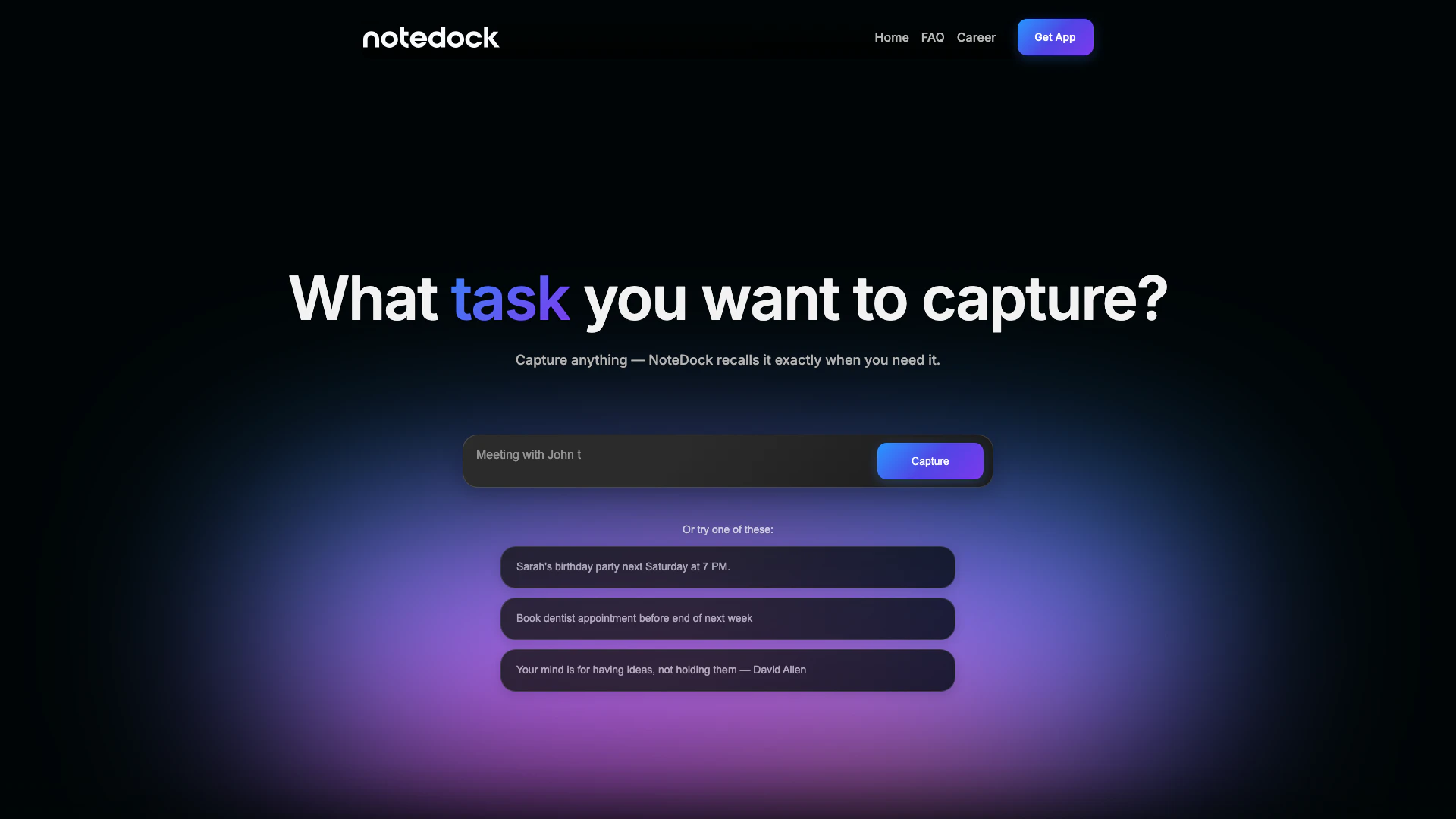
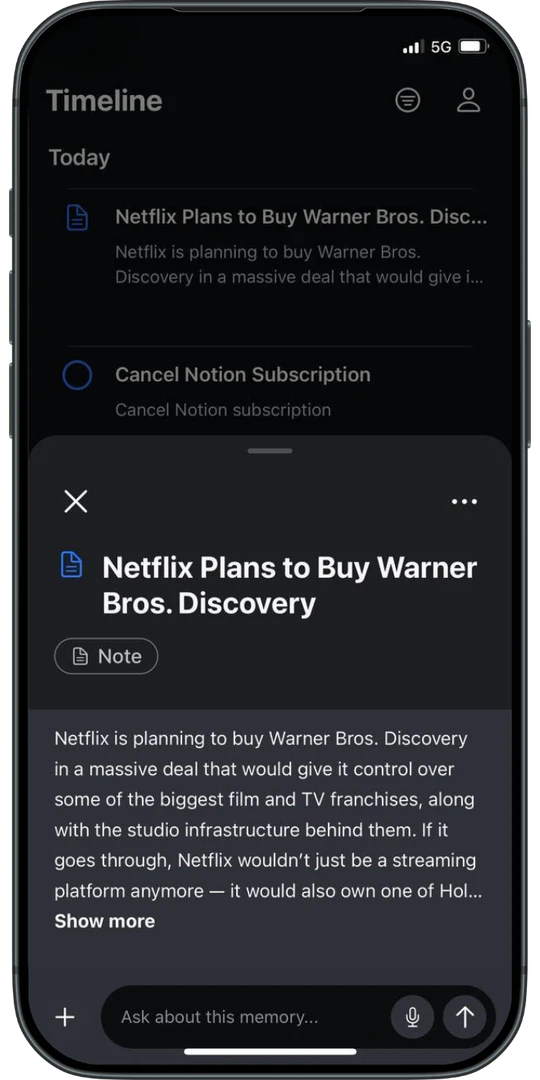
Notedockai is an innovative AI-powered[2] note-taking[1] tool designed to capture and organize various forms of information, including text, voice memos[6], and screenshots. It allows users to effortlessly drop in any thought, and the AI technology organizes this information into actionable tasks and events. By intelligently recalling notes when needed, Notedockai aims to enhance productivity and help users maintain a clear mind by managing scattered thoughts and ideas.
How to use Notedockai?
- Download and install Notedockai from the App Store.
- Open the app and start capturing your thoughts by typing, speaking, or taking screenshots.
- Use the AI features to organize your notes automatically into tasks and events.
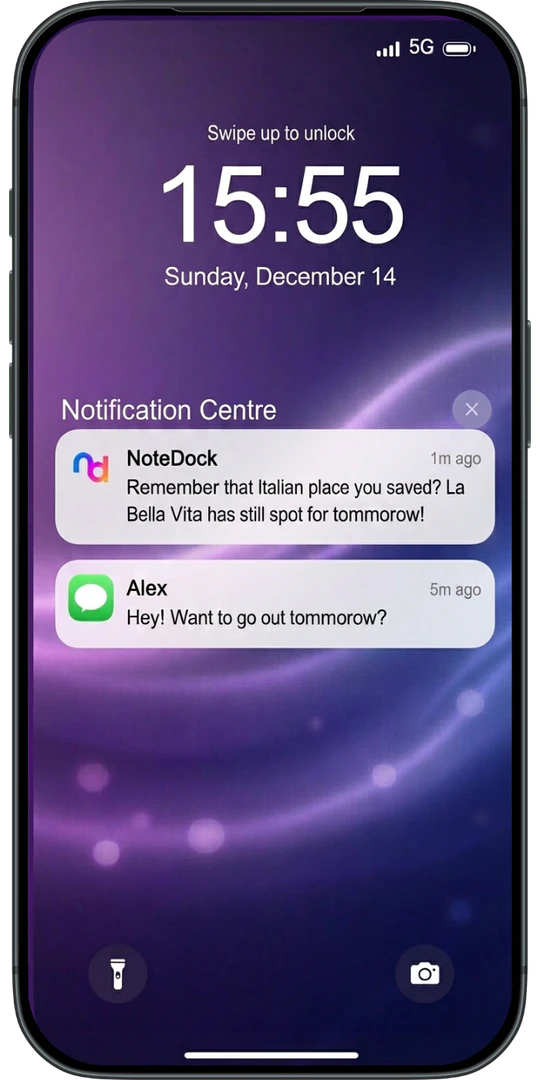
- Set reminders for important tasks and sync them with your calendar for timely notifications.
- Utilize the search function to quickly find and summarize your saved notes.
What are the main features of Notedockai?
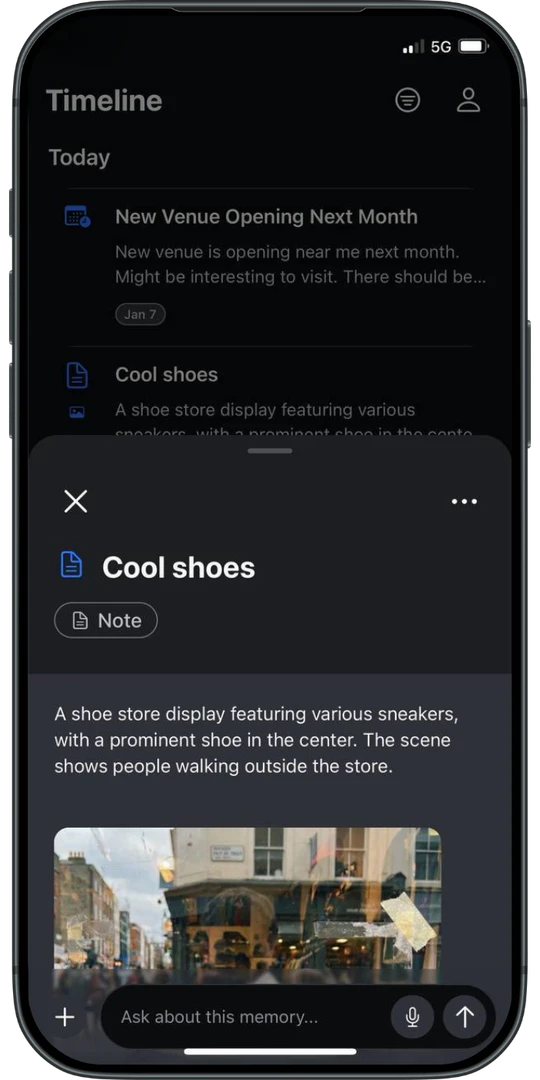
- Capture Any Thought: Easily capture text, voice, links, and screenshots.
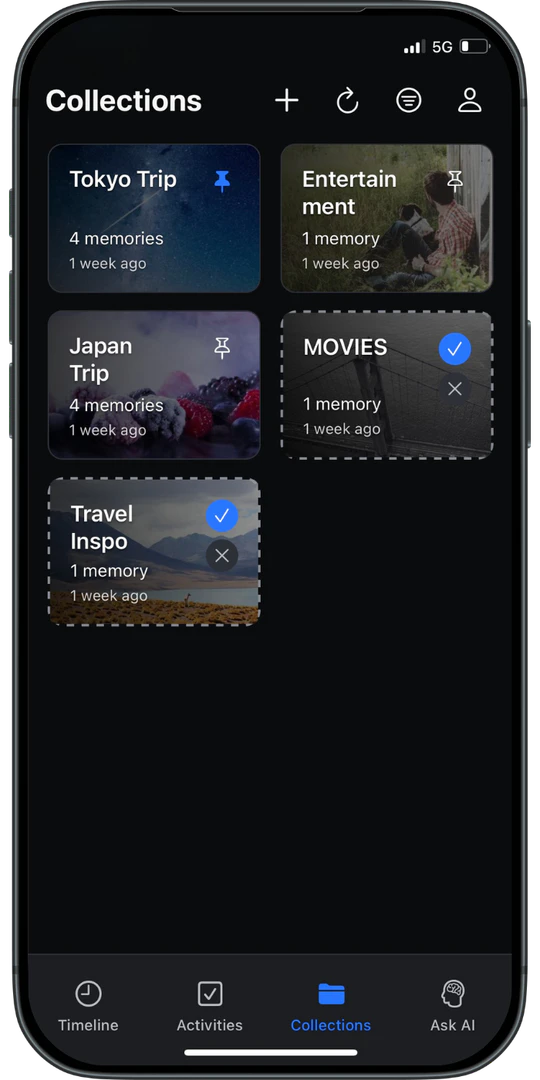
- AI Organization: Automatically groups related thoughts and adds context.
- Task Management[3]: Convert notes into actionable tasks with deadlines.
- Calendar Sync[4]: Integrate with your calendar for event management.
- Natural Language Search[5]: Find and summarize notes using natural language queries.
Who is Notedockai for?
Notedockai is designed for a diverse range of users, including content creators such as YouTubers and bloggers who need to streamline their script and content generation. It's also ideal for marketers looking to craft compelling campaigns, students seeking to simplify their research and assignments, job seekers wanting to create standout resumes, and founders needing a reliable tool to manage their ideas and tasks effectively.
What are the use cases of Notedockai?
- Travel Planning: Organize travel itineraries and save related notes for easy access during trips.
- Event Coordination: Manage tasks and reminders for personal or professional events, such as birthdays or meetings.
- Academic Research: Compile and summarize research notes and study materials for easier revision.
Product Images

Notedockai Pros and Cons
Pros
- AI-Powered Organization: NoteDock uses AI to automatically organize and group related thoughts, making it easy to retrieve information when needed.
- Multi-Format Capture: Capture text, voice, and screenshots quickly, allowing users to save diverse types of information effortlessly.
- Seamless Integration: Integrates with calendars and other tools to sync tasks and events, enhancing productivity and organization.
Cons
No cons data detected for this tool
Notedockai Reviews
As a startup founder, I needed fast, reliable support—and this tool delivers every time. It’s like having an extra team member.
For more reviews, visit this link: https://notedock.ai/#testimonials