Whisperstream





What is Whisperstream?
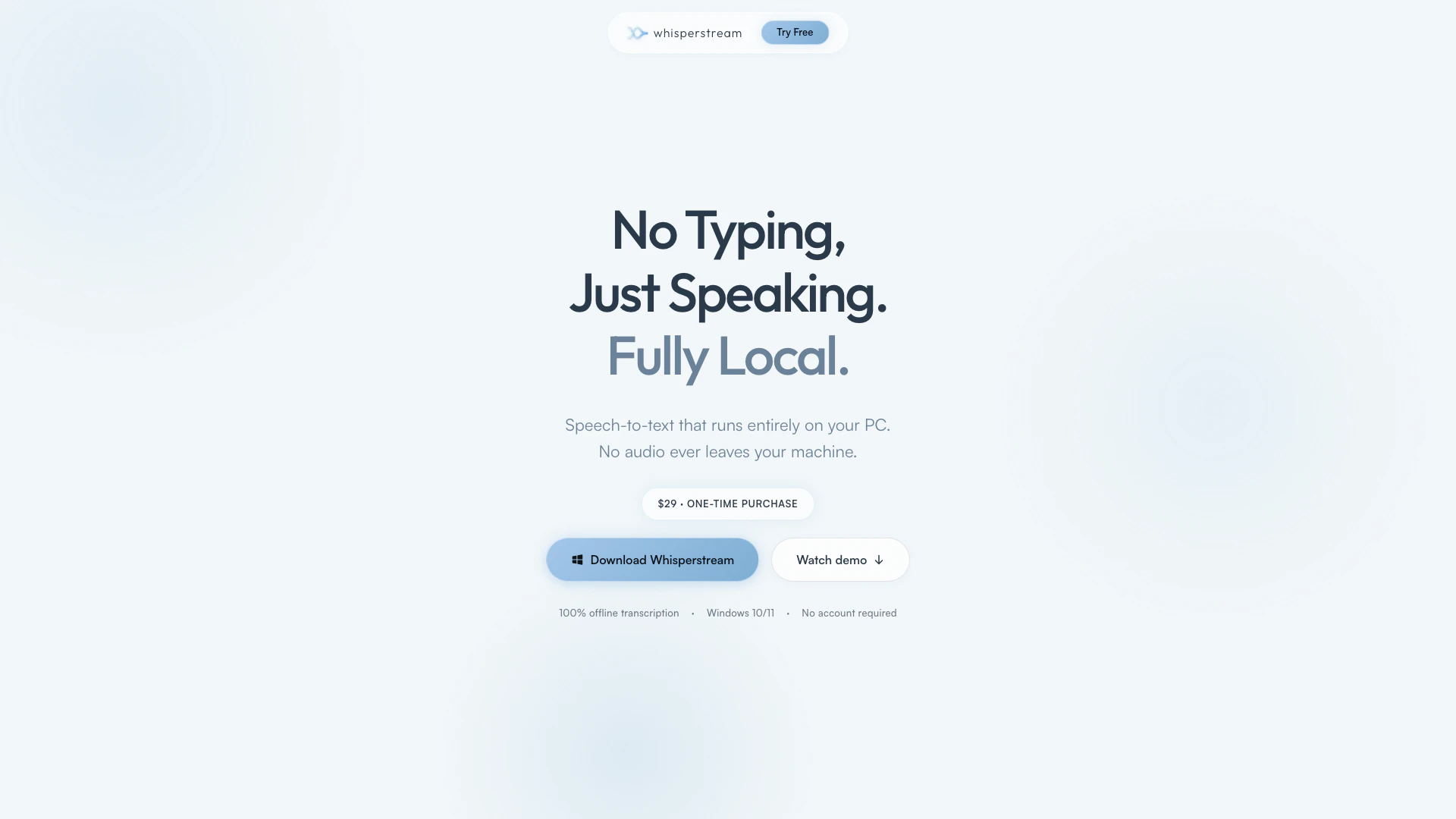
Whisperstream is a local AI dictation tool designed specifically for Windows users. It enables you to convert speech to text seamlessly across various applications on your PC, eliminating the need for typing. With 100% on-device transcription, your audio never leaves your computer, ensuring maximum privacy and security. Priced at a one-time fee of $29, Whisperstream offers an efficient and straightforward solution for anyone looking to enhance their productivity through voice dictation.
How to use Whisperstream?
- Download and install Whisperstream from the official website.
- Launch the application and set your preferred hotkey for dictation.
- Open any application where you want to input text (e.g., Word, Outlook, Slack).
- Press the designated hotkey to activate Whisperstream.
- Speak naturally, and watch as your words are transcribed in real-time into the active application.
What are the main features of Whisperstream?
- 100% on-device transcription for enhanced privacy.
- Compatible with various applications including Word, Outlook, and browsers.
- No subscription fees; a one-time purchase grants lifetime access.
- High-speed transcription, allowing you to speak at 150 words per minute.
- Supports 25 languages for global usability.
- Simple setup with no account required for use.
Who is Whisperstream for?
Whisperstream is designed for anyone who seeks to boost their productivity by using voice instead of typing. It is ideal for professionals, students, and writers who need to dictate notes, emails, or documents quickly and efficiently. Additionally, it caters to individuals who prioritize privacy, as all transcription occurs locally on their PC without any cloud processing.
What are the use cases of Whisperstream?
- Dictating emails or reports in professional settings without the hassle of typing.
- Taking notes during lectures or meetings, allowing for better focus on the content being discussed.
- Writing articles or blog posts by simply speaking ideas aloud, thus overcoming writer's block and enhancing creativity.
Whisperstream Pros and Cons
Pros
- Local AI Dictation: Whisperstream provides fully local AI dictation that runs entirely on your PC, ensuring that your audio data never leaves your machine.
- One-Time Purchase: With a one-time purchase of $29, users gain lifetime access to all features without any subscription fees or account requirements.
- High Speed Transcription: Whisperstream allows users to speak at a natural speed of 150 words per minute, significantly faster than typing, enhancing productivity.
Cons
No cons data detected for this tool
Whisperstream Pricing
Whisperstream
One-time purchase. Yours forever. All features included, no tiers. No subscription needed. No account required. 30-day money-back guarantee.
For the latest pricing, please visit this link: https://whisperstream.io/#pricing
Prices are subject to change. Please visit the official website for the most up-to-date pricing information.