

Mem





What is Mem?
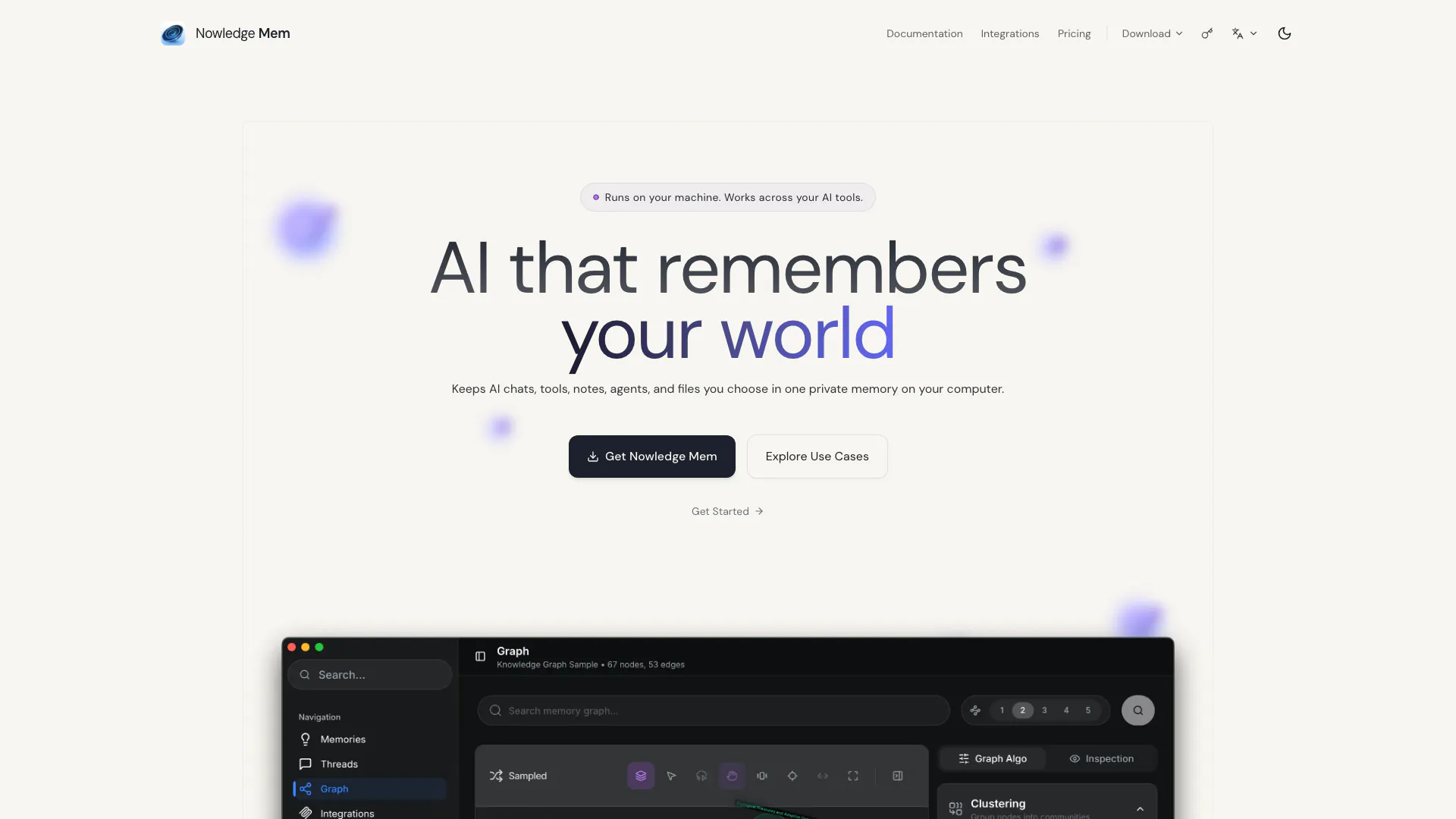
Mem is a powerful memory and context manager designed to help users organize and manage their knowledge effectively. It functions as a local-first, graph-augmented memory tool that integrates seamlessly with various AI applications. By consolidating chats, notes, files, and other resources into a single, private memory space on your computer, Mem empowers users to maintain control over their information while enhancing their productivity. With its unique capabilities, Mem transforms the way individuals interact with AI tools, allowing for a more coherent and connected experience.
How to use Mem?
- Download and Install: Visit the Mem website to download the application for your operating system (macOS, Windows, or Linux) and install it on your device.
- Set Up Your Memory: Open Mem and follow the prompts to create your initial memory setup. This includes linking your AI tools and customizing your memory preferences.
- Capture and Organize Information: Use the app to capture conversations, notes, and files from various AI tools. You can paste memories or use the browser integration to save web-based conversations.
- Explore and Search: Utilize the search function to find specific memories or explore your knowledge using the interactive graph feature, which visualizes how your information connects.
- Engage with AI-Now: Leverage the AI-Now feature to perform complex tasks using the memories you have stored, allowing for more efficient research, writing, and planning.
What are the main features of Mem?
- Local-First Storage: All data and computations are stored locally on your device, ensuring privacy and control.
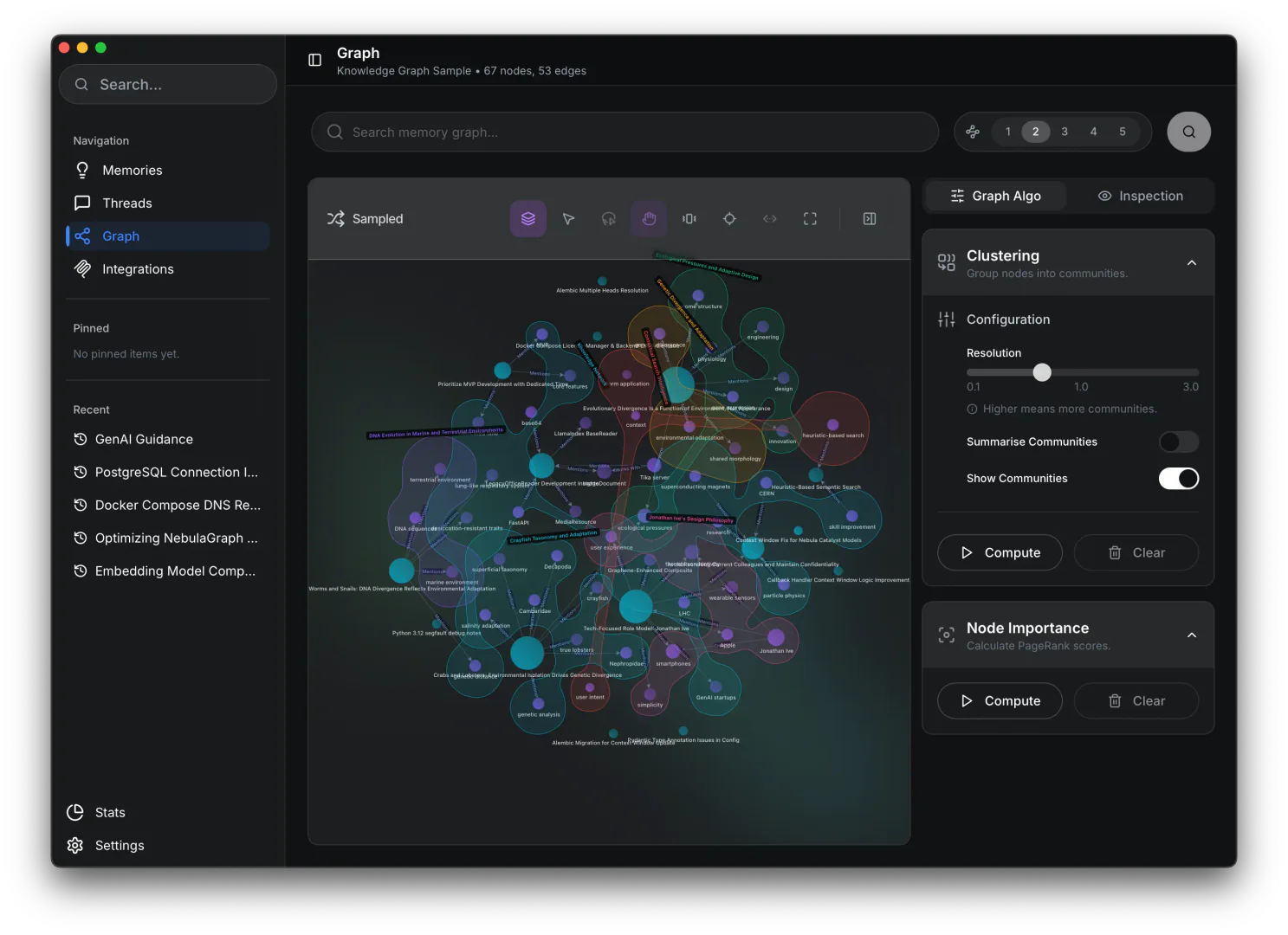
- Graph Augmented Memory: Visualize your knowledge as an interactive graph, allowing you to explore connections between different pieces of information.
- Multi-Agent Integration: Connect with various AI agents like Codex and Claude through the Model Context Protocol (MCP) for enhanced functionality.
- Browser Integration: Easily capture conversations and information from web-based applications with a few clicks.
- Launcher Mode: Access Mem from anywhere to quickly search or paste memories without interrupting your workflow.
Who is Mem for?
Mem is designed for knowledge workers, researchers, and anyone who interacts with multiple AI tools and needs a cohesive way to manage their information. It is particularly beneficial for individuals looking to streamline their workflow by consolidating scattered notes and conversations into a unified memory system. Whether you are a student, a professional, or a developer, Mem offers the flexibility and functionality to enhance your productivity and ensure that your insights and data are easily accessible.
What are the use cases of Mem?
- Research Management: Keep all research notes, articles, and conversations in one place, making it easier to reference and build upon your findings.
- Content Creation: Organize ideas, drafts, and revisions for writing projects, allowing for a structured approach to content development.
- AI Tool Integration: Utilize Mem to connect various AI applications, enabling them to share and reuse memories for improved task execution and collaboration.
Product Images
Mem Pros and Cons
Pros
- Local Data Storage: Mem keeps all data and computations on your device, ensuring privacy and control over your information.
- Graph Augmented Memory: The tool allows users to visualize their knowledge through an interactive graph, enhancing understanding and organization.
- Integration with AI Tools: Mem supports integration with various AI tools, enabling seamless memory sharing and usage across platforms.
Cons
No cons data detected for this tool
Mem Pricing
Free
Start building your life knowledge graph. Up to 20 memories, local-first architecture, full export capabilities, on-device AI models, personal use only.
Pro
Unlock unlimited potential. Unlimited memories, bring your own AI keys, activate on 3 devices, commercial use allowed, priority support.
Lifetime Pro
Coming Soon. Cloud premium AI & sync features.
Cloud
Everything in Pro, premium AI models included, cross-device sync, cloud backup, advanced analytics.
For the latest pricing, please visit this link: https://mem.nowledge.co/pricing
Prices are subject to change. Please visit the official website for the most up-to-date pricing information.
Analytics of Mem
Mem Website Traffic Analysis
Visits Over Time
Traffic Sources
Dec 2025 - Dec 2025 Worldwide Desktop Only
- Direct: 48.68%
- Search: 27.92%
- Referrals: 11.46%
- Social: 8.00%
- Paid Referrals: 2.06%
- Mail: 0.20%
Mem Reviews
Really loving Nowledge, it's finally a way to keep all my scattered chatbot conversations in one place and turn them into long-term memory. My #SecondBrain - before Nowledge: opening 5 chatbot apps just to find that one conversation. 😩 - after Nowledge: type → found. Life’s good. 😎
If you want your assistant to truly remember you, or if you hope your agent won’t make mistakes or repeatedly redo tasks, you must try Nowledge Mem. It allows you to visualize your memory through a graph structure: making it easy to edit and replicate memories. It supports both local models and MCP, striking a balance between privacy and usability.
Nowledge Mem is the missing brick between AI chat and note-taking, serving as a true second brain. It even allows you to visualize neural graph! It helps LLMs remember things firmly in a structured way.
For more reviews, visit this link: https://mem.nowledge.co/#testimonials




