

Mailbutler





What is Mailbutler?
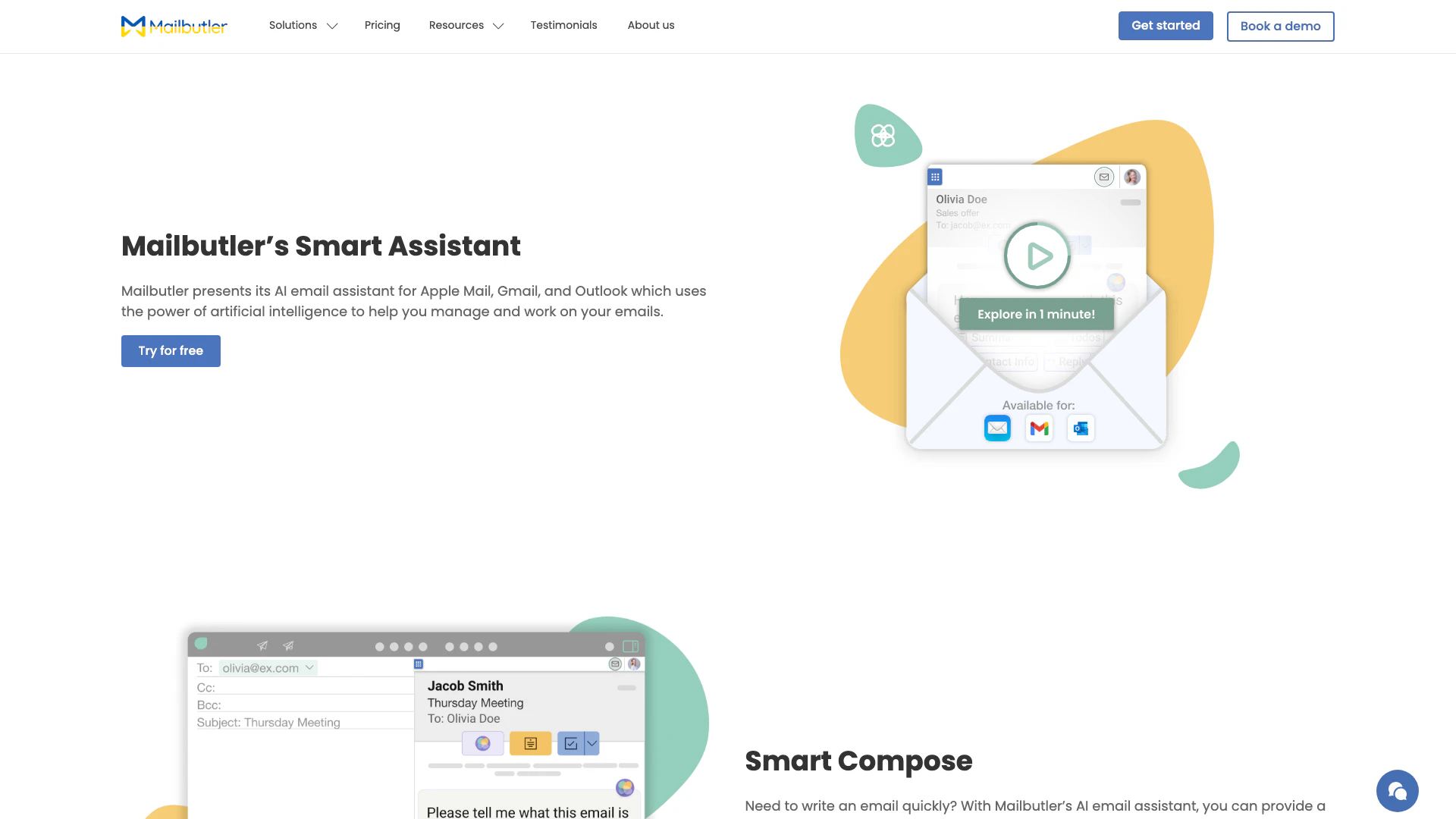
Mailbutler is a Smart AI email assistant[1] designed for Apple Mail, Gmail, and Outlook. It harnesses the power of artificial intelligence to help users manage their emails more efficiently, saving time and enhancing productivity. By automating tasks such as composing, summarizing, and responding to emails, Mailbutler streamlines the email management process, allowing users to focus on what matters most.
How to use Mailbutler?
- Install Mailbutler on your preferred email client (Apple Mail, Gmail, or Outlook).
- Open your email application and select an email or compose a new one.
- Click on the Smart Assistant button in the Mailbutler sidebar.
- Choose the desired action: compose an email, respond to a message, summarize an email, or find tasks.
- Provide any necessary details or keywords to customize the AI-generated content.
- Review the generated email or response, make any edits, and send it.
What are the main features of Mailbutler?
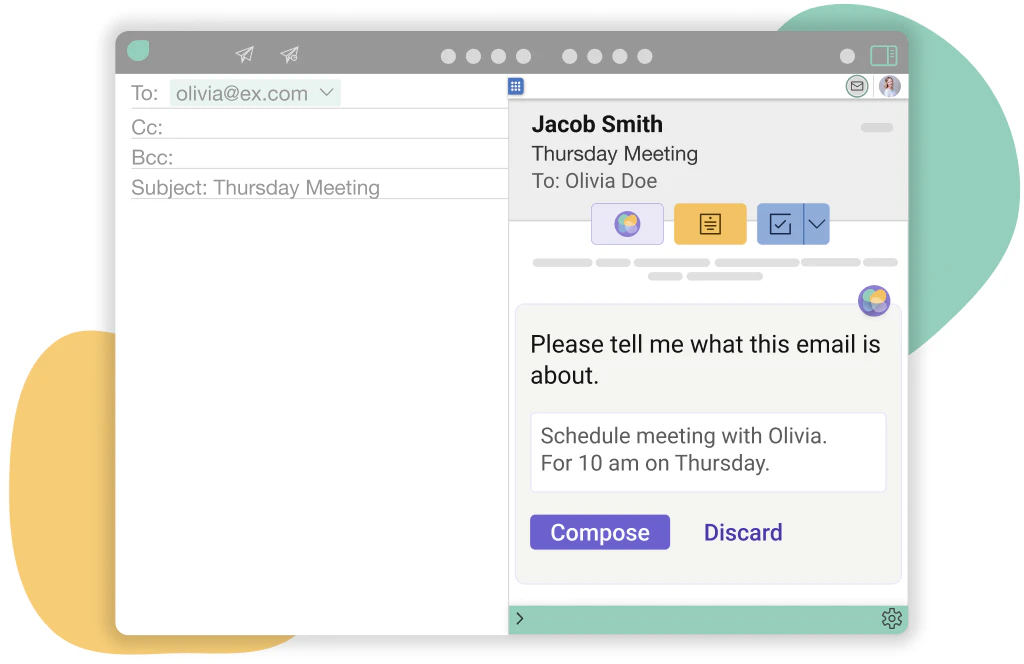
- Smart Compose[2]: Quickly draft emails by providing keywords, allowing the AI to generate a full email for you.
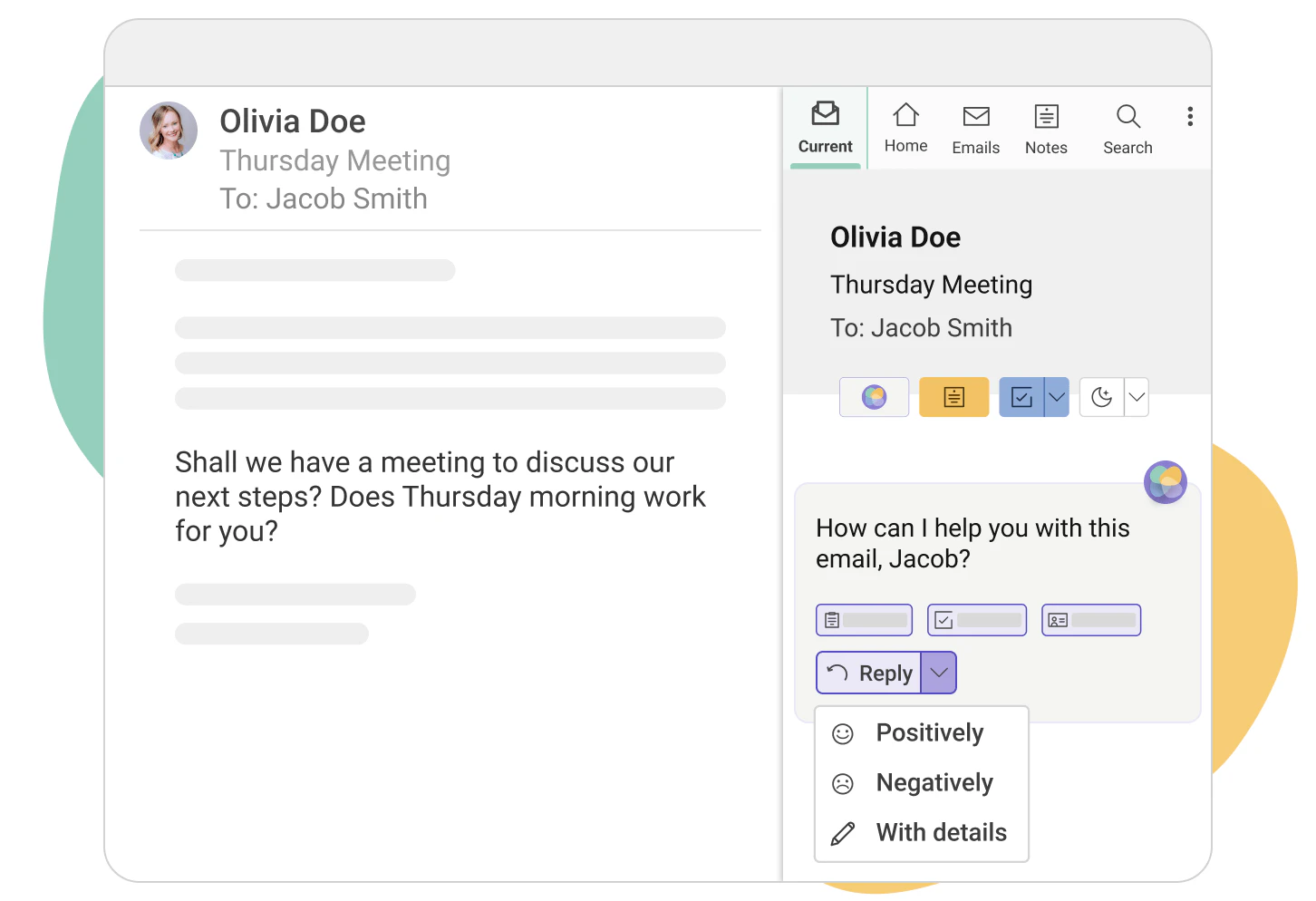
- Smart Respond[3]: Automatically generate replies to emails with options to customize details.
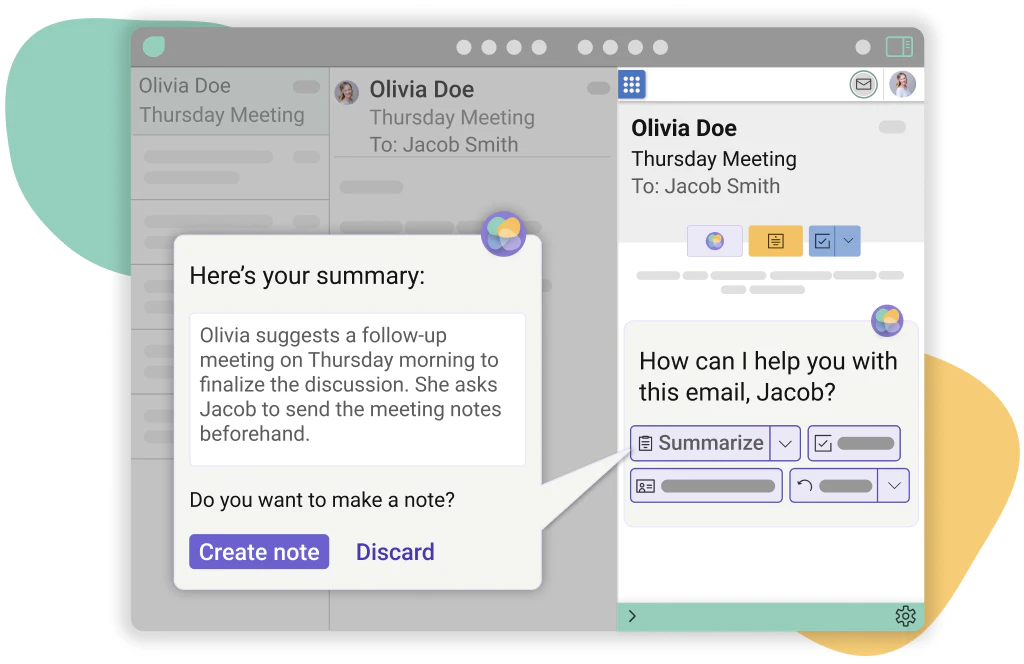
- Smart Summarize[4]: Get instant overviews of lengthy emails to stay informed without reading everything.
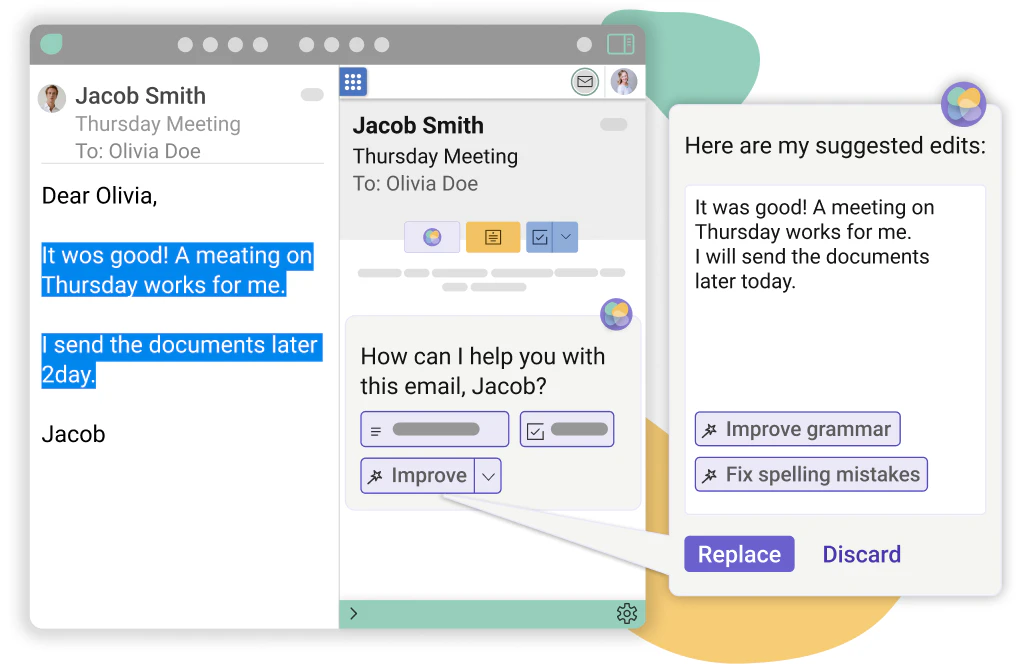
- Smart Improve[5]: Enhance your written emails by receiving suggestions for grammar and spelling corrections.
- Task Finder[6]: Identify tasks from your emails and add them to your task list for better organization.
Who is Mailbutler for?
Mailbutler is ideal for professionals, teams, and anyone who frequently manages emails through Apple Mail, Gmail, or Outlook. It caters to busy individuals who seek to optimize their email workflow, such as business executives, sales professionals, and customer support agents. By automating repetitive tasks and improving email communication, Mailbutler empowers users to enhance their productivity and focus on strategic activities.
What are the use cases of Mailbutler?
- Email Drafting: Quickly create professional emails for outreach or follow-ups using Smart Compose.
- Customer Support: Use Smart Respond to generate quick replies to common customer inquiries, improving response times.
- Task Management: Extract tasks from emails using Task Finder, ensuring nothing falls through the cracks in busy schedules.
Product Images
Mailbutler Pros and Cons
Pros
- AI-Powered Email Management: Mailbutler's Smart Assistant utilizes AI to help users manage their emails efficiently, saving time on composing, responding, and summarizing.
- Multi-Platform Support: Compatible with Apple Mail, Gmail, and Outlook, making it versatile for users across different email platforms.
- Customizable Email Responses: Users can tune the AI's responses based on tone, style, and language, allowing for personalized communication.
Cons
No cons data detected for this tool
Mailbutler Pricing
Starter
Free forever plan with visible Mailbutler watermark. Includes basic email tracking, real-time notifications, pre-defined signatures, custom signatures, marketing elements, and team sharing.
Professional
Includes all Starter features plus tailored sending, message templates, mail merge, inbox collaboration, email assignment, collaborator status, notes and tasks, and tags.
Smart
Includes all Professional features plus engagement data, device and location details, per-recipient tracking, smart compose, smart improve, smart timing, smart task finder, and smart summarize.
Business
Custom pricing based on needs. Includes all Smart features plus custom subdomain, IP blacklisting, and CRM integration.
For the latest pricing, please visit this link: https://www.mailbutler.io/pricing/
Prices are subject to change. Please visit the official website for the most up-to-date pricing information.
Analytics of Mailbutler
Mailbutler Website Traffic Analysis
Visits Over Time
Traffic Sources
Nov 2025 - Jan 2026 Worldwide Desktop Only
- Search: 46.04%
- Direct: 40.02%
- Referrals: 8.38%
- Social: 4.18%
- Paid Referrals: 1.07%
- Mail: 0.31%
Top Keywords
| Keyword | Volume | CPC | Estimated Value |
|---|---|---|---|
| mailbutler | 2.41K | $4.96 | $2730.00 |
| mail butler | 490 | $0.00 | $430.00 |
| tell me wher ethis mail is from | 130 | $0.00 | $120.00 |
| mailbutler: | 120 | $0.00 | $110.00 |
| email template on apple mail | 110 | $0.00 | $110.00 |




Mailbutler Social Listening
Mailbutler: Your inbox, smarte...
Start using Mailbutler today a...
Give Your Email a Boost With T...
Email tracking and send optimi...
Introducing MailButler | Your ...
Introducing MailButler | Your ...
Unlock to view 24 social media results.