

Lazytyper




What is LazyTyper?
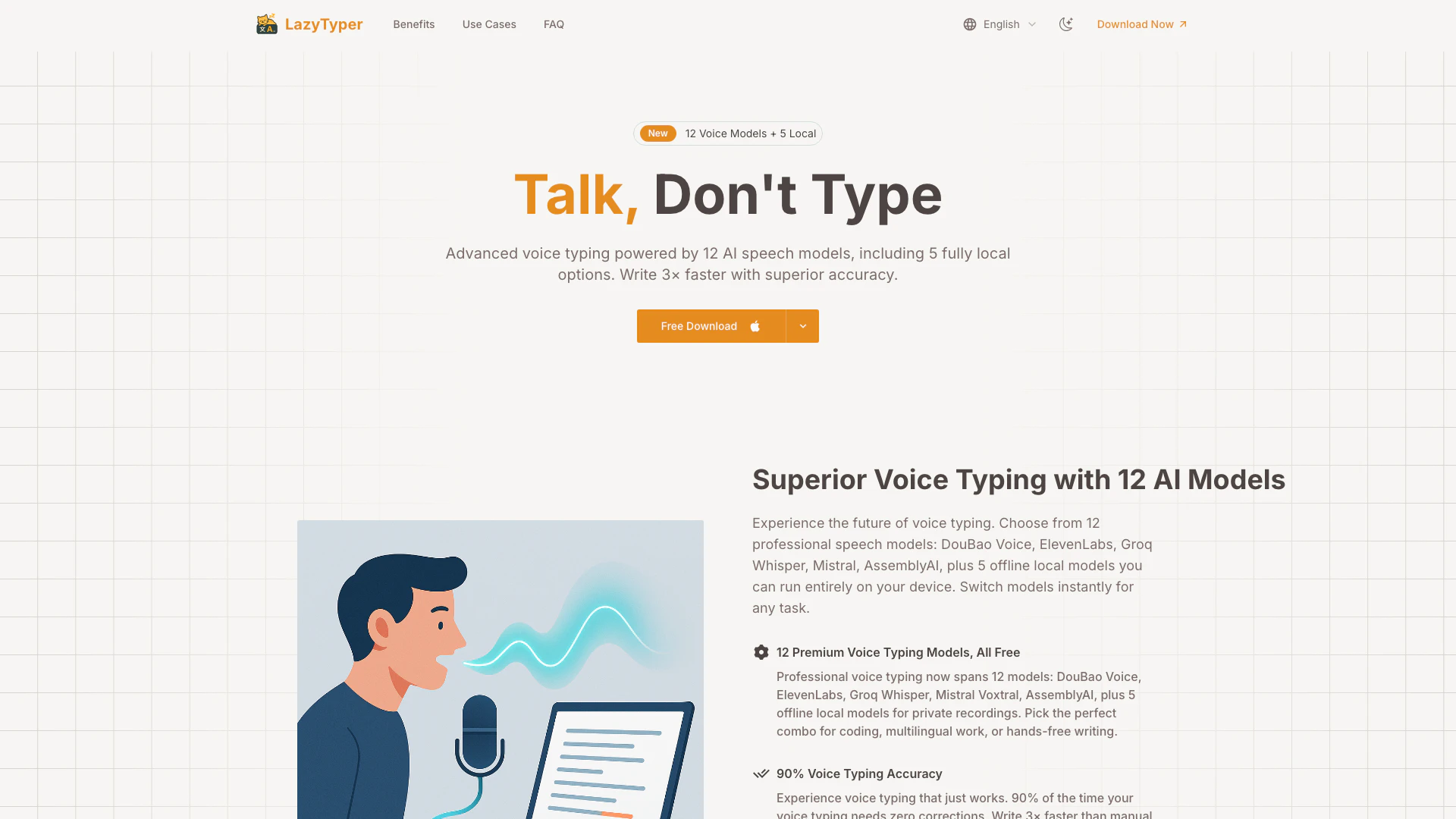
LazyTyper is a free, high-speed voice typing application designed to enhance productivity through advanced speech recognition technology. It utilizes 12 different AI models, including 5 that operate locally on your device, to provide fast and accurate transcription. With LazyTyper, users can type three times faster than traditional manual typing, achieving a remarkable 90% accuracy rate in voice recognition. The tool supports multilingual voice typing, making it ideal for users who frequently switch between languages. Overall, LazyTyper is an innovative solution for anyone looking to improve their typing efficiency and accuracy.
How to use LazyTyper?
- Download and install LazyTyper from the official website for your operating system (Windows, macOS, or Linux).
- Open the application and select your preferred voice model from the list of 12 available options.
- Click on the microphone icon to start voice typing. Speak clearly and naturally to allow the app to accurately transcribe your speech into text.
- Review the transcribed text and make any necessary edits. The accuracy is typically 90%, so minimal corrections should be needed.
- Save or export your document as needed, utilizing the speed and efficiency of voice typing for your tasks.
What are the main features of LazyTyper?
- Multiple Voice Models: Choose from 12 professional voice typing models, including 5 local options for enhanced privacy.
- High Accuracy: Achieve 90% accuracy in voice recognition, significantly reducing the need for corrections.
- Fast Typing Speed: Type three times faster than traditional typing methods, streamlining your workflow.
- Multilingual Support: Effortlessly switch between languages while dictating, making it perfect for multilingual users.
- Lightweight Application: Designed to use minimal system resources, ensuring smooth operation on Windows and macOS.
Who is LazyTyper for?
LazyTyper is ideal for a diverse range of users including students, writers, developers, and professionals who seek to enhance their productivity through voice typing. It is particularly beneficial for those who struggle with slow manual typing or seek to dictate documents and notes quickly and accurately. Additionally, multilingual users will find LazyTyper's ability to handle multiple languages in one dictation especially advantageous, allowing for seamless transitions between languages in their work.
What are the use cases of LazyTyper?
- Writing Documents: Use LazyTyper to dictate emails, reports, and other documents quickly without the need for manual typing.
- Coding Assistance: Developers can utilize LazyTyper for coding documentation and variable naming, benefiting from its specialized voice models.
- Research Notes: Students and researchers can take voice notes during lectures or meetings, ensuring accurate capture of information without distractions.
Product Images

Lazytyper Pros and Cons
Pros
- Multiple Voice Models: LazyTyper offers 12 professional voice typing models, including 5 local options, allowing users to choose the best fit for their tasks.
- High Accuracy: With a 90% accuracy rate, LazyTyper minimizes the need for corrections, making it ideal for various applications like emails and documents.
- Fast Typing Speed: Users can type 3× faster using voice dictation compared to manual typing, enhancing productivity significantly.
Cons
No cons data detected for this tool
Lazytyper Pricing
Free Plan
Access all powerful voice typing features with 12 voice typing models, including 5 local engines, without any cost or ads.
For the latest pricing, please visit this link: https://lazytyper.com/
Prices are subject to change. Please visit the official website for the most up-to-date pricing information.
Analytics of Lazytyper
Lazytyper Website Traffic Analysis
Visits Over Time
Traffic Sources
Oct 2025 - Dec 2025 Worldwide Desktop Only
- Direct: 50.25%
- Referrals: 34.98%
- Search: 11.17%
- Social: 2.97%
- Paid Referrals: 0.45%
- Mail: 0.14%
Top Keywords
| Keyword | Volume | CPC | Estimated Value |
|---|---|---|---|
| lazytyper语音输入法 下载不了本地语音模型 | 0 | $0.00 | $170.00 |
| lazytyper | 1.98K | $0.00 | $1020.00 |
| 语音输入法 | 1.28K | $0.00 | $80.00 |
| lazy typer | 770 | $0.00 | $390.00 |
| 语音输入 | 540 | $0.00 | $210.00 |
Lazytyper Reviews
LazyTyper voice typing is a game-changer for coding documentation. The mixed-language voice typing support for English and Chinese is superior to any other voice typing tool. It's free, lightweight, and has doubled my productivity with voice typing.
This voice typing tool transformed my writing workflow. I speak my ideas and the voice typing accuracy is incredible - 90% of the time I don't edit anything. Essential voice typing for any writer looking to save hours.
LazyTyper voice typing handles my research notes perfectly. The voice typing speed and accuracy are phenomenal. Much better voice typing than phone dictation. The multiple engine choices make voice typing adaptable to any task.
For more reviews, visit this link: https://lazytyper.com/#stats





Lazytyper Social Listening
Typeless Review: The AI Voice ...
Try Typeless here: https://www...
嗯啊口頭禪全部自動消失!Typeless 語音神器直接淘汰傳...
🔹 內容綱要 00:00 Typeless 安裝 00:5...
語音輸入 x AI 怎麼用? AI 時代最被低估的工作技能!...
👉 Typeless 免費試用:註冊後一週有 8,000 ...
Unlock to view 11 social media results.