Whispen





What is Whispen?
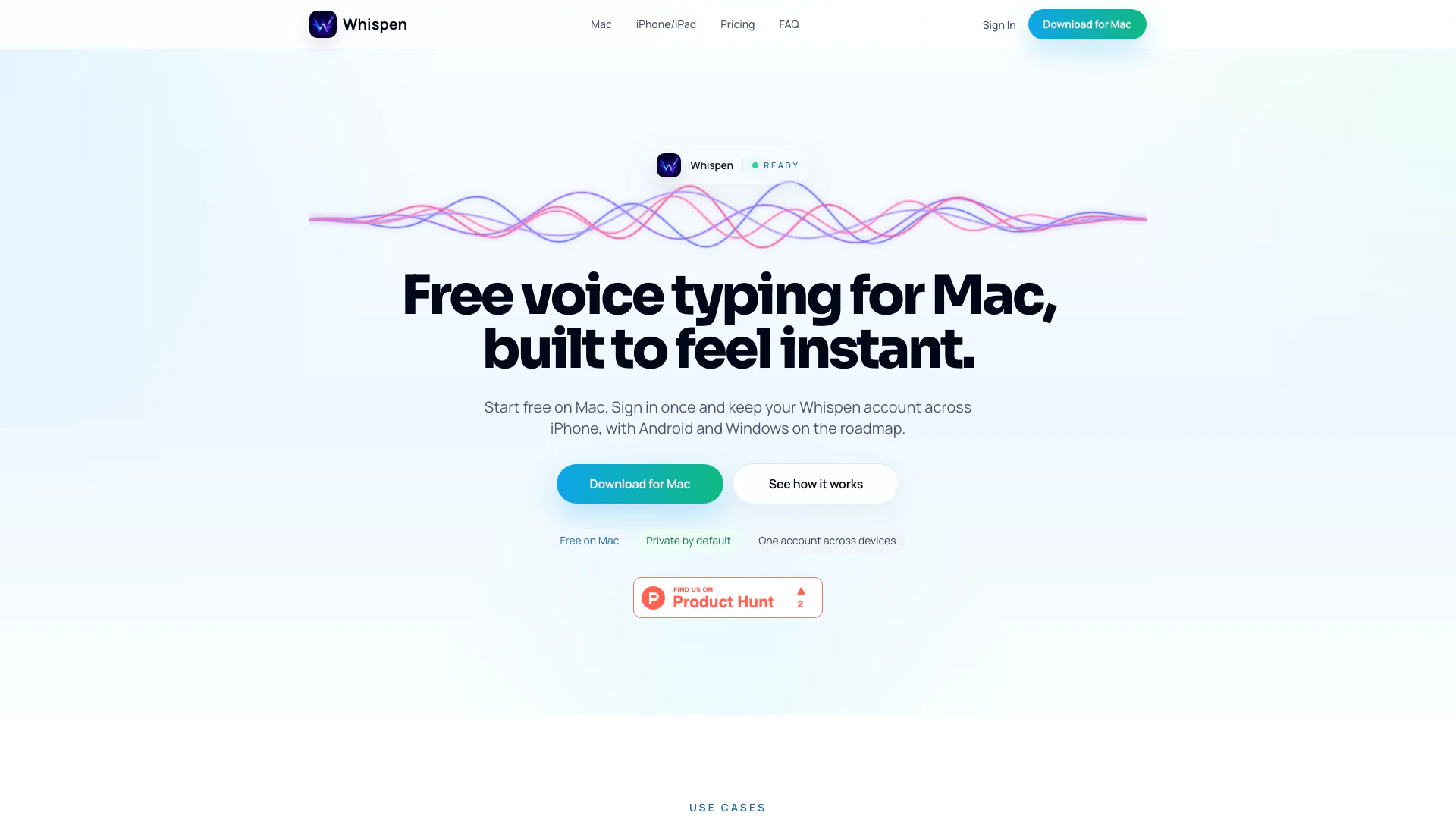
Whispen is a free voice typing tool designed for Mac users, enabling them to transcribe spoken words into text seamlessly. With a single Whispen account, users can access their voice typing capabilities across multiple devices, including iPhone and iPad, with plans for Android and Windows support in the future. The core value of Whispen lies in its user-friendly interface that prioritizes privacy and efficiency, allowing users to capture thoughts and messages quickly without interrupting their workflow.
How to use Whispen?
- Download and install Whispen on your Mac from the official website.
- Create a Whispen account or sign in if you already have one.
- Open Whispen and start speaking to transcribe your voice into text.
- Use the app on your iPhone or iPad by signing in with the same account to access voice typing on mobile devices.
- Explore advanced features like long-form capture and paste-to-translate for enhanced productivity.
What are the main features of Whispen?
- Free voice typing tool specifically for Mac users.
- One account across devices, including future support for iPhone, iPad, Android, and Windows.
- Private by default, ensuring user data security and confidentiality.
- Fast and efficient transcription to keep users in their flow of thought.
- Unique features on iPhone, such as long-form capture and a paste-to-translate workflow.
Who is Whispen for?
Whispen is ideal for anyone who frequently uses voice typing for personal or professional tasks. It caters to students, professionals, writers, and anyone who prefers dictation over traditional typing methods. The tool is particularly beneficial for those who value privacy and need a reliable solution for capturing long thoughts, meeting notes, or quick messages without the hassle of typing.
What are the use cases of Whispen?
- Quickly reply to messages and emails without breaking concentration.
- Capture long-form content such as articles, reports, or meeting notes in real-time.
- Use the paste-to-translate feature to facilitate communication in multiple languages directly within the app.
Whispen Pros and Cons
Pros
- Free to Start on Mac: Whispen offers a free version for Mac users, making it easy to begin using the tool without any initial investment.
- Cross-Device Compatibility: Users can maintain a single Whispen account across multiple devices, including Mac, iPhone, and future support for Android and Windows.
- Privacy by Default: Whispen prioritizes user privacy, ensuring that the experience is designed around protecting user data.
Cons
No cons data detected for this tool
Whispen Pricing
Free
Local AI on Mac — free forever, no limits, no account. Local AI model runs on your Mac, Unlimited transcription — no word limits, 100+ languages supported, Hold-to-speak & global shortcuts, Auto-paste into any app, Fully offline — zero data sent, No account, no sign-up required.
Pro
Cloud power + translation + cross-platform sync. Everything in Free, Cloud transcription — faster, works on any device, Voice translation — speak one language, type another, iOS sync — same account on iPhone & Mac, Unlimited snippets, Priority support.
For the latest pricing, please visit this link: https://whispen.io/pricing
Prices are subject to change. Please visit the official website for the most up-to-date pricing information.
Analytics of Whispen
Whispen Website Traffic Analysis
Visits Over Time
Traffic Sources
Mar 2026 - Mar 2026 Worldwide Desktop Only
- Direct: 42.29%
- Search: 31.65%
- Referrals: 12.74%
- Social: 10.04%
- Paid Referrals: 2.03%
- Mail: 0.21%
Top Keywords
| Keyword | Volume | CPC | Estimated Value |
|---|---|---|---|
| how to use open ai whisper on iphone keyboard | 260 | $0.00 | $0.00 |