Lazynotes





What is LazyNotes?
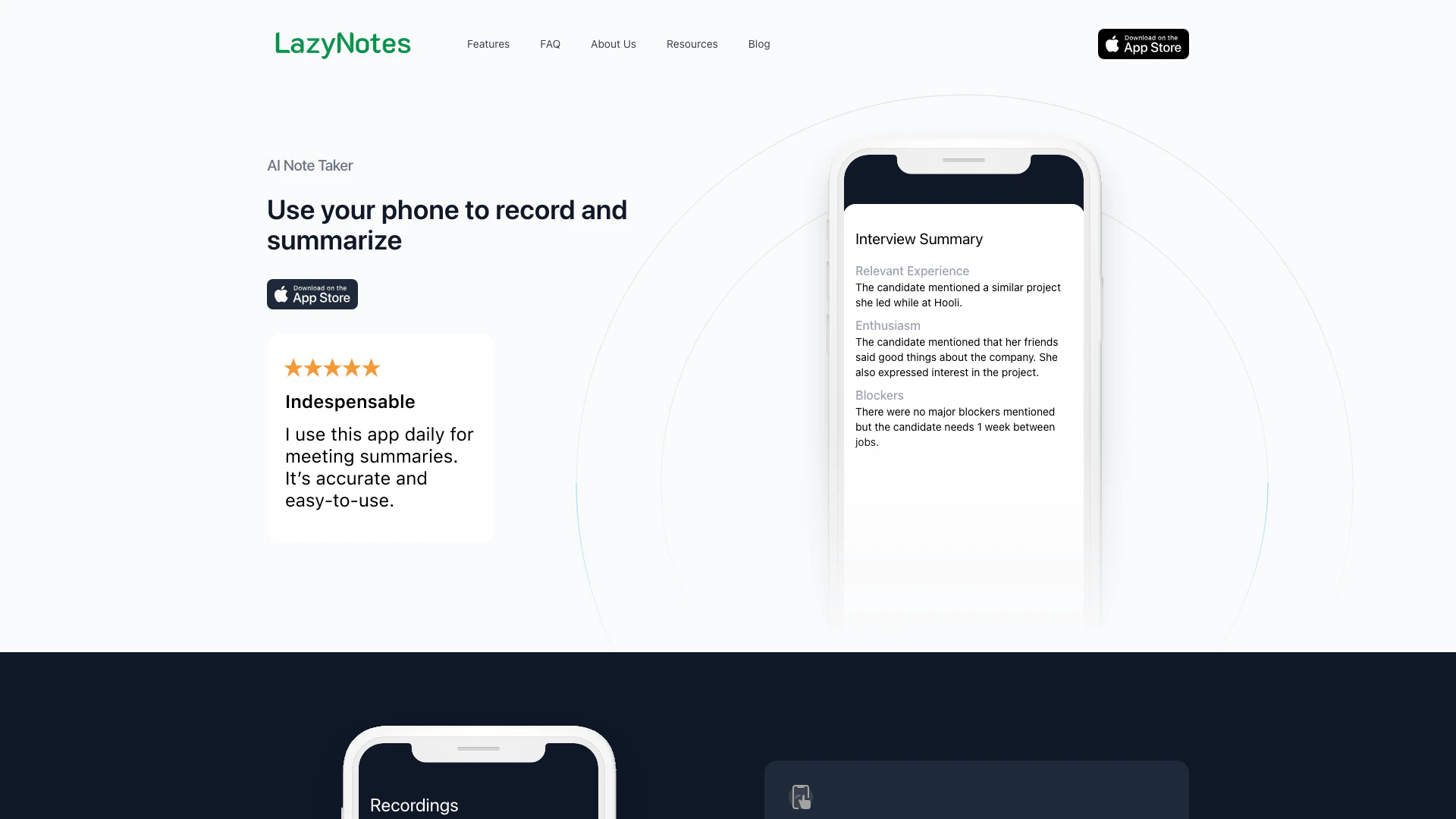
LazyNotes is an AI-powered[1] note-taking[2] application designed specifically for iPhone users. It allows users to effortlessly summarize[3] and transcribe[4] meetings using custom prompts[5]. The tool aims to enhance productivity by enabling users to focus on listening during meetings rather than taking notes manually. With LazyNotes, users can record their meetings and receive detailed summaries, eliminating the need for extensive note-taking.
How to use LazyNotes?
- Download and install the LazyNotes app from the App Store on your iPhone.
- Open the app and start a new recording at the beginning of your meeting.
- The app will automatically end the recording and generate a summary after the meeting concludes, which will be emailed to you.
What are the main features of LazyNotes?
- One-Tap Audio Notes: Start recording meetings with a single tap, allowing for seamless note-taking.
- State-of-the-Art Summarization: AI technology summarizes meeting details as a human would, providing concise and relevant information.
- Customizable Summaries: Tailor summaries to specific business needs using custom prompts.
- Detailed and Concise Notes: Generate comprehensive notes while eliminating irrelevant information and small talk.
Who is LazyNotes for?
LazyNotes is ideal for professionals, entrepreneurs, and teams who attend frequent meetings and need an efficient way to capture and summarize discussions. It's particularly beneficial for individuals who want to enhance their listening skills without compromising on note-taking, such as business executives, project managers, and anyone involved in collaborative work.
What are the use cases of LazyNotes?
- Business Meetings: Record and summarize discussions during corporate meetings to ensure all action items are captured.
- Interviews: Use LazyNotes to transcribe and summarize interviews, making it easier to review candidate responses.
- Workshops and Seminars: Capture key insights and discussions from educational workshops for later reference.
Product Images

Lazynotes Pros and Cons
Pros
- Effortless Meeting Summarization: LazyNotes automatically summarizes meetings using AI, allowing users to focus on listening rather than note-taking.
- Customizable Prompts: Users can tailor the summarization prompts to fit their business needs, enhancing the relevance of the notes.
- One-Tap Audio Notes: The app allows users to start recording with a single tap, automatically ending the recording and emailing the summary.
Cons
No cons data detected for this tool
Lazynotes Pricing
No Obligation Trial
A 7-day trial period with no obligation.
Monthly Subscription
Unlimited recordings and summaries for $5 per month.
For the latest pricing, please visit this link: https://www.lazynotes.app/
Prices are subject to change. Please visit the official website for the most up-to-date pricing information.