

Komosai





What is Komosai?
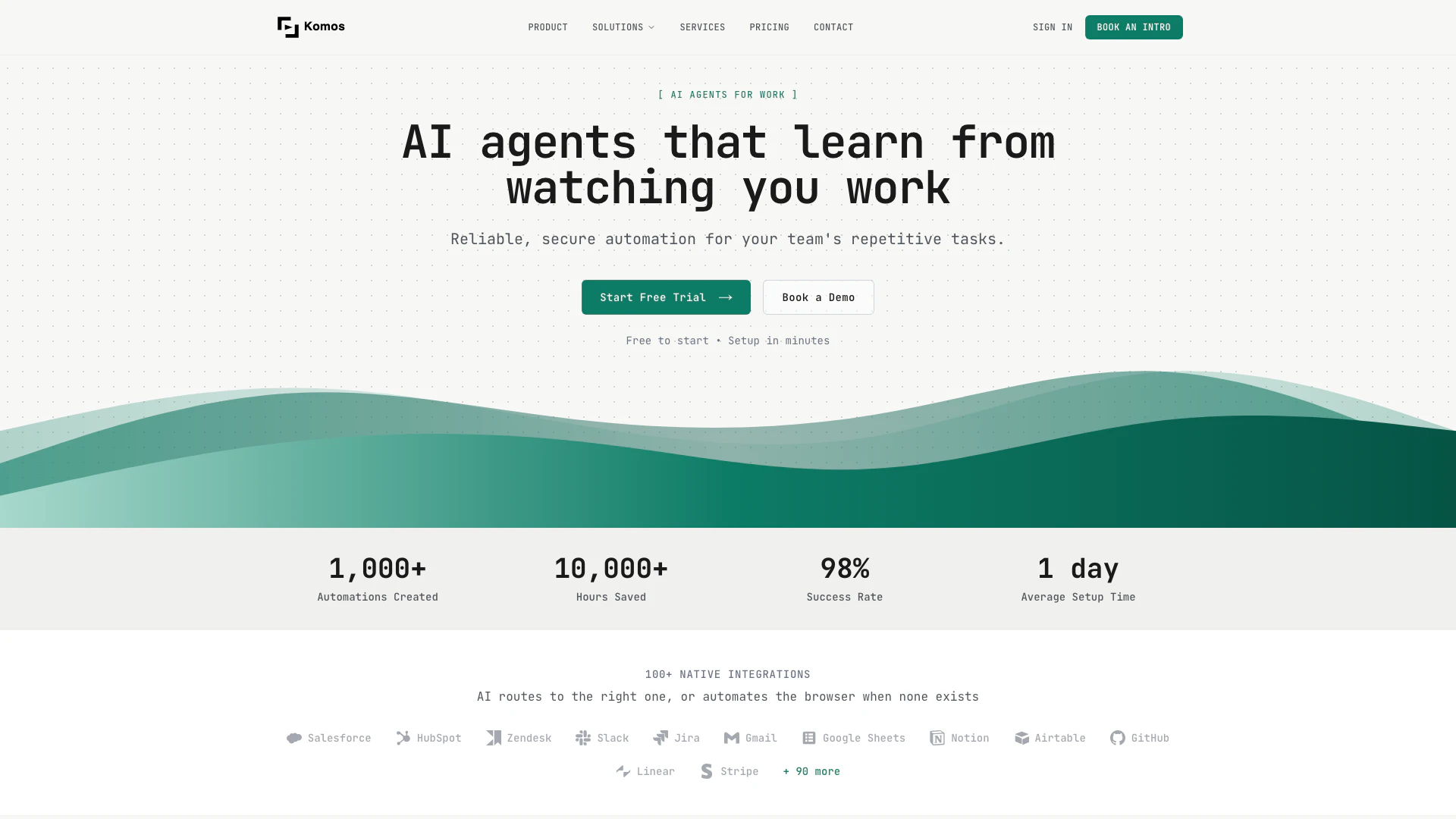
Komosai is an innovative AI tool designed to automate repetitive tasks[2] by learning from your work processes. It functions by observing you perform tasks in real-time, creating a reliable and secure automation[1] workflow[3] tailored to your needs. With its ability to integrate with over 100 applications and utilize browser automation[4], Komosai enables teams to save time and reduce errors in their daily operations, making it an essential tool for businesses looking to enhance productivity.
How to use Komosai?
To use Komosai, follow these simple steps: 1. Show: Start by recording yourself as you perform a task in your browser. Narrate your actions clearly, so the AI can learn from your instructions. 2. AI Builds the Workflow: After recording, Komosai will analyze your actions and create a visual workflow that automates the task. It will select the appropriate integrations and add browser automation where necessary. 3. Run: Once the workflow is built, you can run it with a single click. You have the option to review and modify the workflow before executing it, ensuring everything is tailored to your needs.
What are the main features of Komosai?
Komosai offers a range of powerful features to enhance automation: - AI Learning: The tool learns from your actions, allowing for seamless automation of any task you can perform in a browser. - Smart Integration Routing: Automatically selects the right integration from over 100 options, using browser automation when necessary. - Visual Workflow Builder: Provides a clear and editable flowchart for every automation, ensuring full control over the process. - Document Processing: Capable of reading, extracting, and updating various document formats as part of your automation workflows. - Team Collaboration: Supports role-based permissions and shared workflows for effective teamwork.
Who is Komosai for?
Komosai is designed for teams and organizations across various industries such as healthcare, finance, legal, human resources, and supply chain management. It is ideal for businesses looking to automate repetitive and time-consuming tasks without the need for coding skills. The tool is suitable for professionals who want to improve efficiency, reduce manual errors, and streamline their workflows by leveraging AI technology.
What are the use cases of Komosai?
Komosai can be utilized in numerous scenarios, including: 1. Data Entry Automation: Automate the process of entering data across multiple platforms, reducing manual input errors. 2. Invoice Processing: Streamline the extraction and updating of invoice details, saving time and ensuring accuracy. 3. Web Scraping: Automate the collection of data from websites for research or reporting purposes, enhancing productivity in data analysis tasks.
Komosai Pros and Cons
Pros
- AI Learning from User Actions: Komosai's AI agents learn by observing users perform tasks, enabling them to create reliable automation workflows that mimic human actions.
- Wide Integration Capabilities: With over 100 native integrations, Komosai can connect with various applications like Salesforce, Slack, and Google Sheets, enhancing workflow efficiency.
- Visual Workflow Control: Users can edit and manage workflows through a visual flowchart interface, ensuring complete control and transparency over automation processes.
Cons
No cons data detected for this tool
Komosai Pricing
Enterprise
Custom Price - Billed annually. Unlimited usage quota, Scheduled Triggers, SSO, Data Exporting and Report, Dedicated Support.
For the latest pricing, please visit this link: https://www.komos.ai/pricing
Prices are subject to change. Please visit the official website for the most up-to-date pricing information.




