

Getskedai





What is Getskedai?
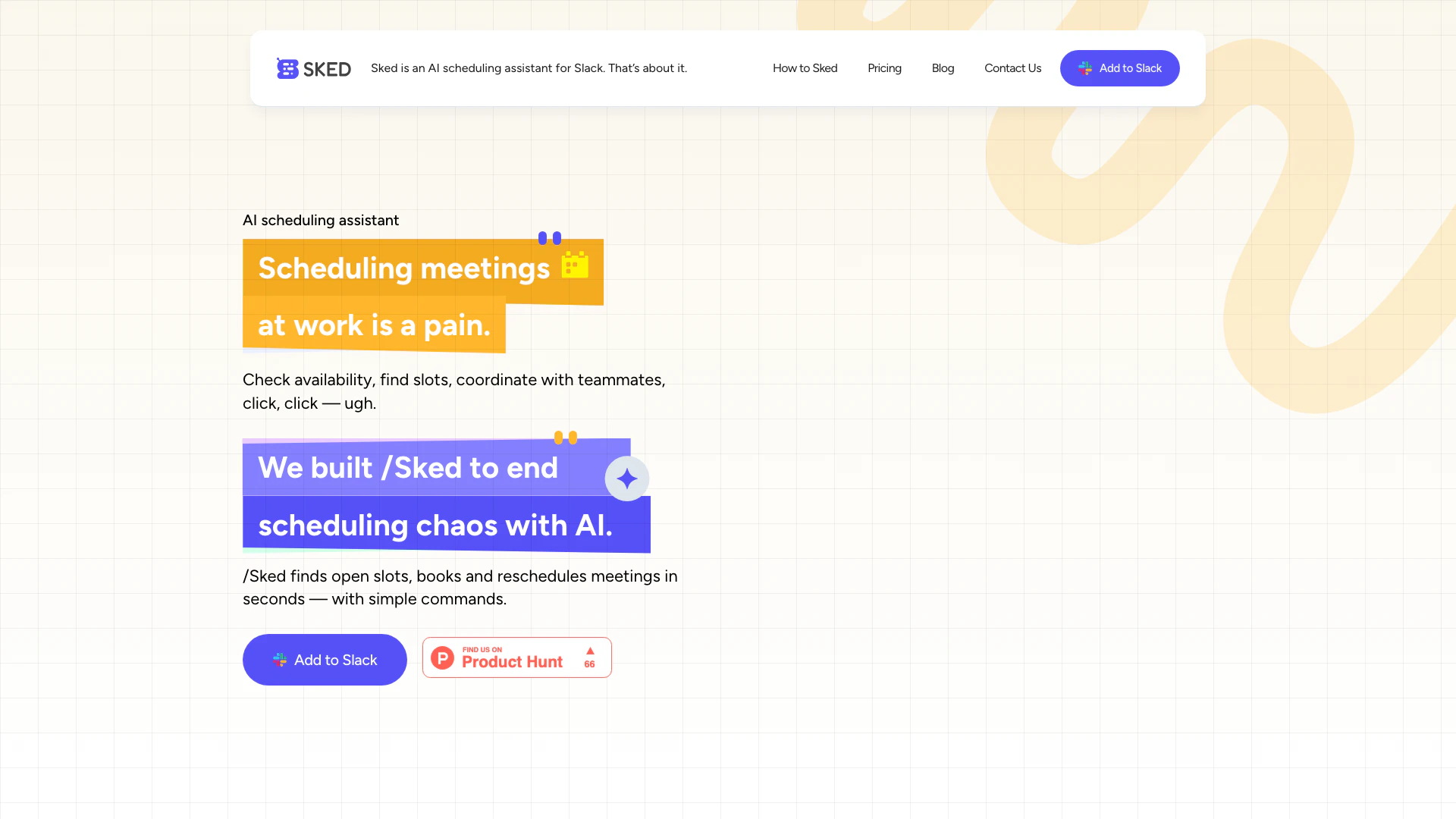
Getskedai, also known as Sked, is an AI scheduling[1] assistant specifically designed for Slack. It aims to simplify the often tedious process of scheduling meetings by automatically finding the best times for all participants. With Sked, users can effortlessly coordinate meeting times, book appointments, and manage their schedules directly within Slack, reducing the back-and-forth communication typically involved in scheduling.
How to use Getskedai?
- Sign up for Sked using your Gmail account.
- Add the Sked app to your Slack workspace.
- Sync Sked with your Google Calendar to enable scheduling features.
- Use simple commands like '/Sked get me an hour with @Alex' to find open slots and book meetings.
- To reschedule, use commands such as '/Sked move my 5pm call today to 4pm tomorrow'.
What are the main features of Getskedai?
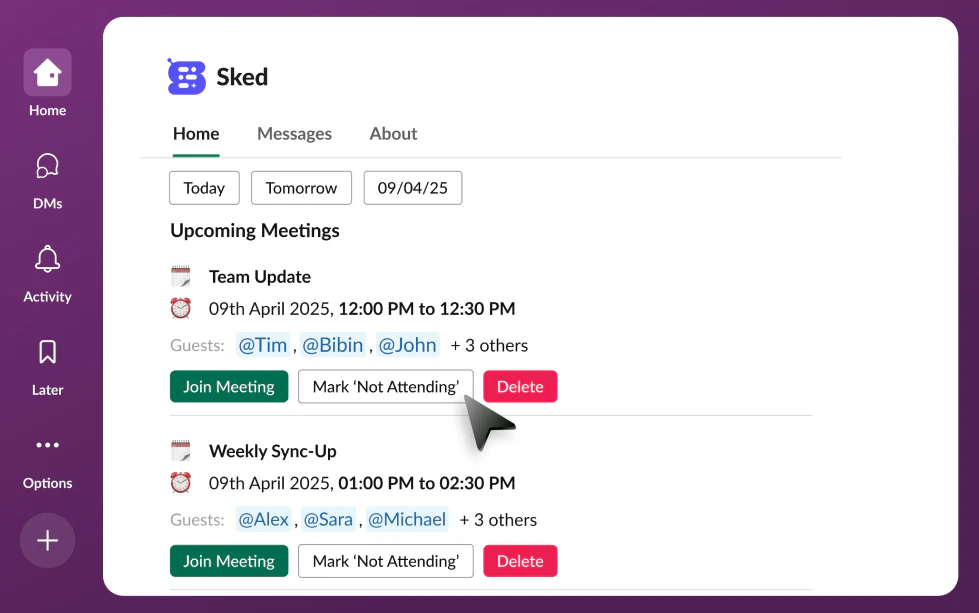
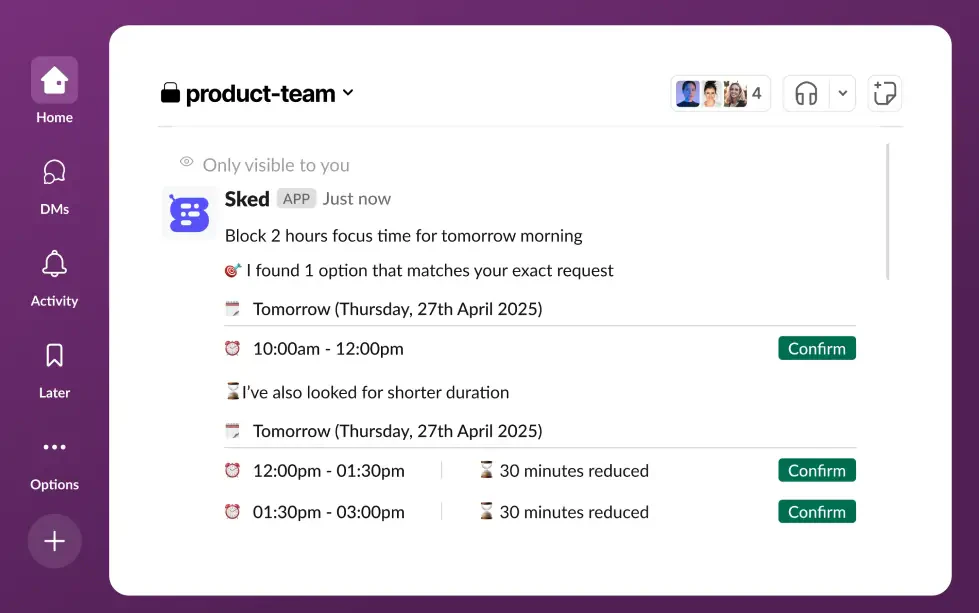
- Automatic Scheduling[2]: Sked finds open slots for meetings based on participants' availability.
- Meeting Booking[3]: Users can book meetings with simple commands directly in Slack.
- Rescheduling[5] Made Easy: Quickly reschedule meetings with a single command.
- Calendar Integration[4]: Syncs with Google Calendar for seamless scheduling.
- Private Commands: All commands are visible only to the user, ensuring privacy.
Who is Getskedai for?
Getskedai is ideal for professionals and teams who use Slack for communication and need an efficient way to schedule meetings without the hassle of back-and-forth messages. It is particularly beneficial for remote teams, busy professionals, and anyone looking to streamline their scheduling process within a collaborative environment.
What are the use cases of Getskedai?
- Team Meetings: Quickly schedule team meetings by finding available times for all members.
- Client Calls: Use Sked to coordinate and book calls with clients without leaving Slack.
- Rescheduling Appointments: Effortlessly reschedule meetings when conflicts arise, ensuring minimal disruption.
Product Images





Getskedai Pros and Cons
Pros
- AI-Powered Scheduling: Sked uses AI to automatically find the best meeting times for all participants, reducing the hassle of manual scheduling.
- Seamless Integration with Slack: The tool integrates directly with Slack, allowing users to schedule and manage meetings without leaving the platform.
- Easy Setup and Use: Users can quickly set up Sked by signing up with Gmail and adding it to Slack, making it accessible for anyone.
Cons
No cons data detected for this tool
Getskedai Pricing
Free forever
15 commands every month.
Pro Recommended
Unlimited commands for one.
For the latest pricing, please visit this link: https://getsked.ai/
Prices are subject to change. Please visit the official website for the most up-to-date pricing information.
Analytics of Getskedai
Getskedai Website Traffic Analysis
Visits Over Time
Traffic Sources
Nov 2025 - Dec 2025 Worldwide Desktop Only
- Search: 43.05%
- Direct: 35.73%
- Referrals: 13.64%
- Social: 4.47%
- Paid Referrals: 1.54%
- Mail: 0.22%
Top Keywords
| Keyword | Volume | CPC | Estimated Value |
|---|---|---|---|
| sked form | 10 | $0.00 | $0.00 |




