Convert-bank-statement





What is Convert-bank-statement?
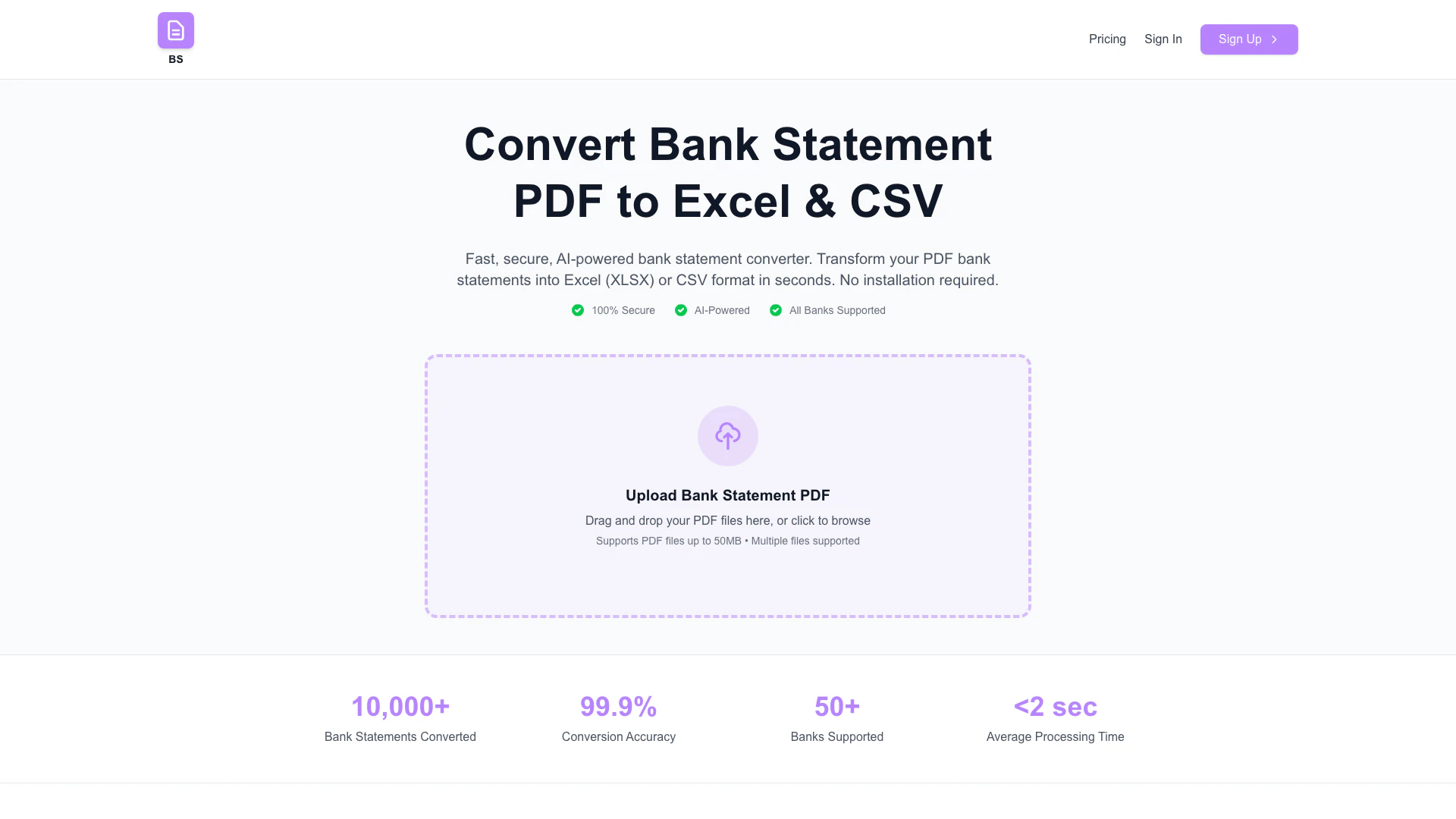
Convert-bank-statement is an online tool designed to convert bank statement[1] PDFs into editable formats such as Excel[2] (XLSX) or CSV[3]. This fast, secure[4], and user-friendly[5] converter does not require any installation, making it accessible from any device with internet connectivity. The tool supports statements from all major banks, allowing users to easily manage their financial data.
How to use Convert-bank-statement?
- Visit the Convert-bank-statement website at https://www.convert-bank-statement.com/.
- Upload your bank statement PDF file by clicking the 'Upload' button.
- Choose your desired output format (Excel or CSV).
- Click the 'Convert' button to start the conversion process.
- Once the conversion is complete, download your converted file.
What are the main features of Convert-bank-statement?
- Instant conversion of bank statement PDFs to Excel (XLSX) or CSV format.
- Fast and secure processing to ensure data safety.
- User-friendly interface for easy navigation.
- No software installation required; accessible online.
- Supports bank statements from all major banks.
Who is Convert-bank-statement for?
Convert-bank-statement is ideal for individuals and businesses that need to manage their financial data efficiently. This includes personal users looking to analyze their spending, accountants needing to process client bank statements, and businesses wanting to streamline their financial reporting. Anyone who requires an easy and quick method to convert bank statements into editable formats will find this tool beneficial.
What are the use cases of Convert-bank-statement?
- Personal finance management: Users can convert their bank statements to track spending and budgeting.
- Accounting: Accountants can easily convert client bank statements for financial analysis and reporting.
- Business expenses: Businesses can convert bank statements to CSV for expense tracking and reporting.
- Tax preparation: Users can convert statements to prepare accurate tax filings.
Convert-bank-statement Pros and Cons
Pros
- Instant Conversion: Convert bank statement PDFs to Excel or CSV format instantly, providing quick access to your financial data.
- User-Friendly Interface: The tool is designed to be easy to use, requiring no installation and allowing users to convert files effortlessly.
- Supports Major Banks: Compatible with all major banks, ensuring a wide range of users can benefit from the conversion service.
Cons
No cons data detected for this tool
Convert-bank-statement Pricing
Lite
100 credits per month. Convert Bank Statements.
Beginner
500 credits per month. Convert Bank Statements.
Pro
1500 credits per month. Convert Bank Statements. API Access. Priority Support.
Enterprise
Unlimited credits. All features included. Dedicated support. Custom integrations.
For the latest pricing, please visit this link: https://www.convert-bank-statement.com/pricing
Prices are subject to change. Please visit the official website for the most up-to-date pricing information.
Analytics of Convert-bank-statement
Convert-bank-statement Website Traffic Analysis
Visits Over Time
Top Keywords
| Keyword | Volume | CPC | Estimated Value |
|---|---|---|---|
| bank statement converter | 29.28K | $3.26 | $180.00 |
| bank statement to excel | 2.26K | $0.00 | $0.00 |
| bankstatementconverter | 1.51K | $7.50 | $0.00 |
| convert bank statement pdf to excel | 720 | $0.12 | $0.00 |
| financefileconverter.com bank statement to csv | 670 | $0.00 | $0.00 |