

Ceacle



What is Ceacle?
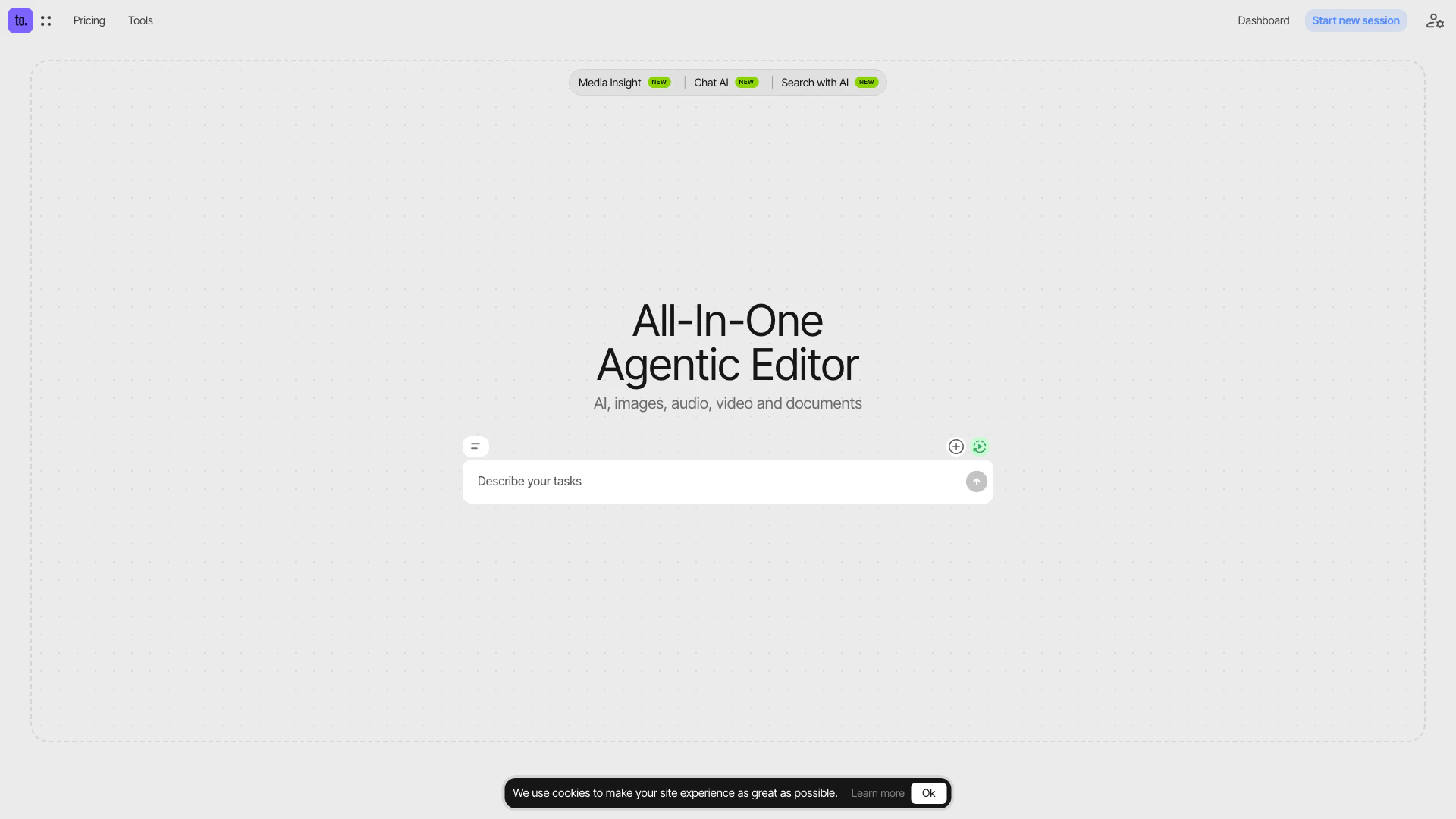
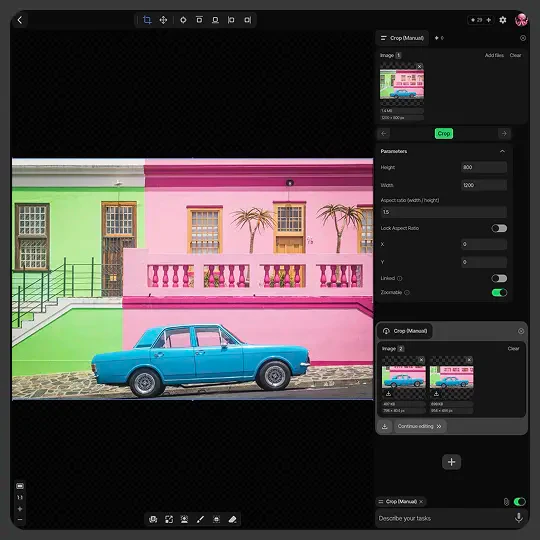
Ceacle is an AI-orchestrated[1], all-in-one editor[2] that integrates tools for AI, images, audio, video, and documents into a single platform. This innovative tool allows users to chain multiple tools into a live thread, automate various steps using AI, and revisit any stage of their project. With Ceacle, users can seamlessly edit images, audio, and video all in one place, enhancing productivity and creativity. The platform also supports saving, sharing, and rerunning sessions, making it a versatile solution for individuals and teams looking to streamline their workflow.
How to use Ceacle?
- Sign Up or Log In: Create an account on the Ceacle website or log in to your existing account.
- Start a New Session: Click on the 'Start new session' button to initiate your project.
- Select Tools: Choose from over 50 available tools for AI, images, audio, video, and documents that you wish to use in your workflow.
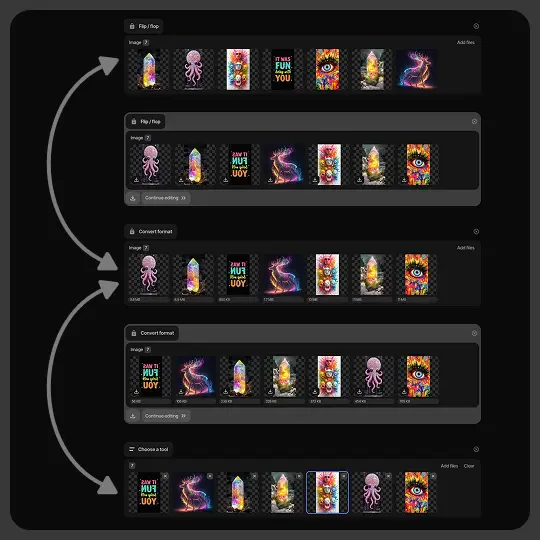
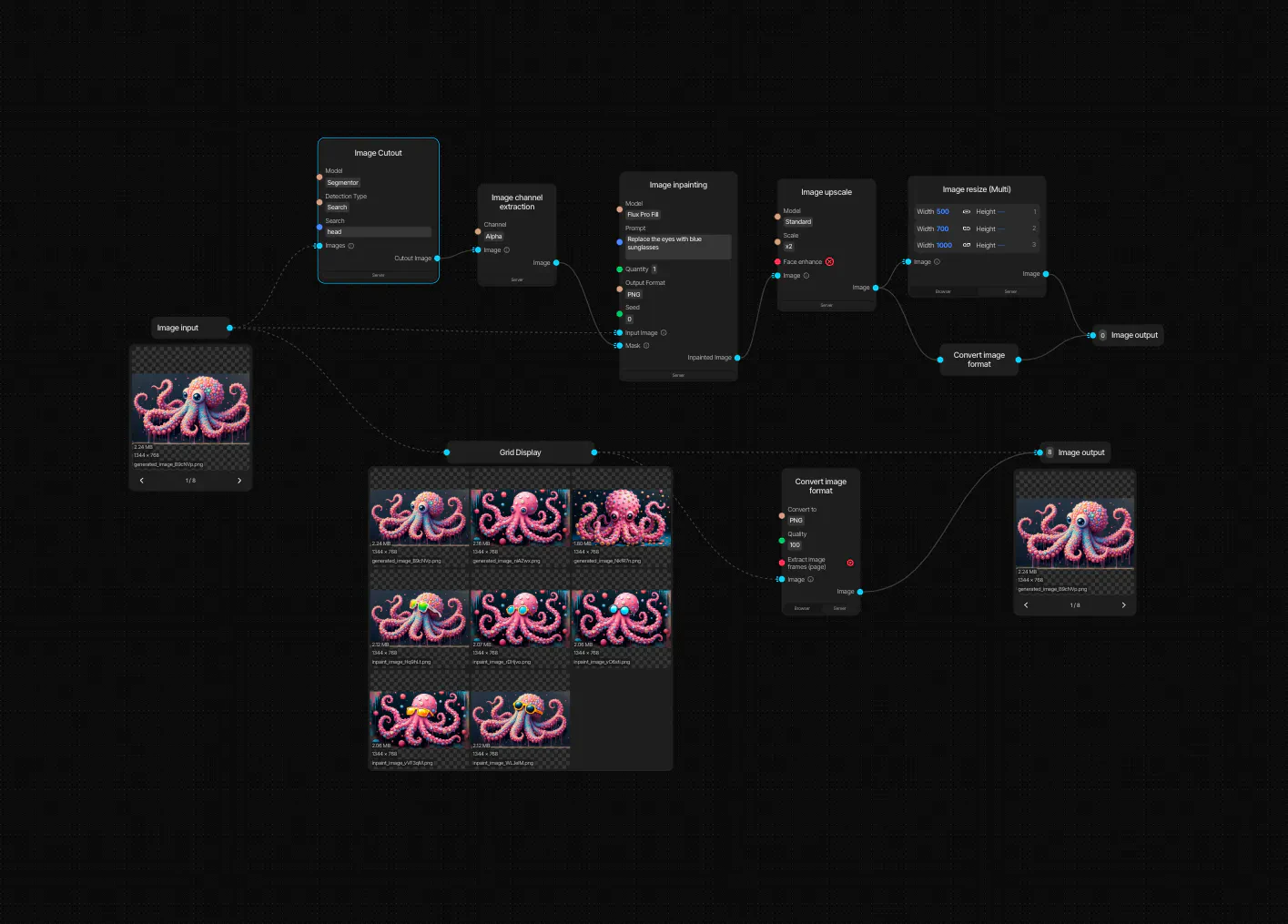
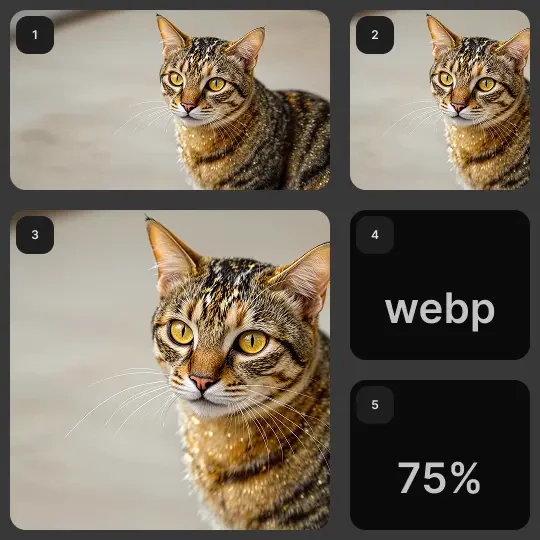
- Chain Tools: Organize your workflow by chaining tools together. For example, you can generate an image, edit it, and then convert it to another format in a sequence.
- Automate Steps: Utilize AI to automate various steps in your project, enhancing efficiency and reducing manual effort.
- Edit Content: Make necessary edits to your images, audio, or video using the integrated editing features.
- Save and Share: Once completed, save your session, and share it with team members or revisit it later as needed.
What are the main features of Ceacle?
- All-in-One Editing: Combines tools for AI, images, audio, video, and documents in one platform.
- Workflow Automation[3]: Allows users to automate steps in their projects using AI.
- Live Threading[4]: Chain multiple tools together into a live workflow, enhancing project management.
- Non-Destructive Editing[5]: Make adjustments at any stage without permanently altering original files.
- Batch Editing: Edit multiple images or files simultaneously to save time.
- Session Management: Save, share, and rerun sessions easily, ensuring flexibility in project handling.
Who is Ceacle for?
Ceacle is designed for creative professionals, content creators, marketers, and teams who require a comprehensive solution for managing multiple types of media. It is ideal for those who often juggle different applications and seek to streamline their workflow. Whether you're a graphic designer, video editor, or audio producer, Ceacle offers a unified platform that enhances productivity and simplifies the editing process.
What are the use cases of Ceacle?
- Content Creation: Use Ceacle to generate, edit, and publish multimedia content for blogs, social media, and marketing campaigns.
- Collaborative Projects: Teams can collaborate on projects by sharing sessions and workflows, making it easy to manage contributions from multiple users.
- Automated Workflows: Create automated workflows for repetitive tasks, such as resizing images or converting audio files, improving efficiency.
Product Images
Ceacle Pros and Cons
Pros
- All-in-One Tool Access: Ceacle provides access to over 50 tools in one platform, simplifying the user experience by eliminating the need for multiple subscriptions.
- AI-Orchestrated Automation: The tool allows users to chain tools into a live thread and automate steps with AI, enhancing workflow efficiency.
- Non-Destructive Editing: Users can make adjustments at any stage without permanently altering original files, allowing for flexibility in the editing process.
Cons
No cons data detected for this tool
Ceacle Pricing
Free Plan
Free plan includes 50 credits per month. Approximate examples: 100 Image generation, 10 Variation / Restyle, 8 Outpainting, 10 Inpainting, 10 Eraser, 50 Upscale, 80 Remove background.
Basic Plan
Basic plan costs $10 per month and includes 500 credits. Approximate examples: 1,000 Image generation, 100 Variation / Restyle, 80 Outpainting, 100 Inpainting, 100 Eraser, 500 Upscale, 800 Remove background.
Standard Plan
Standard plan costs $30 per month and includes 2,000 credits. Approximate examples: 4,000 Image generation, 400 Variation / Restyle, 300 Outpainting, 400 Inpainting, 400 Eraser, 2,000 Upscale, 3,000 Remove background.
Premium Plan
Premium plan costs $60 per month and includes 5,000 credits. Approximate examples: 10,000 Image generation, 1,000 Variation / Restyle, 800 Outpainting, 1,000 Inpainting, 1,000 Eraser, 5,000 Upscale, 8,000 Remove background.
For the latest pricing, please visit this link: https://tools.ceacle.com/pricing/subscribe/credits
Prices are subject to change. Please visit the official website for the most up-to-date pricing information.
Analytics of Ceacle
Ceacle Website Traffic Analysis
Visits Over Time
Traffic Sources
Jan 2026 - Jan 2026 Worldwide Desktop Only
- Referrals: 100.00%
Top Keywords
| Keyword | Volume | CPC | Estimated Value |
|---|---|---|---|
| cropulka | 180 | $0.00 | $0.00 |




