Usespoke





What is Usespoke?
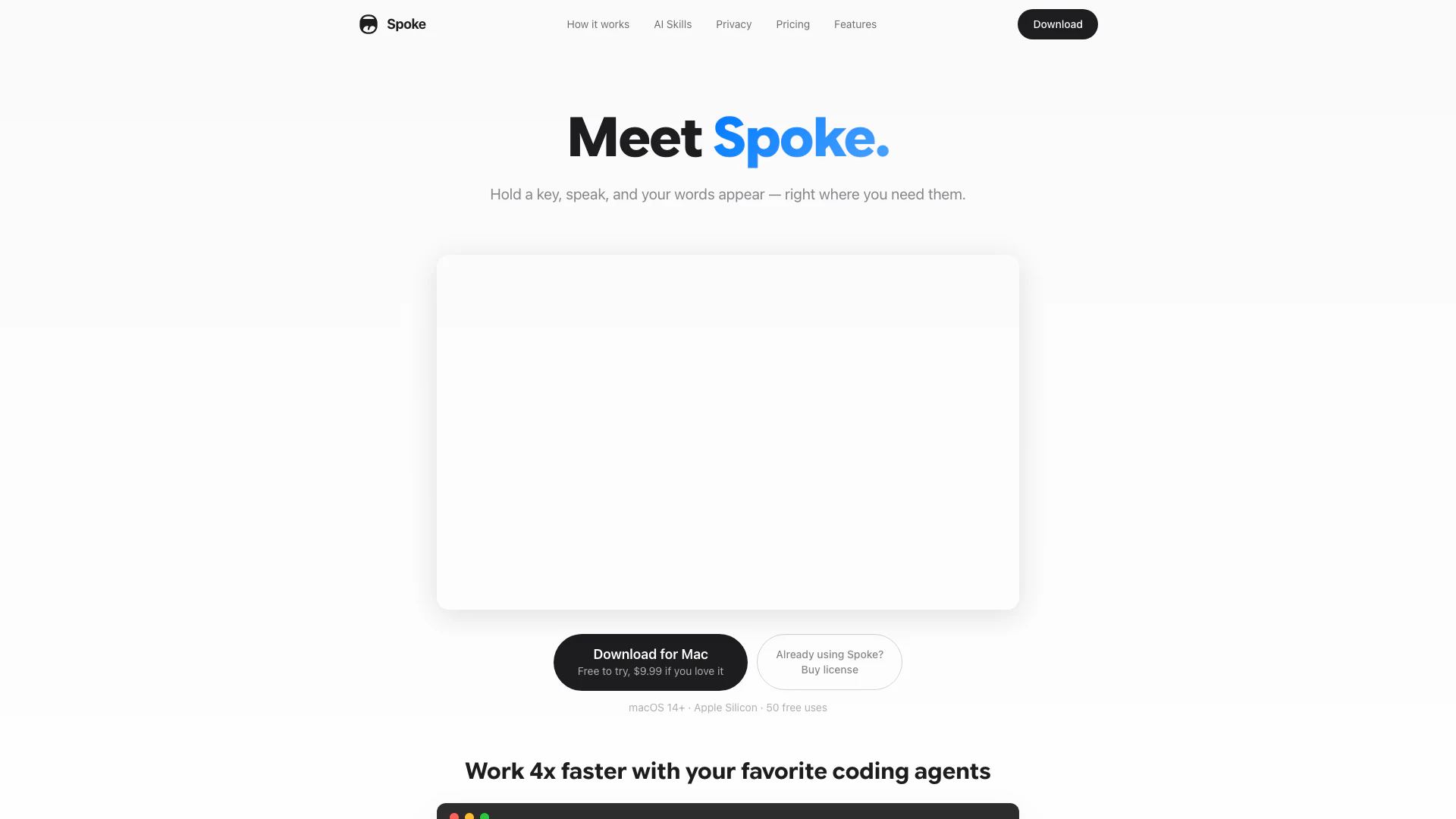
Usespoke is a native macOS[2] dictation[1] application designed for efficiency and privacy. It allows users to dictate text effortlessly by holding a key, speaking naturally, and having their words transcribed in real-time directly into any application. With on-device transcription powered by AI, it ensures that user data remains private and secure, as no audio is uploaded to external servers. The tool is built for speed and convenience, enabling users to work significantly faster than typing.
How to use Usespoke?
- Download and Install: Visit the [Usespoke website](https://usespoke.app/download/Spoke-1.0.0.dmg) to download the application for macOS.
- Launch the Application: Open Usespoke on your Mac.
- Set Up Your Shortcut: Choose a key to hold for dictation (e.g., Right Command).
- Start Dictating: Press and hold your selected key to start listening. Speak naturally, and when finished, release the key to have your words transcribed instantly into the active application.
What are the main features of Usespoke?
- Real-Time Transcription[3]: On-device AI[4] transcribes speech instantly as you dictate.
- Privacy Focused[5]: No audio is uploaded; everything is processed locally on your Mac.
- AI Skills: Enhance dictation with features like translation, grammar correction, and custom prompts.
- Multi-Language Support: Supports 25 European languages with automatic detection.
- Instant Insertion: Transcribed text is automatically pasted into the active application without the need to switch windows.
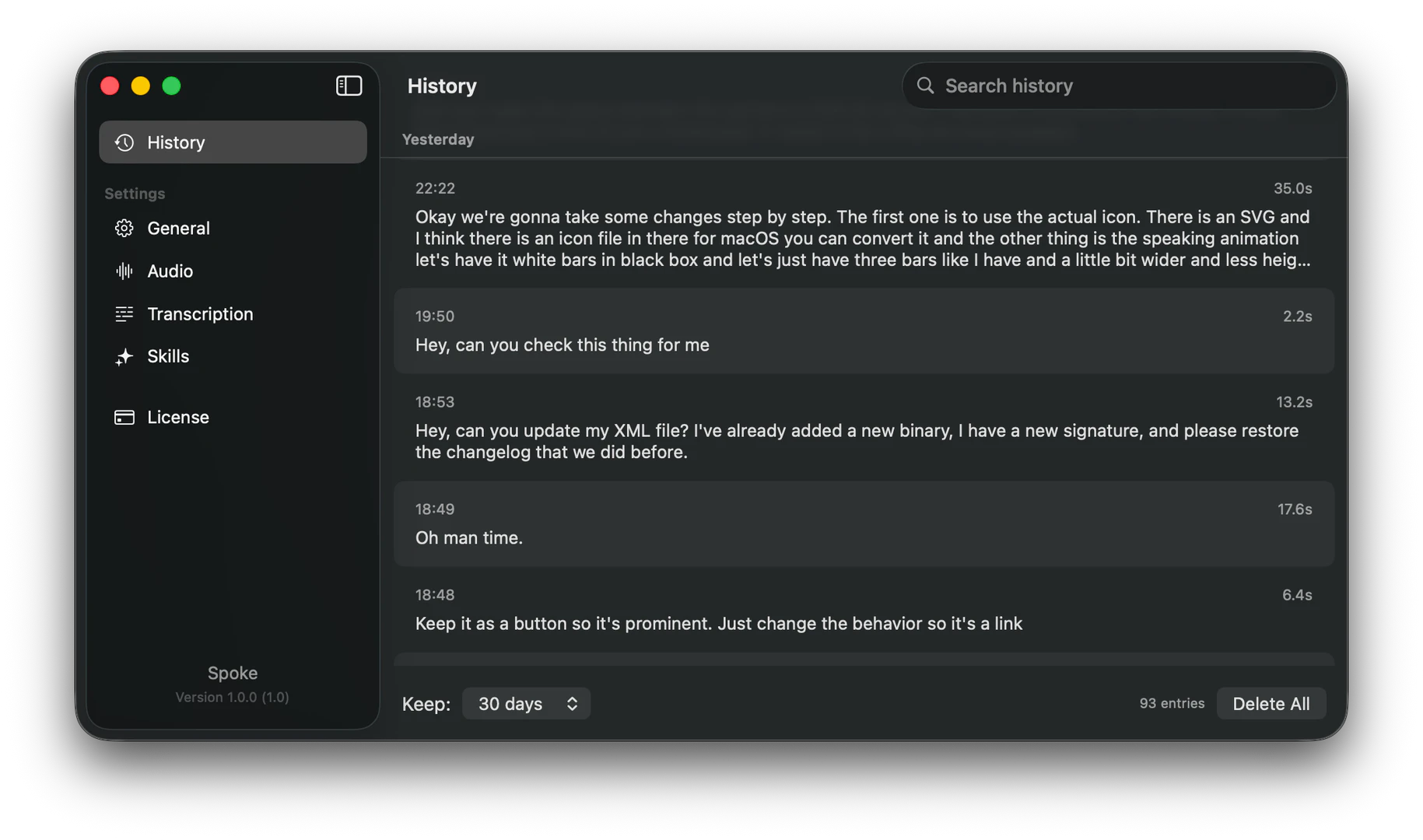
- History & Search: All transcriptions are saved and searchable for easy retrieval.
Who is Usespoke for?
Usespoke is designed for anyone who needs a fast and efficient way to dictate text on macOS. It is particularly beneficial for professionals such as writers, programmers, and content creators who think faster than they can type. Additionally, it appeals to those who prioritize privacy, as it operates entirely on-device without requiring internet access or account creation.
What are the use cases of Usespoke?
- Writing and Content Creation: Quickly dictate articles, reports, or emails without typing.
- Programming Assistance: Use dictation to write code instructions or comments, enhancing productivity in software development.
- Language Translation: Utilize the translation feature to dictate and translate text into multiple languages for international communication.
Product Images

Usespoke Pros and Cons
Pros
- On-Device Transcription: Spoke features on-device transcription using CoreML, ensuring privacy and fast performance without needing an internet connection.
- AI-Powered Skills: The app offers AI skills for translation, grammar correction, and custom prompts, enhancing its functionality beyond basic dictation.
- One-Time Purchase: Spoke requires a one-time payment of $9.99, eliminating ongoing subscription costs and providing free updates.
Cons
No cons data detected for this tool
Usespoke Pricing
Spoke
One-time purchase. Free updates included. Year 1 cost $9.99, Year 2 cost $0.
For the latest pricing, please visit this link: https://usespoke.app/#pricing
Prices are subject to change. Please visit the official website for the most up-to-date pricing information.