

Slidesai




What is SlidesAI?
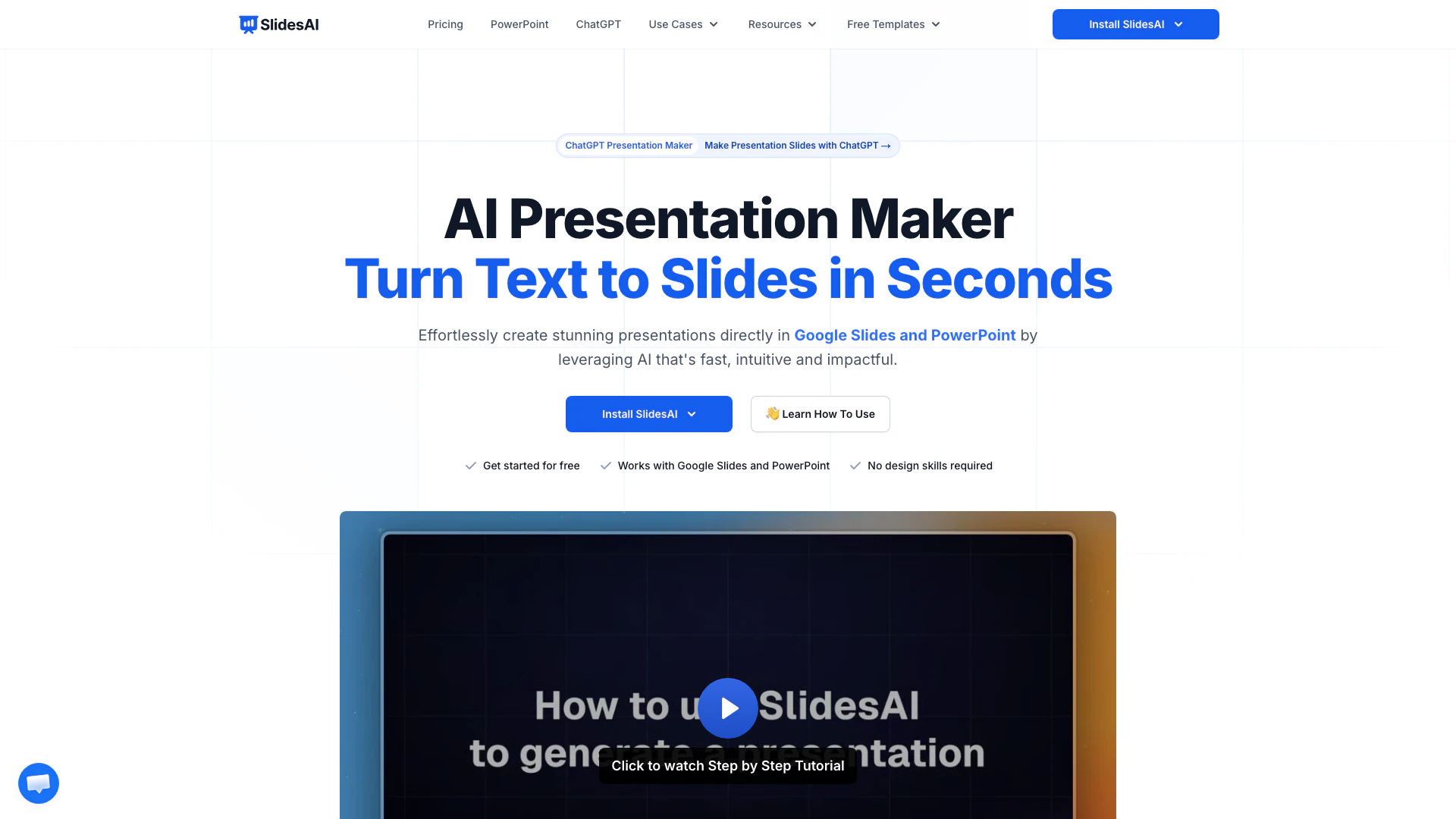
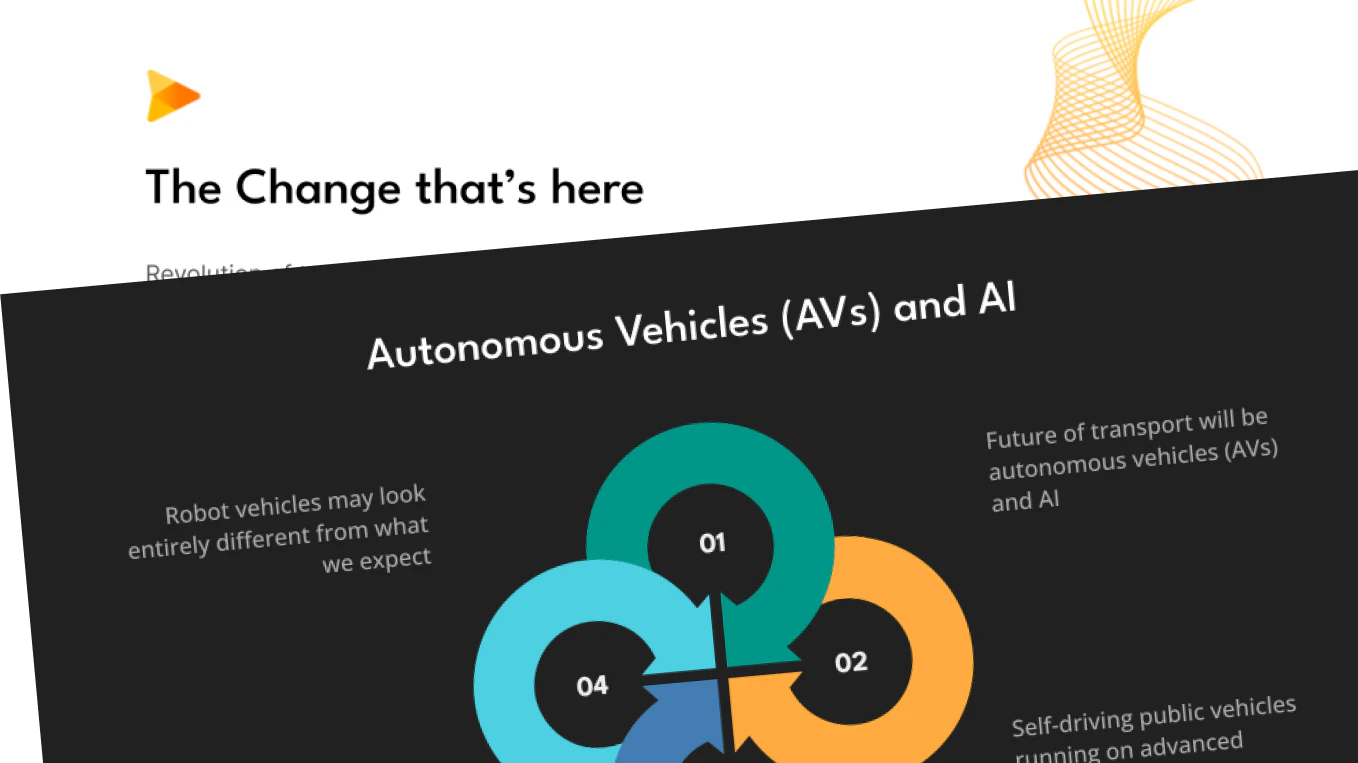
SlidesAI is a free AI-powered presentation maker that allows users to create stunning presentation slides in seconds. It transforms text into visually appealing slides, making it an ideal tool for teachers, students, and professionals. With its seamless integration into Google Slides and PowerPoint, SlidesAI eliminates the need for design skills, enabling anyone to generate professional presentations quickly and effortlessly.
How to use SlidesAI?
- Install SlidesAI from the Google Slides Extension or PowerPoint Add-ins Store.
- Start a new presentation or enhance an existing one by selecting the SlidesAI tool.
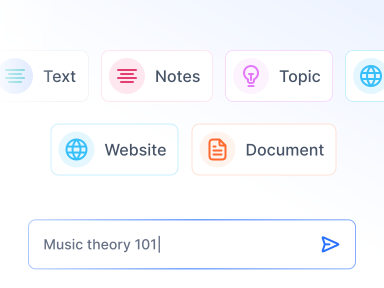
- Enter a topic or paste your notes into the interface, and let the AI generate slides in seconds.
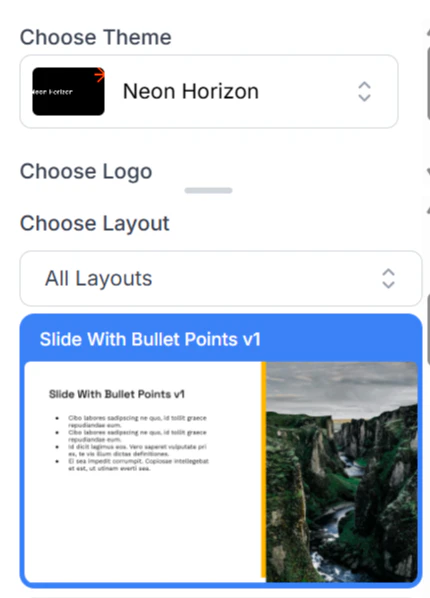
- Customize your slides by choosing templates, adjusting layouts, and refining content as needed.
- Share or download your presentation in PPTX format, fully compatible with Google Slides and PowerPoint.
What are the main features of SlidesAI?
- AI-driven slide generation from text input.
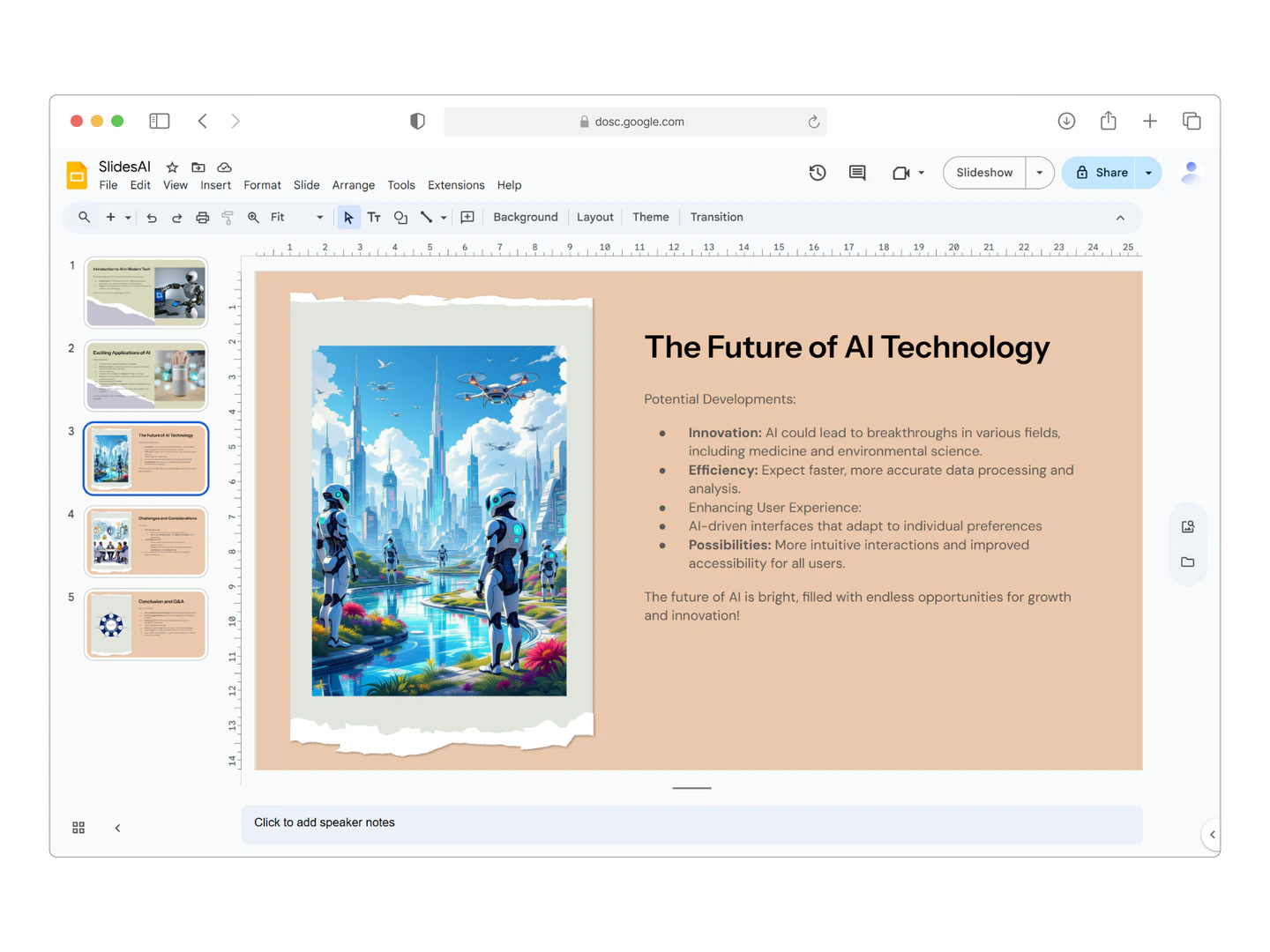
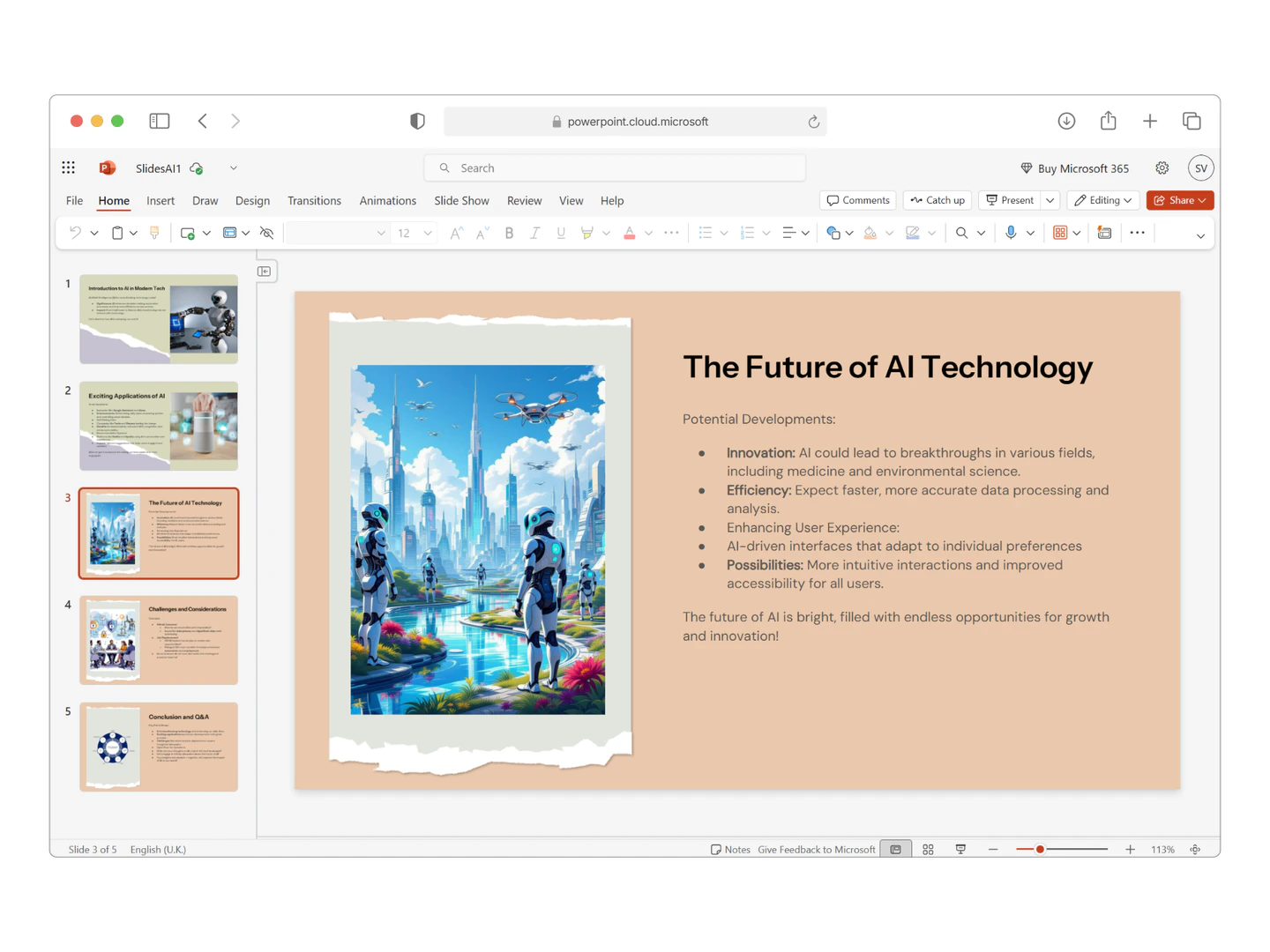
- Seamless integration with Google Slides and PowerPoint.
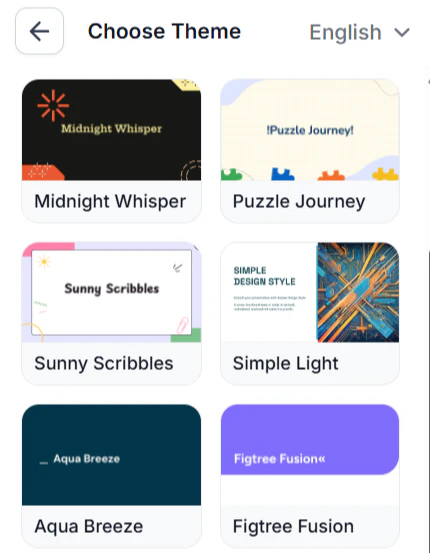
- Over 150 customizable templates and themes.
- Support for 100+ languages, including English, Spanish, and French.
- Options to refine, rephrase, and shorten text on slides.
- Ability to add AI-generated images and stock photos directly into presentations.
Who is SlidesAI for?
SlidesAI is designed for a wide range of users including educators, students, and professionals. It is particularly beneficial for teachers looking to create engaging lesson presentations, students needing to prepare class assignments, and professionals who want to deliver impactful business presentations. Its user-friendly interface and AI capabilities make it accessible for anyone, regardless of their design skills.
What are the use cases of SlidesAI?
- Educators can convert lecture notes into structured and visually appealing presentations.
- Students can quickly generate presentations for class projects or assignments, saving time and effort.
- Professionals can create impactful business presentations or pitches using AI-generated slides.
Product Images


Slidesai Pros and Cons
Pros
- Fast Slide Creation: SlidesAI allows users to create stunning presentations in seconds by turning text into slides, making it ideal for teachers, students, and professionals.
- Seamless Integration: The tool integrates effortlessly with Google Slides and PowerPoint, enabling users to create and edit presentations without switching platforms.
- User-Friendly Interface: No design skills are required to use SlidesAI, making it accessible for everyone, including those who may not be tech-savvy.
Cons
No cons data detected for this tool
Slidesai Pricing
Basic
Good enough to get started - 12 Presentations / year - 2500 Character Input / Presentation - 120 AI Credits / year
Pro
Perfect plan for students - 120 Presentations / year - 6000 Character Input / Presentation - 600 AI Credits / year - Document Upload
Premium
For Educators and Professionals - Unlimited Presentations - 12000 Character Input / Presentation - 1200 AI Credits / year - Document Upload
For the latest pricing, please visit this link: https://www.slidesai.io/pricing
Prices are subject to change. Please visit the official website for the most up-to-date pricing information.
Analytics of Slidesai
Slidesai Website Traffic Analysis
Visits Over Time
Traffic Sources
Dec 2025 - Feb 2026 Worldwide Desktop Only
- Search: 56.74%
- Direct: 33.92%
- Referrals: 6.37%
- Social: 2.08%
- Paid Referrals: 0.79%
- Mail: 0.10%
Top Keywords
| Keyword | Volume | CPC | Estimated Value |
|---|---|---|---|
| slides | 2.17M | $1.06 | $2330.00 |
| slides ai | 25.94K | $0.51 | $14540.00 |
| slidesai | 17.28K | $0.98 | $11310.00 |
| slide ai | 14.60K | $0.66 | $5330.00 |
| slideai | 3.05K | $0.14 | $1520.00 |
Slidesai Reviews
Working fantastic and very helpful. Saving me so much time by automatically generate sub-titles on each pages and analyze my paragraph to points form! highly recommend! The support is super fast and helpful, I didn’t even expect to get such a fast responds at late night time.
It makes formatting slides much easier than doing it manually. SlidesAI.io is a great product that I could integrate seamlessly into Google Slides. The function of summarising the slide content into easily digestible bites of information is very useful. I had a question whilst learning to use the app and received a videocall directly from the designer of the app himself, who was able to help me troubleshoot effectively.
Great! In a few seconds you can get a structured presentation with a photo, it saves me a lot of time! Great tool! Thank you Anurag!
For more reviews, visit this link: https://www.slidesai.io/#customer-testimonials




Slidesai Social Listening
How To Make A Presentation Wit...
In this video, I'm showing you...
SlidesAI - AI Powered Text To ...
SlidesAI.io is an AI Powered T...
Slide.ai | Get Your Presentati...
Unlock to view 31 social media results.