Sheet Chat





What is Sheet Chat?
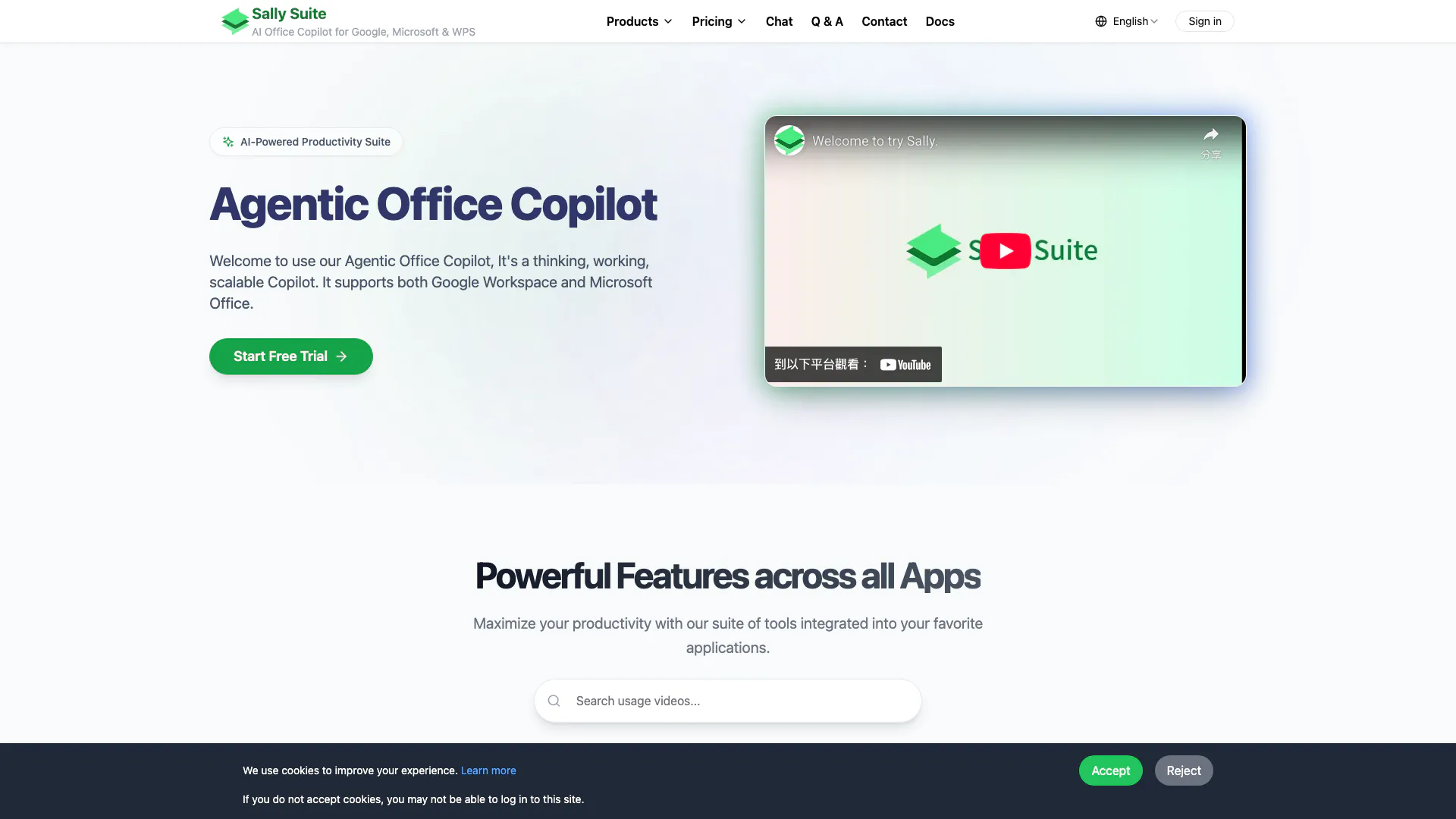
Sheet Chat is an AI-Agent based Office Copilot designed to enhance productivity in various office applications. It acts as a smart assistant that integrates seamlessly with both Google Workspace and Microsoft Office, providing users with intelligent recommendations, data analysis, and content generation capabilities. Whether you are working in spreadsheets, documents, or presentations, Sheet Chat offers a scalable solution that adapts to your specific needs, making it a valuable tool for professionals looking to optimize their workflow.
How to use Sheet Chat?
- Install the Sheet Chat plugin from the respective app store for Google Workspace or Microsoft Office.
- Open your desired application (e.g., Google Sheets, Microsoft Excel, Google Docs, etc.).
- Activate Sheet Chat from the add-ons menu or toolbar.
- Input your queries or tasks, such as generating functions, creating presentations, or drafting emails.
- Review the suggestions and outputs provided by Sheet Chat, and make adjustments as necessary.
What are the main features of Sheet Chat?
- Intelligent recommendations for functions, charts, and data analysis in spreadsheets.
- Content generation capabilities for articles, presentations, and emails.
- Customizable agent settings to meet specific user requirements.
- Support for Python and Jupyter for advanced data analysis.
- Seamless integration with Google Workspace and Microsoft Office applications.
Who is Sheet Chat for?
Sheet Chat is designed for professionals, educators, and students who frequently use office applications for tasks such as data analysis, document creation, and presentation design. It is ideal for those looking to enhance their productivity and streamline their workflows by leveraging AI capabilities to assist with complex tasks and improve overall efficiency.
What are the use cases of Sheet Chat?
- Automating data analysis and generating insights in Google Sheets or Microsoft Excel.
- Assisting in writing and editing documents in Google Docs or Microsoft Word.
- Creating engaging presentations in Google Slides or Microsoft PowerPoint.
Sheet Chat Pros and Cons
Pros
- Multi-Platform Support: Sheet Chat supports both Google Workspace and Microsoft Office, allowing users to integrate it into their existing workflows seamlessly.
- Comprehensive Functionality: The tool offers a wide range of features including data analysis, presentation generation, and writing assistance across multiple document types.
- Customization: Users can customize the Agent according to their specific requirements, enhancing usability and personalization.
- Data Security: Sally ensures that user data remains on the device and is not uploaded, providing a level of security for sensitive information.
Cons
- Limited Unique Features: While it can speed up tasks, many features are not unique and can be found in other tools like Copilot, Gemini, or ChatGPT.
- Integration Issues: The integration process is not fully seamless, as some actions require manual steps, which can hinder workflow efficiency.
- Short Free Trial: The free trial duration appears to be shorter than expected, limiting the ability to test all features thoroughly.