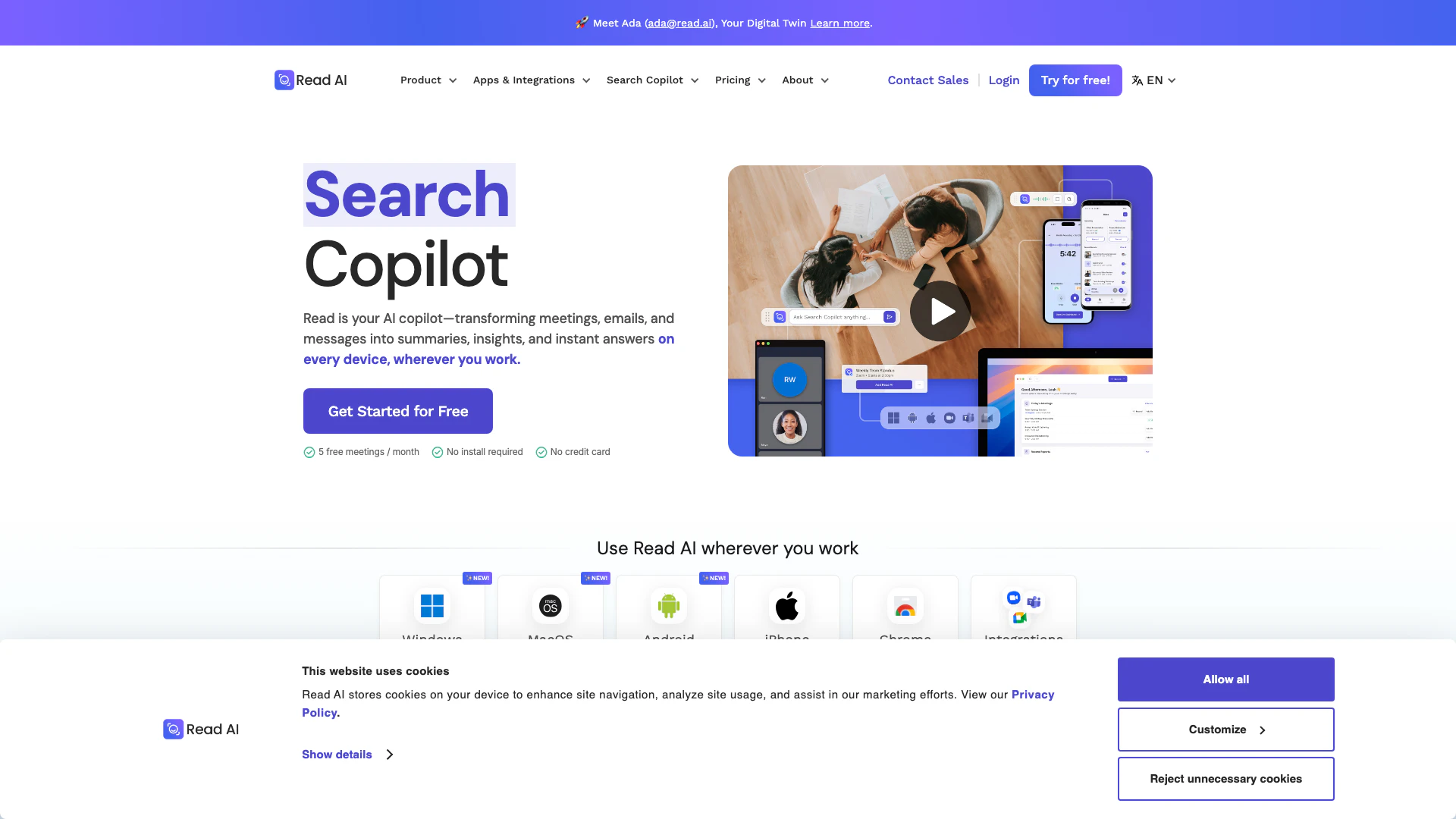
AI Copilot




What is AI Copilot?
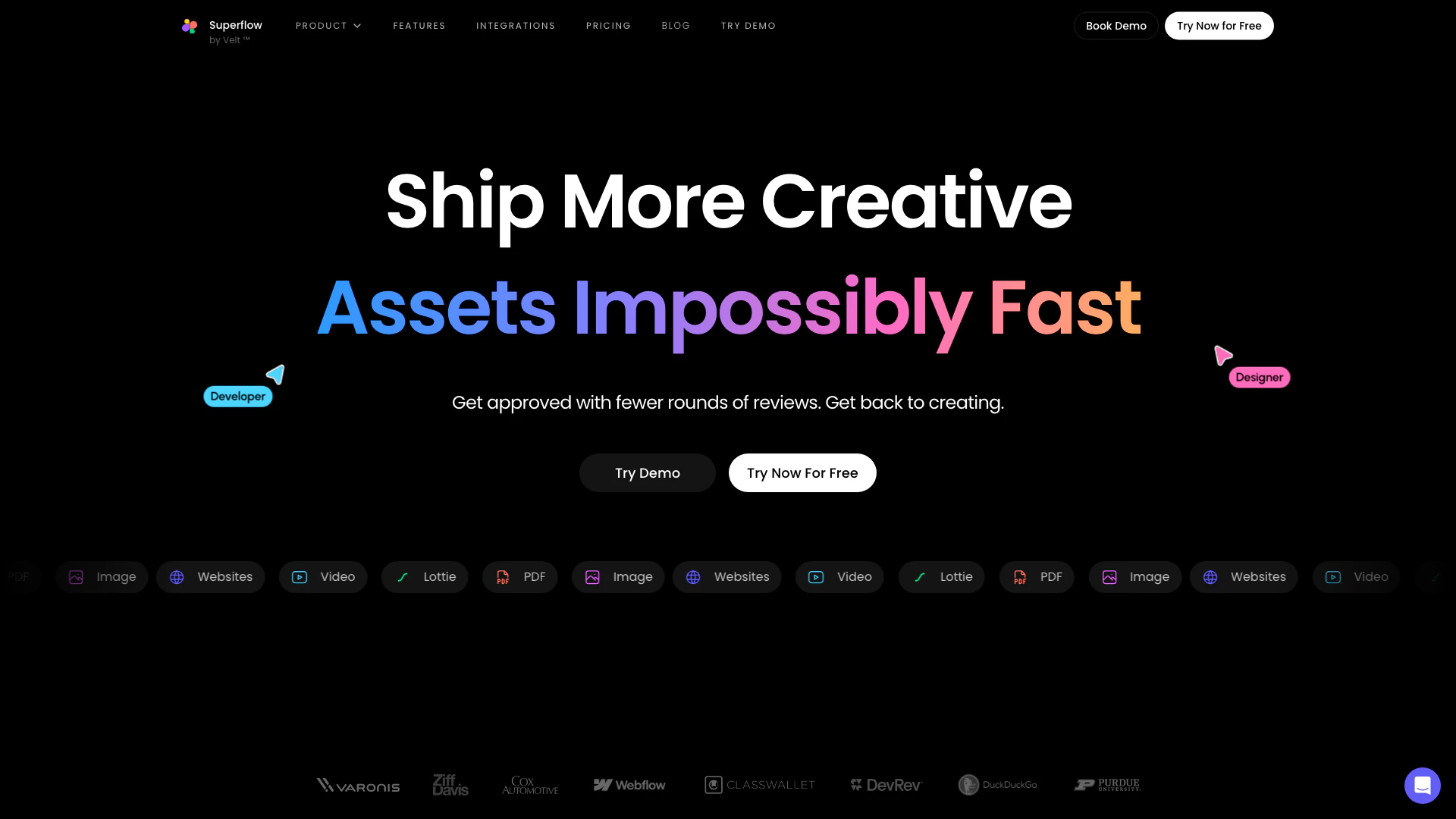
AI Copilot is an innovative collaboration tool designed for agencies and marketing teams to streamline the creation and review of digital assets. It enables users to deliver high-quality assets up to ten times faster by facilitating real-time commenting and collaboration on various formats including live websites, videos, PDFs, Lottie files, and images. With AI Copilot, teams can significantly reduce the time spent on revisions and approvals, allowing them to focus more on creativity and productivity.
How to use AI Copilot?
- Sign up for an account on the Superflow website and log in.
- Choose the type of asset you want to collaborate on, such as a website, video, or PDF.
- Upload your asset to the platform.
- Invite team members or clients to review the asset and provide feedback.
- Use the commenting feature to discuss specific elements directly on the asset.
- Manage feedback and approvals using the built-in task manager.
What are the main features of AI Copilot?
- Real-time commenting on various asset types such as websites, videos, and images.
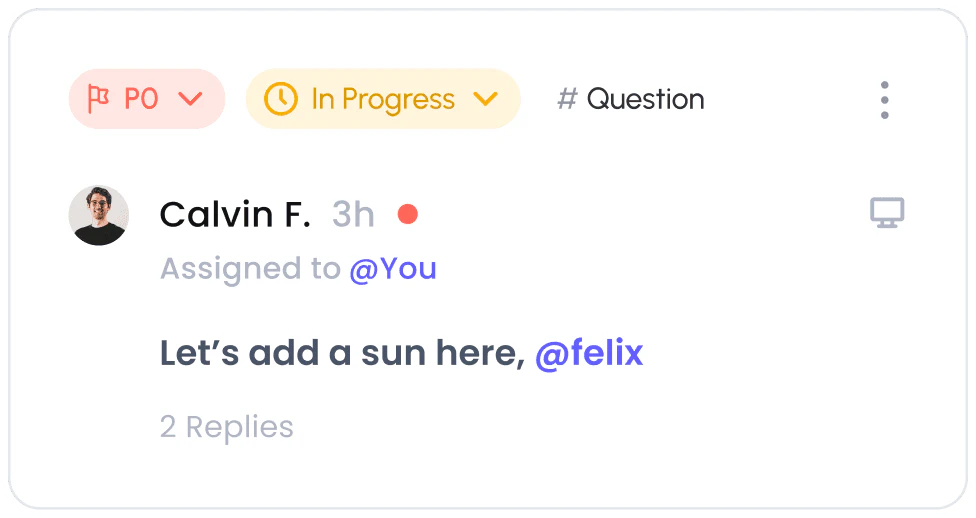
- Built-in task management to prioritize team feedback.
- Seamless integration with popular tools like Slack, Asana, and ClickUp.
- Fast approval processes to minimize back-and-forth communication.
- Support for private and guest modes to streamline client feedback.
Who is AI Copilot for?
AI Copilot is primarily designed for agencies, marketing teams, and creative professionals who need to collaborate efficiently on digital assets. It is ideal for designers, project managers, and content creators who require a streamlined process for feedback and approvals, particularly in fast-paced environments where time is of the essence.
What are the use cases of AI Copilot?
- Collaborating on website design and development, allowing teams to annotate directly on live sites.
- Reviewing video content with stakeholders, enabling precise feedback on specific scenes.
- Streamlining the approval process for marketing materials, reducing the time spent on revisions.
Product Images


Analytics of AI Copilot
AI Copilot Website Traffic Analysis
Visits Over Time
Traffic Sources
Oct 2025 - Dec 2025 Worldwide Desktop Only
- Direct: 45.55%
- Search: 33.73%
- Social: 9.01%
- Referrals: 8.58%
- Paid Referrals: 2.68%
- Mail: 0.12%
Top Keywords
| Keyword | Volume | CPC | Estimated Value |
|---|---|---|---|
| superflow feedback | 0 | $0.00 | $60.00 |
| loom alternative | 3.28K | $6.18 | $0.00 |
| superflow | 2.63K | $0.43 | $520.00 |
| ruttl | 1.82K | $1.63 | $0.00 |
| alternatives to google docs | 1.35K | $5.08 | $0.00 |