Qoviro





What is Qoviro?
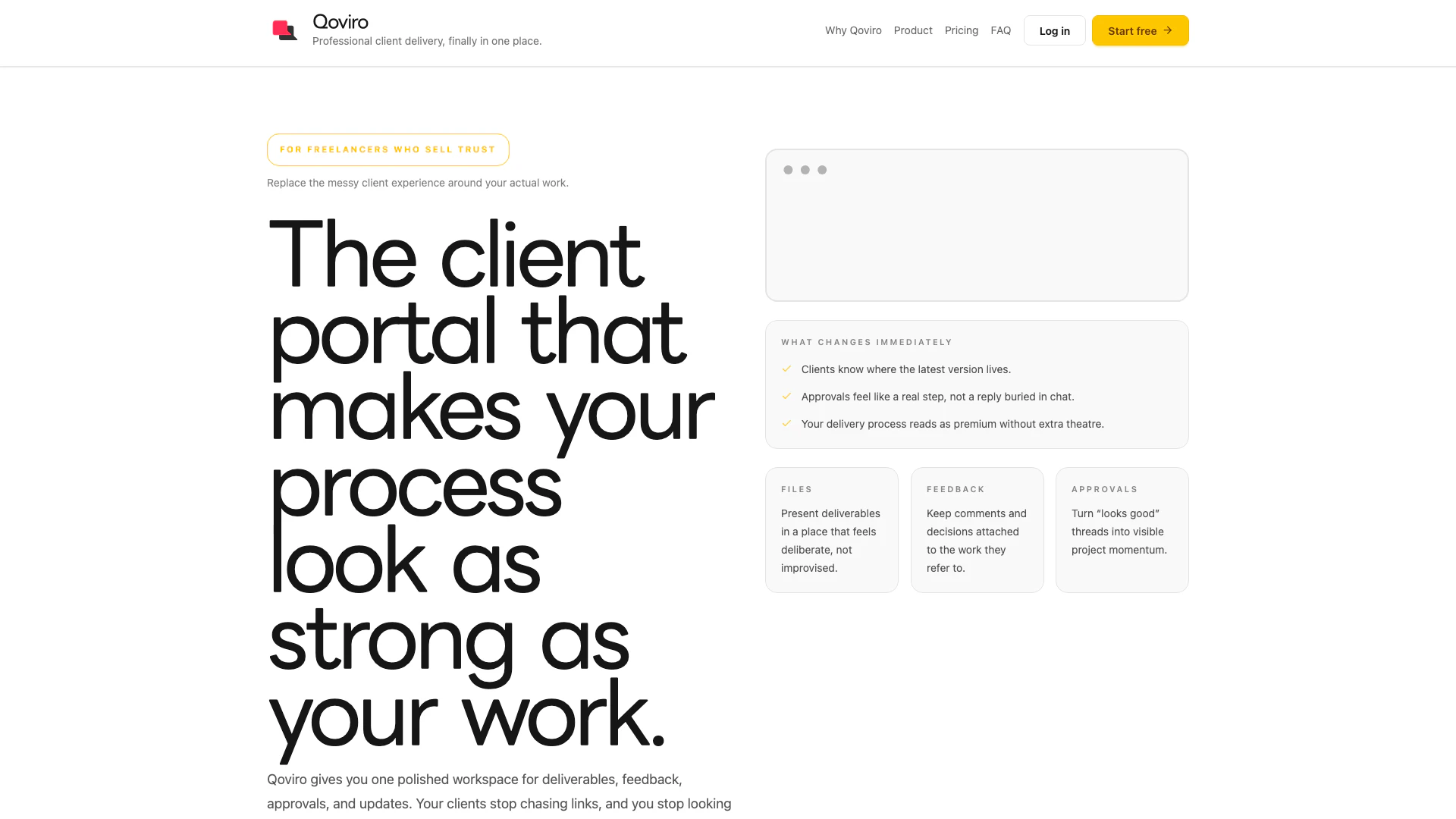
Qoviro is a professional client delivery tool designed specifically for freelancers, studios, and consultants. It offers a polished workspace that consolidates files, reviews, approvals, and communication into a single platform. By streamlining the client experience, Qoviro enhances professionalism and clarity in project management, ensuring that every client interaction feels organized and trustworthy.
How to use Qoviro?
- Sign up for a Qoviro account on their website.
- Create a new workspace for your project, where you can upload files and set up the necessary documents.
- Invite your clients to the workspace by sending them an invite link, allowing them to access the project without needing to create an account.
- Upload deliverables and provide context for each file, ensuring that feedback and approvals are attached directly to the relevant content.
- Use the real-time messaging feature to communicate with clients about project updates and gather their feedback efficiently.
What are the main features of Qoviro?
- Centralized workspace for all project files, feedback, and approvals.
- Intuitive interface that enhances client understanding and trust.
- Real-time messaging to facilitate clear communication.
- Clear visibility of project status and decision points, reducing confusion.
- Custom branding options for a professional touch.
- Unlimited projects and clients, making it scalable for freelancers and studios.
Who is Qoviro for?
Qoviro is tailored for solo freelancers, small studios, and consultants who seek to elevate their client interactions. It is ideal for those who want to present a polished, professional image without the complexity of traditional project management tools. By providing a streamlined client-facing experience, Qoviro caters to professionals who value clarity, efficiency, and trust in their project delivery.
What are the use cases of Qoviro?
- Freelancers can use Qoviro to manage client projects seamlessly, ensuring that all files and feedback are organized in one location.
- Small studios can utilize Qoviro to present their work to clients in a professional manner, improving client satisfaction and retention.
- Consultants can streamline their approval processes, making it easier for clients to provide feedback and make decisions, thereby accelerating project timelines.
Qoviro Pros and Cons
Pros
- Polished Workspace for Clients: Qoviro provides freelancers with a cohesive workspace for managing files, feedback, approvals, and communication, enhancing the professionalism of client interactions.
- Streamlined Approval Process: The tool transforms approval requests into visible project milestones, reducing confusion and making it easier for clients to understand the status of their projects.
- Contextual Feedback Management: Clients can leave feedback directly associated with specific deliverables, ensuring clarity on what is being reviewed and what decisions are needed next.
Cons
No cons data detected for this tool
Qoviro Pricing
Standard
For steady delivery. A clean commercial layer for freelancers who want the workspace to feel credible, fast, and ready to present. 50 GB storage, Core client portal workflow, Approval and feedback experience.
Pro
Most popular. More room, stronger branding control, and better support for freelancers turning a polished process into a serious operating layer. 250 GB storage, Custom branding Soon, Priority support and early access.
For the latest pricing, please visit this link: https://qoviro.com/#pricing
Prices are subject to change. Please visit the official website for the most up-to-date pricing information.