


Twitter-color Created with Sketch. Amazon-color Created with Sketch. Facebook-color Created with Sketch. github [#142] Created with Sketch. meta_fill Pinterest-color Created with Sketch. ProductHunt-color Created with Sketch. Spotify-color Created with Sketch. Threads Logo Streamline Icon: https://streamlinehq.com Yelp-color Created with Sketch. Youtube-color Created with Sketch.
TopAIToolsTopAITools
  • Free Tools
  • Category
  • Leaderboard
  • Deals
  • Submit
EN
TopAIToolsTopAITools
TopAI

TopAITools

TopAITools, The Best Top AI Tools

AI Glossary|English简体中文繁體中文한국어日本語PortuguêsEspañolDeutschFrançaisTiếng Việt|Map

© 2026 TopAITools. All rights reserved.

About

  • Privacy Policy
  • Terms of use

Contact Us

business@topaitoolsreview.com
Home
Ai Note Taker
Mixmemoai
Last updated: June 6, 2026
Mixmemoai logo

Mixmemoai

Get deal
5.0|0 Comments|0 Saved
Introduction:
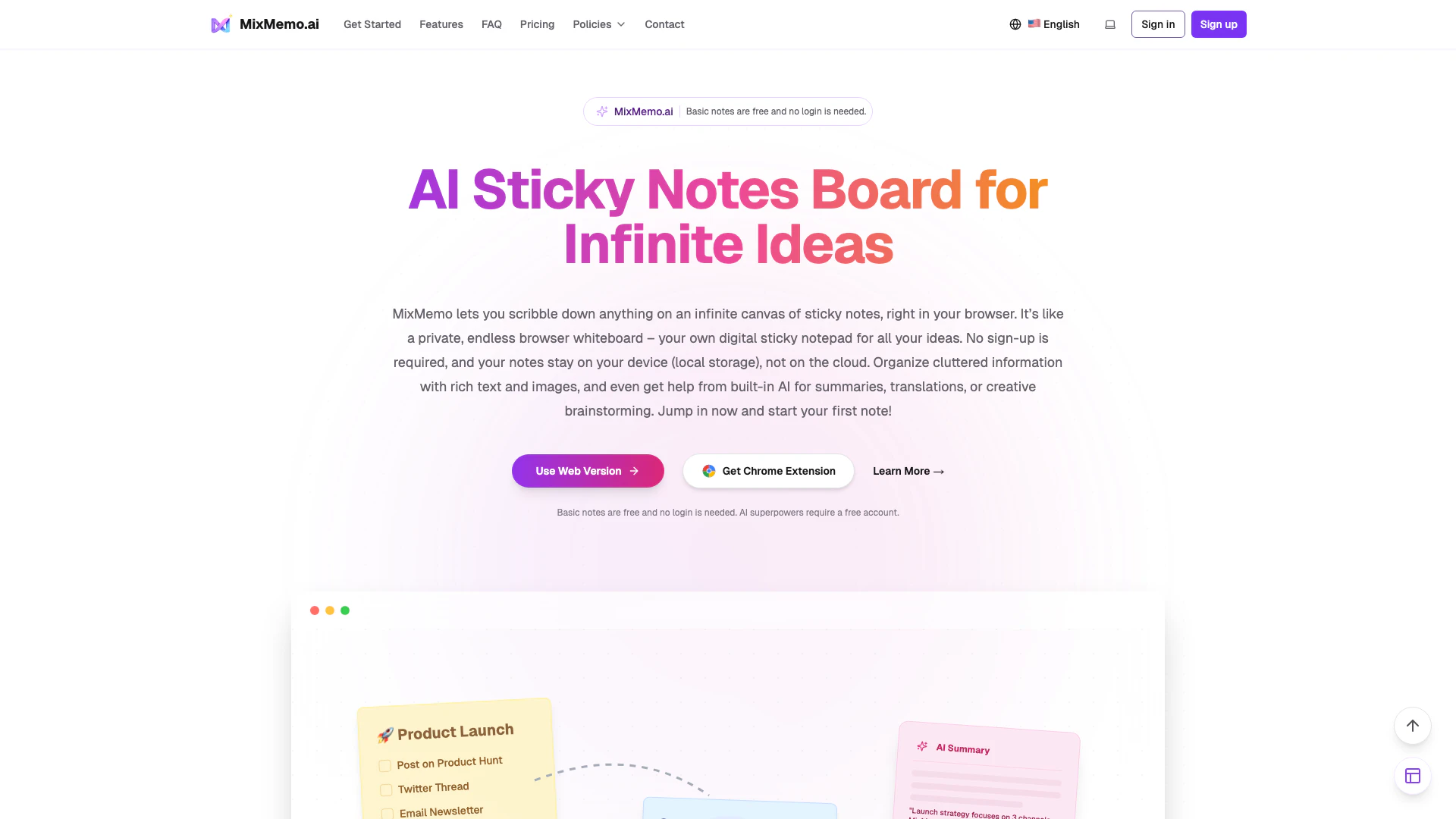
MixMemo is an infinite sticky notes board for organizing ideas with AI support.
Launch Date:
December 9, 2025
Monthly Visits:
755
Inputs:
TextImage
Outputs:
TextImage
Supported Languages:
EN
AI Models:
AI SummaryAI RewriteAI Translate+1 more
Website
🙋‍♂️Personal💼Work🎨Creativity
Ai Note Taker22Ai Productivity Tools260Privacy Focused Note Taking Tools
Mixmemoai website screenshot showing MixMemo is an infinite sticky notes boar... interface and features
Use tool
Update this tool
Linkedin logo

Linkedin

Connect with professionals worldwide on LinkedIn.

Buzz Mail logo

Buzz Mail

Buzz Mail - Google Workspace Marketplace

AI Models logo

AI Models

We believe our research will eventually lead to artificial general intelligence, a system that can solve human-level problems. Building safe and beneficial AGI is our mission.

Adobe logo

Adobe

Adobe empowers users to create and optimize digital content.

Ait Contacts Extractor For Gmail logo

Ait Contacts Extractor For Gmail

EmailWhiz for Gmail™ - Google Workspace Marketplace

Mixmemoai Overview

What is MixMemo?

MixMemo is an innovative infinite sticky notes[2] board that operates directly in your browser. It provides users with a limitless canvas to jot down ideas, organize thoughts, and collaborate visually. With rich text formatting[3] options and built-in AI features, MixMemo allows for enhanced note-taking experiences without the need for sign-up. All notes are stored locally, ensuring privacy and security. This tool is designed for anyone looking to manage their ideas and tasks efficiently, making it ideal for students, professionals, and creative thinkers.


How to use MixMemo?

  1. Open MixMemo: Visit the MixMemo website in your browser to access the infinite canvas[1] immediately—no login required.
  2. Create a Note: Click on any empty spot on the canvas to create a sticky note. You can type or paste content directly into the note.
  3. Organize Ideas: Move your notes by dragging them, resize them as needed, or delete notes by clicking the top-right corner.
  4. Navigate the Canvas: Use your mouse to pan across the infinite board or scroll to move vertically. The mini-map helps you quickly locate notes.
  5. Enhance with AI: Select text or notes to utilize built-in AI tools for rewriting, summarizing, or translating content.
  6. Export: Save your notes as PNG images, PDF documents, or create public share links for easy sharing.

What are the main features of MixMemo?

  • Infinite Canvas: A limitless sticky notes board where users can create and organize notes freely.
  • Rich Text Formatting: Format notes with bold, italics, lists, and more, while attaching images and files.
  • AI Integration[4]: Built-in AI tools for summarizing, translating, and generating quiz cards enhance note utility.
  • Local Storage[5]: Notes are stored locally in the browser, ensuring privacy and control over data.
  • Export and Share Options: Users can export notes as PNG or PDF and create permanent share links for collaboration.

Who is MixMemo for?

MixMemo is designed for a wide range of users, including students, professionals, and creative individuals. Students can utilize it for organizing study notes and creating flashcards, making exam preparation more efficient. Professionals can leverage the tool for project management, brainstorming sessions, and visual organization of ideas. Additionally, anyone looking for a private and flexible note-taking solution will find MixMemo beneficial, especially those who prefer local storage for their data.


What are the use cases of MixMemo?

  1. Students & Exam Takers: Organize lecture notes and create flashcards for efficient study sessions.
  2. Project Management: Visualize project tasks and rearrange priorities using sticky notes for better workflow management.
  3. Creative Brainstorming: Writers and artists can jot down ideas, plot outlines, or character boards in a flexible, visual format.

Mixmemoai Pros and Cons

Pros

  • Infinite Canvas for Ideas: MixMemo offers an unlimited note-taking space, allowing users to create and organize sticky notes freely on a boundless canvas, enhancing creativity and brainstorming.
  • Rich Text and AI Features: The tool supports rich text formatting and built-in AI capabilities for summarizing, translating, and generating infographics, making note-taking more versatile and efficient.
  • Local Storage for Privacy: Notes are stored locally in the browser, ensuring user privacy and control over their data, with cloud storage only used when necessary for AI features.

Cons

No cons data detected for this tool

Analytics of Mixmemoai

Mixmemoai Website Traffic Analysis

Visits Over Time

Jan 2026 - Feb 2026 All Traffic
--
AI Tools Rank
755
Monthly Visits
40.68%
Bounce Rate
1.05
Pages Per Visit
0:00
Visit Duration
--
Global Rank
--
Country Rank

Traffic Sources

Jan 2026 - Feb 2026 Worldwide Desktop Only

  • Direct: 39.53%
  • Search: 35.28%
  • Referrals: 13.68%
  • Social: 8.33%
  • Paid Referrals: 1.89%
  • Mail: 0.22%

Top Regions

Jan 2026 - Feb 2026 Desktop Only
RegionPercentage
🇺🇸
United States
66.26%
🇩🇰
Denmark
17.91%
🇰🇷
South Korea
15.83%
  1. United States: 66.26%
  2. Denmark: 17.91%
  3. South Korea: 15.83%

Top Keywords

KeywordVolumeCPCEstimated Value
free bowser sticky note0$0.00$0.00
무한대 메모장310$0.00$0.00
whiteboard post it notes ai130$0.00$0.00
mix memo120$0.00$120.00

Mixmemoai Compare

Tool NameIntroductionPricing
Type
RatingLaunch DateLearn more
Promptvibes logo
Promptvibes
Explore Prompt Vibes to create unique prompts with our ChatGPT Prompt generator. Discover a collection of the best prompts designed for various uses.
Free
🙋‍♂️Personal🎨Creativity
February 25, 2023
Get deal
Quillbot Paraphraser logo
Quillbot Paraph...
Paraphrasing Tool (Ad-Free and No Sign-up Required) - QuillBot AI
Free
💼Work🎨Creativity
December 31, 1984
Get deal
Facetune logo
Facetune
Edit your selfies to get the results you want with powerful and easy-to-use tools. Give your selfies the VIP treatment. Touch up, reshape & apply digital makeup.
Free
🙋‍♂️Personal🎨Creativity
December 1, 2012
Get deal

Info current as of post date. Offers and availability may vary by location and are subject to change.

Mixmemoai Q&A

MixMemo is an infinite sticky notes board in your browser that allows users to organize their ideas on a boundless canvas. It features rich text formatting and built-in AI tools for enhanced note-taking.

For more FAQs, please visit this link: https://mixmemo.ai/#faq

Mixmemoai Launch embeds

Use website badges to drive support from your community for your TopAITools Review. They're easy to embed on your homepage or footer.

FEATURED ONTopaitoolsreview.com

Mixmemoai Alternatives

Chatspot screenshot

Chatspot

Boost Productivity in HubSpot with Breeze Copilot | HubSpot

Website
Free
💼Work🎨Creativity
Operations & ManagementAI CRM ToolsAi Productivity Tools
  • Operations & Management
  • AI CRM Tools
  • Ai Productivity Tools
Use tool
33.1M
Direct71.33%
Search20.60%
Referrals6.40%
AI Repurpose screenshot

AI Repurpose

OpusClip turns long videos into high-quality viral clips for you to share on TikTok, YouTube Shorts, and Reels to increase social media reach.

Website
FreeWriting & EditingAI Content RepurposingAI Text GeneratorAI Social Media Tools
  • Writing & Editing
  • AI Content Repurposing
  • AI Text Generator
  • AI Social Media Tools
Use tool
4.9M
Direct60.14%
Search34.01%
Referrals3.64%
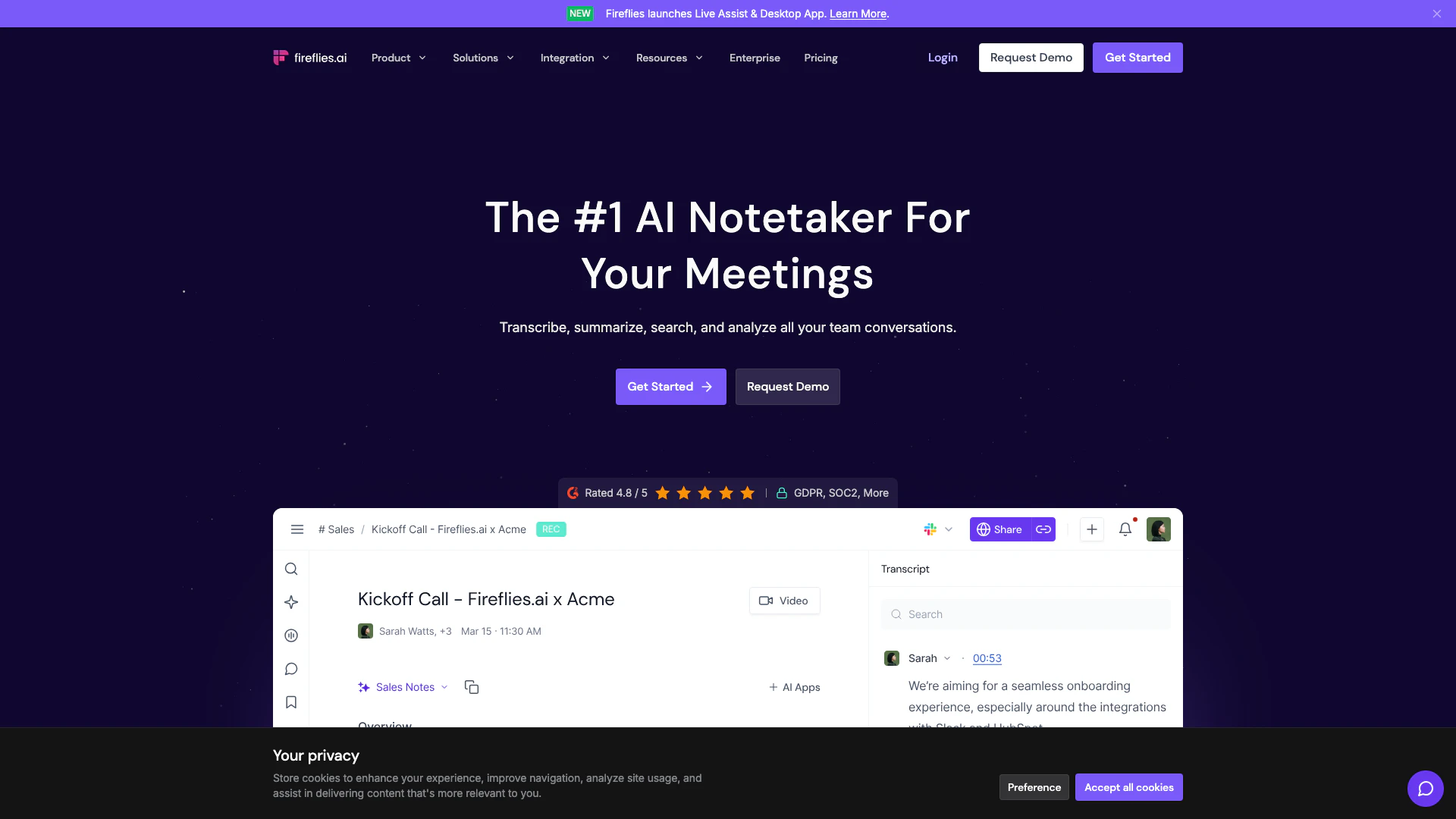
Fireflies Ai screenshot

Fireflies Ai

Streamline your meetings with AI-powered notes and insights.

Website
Free Trial
💼Work🎨Creativity
Productivity & OfficeAi Meeting AssistantAi Note TakerAI Meeting Insights Tools
  • Productivity & Office
  • Ai Meeting Assistant
  • Ai Note Taker
  • AI Meeting Insights Tools
Use tool
4.3M
Direct66.29%
Search29.25%
Referrals3.19%

Mixmemoai Tags

Infinite Sticky NotesAI Note FeaturesLocal StorageRich Text FormattingAI SummarizationExport NotesBrainstorming ToolVisual Organization

Also used for

Ai Note Taker22Ai Productivity Tools260Privacy Focused Note Taking Tools4AI Identity Protection5AI Security Tools2AI Keyboard Tools6AI Productivity Tools313AI Information Management Tools162AI Spreadsheet Tools27AI Spreadsheet Automation Tools29AI File Management Tools22AI Document Processing Tools90AI Business Planning Tools59AI Pitch Deck Generators37AI Branding Tools6

Sources (5)

Mixmemoai logo
MixmemoaiFreemium
Get deal

Mixmemoai Comments (0)

Your rating

?
0/2000

No comments yet

Be the first to share your thoughts!

Mixmemoai Prompts (0)

Prompts And Results

Add your own prompts and outputs to help others understand how to use this AI.

🚀0
🚀0