

Twitter-color Created with Sketch. Amazon-color Created with Sketch. Facebook-color Created with Sketch. github [#142] Created with Sketch. meta_fill Pinterest-color Created with Sketch. ProductHunt-color Created with Sketch. Spotify-color Created with Sketch. Threads Logo Streamline Icon: https://streamlinehq.com Yelp-color Created with Sketch. Youtube-color Created with Sketch.
TopAIToolsTopAITools
  • Free Tools
  • Category
  • Leaderboard
  • Deals
  • Submit
EN
TopAIToolsTopAITools
TopAI

TopAITools

TopAITools, The Best Top AI Tools

AI Glossary|English简体中文繁體中文한국어日本語PortuguêsEspañolDeutschFrançaisTiếng Việt|Map

© 2026 TopAITools. All rights reserved.

About

  • Privacy Policy
  • Terms of use

Contact Us

business@topaitoolsreview.com
Home
Content Creation Tools
Mailly
Last updated: May 22, 2026
Mailly logo

Mailly

Get deal
4.0|0 Comments|0 Saved
Introduction:
Create stunning emails with AI-generated designs.
Launch Date:
January 10, 2026
Monthly Visits:
--
Inputs:
Text
Outputs:
Code
Supported Languages:
PT
Website
🎨Creativity
Content Creation Tools54HTML5 Email Development ToolsToken Powered Email Tools
Mailly website screenshot showing Create stunning emails with AI-generated... interface and features
Use tool
Update this tool
Slack logo

Slack

Enhance collaboration and productivity with Slack's AI features.

Box logo

Box

Box AI enhances enterprise productivity with intelligent content management and automation.

Zoom logo

Zoom

Connect and collaborate seamlessly with Zoom's all-in-one platform.

Docgpt Ai Writer For Docs logo

Docgpt Ai Writer For Docs

GPT for Sheets™ Docs™ Forms™ Slides™ - Google Workspace Marketplace

Plus Ai For Google Slides logo

Plus Ai For Google Slides

Stop creating slides and docs the old way. Make work easier with the best AI tools for Google Slides™ and Google Docs™.

Mailly Overview

What is Mailly?

Mailly is an innovative AI Email Builder designed to simplify the email creation process. With its IA-first approach, users can describe their email requirements in natural language, and Mailly's advanced artificial intelligence generates a complete, responsive HTML design in just 15 seconds. This tool is perfect for individuals and businesses looking to create professional email templates quickly and efficiently.


How to use Mailly?

To use Mailly, follow these simple steps: 1. Go to the Mailly website and create an account or log in. 2. Describe your email content and design preferences in natural language. 3. Click the 'Generate' button, and within 15 seconds, Mailly will create a responsive HTML email template for you. 4. Review the generated email and make any necessary adjustments. 5. Download or directly use the HTML email for your campaigns.


What are the main features of Mailly?

Mailly offers several powerful features that enhance the email creation experience: - Natural Language Processing: Users can describe their email needs in plain language, making it accessible for everyone. - AI-Generated HTML: The tool automatically creates responsive HTML designs, ensuring emails look great on any device. - Fast Generation: Emails are generated in just 15 seconds, saving users time and effort. - User-Friendly Interface: The intuitive design makes it easy for anyone to create professional emails without coding knowledge.


Who is Mailly for?

Mailly is ideal for a wide range of users including marketers, small business owners, and entrepreneurs who need to create professional email templates quickly. It's also suitable for individuals who may not have technical skills but want to design visually appealing emails for personal or business communications.


What are the use cases of Mailly?

Mailly can be used in various scenarios, including: 1. Marketing Campaigns: Create eye-catching email newsletters to promote products and services. 2. Event Invitations: Design professional invitations for webinars, conferences, and other events. 3. Customer Engagement: Develop personalized emails to keep customers informed about updates and offers.

Mailly Pros and Cons

Pros

  • Fast Email Creation: Mailly allows users to create professional email templates in just 15 seconds by describing their needs in natural language.
  • AI-Driven Design: The tool utilizes AI to generate responsive HTML designs, ensuring modern and visually appealing email layouts.
  • User-Friendly Interface: Users can simply describe their email requirements without needing technical skills, making it accessible for everyone.

Cons

No cons data detected for this tool

Mailly Pricing

Starter

R$97/month

For freelancers and small businesses. Includes 150 credits/month, ~10 professional templates/month, 3 simultaneous projects, 2 users, history (10 versions), HTML/MJML export, email support.

Pro

R$197/month

For agencies and marketing teams. Includes everything from Starter plus 400 credits/month, ~26 professional templates/month, 10 projects, 5 users, rollover up to 100 credits, WYSIWYG visual editor, Mailchimp/SendGrid integrations, priority support.

Enterprise

R$497/month

For large operations. Includes everything from Pro plus 1,200 credits/month, ~80 professional templates/month, unlimited projects, unlimited users, rollover up to 300 credits, complete white-label, API access + SSO, 99.9% SLA + dedicated manager.

For the latest pricing, please visit this link: https://mailly.com.br/

Prices are subject to change. Please visit the official website for the most up-to-date pricing information.


Mailly Compare

Tool NameIntroductionPricing
Type
RatingLaunch DateLearn more
Studio logo
Studio
The easiest and quickest way to build your beautiful portfolio website, landing page or anything. No code. All creative freedom.
Free
💼Work🎨Creativity
July 6, 2017
Get deal
Shulex Copilot logo
Shulex Copilot
Shulex Copilot ChatGPT E-commerce Tool & Sidebar - Shulex VOC
Free
💼Work🎨Creativity
December 15, 2017
Get deal
Autodraw logo
Autodraw
AutoDraw
Free
🎨Creativity
January 2, 1998
Get deal

Info current as of post date. Offers and availability may vary by location and are subject to change.

Mailly Launch embeds

Use website badges to drive support from your community for your TopAITools Review. They're easy to embed on your homepage or footer.

FEATURED ONTopaitoolsreview.com

Mailly Alternatives

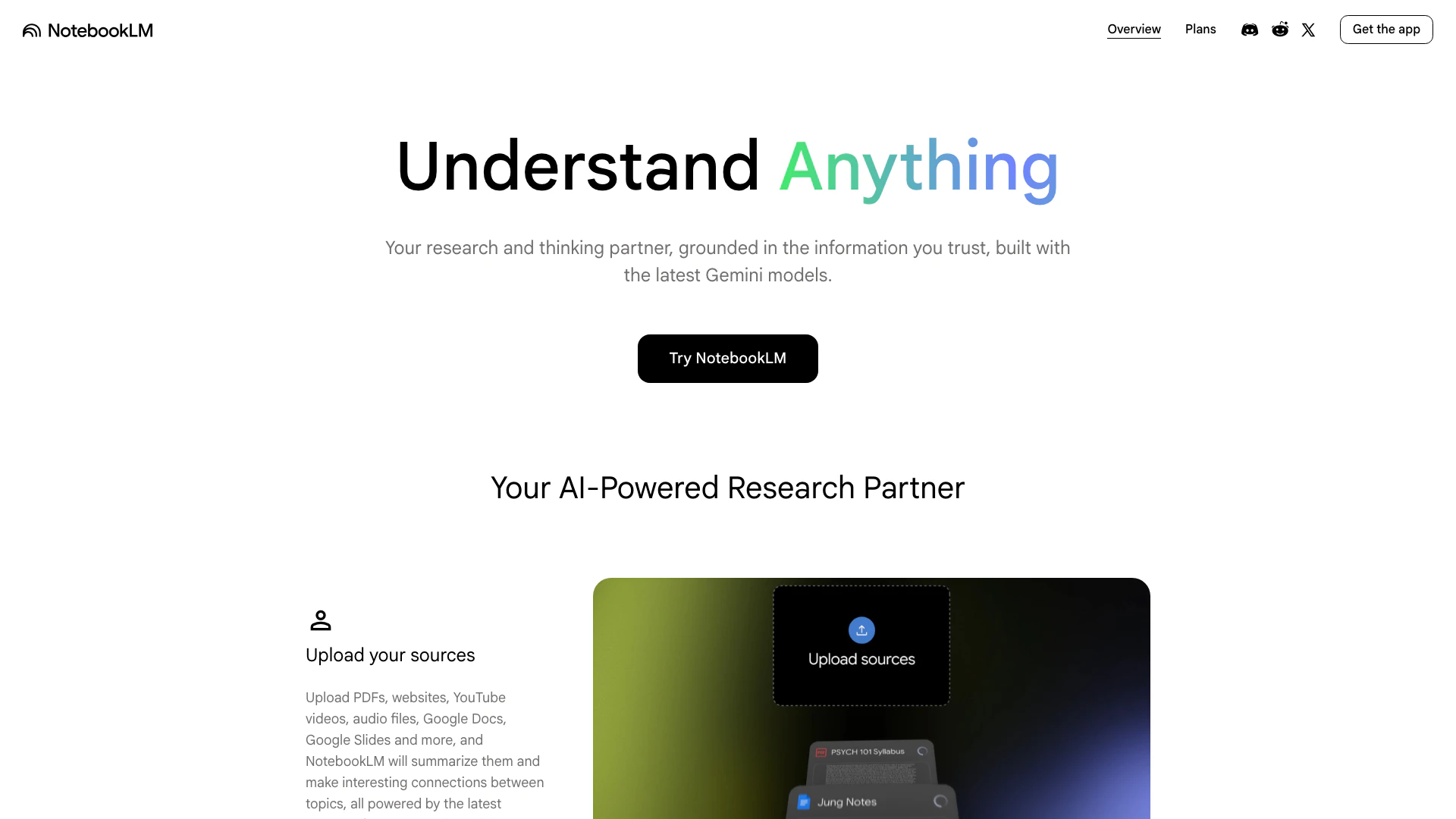
Notebooklm screenshot

Notebooklm

NotebookLM simplifies research with AI-driven insights.

Website
Free
💼Work🎨Creativity
Productivity & OfficeAI Productivity ToolsAI Information Management ToolsContent Creation Tools
  • Productivity & Office
  • AI Productivity Tools
  • AI Information Management Tools
  • Content Creation Tools
Use tool
29.2M
Search58.29%
Direct38.69%
Referrals2.21%
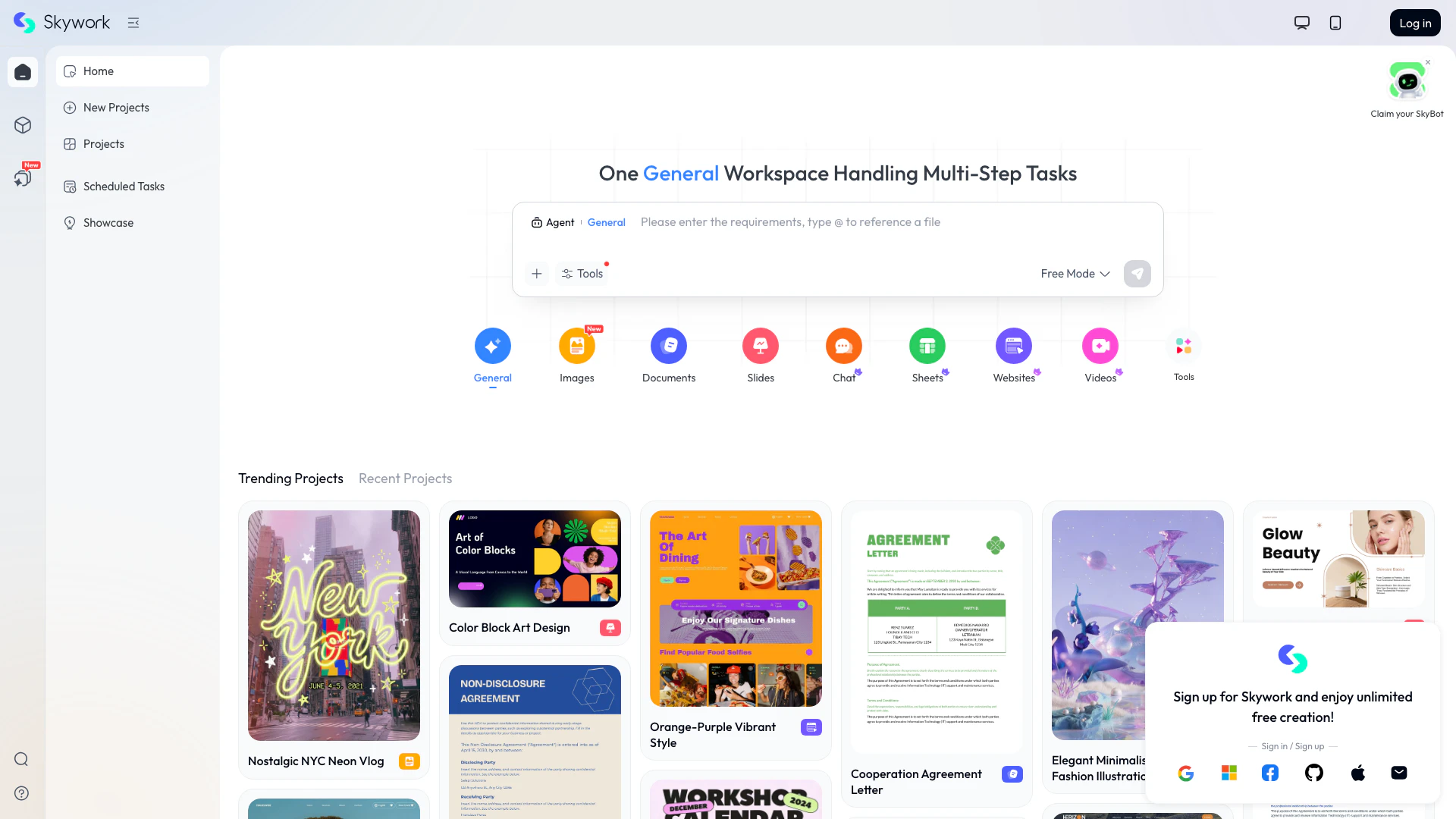
Skyworkai screenshot

Skyworkai

Skyworkai transforms simple inputs into diverse content.

Website
Free
🙋‍♂️Personal💼Work🎨Creativity
Productivity & OfficeAI Productivity ToolsContent Creation ToolsAI Presentation and Annotation Tools
  • Productivity & Office
  • AI Productivity Tools
  • Content Creation Tools
  • AI Presentation and Annotation Tools
Use tool
2.9M
Search46.11%
Direct42.59%
Referrals5.84%
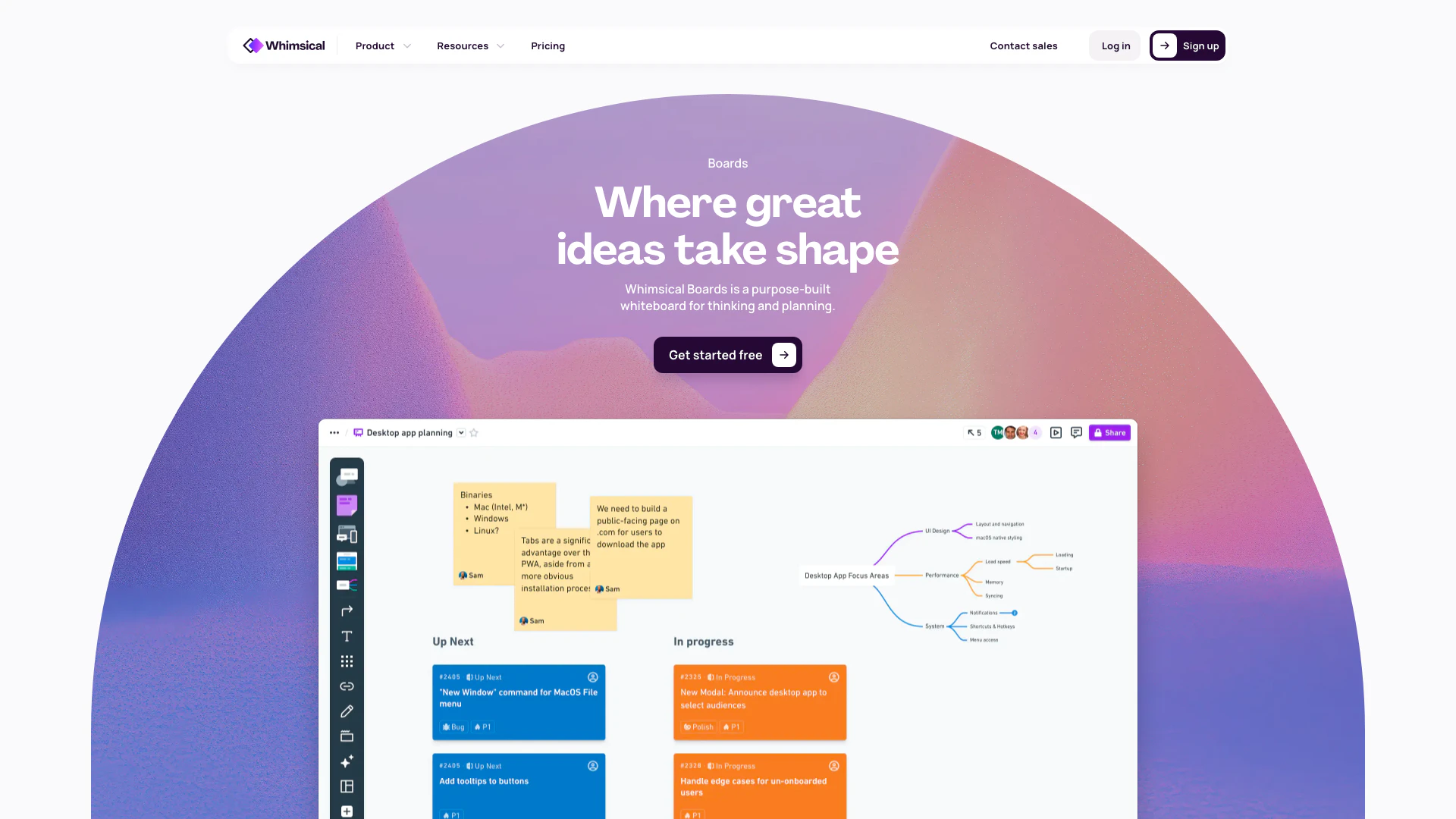
Whimsical screenshot

Whimsical

Whimsical is a collaborative whiteboard tool for visualizing ideas and planning projects.

Website
Free
🙋‍♂️Personal💼Work🎨Creativity
Productivity & OfficeAI Task Management ToolsContent Creation ToolsUser Story and Prototype Development Tools
  • Productivity & Office
  • AI Task Management Tools
  • Content Creation Tools
  • User Story and Prototype Development Tools
Use tool
1.6M
Direct66.38%
Search24.51%
Referrals7.21%

Mailly Tags

Responsive HTMLNatural Language InputEmail TemplatesProfessional Design

Also used for

Content Creation Tools54HTML5 Email Development Tools3Token Powered Email Tools2AI Identity Protection5AI Security Tools2AI Keyboard Tools6AI Productivity Tools312AI Information Management Tools160AI Spreadsheet Tools27AI Spreadsheet Automation Tools29AI File Management Tools22AI Document Processing Tools89AI Business Planning Tools59AI Pitch Deck Generators37AI Branding Tools6
Mailly logo
MaillyFree Trial
Get deal

Mailly Comments (0)

Your rating

?
0/2000

No comments yet

Be the first to share your thoughts!

Mailly Prompts (0)

Prompts And Results

Add your own prompts and outputs to help others understand how to use this AI.

🚀0
🚀0