

Whimsical





What is Whimsical?
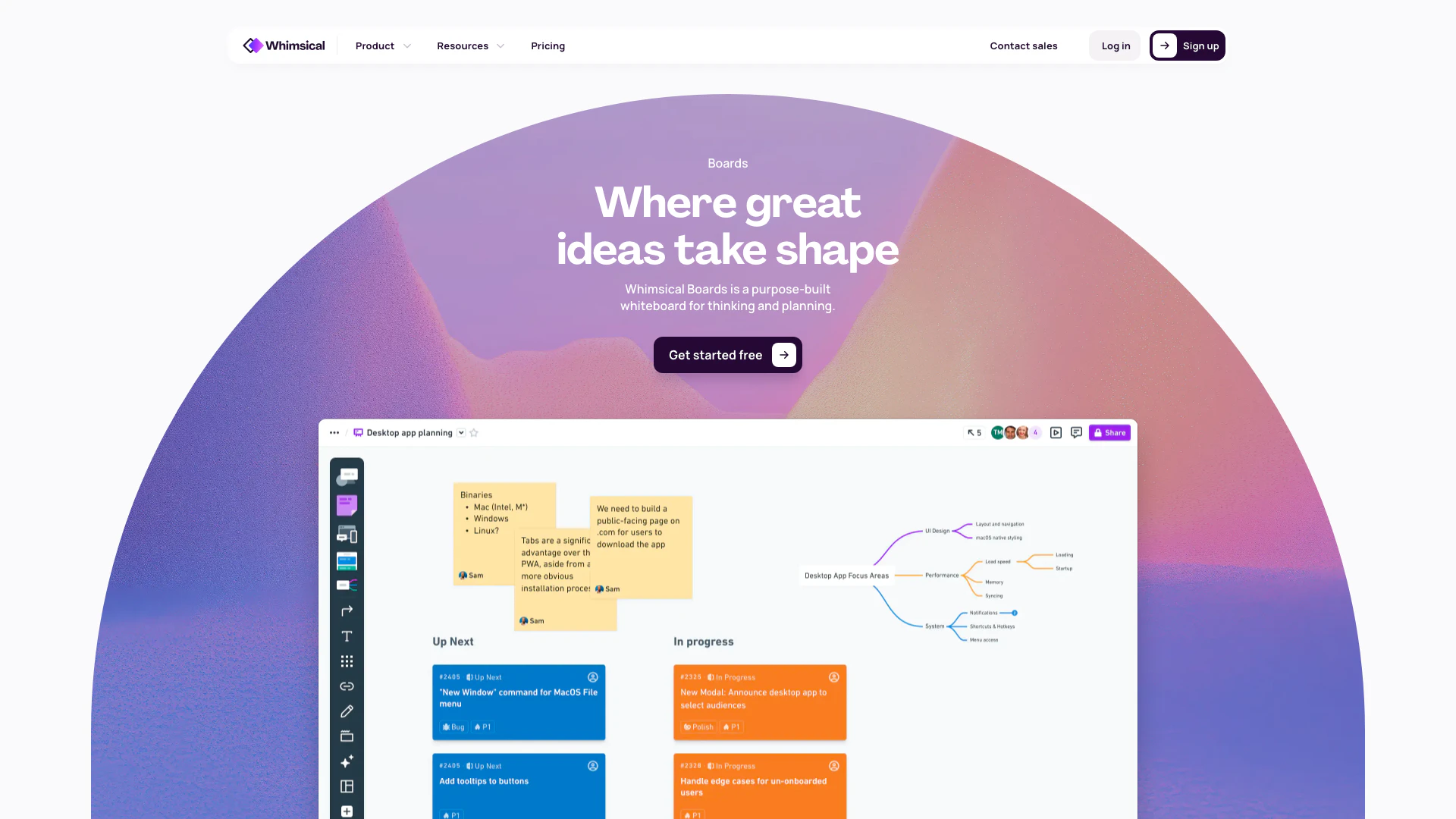
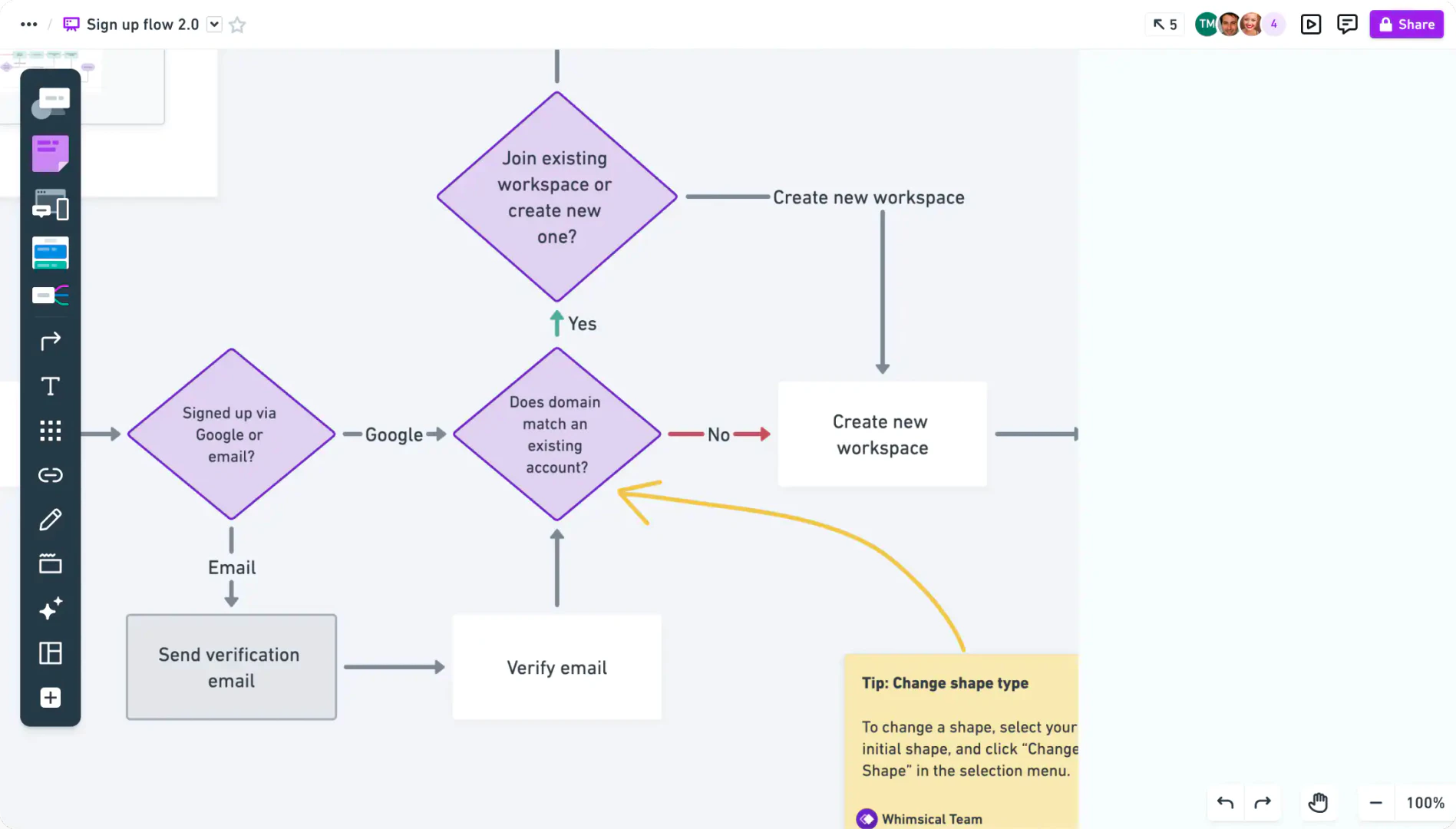
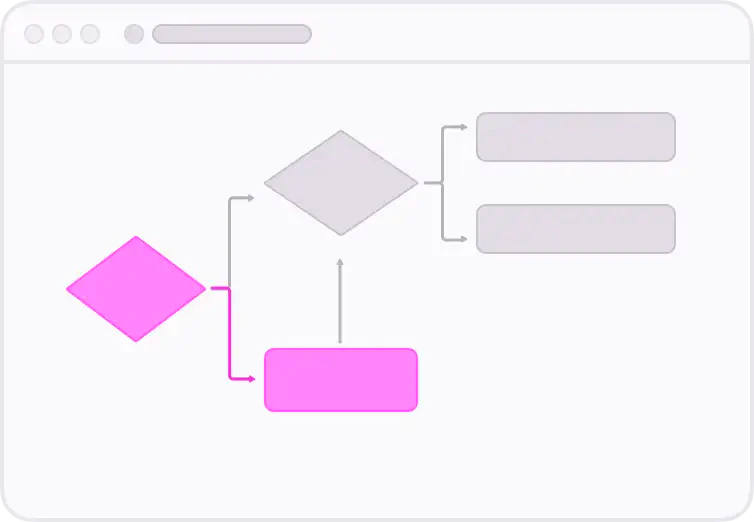
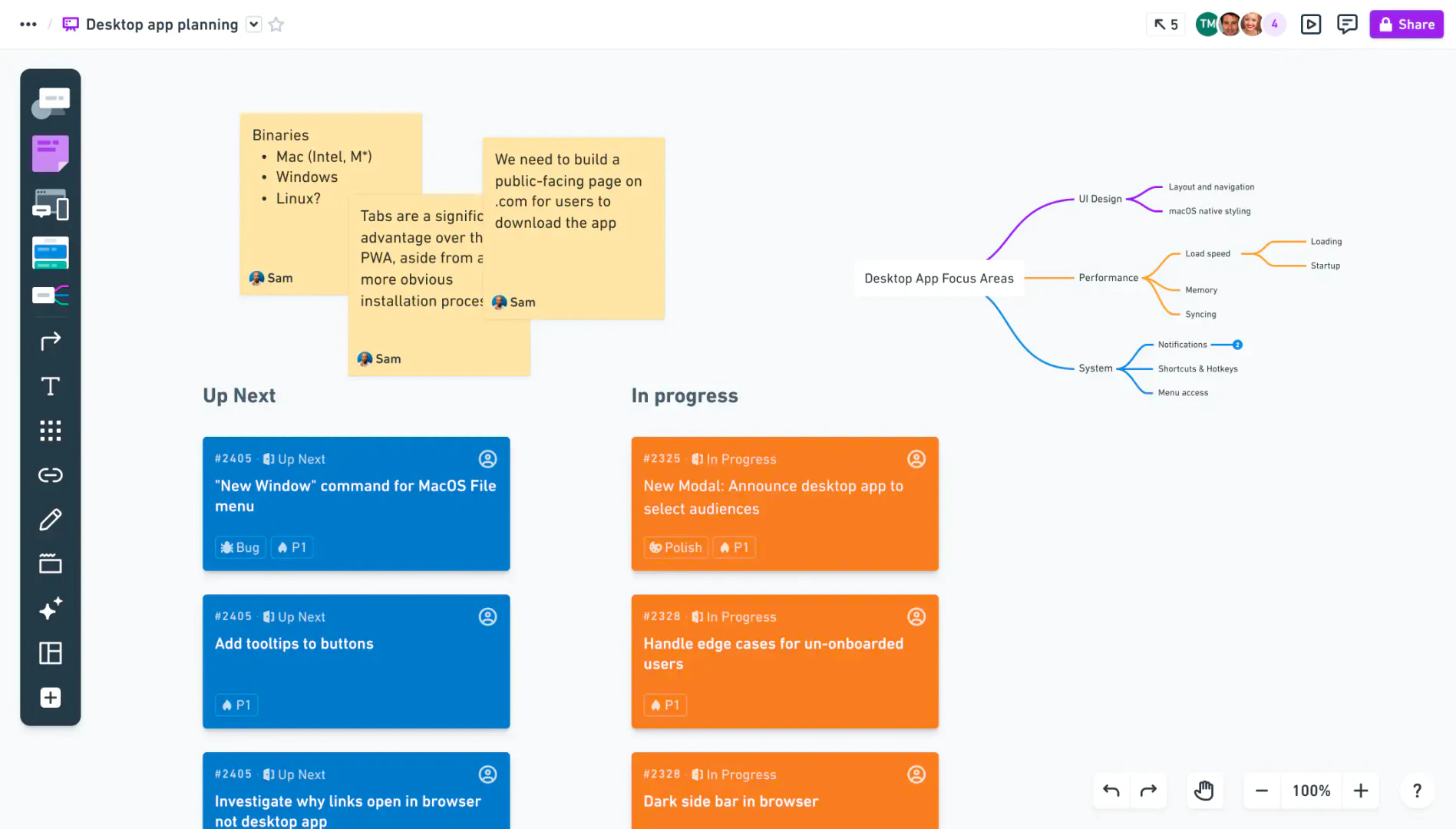
Whimsical is a collaborative whiteboard application designed for thinking and planning. It enables users to create flowcharts, mind maps, wireframes, and more, fostering a space where ideas can be documented, communicated, and developed in real-time or asynchronously. Whimsical stands out with its intuitive interface and tools that facilitate teamwork, allowing multiple users to collaborate seamlessly, enhancing productivity and creativity.
How to use Whimsical?
- Sign up for a free account at Whimsical.com.
- Choose the type of project you want to create: diagrams, flowcharts, mind maps, wireframes, or whiteboards.
- Use the drag-and-drop interface to add elements and organize your ideas.
- Collaborate with your team in real-time by sharing your board and inviting others to join.
- Utilize templates and tools to enhance your project and streamline your workflow.
What are the main features of Whimsical?
- Collaborative Whiteboard: A shared space for brainstorming and organizing ideas.
- Real-Time Editing: Multiple users can work together simultaneously, enhancing teamwork.
- Templates: Access a library of expert-designed templates to kickstart your projects.
- Flowcharts and Diagrams: Create visual representations of complex processes easily.
- Version History: Track changes and revert to previous versions as needed.
- Comments and Feedback: Discuss ideas directly within the workspace without distractions.
Who is Whimsical for?
Whimsical is ideal for teams, designers, product managers, and anyone involved in collaborative planning and brainstorming. It is particularly beneficial for those who need to visualize complex ideas, such as software developers, marketers, and educators. The tool caters to users seeking a streamlined way to document processes, create wireframes, and facilitate discussions, making it suitable for both remote and in-office teams.
What are the use cases of Whimsical?
- Creating User Flows: Design user journey maps to enhance user experience.
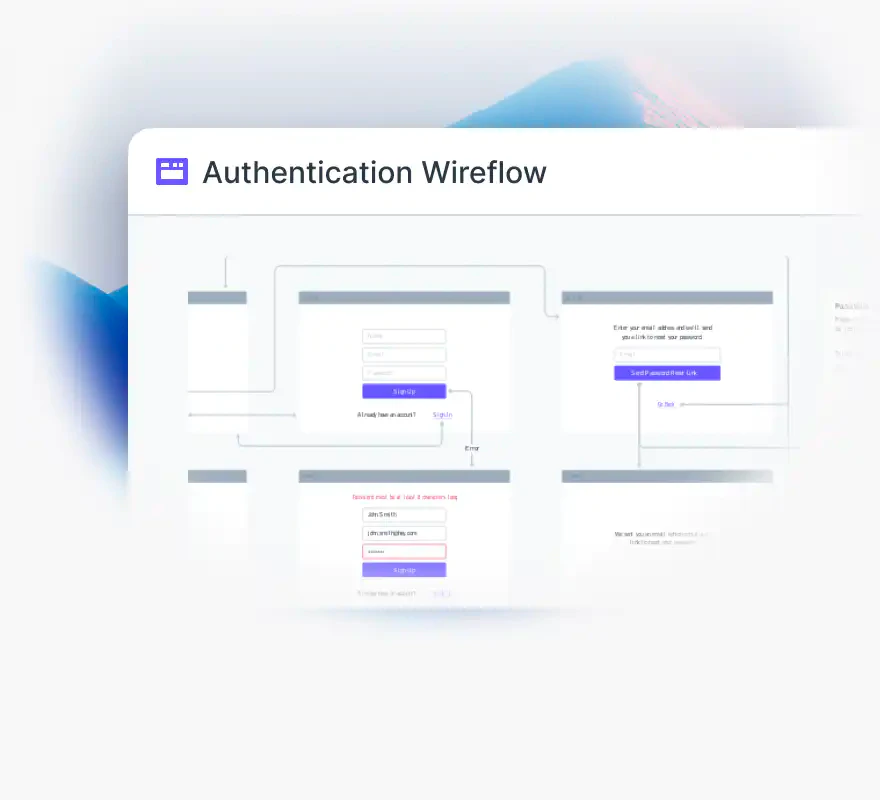
- Wireframing Applications: Quickly prototype and iterate on product ideas before development.
- Team Brainstorming Sessions: Facilitate collaborative brainstorming for project planning and idea generation.
Product Images

Whimsical Pros and Cons
Pros
- Versatile Collaboration Tools: Whimsical offers a variety of collaborative tools including flowcharts, mind maps, wireframes, and whiteboards, making it suitable for diverse planning and brainstorming needs.
- Real-Time Collaboration: The platform supports real-time editing, allowing multiple users to work together seamlessly, enhancing team productivity and communication.
- User-Friendly Interface: Whimsical features an intuitive interface that simplifies the process of creating and sharing visual content, making it accessible for users of all skill levels.
Cons
No cons data detected for this tool
Whimsical Pricing
Free
For personal projects and flexible collaboration. Includes unlimited workspace members, 3 team boards, unlimited docs, 3 teams, 10 guests, upload files up to 5MB each, 7-day version history, and 100 AI actions per editor.
Pro
For small-but-mighty teams or individuals. Includes everything in Free, plus unlimited team boards, private teams, 6 teams, 50 guests, upload files up to 1GB each, 90-day version history, 500 AI actions per editor per month, and admin roles.
Business
For large teams or entire organizations. Includes everything in Pro, plus unlimited teams, 100 guests, upload files up to 5GB each, 1-year version history, 1000 AI actions per editor per month, and SSO/SAML.
Enterprise
For organizations who need advanced controls and support. Billed annually. Includes everything in Business, plus starting at 200 guests, upload files up to 10GB each, unlimited version history, 2000 AI actions per editor per month, SCIM, advanced security controls, priority support, and a dedicated success manager.
For the latest pricing, please visit this link: https://whimsical.com/pricing
Prices are subject to change. Please visit the official website for the most up-to-date pricing information.
Analytics of Whimsical
Whimsical Website Traffic Analysis
Visits Over Time
Traffic Sources
Nov 2025 - Jan 2026 Worldwide Desktop Only
- Direct: 66.38%
- Search: 24.51%
- Referrals: 7.21%
- Social: 1.43%
- Paid Referrals: 0.41%
- Mail: 0.05%
Top Keywords
| Keyword | Volume | CPC | Estimated Value |
|---|---|---|---|
| whimsical | 219.99K | $1.88 | $156060.00 |
| mind map maker | 25.75K | $1.31 | $2480.00 |
| whimsical ai | 10.00K | $2.17 | $9050.00 |
| whimiscal | 3.49K | $3.72 | $2330.00 |
| whinsical | 2.57K | $0.57 | $2030.00 |
Whimsical Reviews
"Being able to rapidly explore ideas, whether in flows, wireframes, cards, or words, has been invaluable. Faster exploration means faster communication." Arthur K., Staff Product Designer
"When we write pitches for new features, we’ll usually start by creating a flowchart or a user flow. Then we can embed those within a pitch doc, which is a huge benefit. You don’t have the same ability to combine different files at that level with other tools." Drew Barontini, Chief Product Officer, Differential
"I use it for everything from wireframing and mind mapping to creating flowcharts and user flows. I used to rely on a bunch of different tools, but Whimsical’s got it all in one place." Jason M., Designer
For more reviews, visit this link: https://whimsical.com/#testimonials



Whimsical Social Listening
Whimsical Wireframes Tutorial
Learn all about frames, elemen...
Designing user flows and wiref...
Hey friend! I wanted to show y...
Whimsical Flowcharts Tutorial
Learn all about shapes, connec...
Unlock to view 57 social media results.