
Mail2do
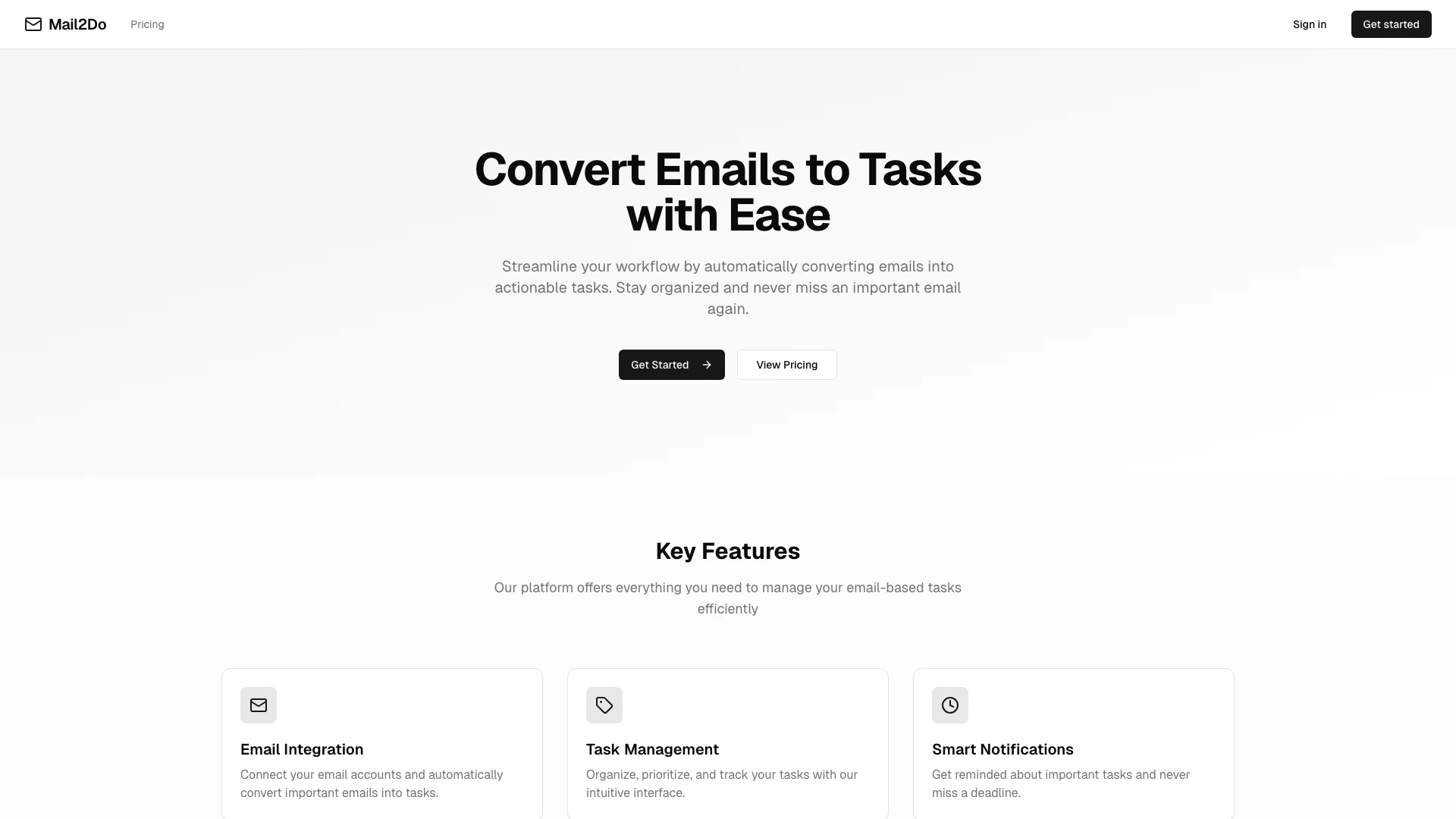




What is Mail2do?
Mail2do is a Next.js application designed to streamline your workflow by converting emails into actionable tasks. This innovative tool helps users manage their email-based tasks efficiently, ensuring that important emails are transformed into manageable tasks that can be organized, prioritized, and tracked. By automating this process, Mail2do allows users to stay organized and ensures that no important email is overlooked, making it an essential tool for anyone looking to enhance their productivity.
How to use Mail2do?
- Sign up for a Mail2do account by visiting the website and clicking on 'Get Started'.
- Connect your email accounts to Mail2do through the user-friendly interface.
- Once connected, Mail2do will automatically convert important emails into tasks.
- Organize and prioritize your tasks using the intuitive task management features.
- Set smart notifications to remind you about important tasks and deadlines.
What are the main features of Mail2do?
- Email Integration: Seamlessly connect your email accounts and convert important emails into tasks automatically.
- Task Management: Organize, prioritize, and track your tasks with a simple and intuitive interface.
- Smart Notifications: Receive reminders about important tasks to ensure you never miss a deadline.
Who is Mail2do for?
Mail2do is ideal for professionals, entrepreneurs, and anyone who relies heavily on email communication. It is particularly beneficial for individuals who need to manage multiple tasks derived from emails and want to enhance their productivity by streamlining their workflow. Whether you are a busy executive, a project manager, or a freelancer, Mail2do provides the tools necessary to stay organized and efficient.
What are the use cases of Mail2do?
- Project Management: Convert project-related emails into tasks to ensure all responsibilities are tracked and managed efficiently.
- Deadline Management: Set reminders for tasks created from emails to ensure that deadlines are met without fail.
- Personal Task Management: Use Mail2do to manage personal tasks derived from emails, helping to balance work and personal responsibilities effectively.
Mail2do Pros and Cons
Pros
- Email Integration: Easily connect your email accounts to automatically convert important emails into tasks, enhancing productivity.
- Task Management: Organize, prioritize, and track tasks with an intuitive interface, making task management straightforward.
- Smart Notifications: Receive reminders for important tasks to ensure deadlines are met and nothing is overlooked.
Cons
No cons data detected for this tool
Mail2do Pricing
Free Plan
Perfect for trying out AI email analysis.
Premium Plan
Unlimited AI-powered email processing with unlimited AI email analysis.
For the latest pricing, please visit this link: https://www.mail2do.org/pricing
Prices are subject to change. Please visit the official website for the most up-to-date pricing information.