Zinkforge





What is Zinkforge?
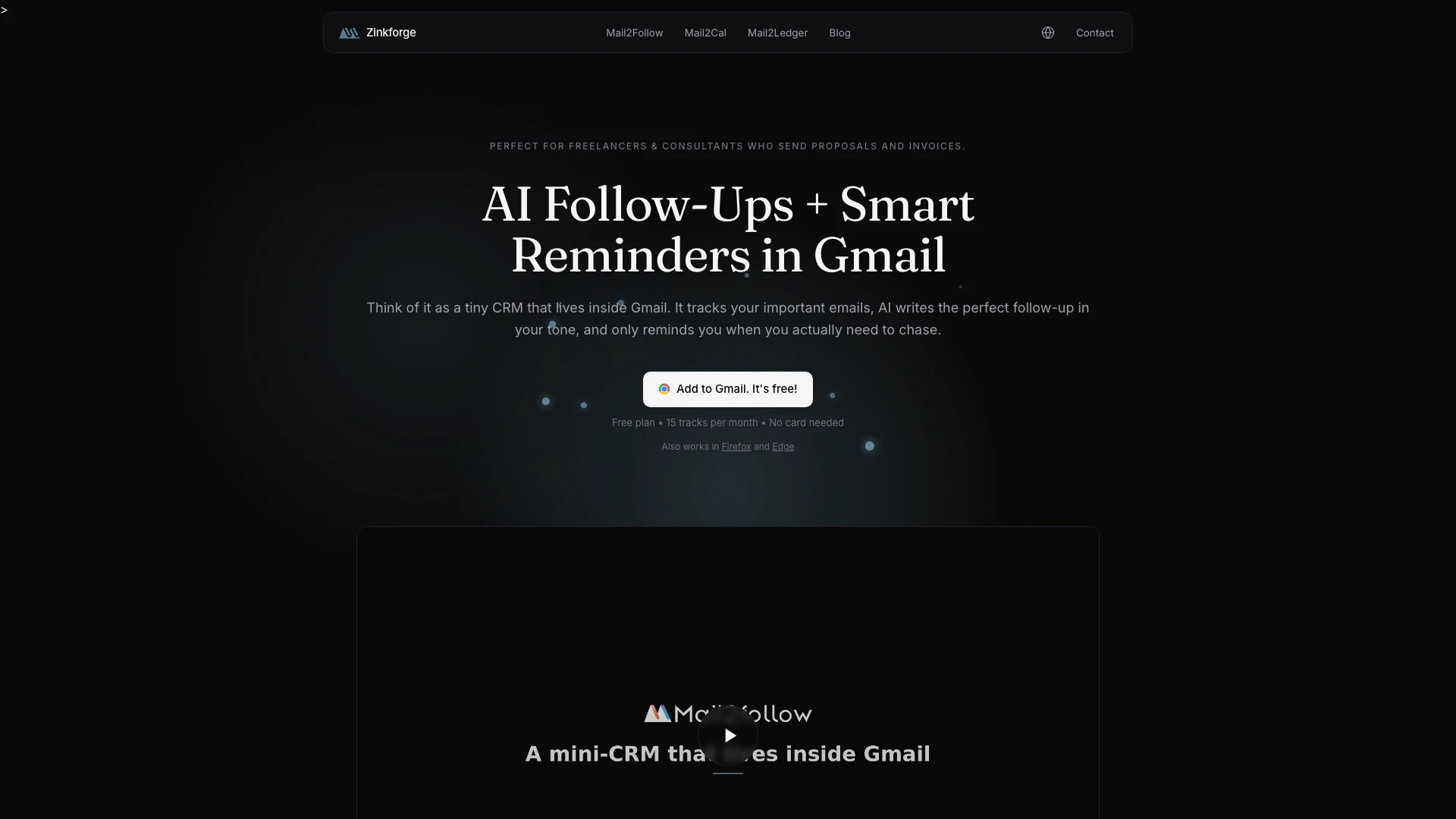
Zinkforge is a tiny CRM tool designed specifically for Gmail users that helps manage email follow-ups seamlessly within their inbox. It ensures that no deal goes unanswered by tracking sent emails, providing reminders, and drafting follow-ups in the user's tone. With its intuitive interface and AI-driven features, Zinkforge enhances productivity by integrating CRM functionalities directly into Gmail, making it easier for users to keep track of their communications without leaving their email environment.
How to use Zinkforge?
- Install the Zinkforge extension from the Chrome Web Store or other supported browsers.
- Open your Gmail inbox and locate an email thread you want to track.
- Click the 'Track' button within the thread to start monitoring it.
- Zinkforge will automatically draft follow-up emails in your tone and remind you when it's time to reach out if there is no response.
- Edit the AI-generated follow-up as needed and send it directly from Gmail.
What are the main features of Zinkforge?
- Tracks when your emails are opened and provides real-time notifications.
- AI drafts follow-up emails in the user’s tone based on the original email content.
- Reminds users to follow up if there has been no response from the recipient.
- Operates entirely within Gmail, eliminating the need for separate CRM software.
- Maintains user privacy by not storing email bodies and only tracking necessary data.
Who is Zinkforge for?
Zinkforge is ideal for professionals, salespeople, and small business owners who rely heavily on email communication and need a simple yet effective way to manage follow-ups. It caters to users who prefer to keep their workflow within Gmail and want to ensure that important deals and conversations are not overlooked. Additionally, it is suitable for anyone looking to enhance their email productivity without the complexity of traditional CRM systems.
What are the use cases of Zinkforge?
- Sales professionals can use Zinkforge to track client communications and ensure timely follow-ups, leading to improved conversion rates.
- Freelancers can manage client inquiries and follow-ups efficiently, keeping all communications organized within their Gmail inbox.
- Teams can collaborate on email threads, ensuring that no important messages are missed and follow-ups are handled promptly, enhancing overall communication.
Zinkforge Pros and Cons
Pros
- Email Tracking Feature: Mail2Follow tracks when your emails are opened, ensuring you stay informed about recipient engagement.
- Automated Follow-ups: The tool drafts follow-up emails for you, saving time and ensuring no deal goes unanswered.
- Privacy-Focused Design: Mail2Follow does not store email bodies, enhancing user privacy while still providing essential tracking features.
Cons
No cons data detected for this tool
Zinkforge Pricing
Free
Start tracking today with 15 tracked emails per month, AI classification and draft, reply detection and notifications, and support for a single Gmail account.
Pro
For people who follow up for a living. Unlimited tracked emails, multi-account support, insights on per-contact reply rates and stats, open detection, branding options, and priority support.
For the latest pricing, please visit this link: https://zinkforge.com/mail2follow
Prices are subject to change. Please visit the official website for the most up-to-date pricing information.