

Languagetool
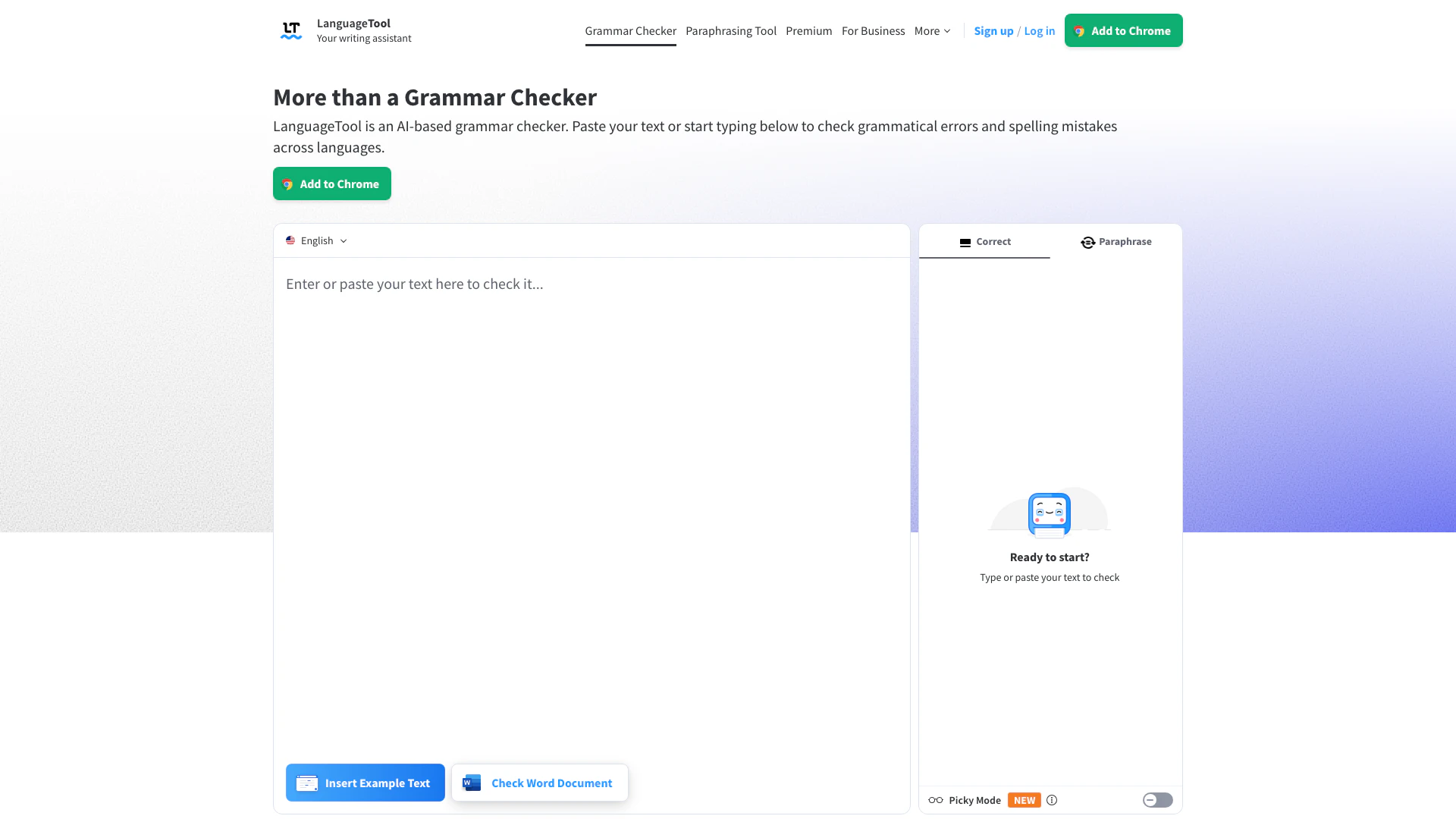
What is LanguageTool?
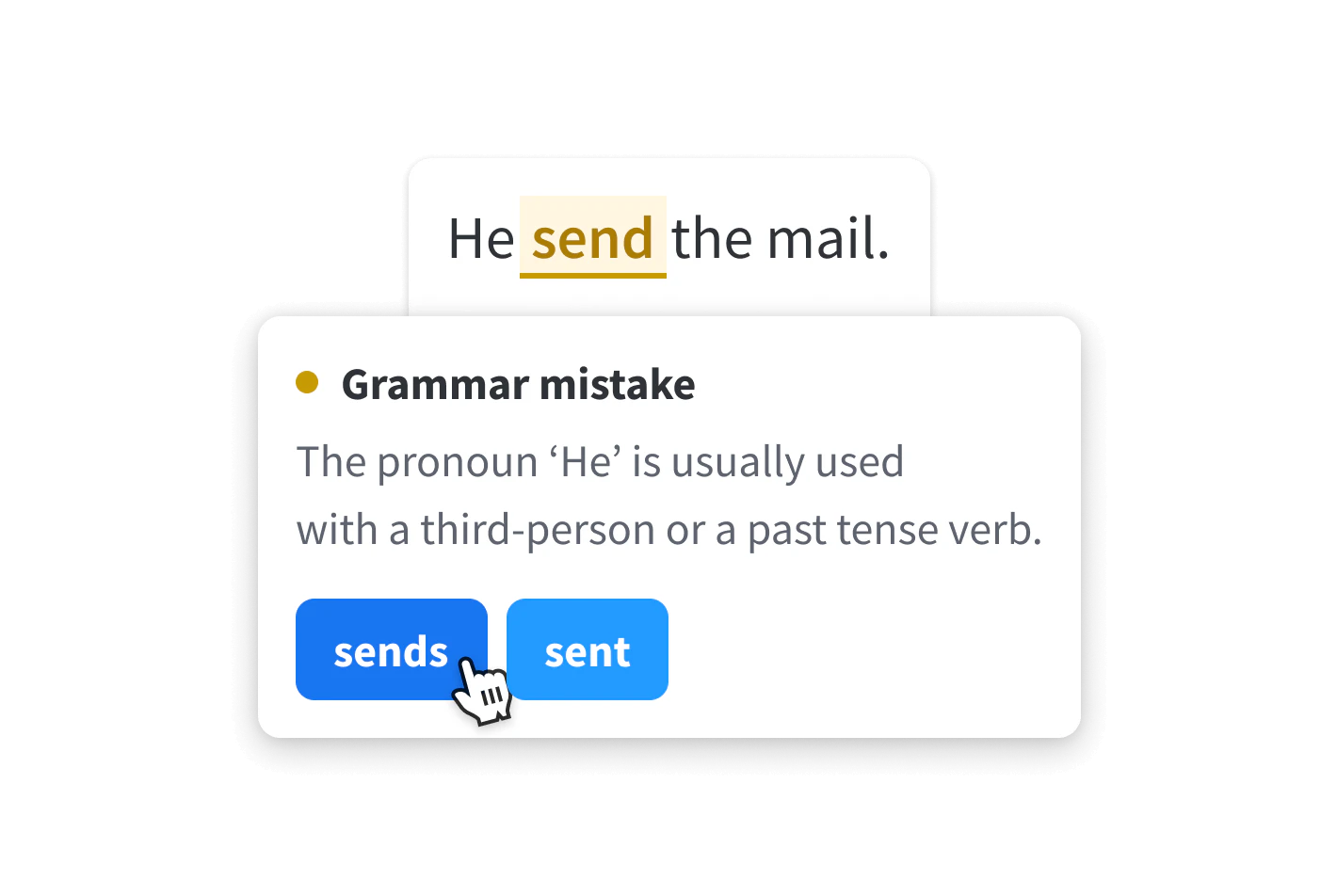
LanguageTool is an AI-powered grammar checker that helps users instantly check grammar, punctuation, and spelling errors in their writing. Supporting over 30 languages, it enhances the quality of your writing by providing suggestions for grammar mistakes, style improvements, and even punctuation corrections. LanguageTool is designed to be a comprehensive writing assistant, making it suitable for anyone looking to improve their writing skills.
How to use LanguageTool?
- Go to the LanguageTool website at https://languagetool.org/.
- Paste your text into the editor or start typing directly in the text area provided.
- Click on the 'Check Text' button to initiate the grammar and spell check.
- Review the highlighted suggestions and corrections provided by LanguageTool.
- Make the necessary changes to your text based on the suggestions.
What are the main features of LanguageTool?
- Grammar Checking: Identifies and corrects grammatical errors in your text.
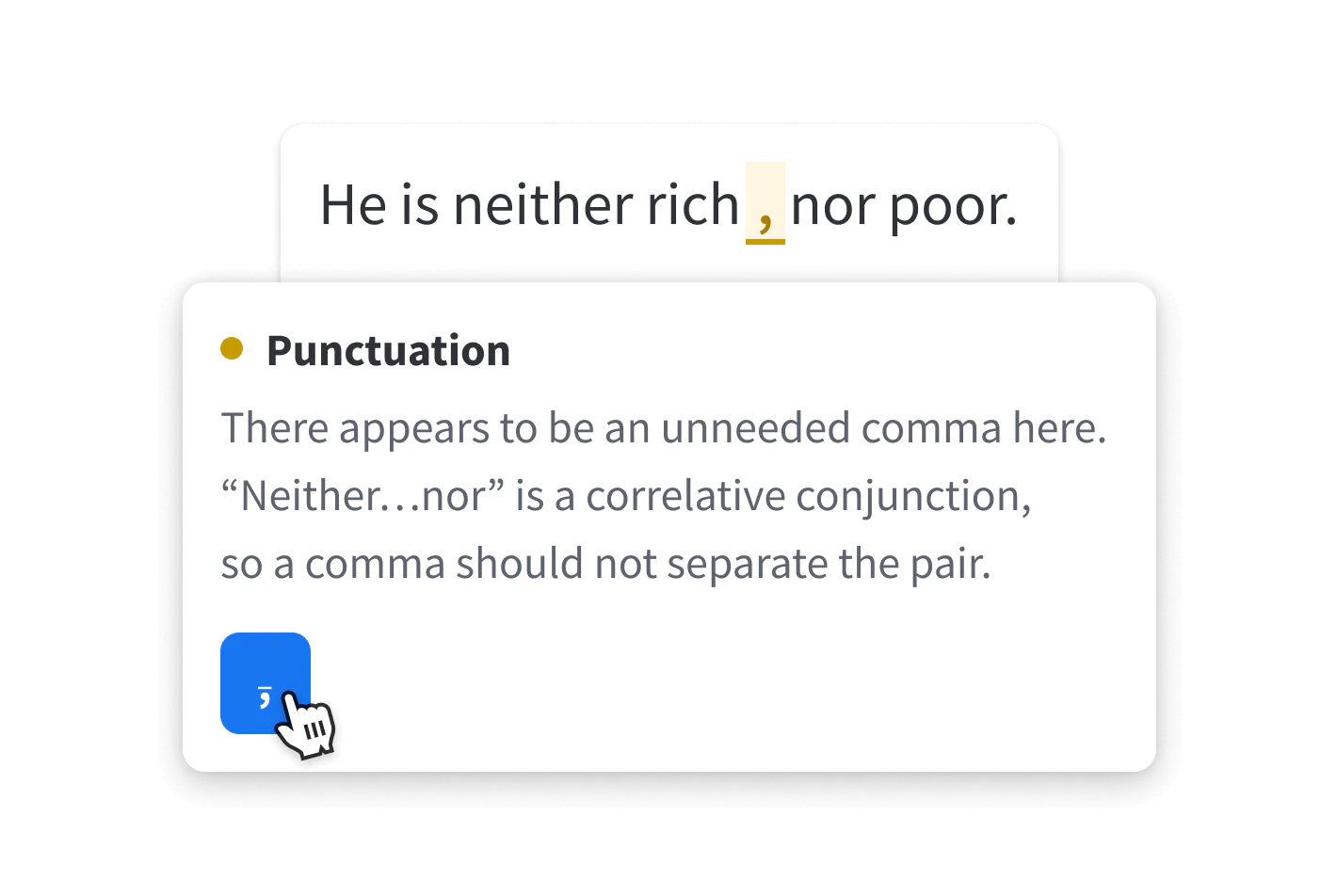
- Punctuation Checking: Ensures proper punctuation usage throughout your writing.
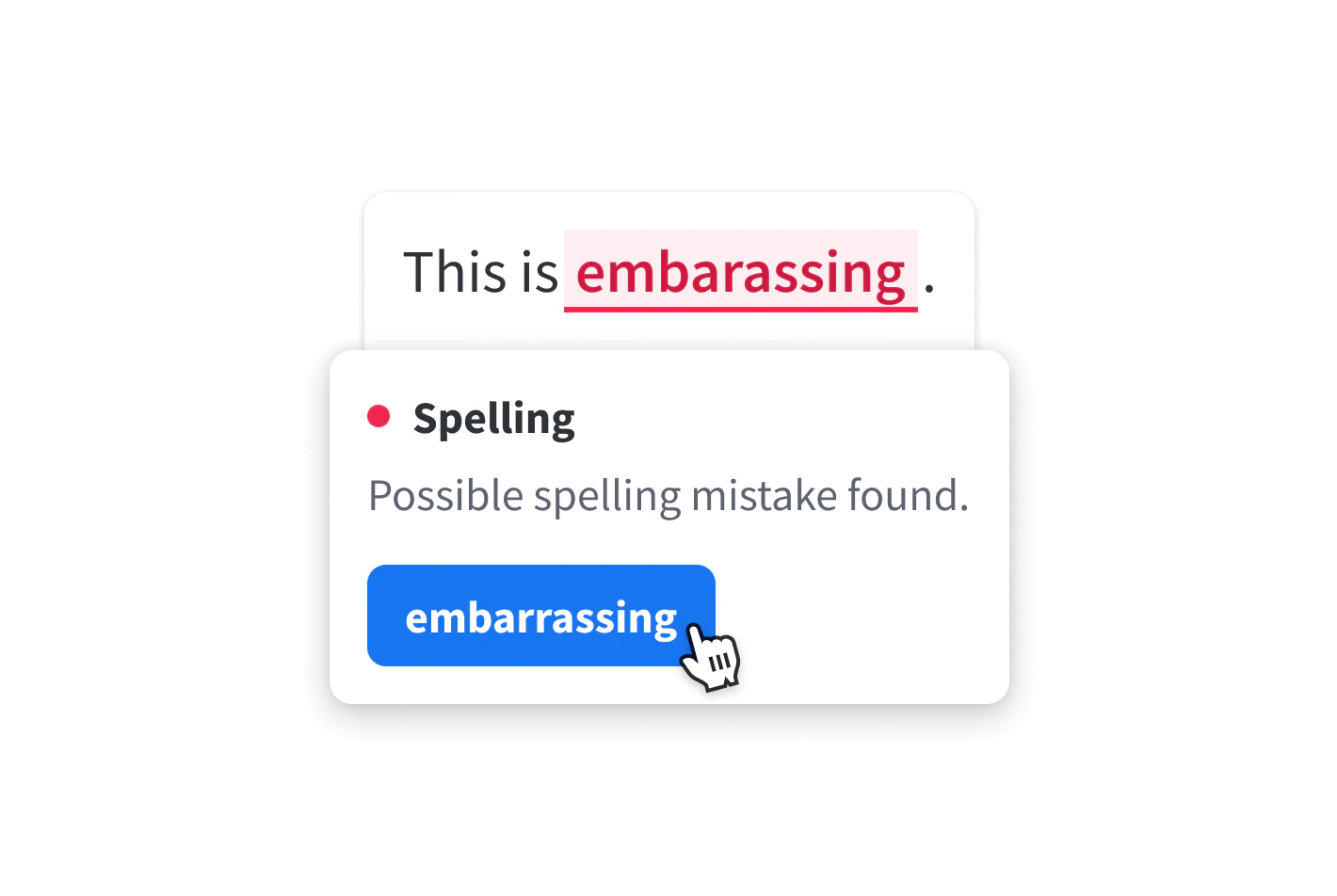
- Spelling Correction: Detects and highlights spelling mistakes.
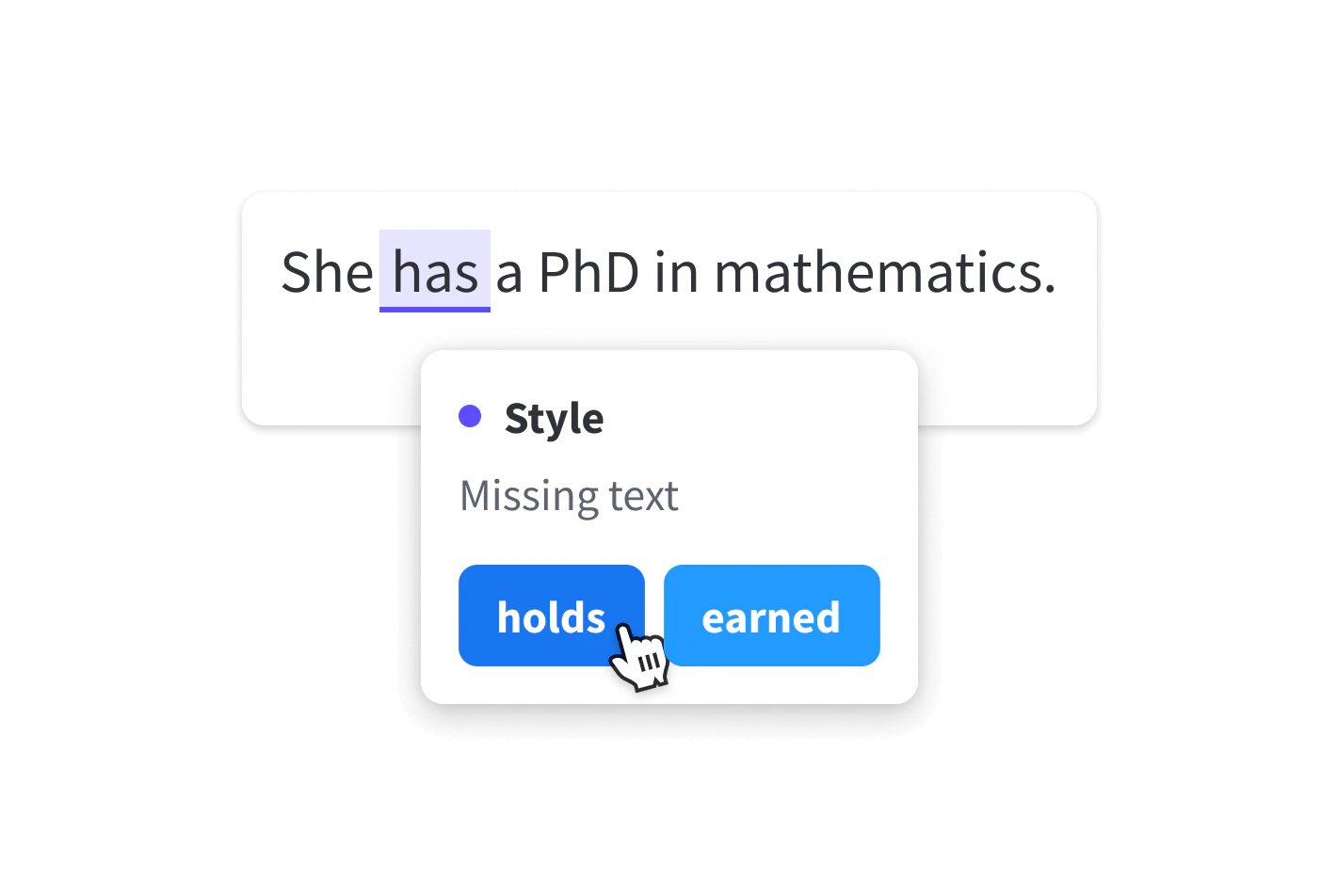
- Style Improvement: Provides suggestions to enhance the style and tone of your writing.
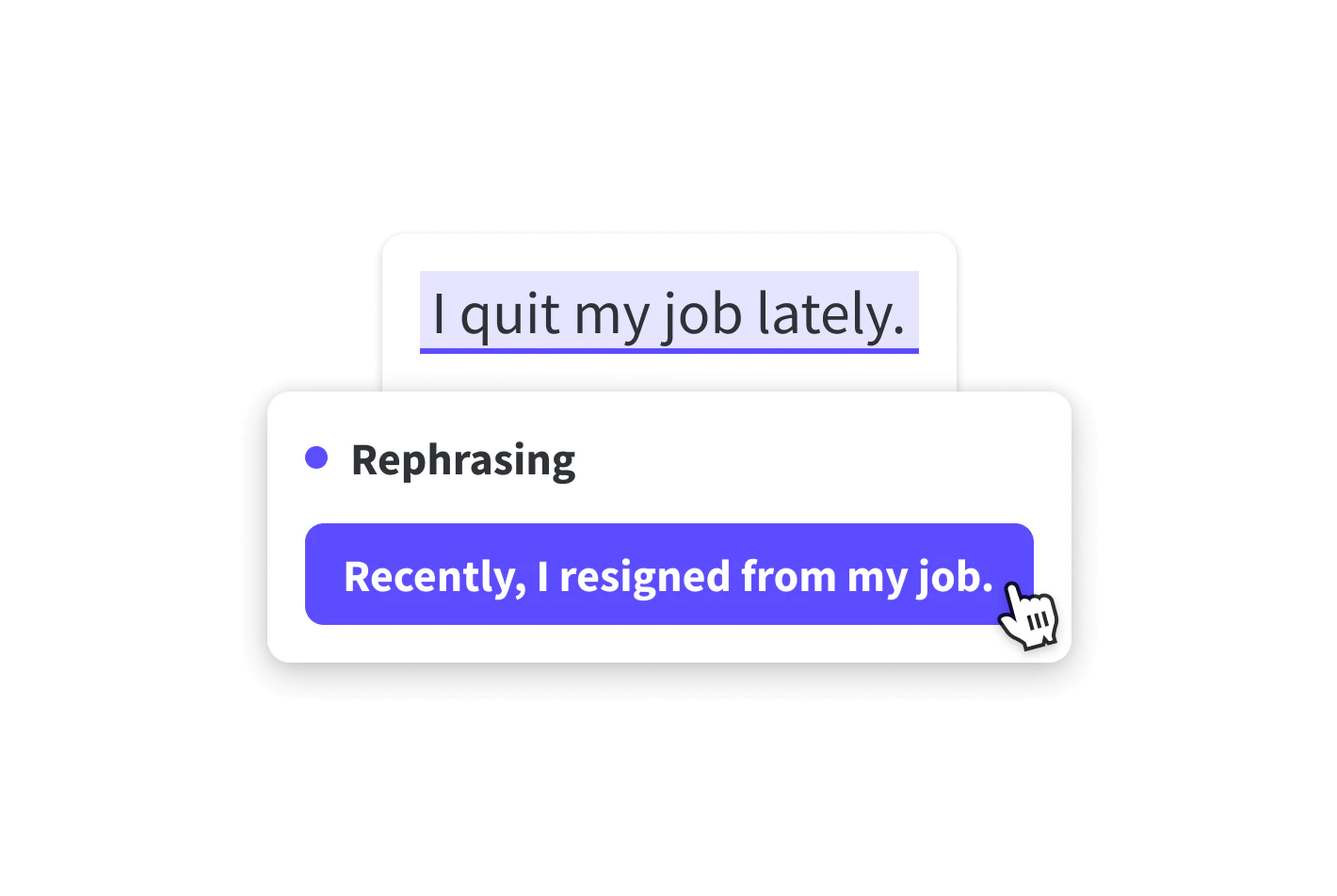
- Paraphrasing Tool: Helps rephrase sentences for clarity and fluency.
- Multi-language Support: Works with over 30 languages, making it versatile for international users.
Who is LanguageTool for?
LanguageTool is ideal for a wide range of users, including students, professionals, writers, and anyone looking to improve their writing skills. It is particularly beneficial for non-native speakers who want to enhance their command of a language, as well as for businesses that require clear and error-free communication. Its comprehensive features make it suitable for academic writing, professional documents, and casual writing alike.
What are the use cases of LanguageTool?
- Academic Writing: Ensures that essays, research papers, and theses are free from grammatical errors and stylistically polished.
- Business Communication: Aids in drafting emails, reports, and presentations that are clear and professional.
- Creative Writing: Helps authors refine their manuscripts by providing stylistic suggestions and error corrections.
Product Images
Languagetool Pros and Cons
Pros
- Comprehensive Grammar Checking: LanguageTool offers in-depth analysis of text, including grammar checks, word choice suggestions, and style recommendations.
- Multi-Language Support: The tool supports more than 30 languages and dialects, making it suitable for international use.
- User-Friendly Experience: The distraction-free writing experience and personal dictionary enhance overall user experience.
- Free and Premium Versions: LanguageTool is available in both free and premium versions, allowing users to choose based on their needs.
Cons
- Limited Features in Free Version: The free version only corrects spelling and simple punctuation, while the premium version provides more comprehensive corrections.
Languagetool Pricing
Free Version
The Free Version corrects spelling as well as simple punctuation and some style mistakes.
Premium Version
The Premium Version shows you all errors and gives you the best possible text, including advanced grammar checks and style suggestions.
For the latest pricing, please visit this link: https://languagetool.org/premium
Prices are subject to change. Please visit the official website for the most up-to-date pricing information.






Languagetool Social Listening
LanguageTool: free and open-so...
LanguageTool is the best free ...
LanguageTool (Tutorial) Einfac...
Jetzt LanguageTool kostenlos n...
LanguageTool | Free Open Sourc...
LanguageTool is a free and ope...
Unlock to view 28 social media results.