

Twitter-color Created with Sketch. Amazon-color Created with Sketch. Facebook-color Created with Sketch. github [#142] Created with Sketch. meta_fill Pinterest-color Created with Sketch. ProductHunt-color Created with Sketch. Spotify-color Created with Sketch. Threads Logo Streamline Icon: https://streamlinehq.com Yelp-color Created with Sketch. Youtube-color Created with Sketch.
TopAIToolsTopAITools
  • Free Tools
  • Category
  • Leaderboard
  • Deals
  • Submit
EN
TopAIToolsTopAITools
TopAI

TopAITools

TopAITools, The Best Top AI Tools

AI Glossary|English简体中文繁體中文한국어日本語PortuguêsEspañolDeutschFrançaisTiếng Việt|Map

© 2026 TopAITools. All rights reserved.

About

  • Privacy Policy
  • Terms of use

Contact Us

business@topaitoolsreview.com
Home
AI Task Management Tools
Guidejar
Last updated: May 22, 2026
Guidejar logo

Guidejar

Get deal
5.0|0 Comments|0 Saved
Introduction:
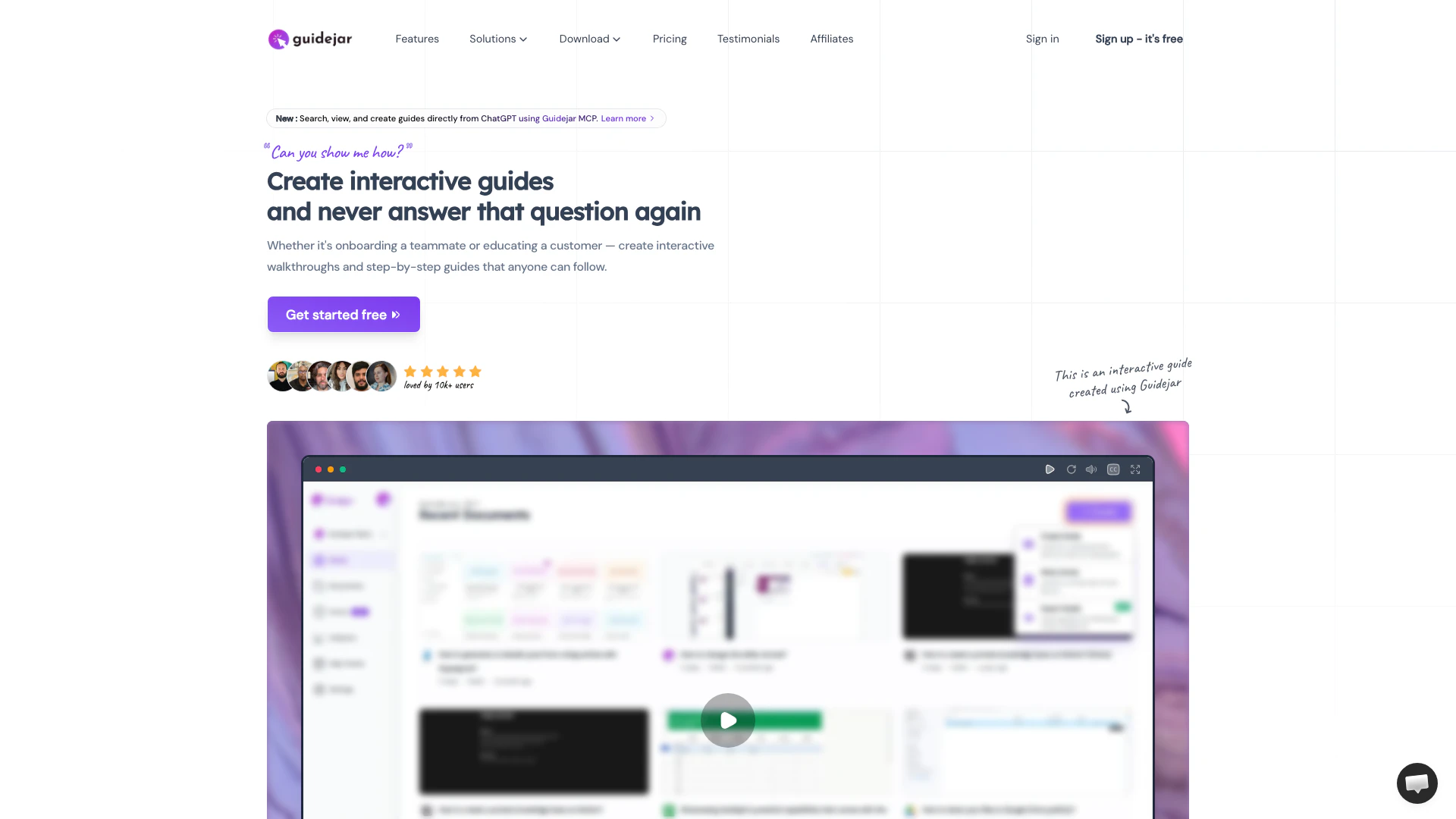
Create interactive guides and walkthroughs effortlessly.
Launch Date:
June 16, 2023
Social links:
Monthly Visits:
51.0K
Inputs:
TextVideo
Outputs:
TextVideo
Supported Languages:
EN
AI Models:
ChatGPT
Website
7 day free trial
💼Work🎨Creativity
AI Task Management Tools133Productivity Maximization Tools85Efficiency Enhancement Tools66
Guidejar website screenshot showing Create interactive guides and walkthroug... interface and features
Use tool
Update this tool
Notion logo

Notion

Notion is an AI-powered workspace that automates tasks and enhances team collaboration.

Docgpt Ai Writer For Docs logo

Docgpt Ai Writer For Docs

GPT for Sheets™ Docs™ Forms™ Slides™ - Google Workspace Marketplace

Apple logo

Apple

Apple Creator Studio offers a suite of creative tools for video, music, and design.

Ait Contacts Extractor For Gmail logo

Ait Contacts Extractor For Gmail

EmailWhiz for Gmail™ - Google Workspace Marketplace

Linkedin logo

Linkedin

Connect with professionals worldwide on LinkedIn.

Guidejar Overview

What is Guidejar?

Guidejar is an innovative tool designed to create interactive walkthroughs, step-by-step guides, and product demos for teams and customers. It allows users to document processes once and share them effectively, eliminating the need for repetitive explanations. With Guidejar, you can enhance user onboarding, facilitate product marketing, and streamline internal documentation. The platform is user-friendly, offering a free trial to help users experience its value firsthand.


How to use Guidejar?

  1. Install Guidejar: Download the Guidejar Chrome extension or desktop app for Windows or Mac from the official website.
  2. Start Capturing: Click on 'Start Capture' and walk through the process you want to document. Guidejar will automatically record your interactions in real time.
  3. Customize Your Guide: After stopping the capture, edit the steps, adjust click targets, and add features like AI voiceovers or chapters to enhance your guide.
  4. Share Your Guide: Finally, share your guide with your team or customers via links or by embedding it on your website.

What are the main features of Guidejar?

  • Interactive Walkthroughs: Create engaging, step-by-step guides that enhance user experience.
  • AI Voiceover: Add natural-sounding voiceovers to your guides for better engagement.
  • Customizable Guides: Edit and customize guides with click targets, pan & zoom effects, and more.
  • Dynamic Variables: Personalize content for individual users to create relevant experiences.
  • Analytics: Track user engagement with guides to optimize content.
  • Access Control: Manage who can view or edit guides with role-based permissions.

Who is Guidejar for?

Guidejar is ideal for teams across various industries looking to improve their documentation processes and enhance user experience. It is particularly beneficial for product marketers, sales teams, customer support representatives, and educators who need to create interactive and engaging content for onboarding, training, and product demonstrations. Organizations aiming to streamline their internal knowledge sharing and customer education will find Guidejar an invaluable tool.


What are the use cases of Guidejar?

  1. User Onboarding: Create step-by-step guides to help new users navigate your product effectively.
  2. Product Marketing: Develop interactive demos that showcase product features and benefits to potential customers.
  3. Internal Documentation: Document processes and workflows for teams to ensure consistency and efficiency.

Product Images

Guidejar operation interface showing how to create guides
Guidejar features demonstration showing various guide formats
Guidejar lead generation feature interface
Guidejar product marketing feature showcasing interactive experiences
Guidejar product overview with interactive walkthroughs
1 / 5

Guidejar Pros and Cons

Pros

  • Interactive Walkthroughs: Guidejar allows users to create interactive walkthroughs and step-by-step guides, making it easy for teams and customers to follow processes.
  • AI Voiceover Feature: The tool includes an AI voiceover feature that enables users to add professional-sounding narration to their guides quickly.
  • Multi-Platform Support: Guidejar supports multiple platforms, including a Chrome extension and desktop applications for both Windows and Mac, enhancing accessibility.

Cons

No cons data detected for this tool

Guidejar Pricing

Starter

Contact Us

Perfect for getting started and checking out how Guidejar works. Includes 5 guides, browser capture, basic customization, sharing via link, embedding anywhere on the web, and removal of Guidejar watermark.

Premium

$16/month

Unlimited guides with the core features you need for everyday documentation. Includes everything from the Starter plan, advanced customization, Guidejar AI, feedback & analytics, and removal of Guidejar watermark.

Premium Plus

$20/month

The complete toolkit for polished, branded how-to guides and walkthroughs. Includes everything from the Premium plan, desktop capture, help center on custom domain, export as MP4 video, and more.

Premium Plus (Team)

$59/month

Perfect for teams ready to centralize knowledge across teammates and clients. Includes everything from the Premium Plus plan, more AI credits, discounted per-seat pricing, and multiple teams.

Enterprise

Contact Us

Custom pricing for teams starting at 20 users.

For the latest pricing, please visit this link: https://www.guidejar.com/pricing

Prices are subject to change. Please visit the official website for the most up-to-date pricing information.

Analytics of Guidejar

Loading...

Guidejar Reviews

Guidejar has made my SOP processes so much quicker for my team and I highly recommend it!

Guidejar is an amazing tool for those who want to educate their users about their product.

Guidejar is very helpful in creating demos. It has saved me countless of hours recording video tutorials.

For more reviews, visit this link: https://www.guidejar.com/#testimonials

Guidejar Compare

Tool NameIntroductionPricing
Type
RatingLaunch DateLearn more
Promptvibes logo
Promptvibes
Explore Prompt Vibes to create unique prompts with our ChatGPT Prompt generator. Discover a collection of the best prompts designed for various uses.
Free
🙋‍♂️Personal🎨Creativity
February 25, 2023
Get deal
Civitai logo
Civitai
Civitai: The Home of Open-Source Generative AI
Free
🎨Creativity
November 2, 2022
Get deal
Quillbot Paraphraser logo
Quillbot Paraph...
Paraphrasing Tool (Ad-Free and No Sign-up Required) - QuillBot AI
Free
💼Work🎨Creativity
December 31, 1984
Get deal

Info current as of post date. Offers and availability may vary by location and are subject to change.

Guidejar Q&A

An interactive product demo is a walkthrough of a software application that allows users to engage with the product in a hands-on manner. Unlike traditional video demos, interactive demos enable users to click, explore, and interact with the product in real-time, providing a more engaging and personalized experience.

For more FAQs, please visit this link: https://help.guidejar.com

Guidejar Launch embeds

Use website badges to drive support from your community for your TopAITools Review. They're easy to embed on your homepage or footer.

FEATURED ONTopaitoolsreview.com

Guidejar Alternatives

Notion screenshot

Notion

Notion is an AI-powered workspace that automates tasks and enhances team collaboration.

Website
Free
💼Work🎨Creativity
Productivity & OfficeAI Productivity ToolsAI Information Management ToolsAI Task Management Tools
  • Productivity & Office
  • AI Productivity Tools
  • AI Information Management Tools
  • AI Task Management Tools
Use tool
159.0M
Direct81.12%
Search11.13%
Referrals7.29%
Zoho screenshot

Zoho

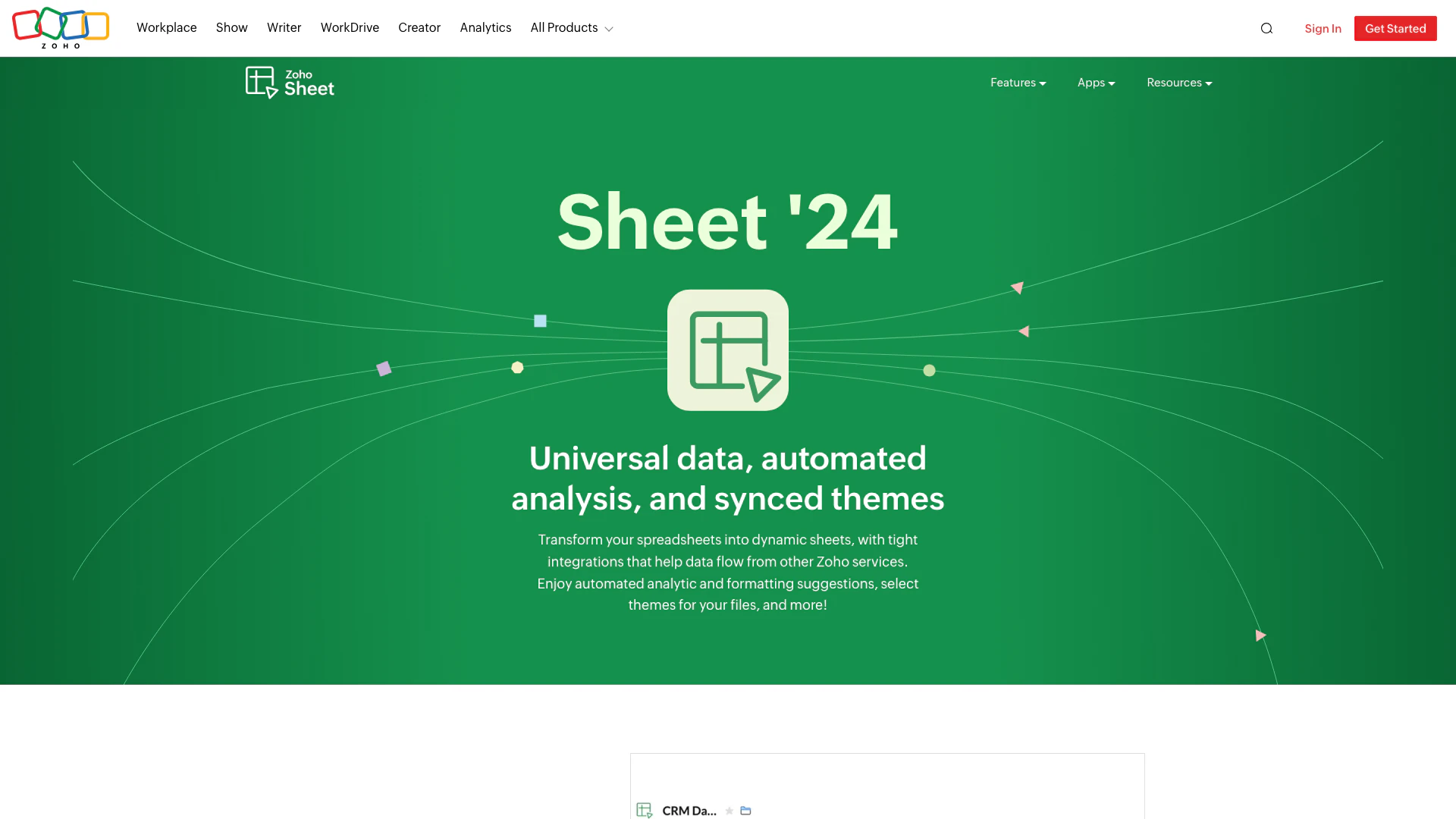
Transform your spreadsheets with Zoho Sheet's dynamic features.

Website
Free
💼Work🎨Creativity
Productivity & OfficeAI Spreadsheet ToolsAI Spreadsheet Automation ToolsProductivity Maximization Tools
  • Productivity & Office
  • AI Spreadsheet Tools
  • AI Spreadsheet Automation Tools
  • Productivity Maximization Tools
Use tool
67.5M
Direct74.71%
Search20.24%
Referrals4.33%
Jotform screenshot

Jotform

Automate customer service with Jotform AI Agents.

Website
Free
💼Work🎨Creativity
Productivity & OfficeProductivity Maximization ToolsForm Building ToolsContent Management Tools
  • Productivity & Office
  • Productivity Maximization Tools
  • Form Building Tools
  • Content Management Tools
Use tool
41.2M
Direct63.07%
Search17.40%
Referrals17.35%

Guidejar Tags

Interactive WalkthroughsStep-by-Step GuidesUser Onboardingproduct demosKnowledge BaseAI VoiceoverLead GenerationTeam Collaboration

Also used for

AI Task Management Tools133Productivity Maximization Tools85Efficiency Enhancement Tools66AI Identity Protection5AI Security Tools2AI Keyboard Tools6AI Productivity Tools313AI Information Management Tools162AI Spreadsheet Tools27AI Spreadsheet Automation Tools29AI File Management Tools22AI Document Processing Tools90AI Business Planning Tools59AI Pitch Deck Generators37AI Branding Tools6
Guidejar logo
GuidejarFree
Get deal

Guidejar Comments (0)

Your rating

?
0/2000

No comments yet

Be the first to share your thoughts!

Guidejar Prompts (0)

Prompts And Results

Add your own prompts and outputs to help others understand how to use this AI.

🚀0
🚀0