Quickclip


What is QuickClip?
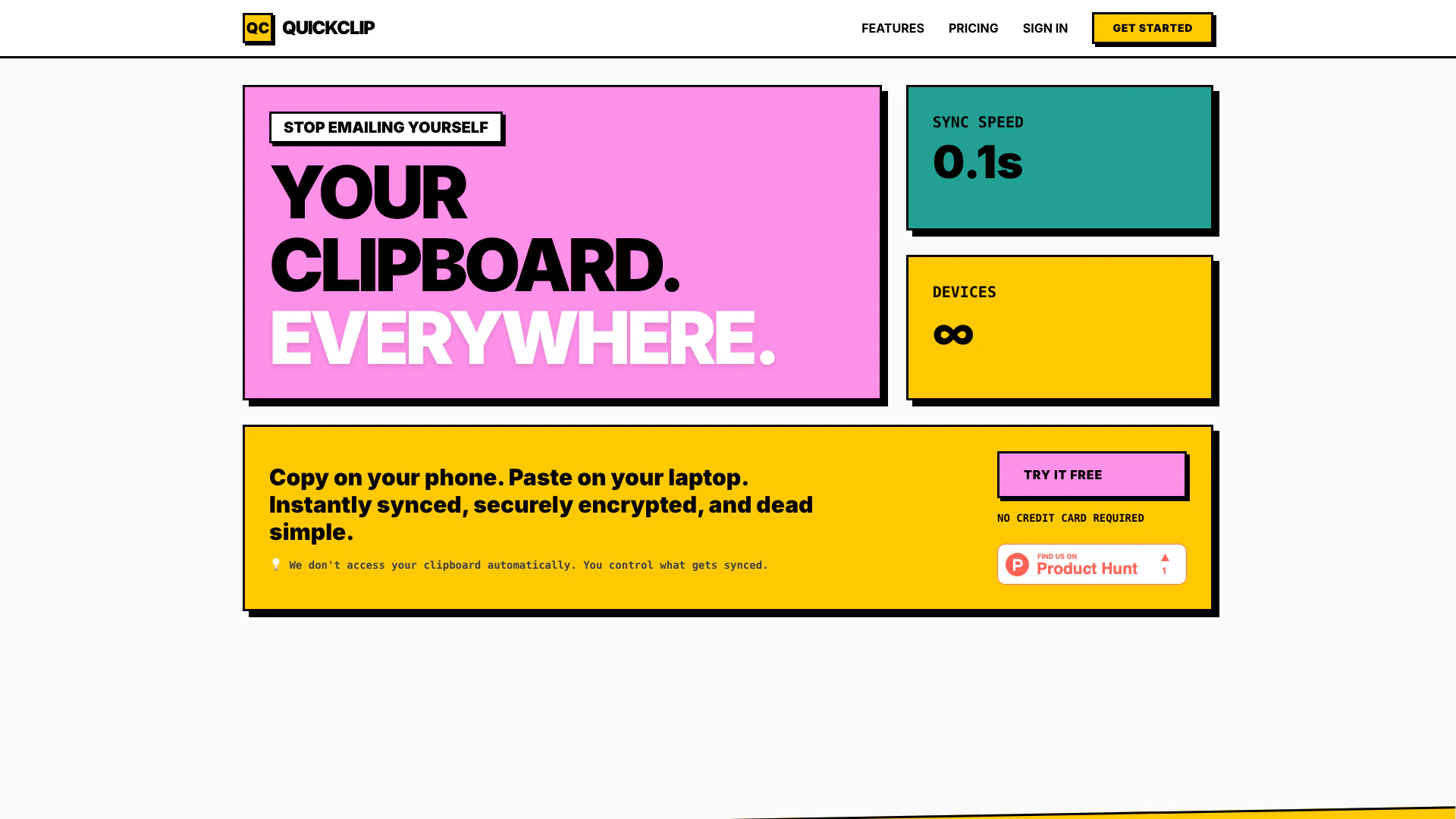
QuickClip is a cross-device clipboard manager designed to seamlessly sync copied text, links, and images across multiple devices in real-time. With a sync speed of just 0.1 seconds, QuickClip allows users to copy content on one device and paste it on another instantly, eliminating the need to email oneself or use other cumbersome methods. It ensures secure encryption for your data during transfer and storage, providing a user-friendly experience while maintaining privacy and security.
How to use QuickClip?
- Sign up for a QuickClip account on the website.
- Download and install the QuickClip app on all devices you want to sync.
- Copy any text, link, or image on one device.
- Wait for up to 0.1 seconds for the content to sync.
- Paste the copied content on any other device where QuickClip is installed.
- Manage your clipboard history and settings through the app interface.
What are the main features of QuickClip?
- Real-time syncing across all devices
- Secure encryption for data during transfer and storage
- Support for various file types including PDFs and images
- Multi-select and bulk delete options for clipboard history
- Advanced text editor with formatting options
- Extended history to store up to 110 items
- Dark mode for comfortable viewing
- Works on any device via a web app.
Who is QuickClip for?
QuickClip is designed for a diverse range of users including developers who need to sync snippets and API keys across devices, researchers capturing data and citations on the go, remote teams sharing clipboard history securely, and students who want to copy content on their laptops and paste it on tablets. Its versatility makes it suitable for anyone who frequently uses multiple devices and needs a reliable clipboard management solution.
What are the use cases of QuickClip?
- Developers can easily sync code snippets and configuration settings across their devices.
- Researchers can gather and share citations and references quickly during their studies.
- Remote teams can maintain a shared clipboard for collaborative projects, ensuring everyone has access to the same information.
- Students can copy lecture notes on their laptops and paste them into their tablets for easy access and study.
Product Images

Quickclip Pros and Cons
Pros
- Real-time Sync: QuickClip offers real-time synchronization, allowing users to copy on one device and paste on another instantly, enhancing productivity.
- Instant Sync Across Devices: QuickClip allows you to copy on one device and paste on another instantly, ensuring seamless workflow across all your devices.
- Cross-Device Compatibility: The tool supports syncing across an unlimited number of devices, making it versatile for users with multiple gadgets.
- Secure Data Encryption: All data transferred and stored by QuickClip is encrypted, providing a secure environment for your clipboard contents.
- Supports Multiple File Types: You can upload and sync various file types including PDFs, Word documents, and images, making it versatile for different needs.
- User-Friendly Interface: The interface is designed to be simple and intuitive, making it easy for users to manage their clipboard history.
Cons
No cons data detected for this tool
Quickclip Pricing
Free
For everyday use
Pro
When you need more
For the latest pricing, please visit this link: https://www.quickclip.space/pricing
Prices are subject to change. Please visit the official website for the most up-to-date pricing information.