Slacknotify




What is Slacknotify?
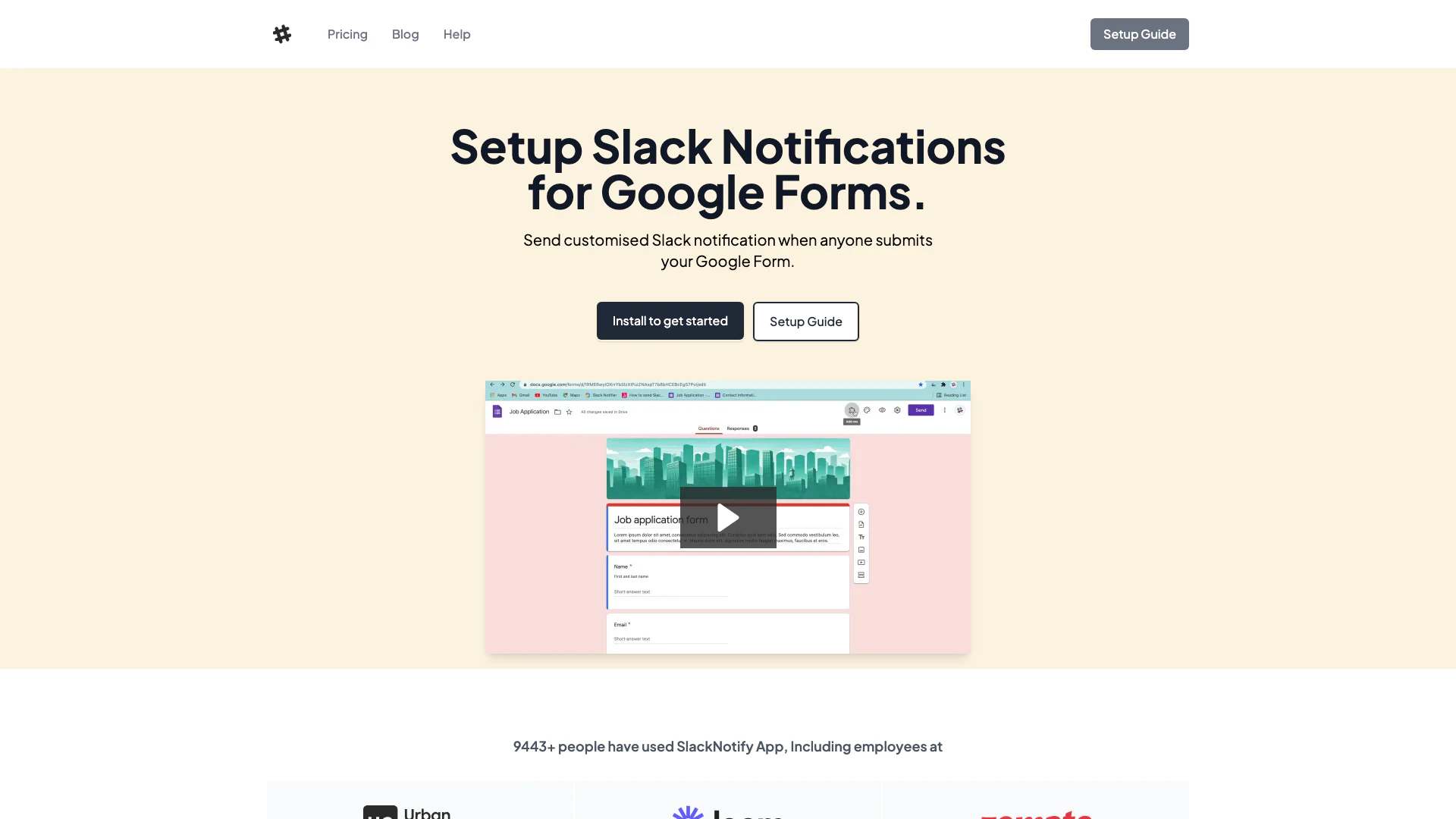
Slacknotify is a powerful tool designed to streamline communication by sending customized notifications to Slack whenever someone submits a Google Form. This application enhances the functionality of Google Forms[2] by integrating it with Slack, allowing users to receive real-time updates and notifications directly in their Slack channels. With Slacknotify, you can easily set up notifications to include specific responses from the form, making it an essential tool for teams that rely on Google Forms for data collection and feedback. It is particularly useful for businesses and organizations looking to improve their workflow and communication efficiency.
How to use Slacknotify?
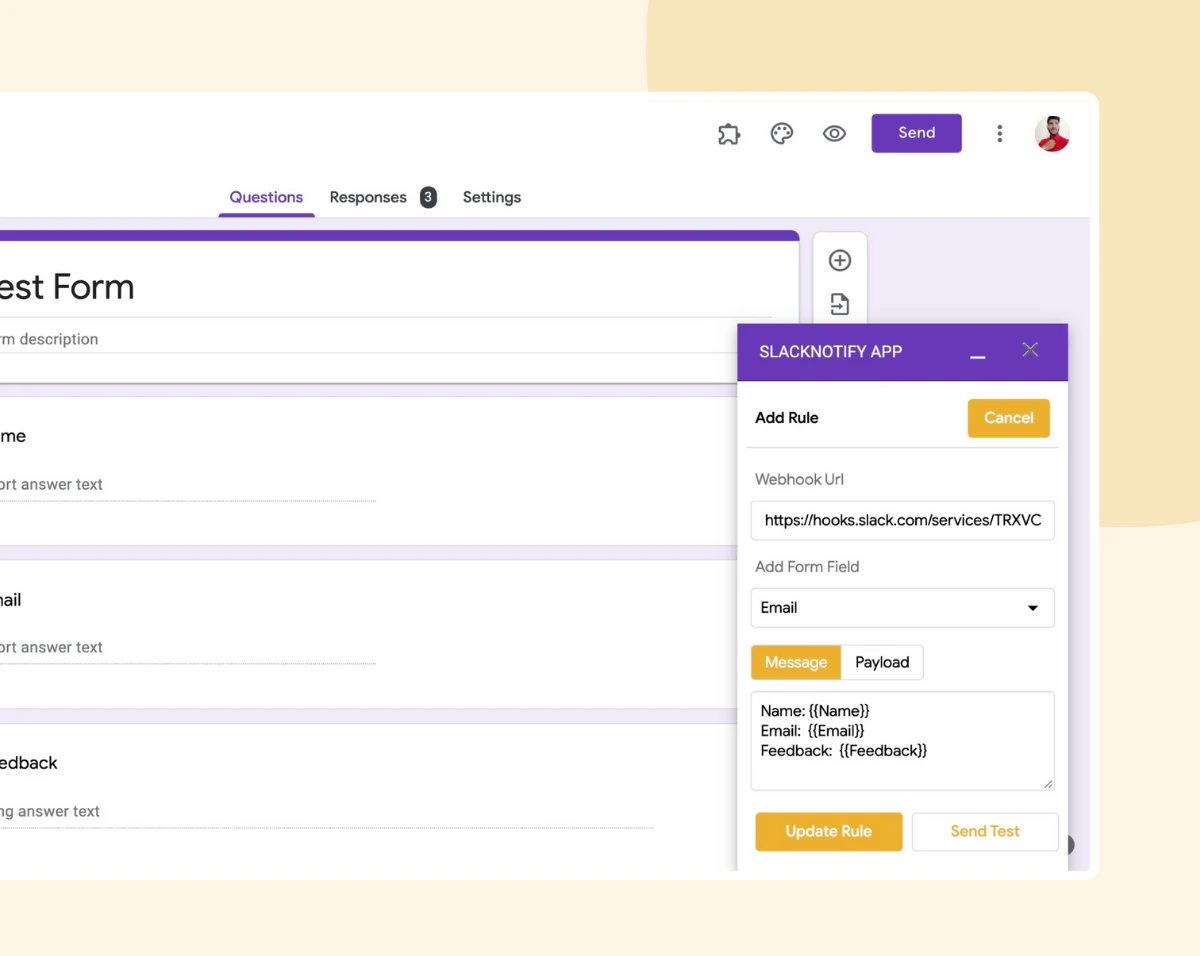
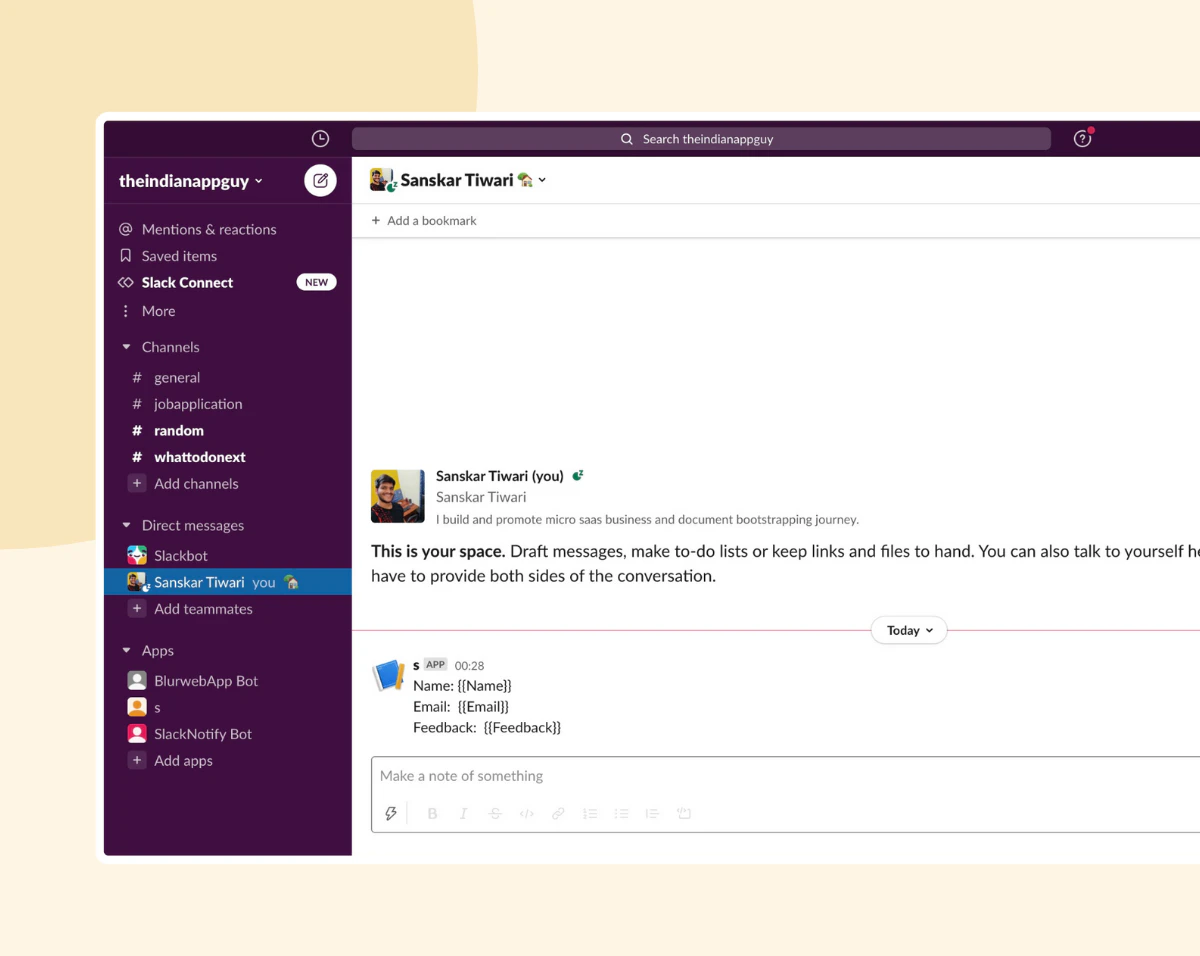
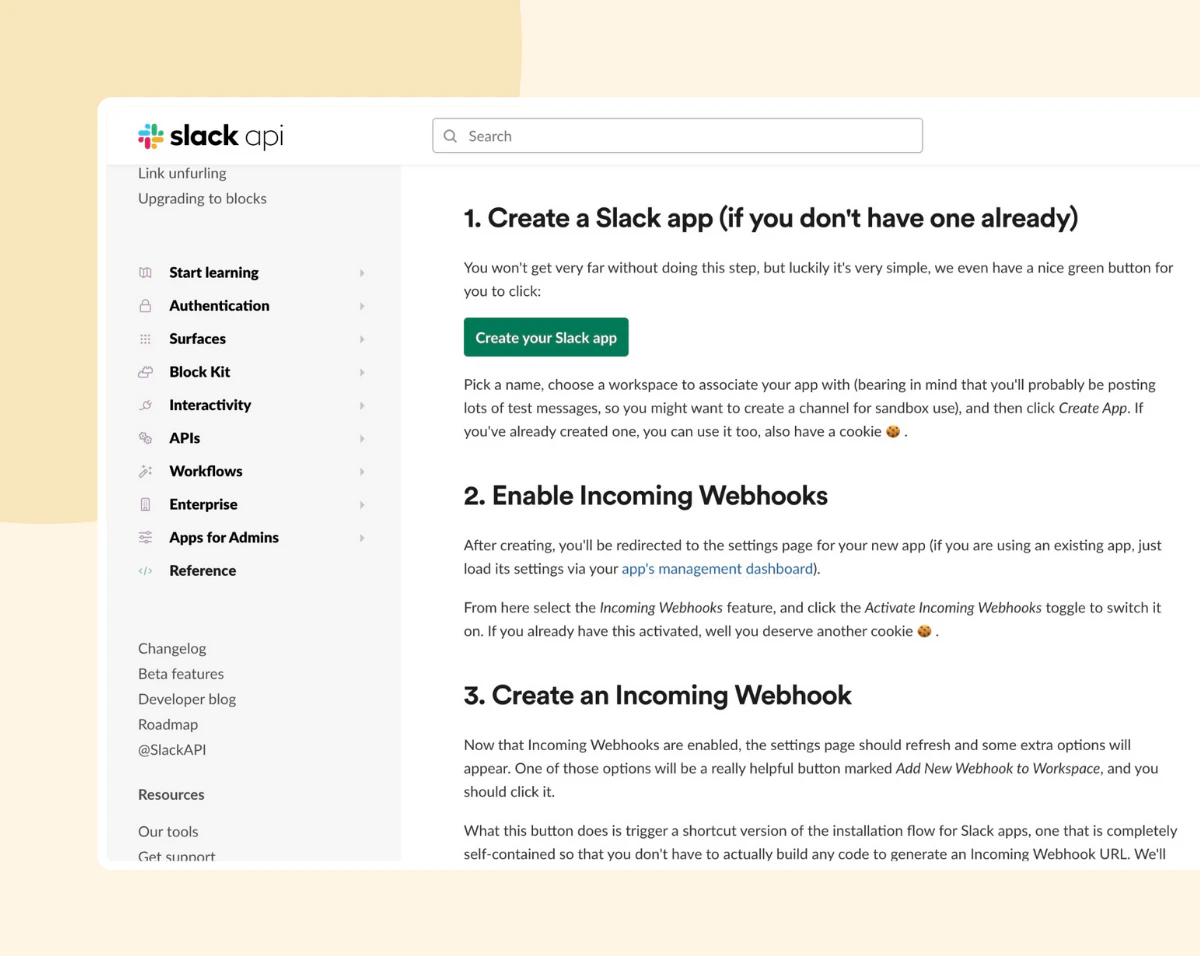
To use Slacknotify, follow these simple steps: 1. Generate Webhook URL: Create an app in your Slack workspace to obtain a webhook URL. This URL will be used to send notifications from Slacknotify. 2. Write Message: In the Slacknotify app, write a message template for your notifications. You can use variables like {{question}} to dynamically include responses from the Google Form submissions. 3. Save & Done: Save your settings, and Slacknotify will handle the rest by sending notifications to your Slack channel whenever a Google Form is submitted.
What are the main features of Slacknotify?
Slacknotify offers a range of features to enhance your Google Forms experience: - Customizable Notifications[3]: Tailor your Slack notifications[1] with personalized messages that include specific form responses. - Easy Setup: Get started in just a few minutes with a straightforward setup process that requires minimal technical knowledge. - Webhook Integration[4]: Utilize Slack's webhook capabilities to send notifications seamlessly. - Unlimited Notifications: For premium accounts, there are no limits on the number of Slack messages you can send per day. - User-Friendly Interface: The app provides an intuitive interface for managing notifications and settings.
Who is Slacknotify for?
Slacknotify is ideal for teams, businesses, and organizations that use Google Forms for data collection, feedback, or surveys. It is particularly useful for: - Project Managers: Who need to keep track of submissions and updates in real time. - HR Departments: For collecting employee feedback or application forms. - Marketing Teams: To gather customer insights and feedback efficiently. - Educators: Who utilize Google Forms for quizzes, surveys, and student feedback.
What are the use cases of Slacknotify?
Slacknotify can be applied in various scenarios, including: 1. Event Registrations: Automatically notify your team when someone registers for an event via Google Forms. 2. Customer Feedback Collection: Receive immediate alerts when customers submit feedback forms, allowing for quick responses. 3. Employee Surveys: Keep HR informed about employee satisfaction and feedback submissions in real time.
Product Images
Slacknotify Pros and Cons
Pros
- Customizable Notifications: Users can create tailored Slack notifications for Google Form submissions, enhancing communication and workflow.
- Easy Setup Process: The app allows users to set up notifications in three simple steps, making it user-friendly even for non-technical users.
- No Daily Message Limit for Premium Users: Premium accounts can send an unlimited number of Slack messages per day, providing flexibility for high-volume users.
Cons
No cons data detected for this tool
Slacknotify Pricing
FREE
Send Upto 30 Slack Notifications. Use SlackNotify on 1 Google Form. Notifications are sent on form submission to slack. We do not save anything in that. 5 Day easy refund policy.
Standard
Send Unlimited Slack Notifications on Google Forms Submit. Use SlackNotify on Upto 10 Google Forms per user. Markdown Message & Custom Payload Messages. Notifications are sent on form submission to slack. We do not save anything in that.
Business
Send Unlimited Slack Notifications on Google Forms Submit. Use SlackNotify on Upto 100 Google Forms per user. Markdown Message & Custom Payload Messages. Notifications are sent on form submission to slack. We do not save anything in that.
For the latest pricing, please visit this link: https://www.slacknotify.app/pricing
Prices are subject to change. Please visit the official website for the most up-to-date pricing information.
Analytics of Slacknotify
Slacknotify Website Traffic Analysis
Visits Over Time
Traffic Sources
Jan 2026 - Jan 2026 Worldwide Desktop Only
- Direct: 78.41%
- Search: 10.78%
- Referrals: 6.89%
- Social: 3.03%
- Paid Referrals: 0.83%
- Mail: 0.06%
Top Keywords
| Keyword | Volume | CPC | Estimated Value |
|---|---|---|---|
| slacknotify app | 330 | $0.00 | $430.00 |
| slacknotify | 160 | $0.00 | $140.00 |
Slacknotify Reviews
SlackNotify ready make the google form more useful to link to other apps through webhook. Although it has the name of slack but it works well with any webhook. You can customized the json fields send to your custom webhook url. SlackNotify is really easily getting 5 stars from me.
App has been super helpful for raising visibility from internal/customer feedback. Ran into a hiccup and the developer jumped on a zoom call to quickly resolve the problem!
We really enjoy this app. Very easy to use and set up. Great instructions and good support. Thank you!
For more reviews, visit this link: https://www.slacknotify.app/#reviews