
Rows




What is Rows?
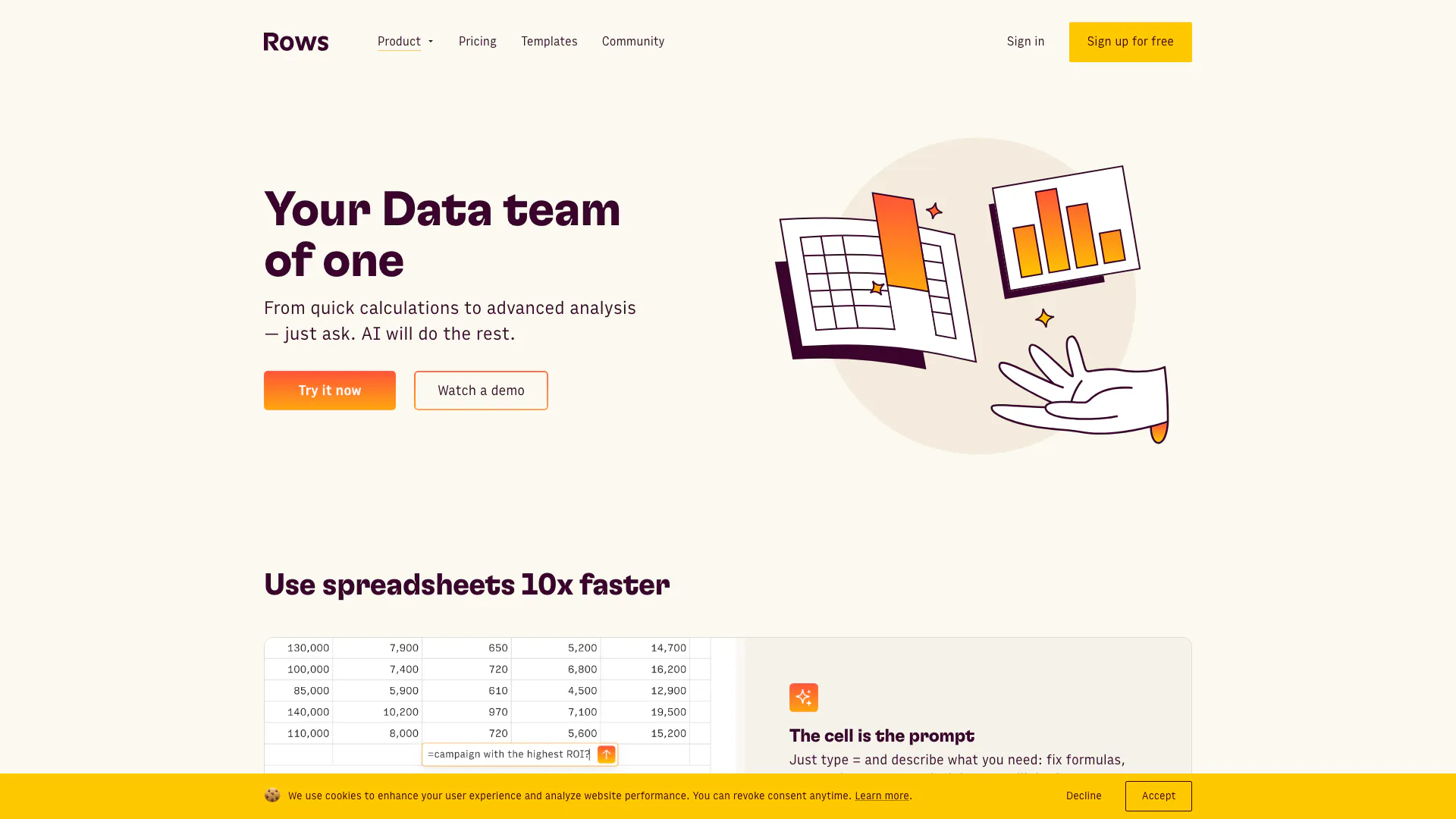
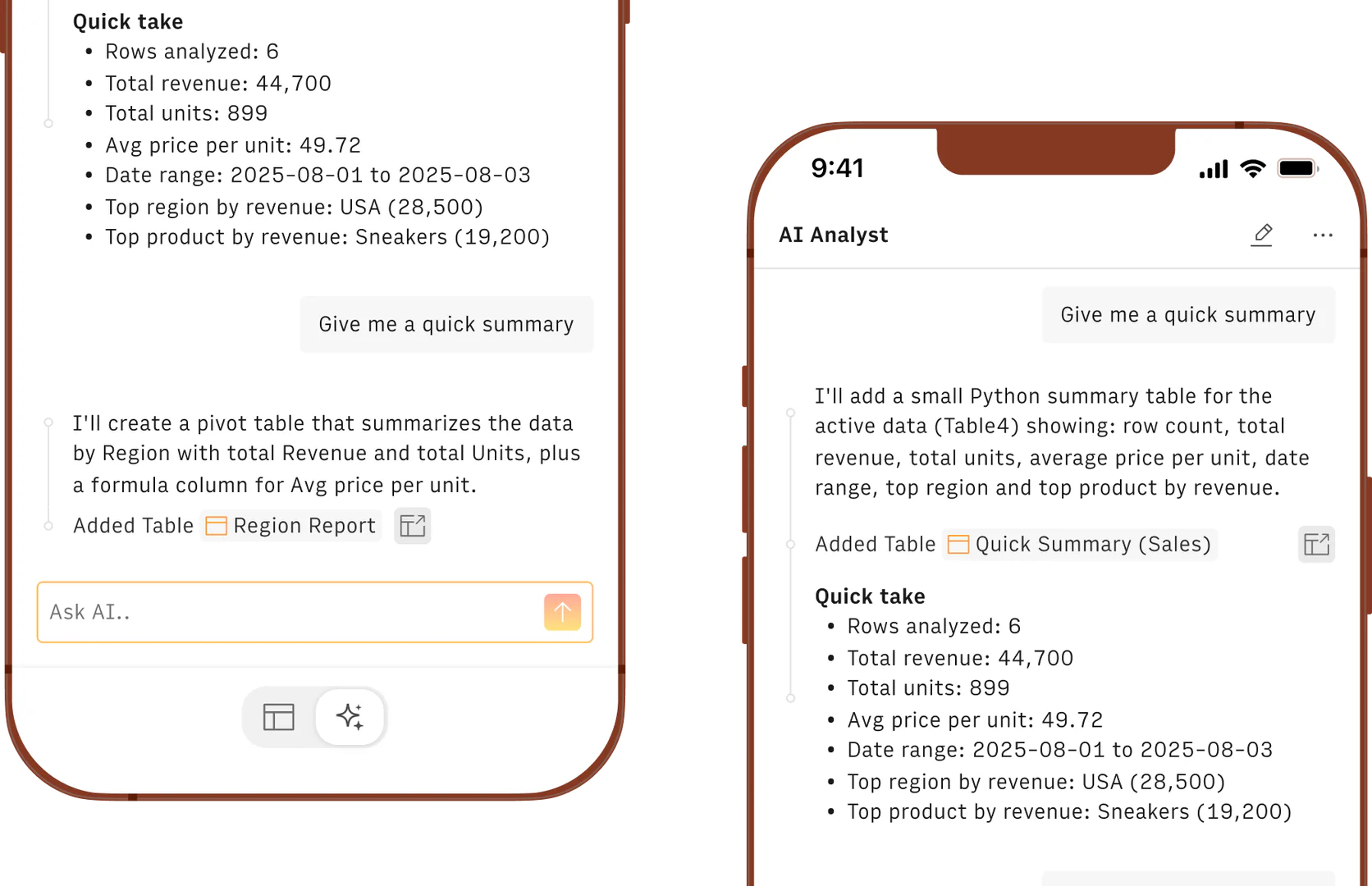
Rows is an innovative AI-driven data analysis tool that automates data manipulation without the need for coding, complex formulas, or extensive menus. With Rows AI Analyst, users can simply ask questions in plain language, and the tool will seamlessly import, transform, and provide insights from their data. This makes it an essential tool for anyone looking to perform data analysis quickly and efficiently.
How to use Rows?
- Sign up for a free account at Rows.com and log in.
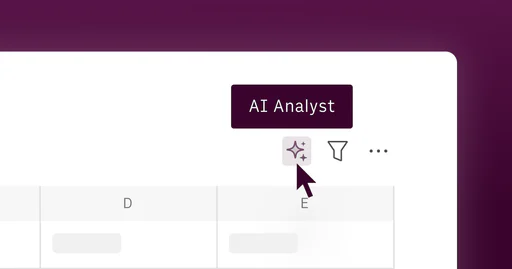
- Start a new spreadsheet and click the AI bubble button ✨ in the bottom right corner.
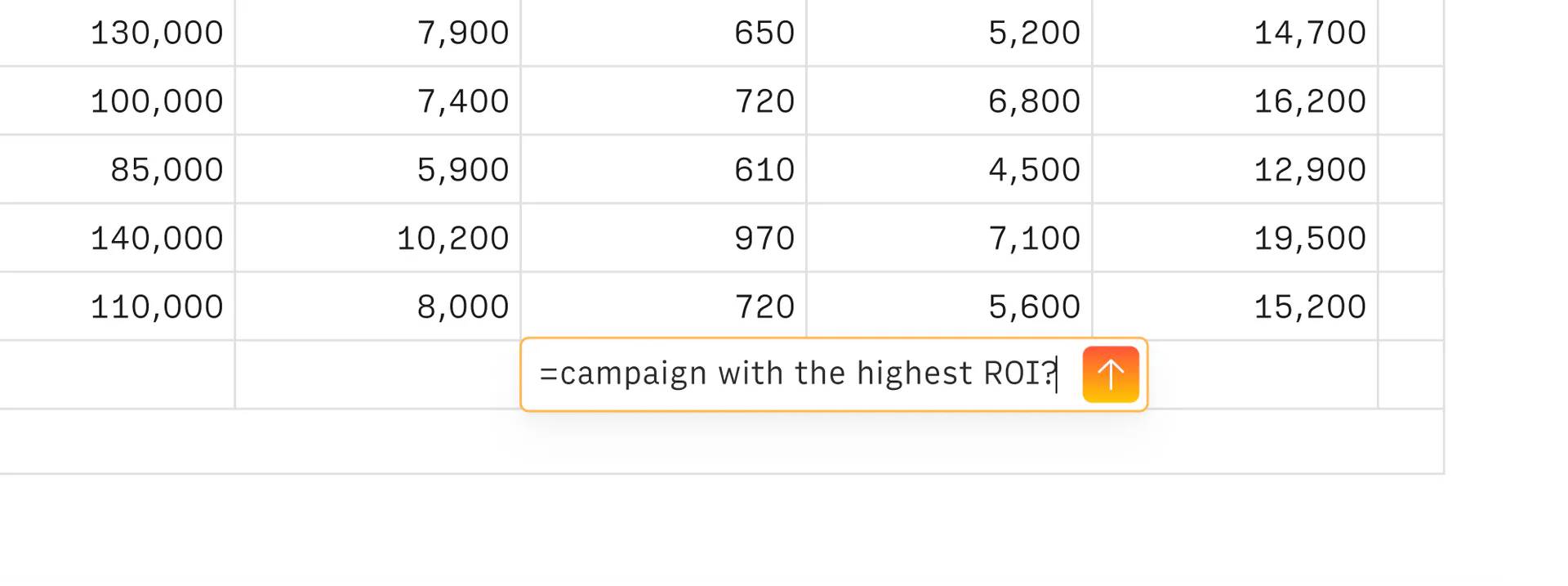
- Type your request in plain language, such as 'Show me the sales trends for last month' or 'Create a chart of user demographics'.
- The AI will process your request, import the necessary data, and present it in the desired format.
What are the main features of Rows?
- Natural language processing for data queries.
- Automated data import and transformation.
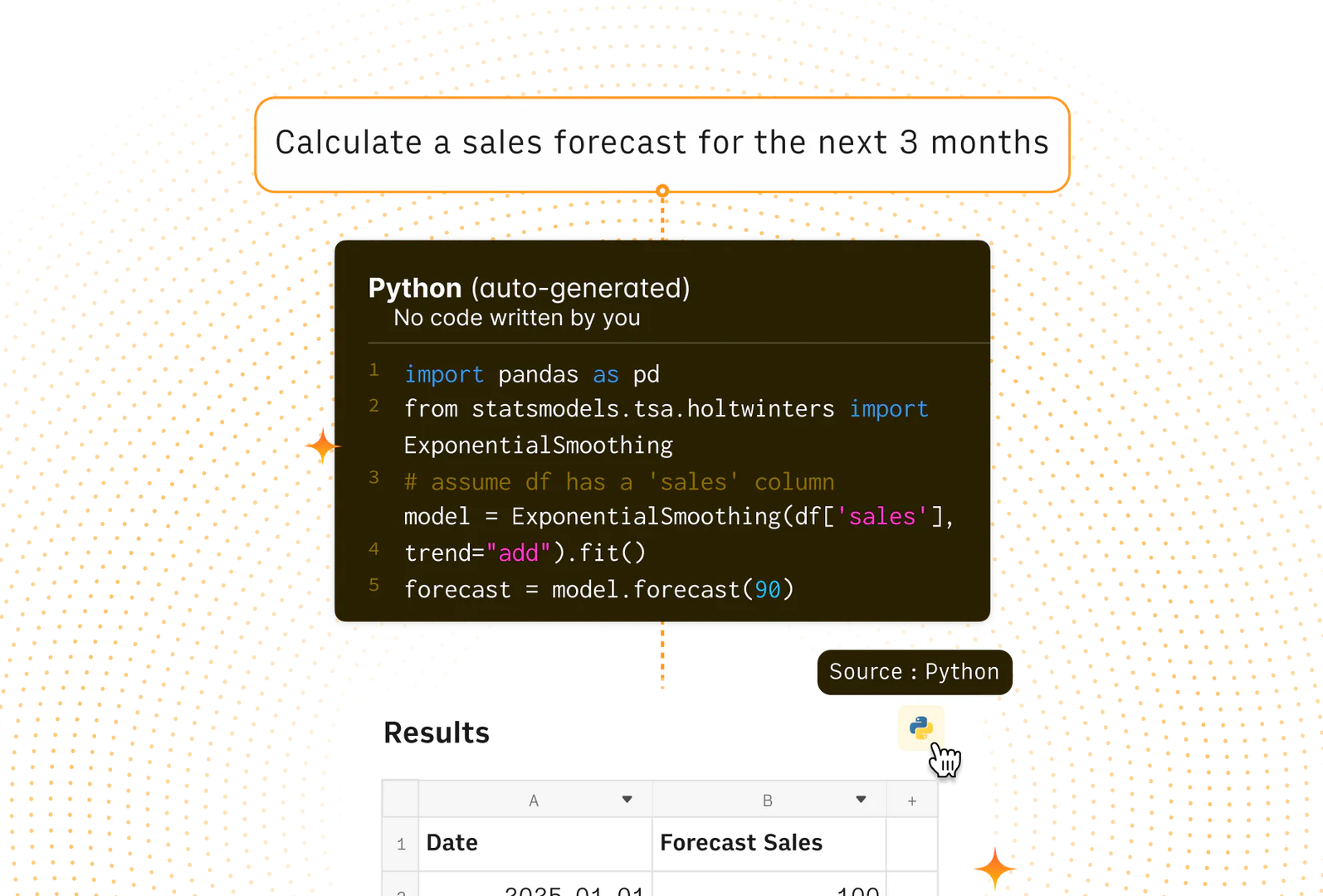
- Predictive modeling and forecasting capabilities.
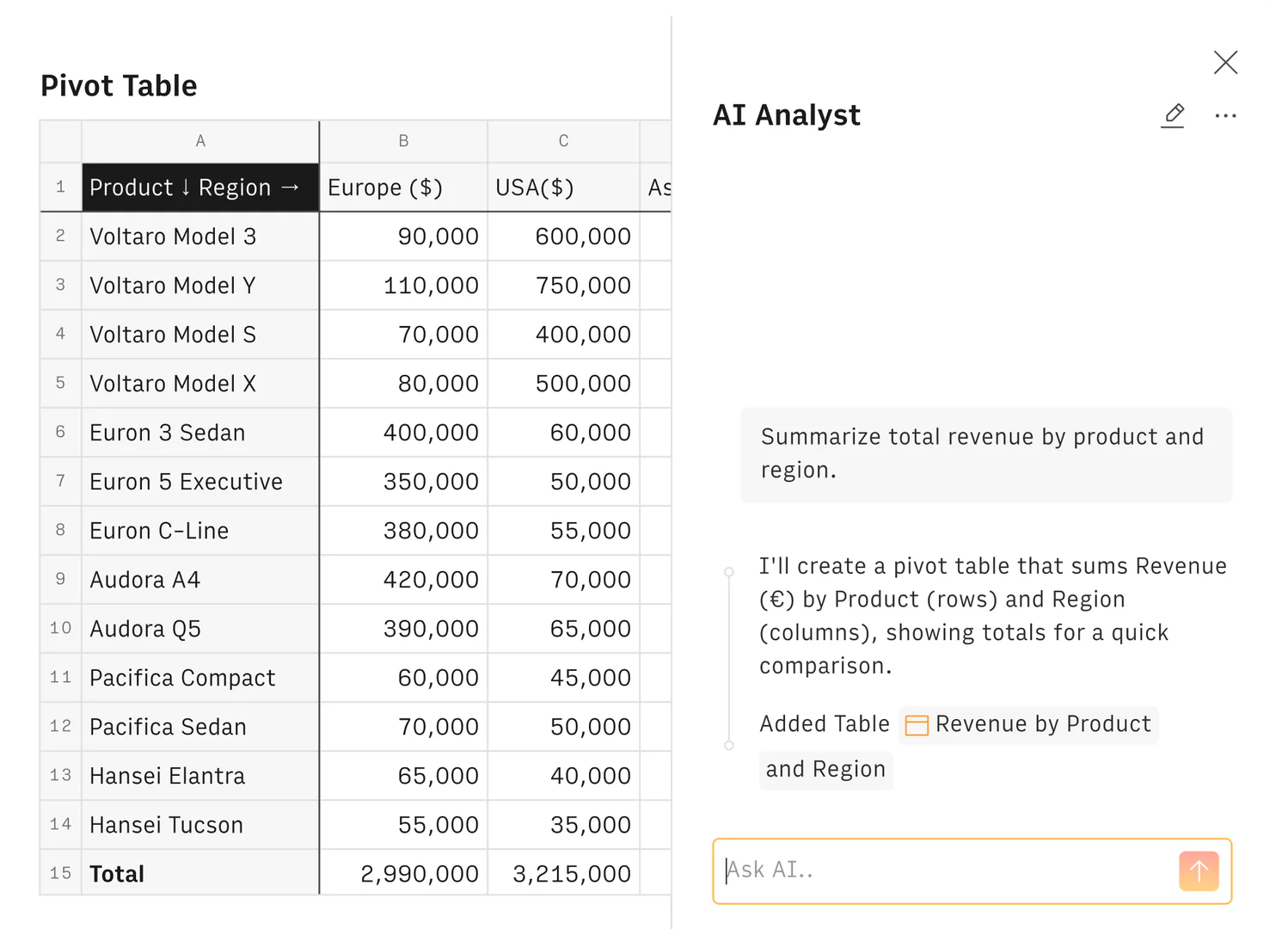
- Multi-table analysis and data merging.
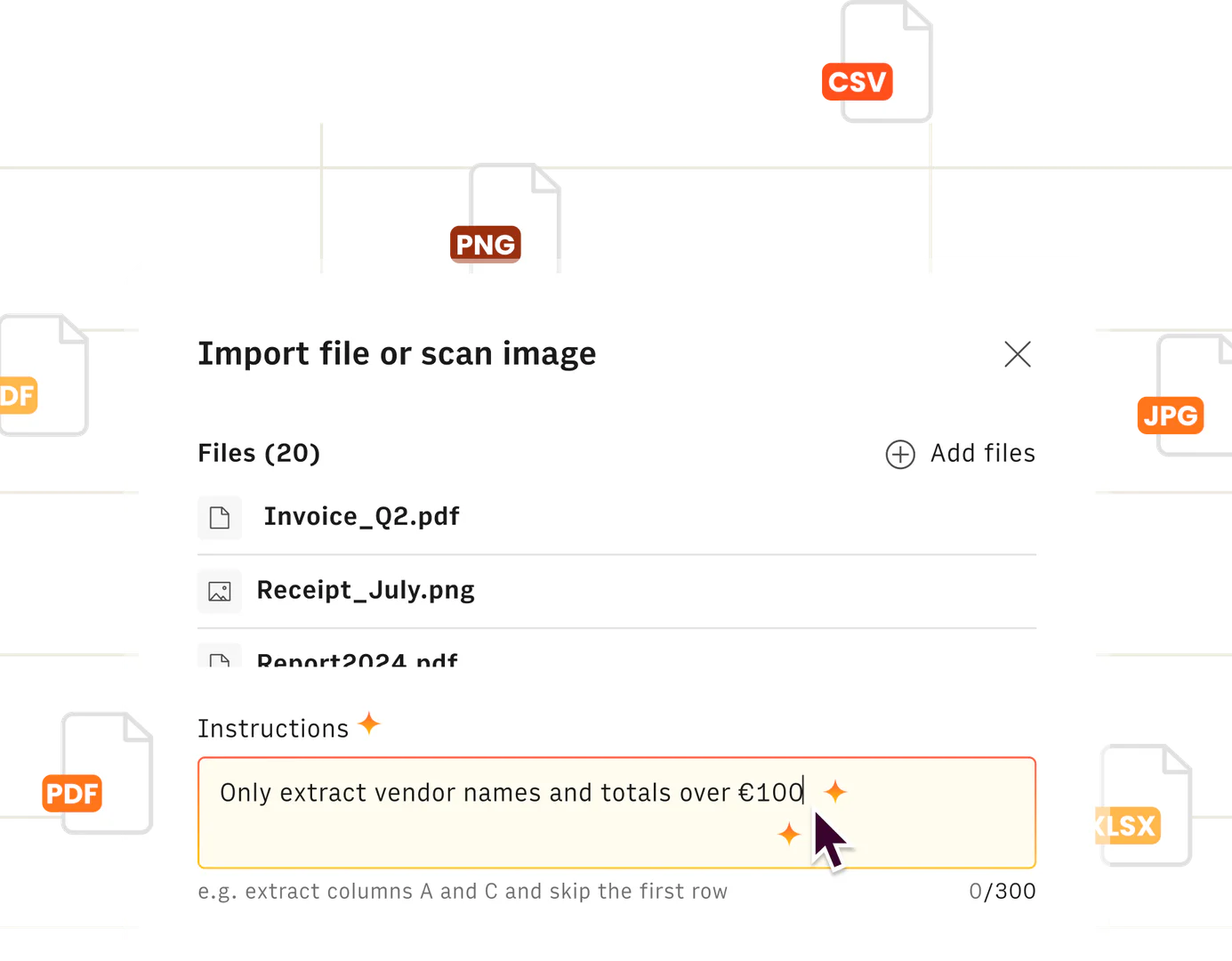
- Real-time data extraction from PDFs and images.
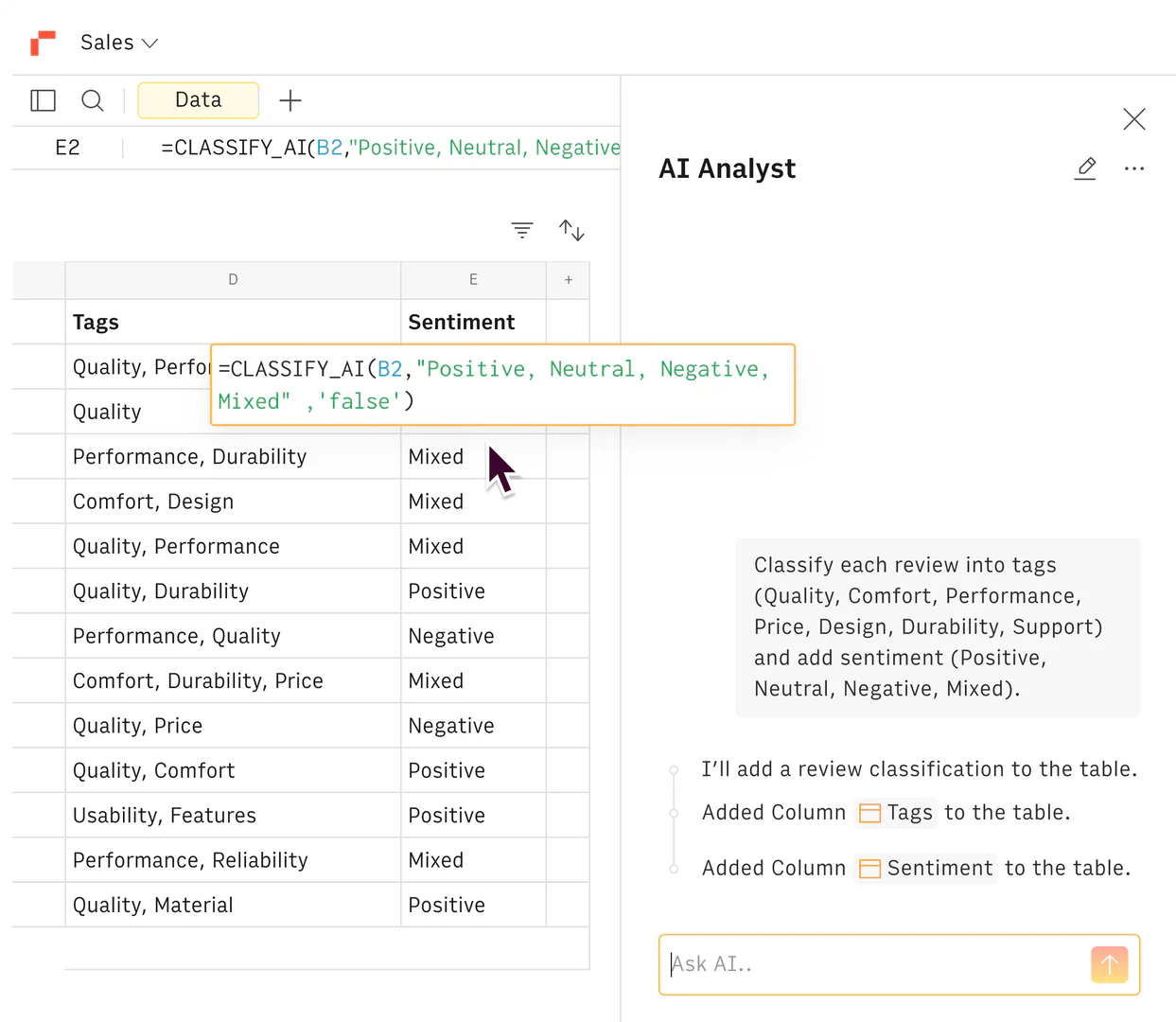
- Sentiment analysis and text classification.
- Easy chart creation from data.
Who is Rows for?
Rows is designed for individuals and teams who need to perform data analysis without the complexity of traditional spreadsheet software. It is ideal for data analysts, business professionals, marketers, and anyone who wants to leverage data insights quickly and efficiently. The tool's intuitive interface and AI capabilities make it accessible for users with varying levels of technical expertise.
What are the use cases of Rows?
- Analyzing sales data to identify trends and patterns.
- Creating dynamic reports for marketing campaigns.
- Performing financial forecasting based on historical data.
- Automating data extraction from invoices and PDFs.
- Conducting sentiment analysis on customer feedback.
Product Images

Rows Pros and Cons
Pros
- No-Code Data Analysis: Rows AI Analyst allows users to perform data analysis without any coding, making it accessible for non-technical users.
- Natural Language Queries: Users can interact with the tool using plain language to ask questions and get insights, simplifying the data analysis process.
- Seamless Integrations: Rows integrates with various third-party tools, enabling users to import and analyze data from multiple sources effortlessly.
Cons
No cons data detected for this tool
Rows Pricing
Free
Discover your new AI Data Analyst.
Plus
Automate data extraction, analysis, and reporting with AI.
Pro
Scale your data processes with advanced AI automation.
Enterprise
Unlock data, AI, and APIs for custom business workflows.
For the latest pricing, please visit this link: https://rows.com/pricing
Prices are subject to change. Please visit the official website for the most up-to-date pricing information.
Analytics of Rows
Rows Website Traffic Analysis
Visits Over Time
Traffic Sources
Oct 2025 - Dec 2025 Worldwide Desktop Only
- Search: 50.03%
- Direct: 39.09%
- Referrals: 7.47%
- Social: 2.40%
- Paid Referrals: 0.85%
- Mail: 0.12%
Top Keywords
| Keyword | Volume | CPC | Estimated Value |
|---|---|---|---|
| rows | 35.72K | $0.93 | $12170.00 |
| json to table | 7.97K | $2.50 | $510.00 |
| regex generator | 4.89K | $3.03 | $410.00 |
| rows ai | 1.91K | $0.40 | $1590.00 |
| row ai | 870 | $0.00 | $610.00 |



Rows Social Listening
Rows- Stop Wasting Your Time
For free programs, training co...
Excel 再見,它是資料整理工具新首選?不需複雜函式,超白...
還在一筆一筆把工作數據打到Excel上,然後辛苦地製圖製表?...
Rows Revisited: How To NOT Was...
For free programs, training co...
Unlock to view 18 social media results.