

Replylessai


What is Replylessai?
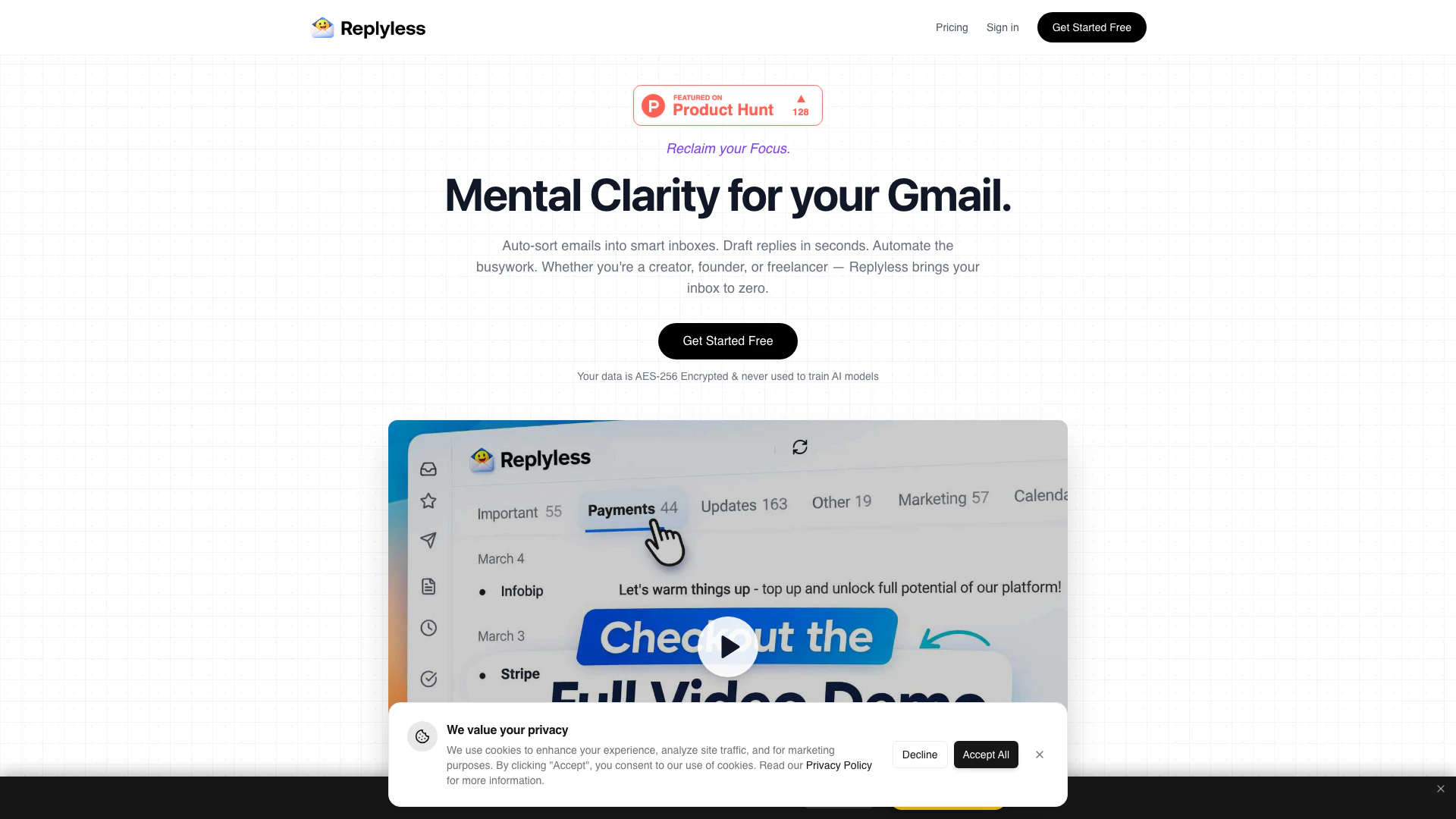
Replylessai is an AI-powered[1] email management[2] tool designed specifically for creators, founders, and freelancers. It aims to streamline the email experience by automatically sorting, prioritizing, and drafting responses to emails. By utilizing advanced AI technology, Replylessai helps users regain control over their inboxes, allowing them to focus on what truly matters and achieve inbox zero efficiently.
How to use Replylessai?
- Sign Up: Go to the Replylessai website and create an account to start your free trial.
- Connect Your Email: Link your Gmail account to Replylessai for seamless integration.
- Set Up Smart Inboxes[5]: Customize your inbox by creating split inboxes for different categories like clients, newsletters, and team communications.
- Automate Responses: Utilize the AI feature to draft replies for common inquiries, allowing for quick approvals and sending.
- Monitor Your Inbox: Regularly check your smart inboxes to stay updated on important communications while the AI manages low-priority emails.
What are the main features of Replylessai?
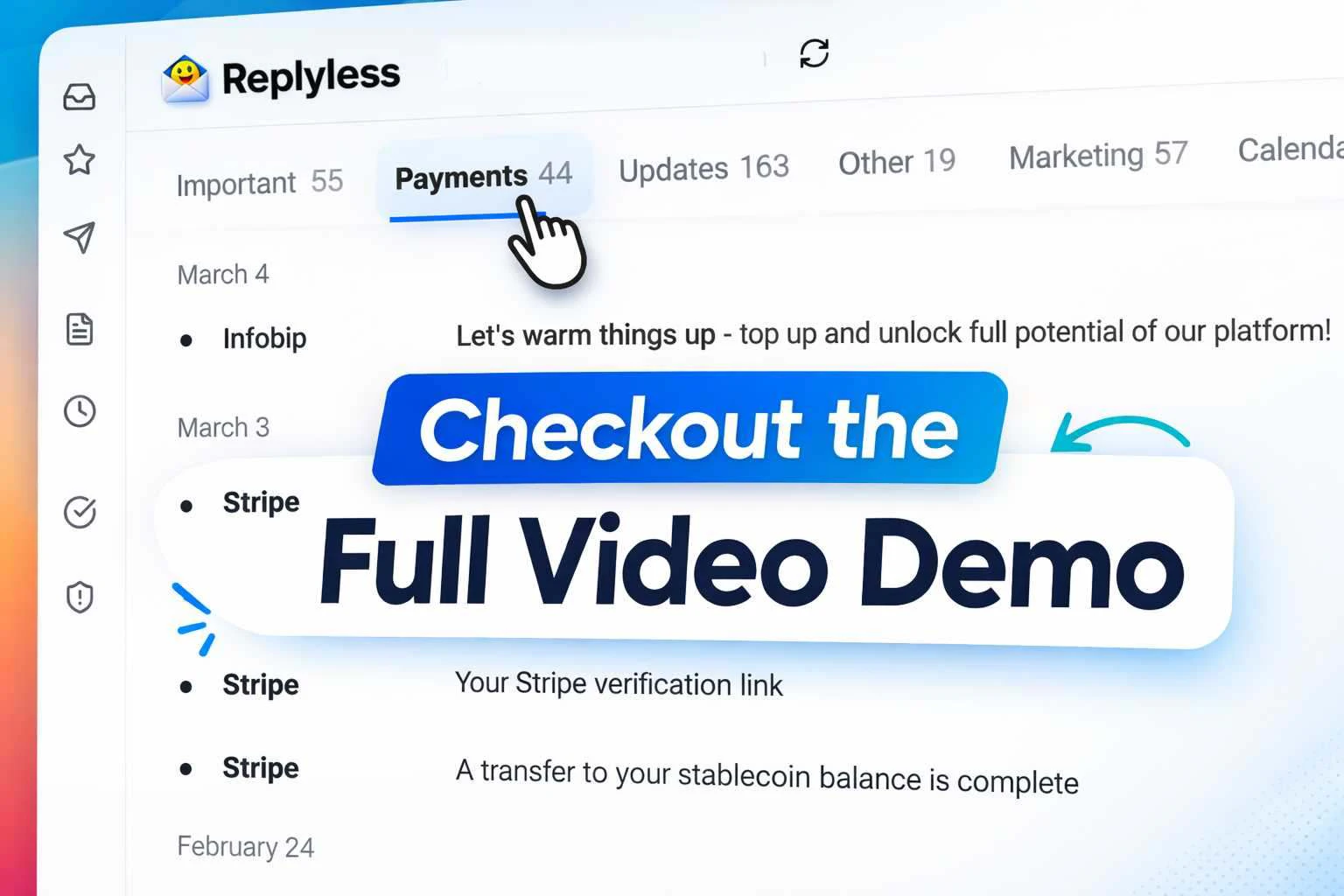
- Auto-Sorting[3]: Automatically categorize incoming emails into custom inboxes based on sender type and content.
- AI Draft Replies[4]: Generate context-aware email replies that match your tone and style, significantly speeding up response times.
- Smart Snippets: Save and reuse frequently sent email templates with a single click, enhancing efficiency.
- Lead Qualification: Automatically score and categorize business opportunities, helping users prioritize high-value communications.
- Team Collaboration: Invite team members to manage shared inboxes, ensuring that no emails fall through the cracks.
Who is Replylessai for?
Replylessai is tailored for busy professionals, particularly creators, founders, and freelancers who face the challenge of managing a high volume of emails daily. It is ideal for individuals who want to streamline their email communication, reduce the time spent on administrative tasks, and improve their overall productivity. Whether you are a content creator, a startup founder, or a freelance designer, Replylessai offers tools that can help you reclaim your focus and manage your inbox more effectively.
What are the use cases of Replylessai?
- Content Creators: Streamline communication with fans and brands by organizing sponsorship emails and fan messages in separate inboxes.
- Freelancers: Quickly respond to client inquiries with AI-generated replies, saving time on repetitive tasks.
- Startup Founders: Manage team communications and business opportunities efficiently with shared inboxes and automated lead qualification.
Product Images
Replylessai Pros and Cons
Pros
- AI-Powered Email Sorting: Automatically sorts emails into smart inboxes, helping users focus on important messages without manual effort.
- Quick Draft Replies: Generates context-aware draft replies in the user's tone, allowing for faster responses to emails.
- Enhanced Collaboration Features: Includes shared inbox functionality for teams, ensuring that important emails are not missed and response times are improved.
Cons
No cons data detected for this tool
Replylessai Pricing
Basic
Free forever — no credit card needed. Limited Emails, Basic Inbox Categories, Inbox Zero, Move Email to Done, Reminders, Command Center (Cmd+K).
Pro
Smart features for professionals. Everything in Basic, plus Enhanced Email Limits, Create your own Custom Inbox Categories, Email Snippets, Email Cleaner, AI Write Emails in your Tone, Auto Drafts, Inbox Zero Wallpapers.
Mega
Advanced AI for power users. Everything in Pro, plus Even more Email Limits, Connect 3 Email Accounts, Calendar Integrations (Coming Soon), AI Assistant.
Agency
Enterprise-grade for teams. Everything in Mega, plus Unlimited Emails, Connect 10 Email Accounts, Team Accounts, Priority Support.
For the latest pricing, please visit this link: https://replyless.ai/pricing
Prices are subject to change. Please visit the official website for the most up-to-date pricing information.
Replylessai Reviews
I went from 1,200 unread emails to inbox zero in one afternoon. The AI sorting is scary accurate — it knows which brand emails actually matter.
Sponsorship emails used to get buried under fan mail and notifications. Now they're front and center. I closed 3 extra deals last month because I actually saw them.
The snippets feature alone saves me 30 minutes a day. Same client questions, one-click replies. Why didn't someone build this sooner?
For more reviews, visit this link: https://replyless.ai/#reviews



