Rename




What is RenameClick?
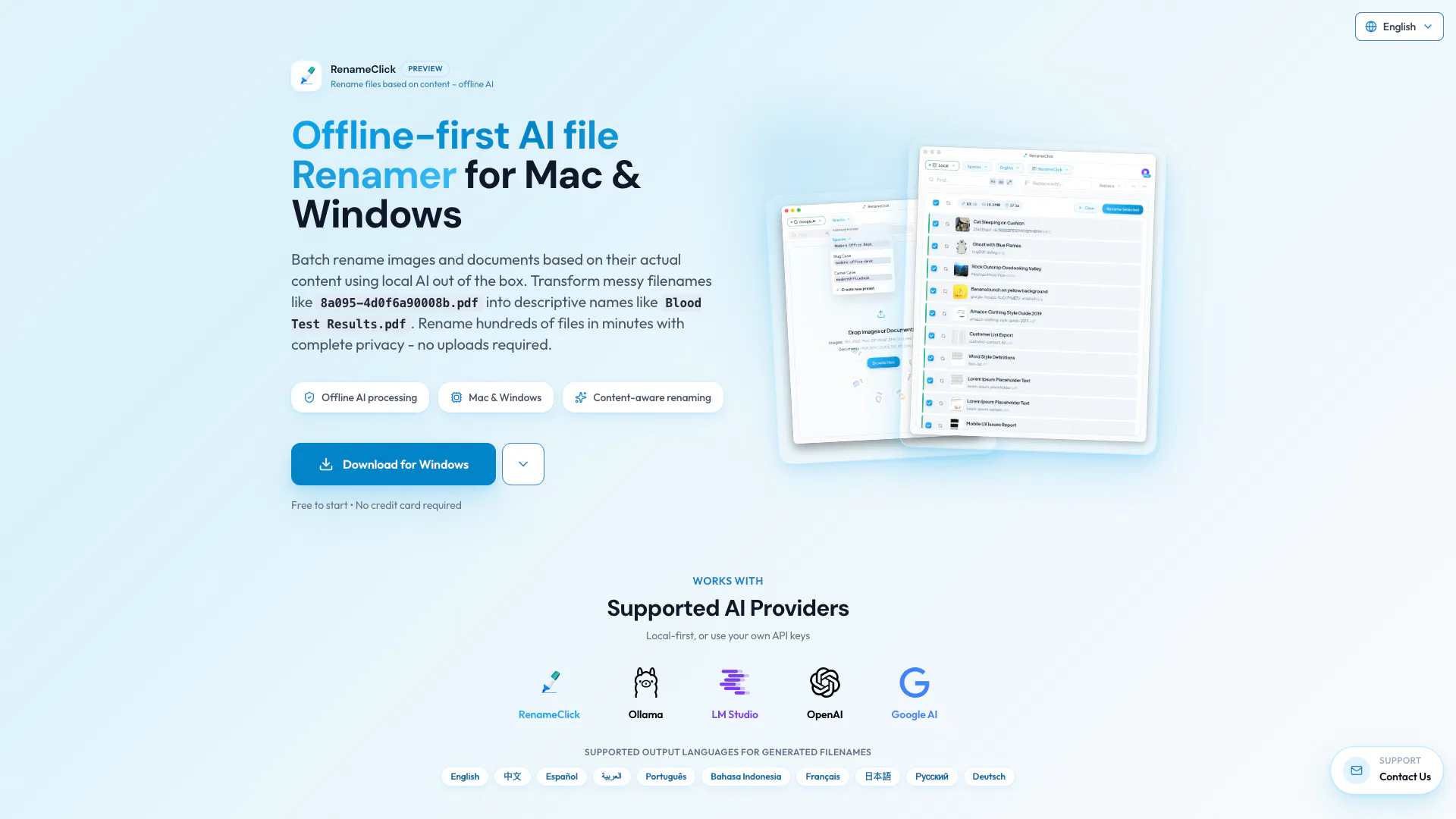
RenameClick is an offline AI file renamer designed for both Mac and Windows users. This innovative tool allows you to batch rename files based on their actual content, transforming uninformative filenames like `8a095-4d0f6a90008b.pdf` into more descriptive names such as `Blood Test Results.pdf`. With complete privacy ensured, there are no uploads or cloud processing required.
How to use RenameClick?
- Download and install RenameClick on your Mac or Windows device.
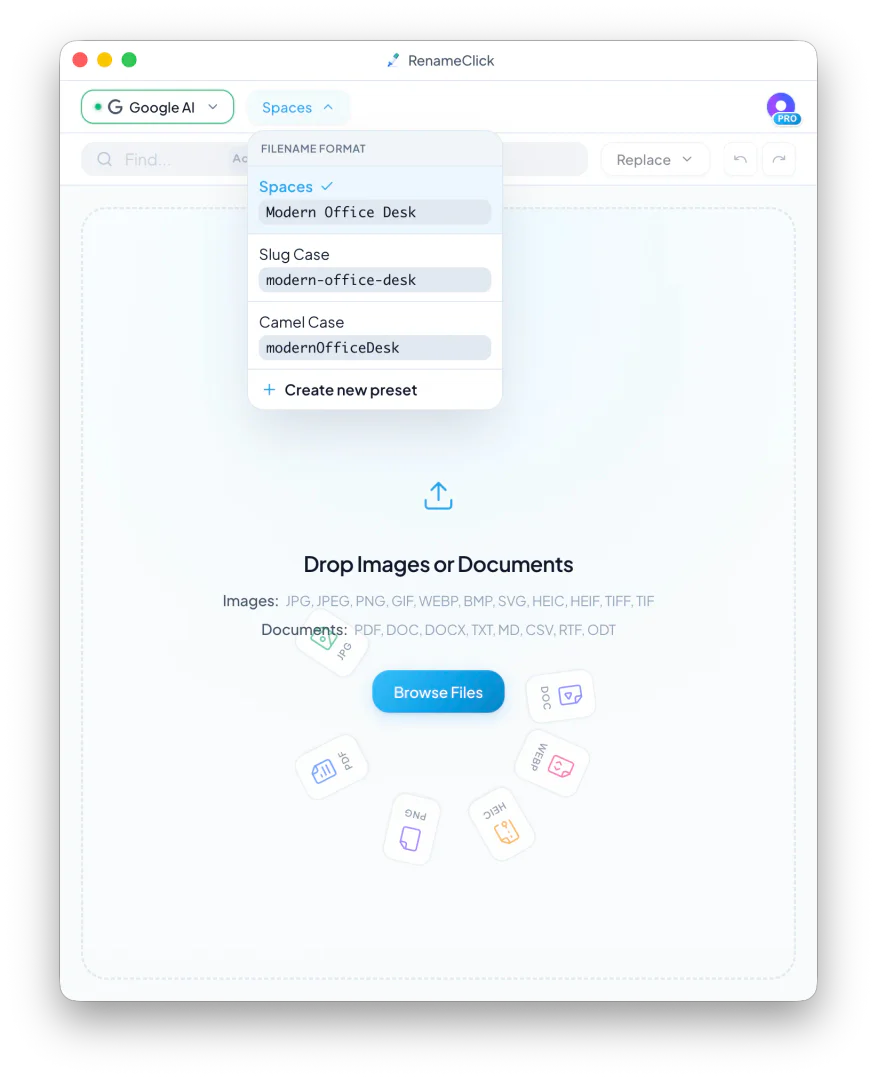
- Drag and drop your files into the RenameClick interface.
- The AI will analyze the content of your files and suggest descriptive names.
- Review the suggested names and click apply to batch rename all selected files.
What are the main features of RenameClick?
- Offline AI processing: Works without internet connectivity.
- Batch renaming: Rename hundreds of files quickly and efficiently.
- Privacy-focused: No uploads or cloud storage, ensuring your data remains on your device.
- Multi-format support: Handles various file types including images (JPG, PNG, etc.) and documents (PDF, DOCX, etc.).
- Customizable output languages: Choose from multiple languages for renamed files.
Who is RenameClick for?
RenameClick is ideal for anyone who frequently manages files, including photographers, graphic designers, students, and professionals dealing with large volumes of documents. If you need to organize your files quickly and efficiently without compromising on privacy, this tool is perfect for you.
What are the use cases of RenameClick?
- Organizing photo libraries: Rename images based on content for easier searching.
- Document management: Batch rename client documents for better identification.
- File preparation for sharing: Rename files to make them more descriptive before sharing with colleagues or clients.
Product Images

Rename Pros and Cons
Pros
- Offline AI Processing: RenameClick operates entirely offline, ensuring complete privacy as no files are uploaded to the cloud.
- Batch File Renaming: Easily rename hundreds of files in minutes, saving time compared to manual renaming methods.
- Supports Multiple File Formats: RenameClick works with a variety of image and document formats, making it versatile for different workflows.
Cons
No cons data detected for this tool
Rename Pricing
Free
30 files per month, Renews monthly, All AI features included.
Pro (Lifetime)
Unlimited files forever, All AI features, Lifetime updates.
For the latest pricing, please visit this link: https://rename.click/#pricing
Prices are subject to change. Please visit the official website for the most up-to-date pricing information.