

Raycast
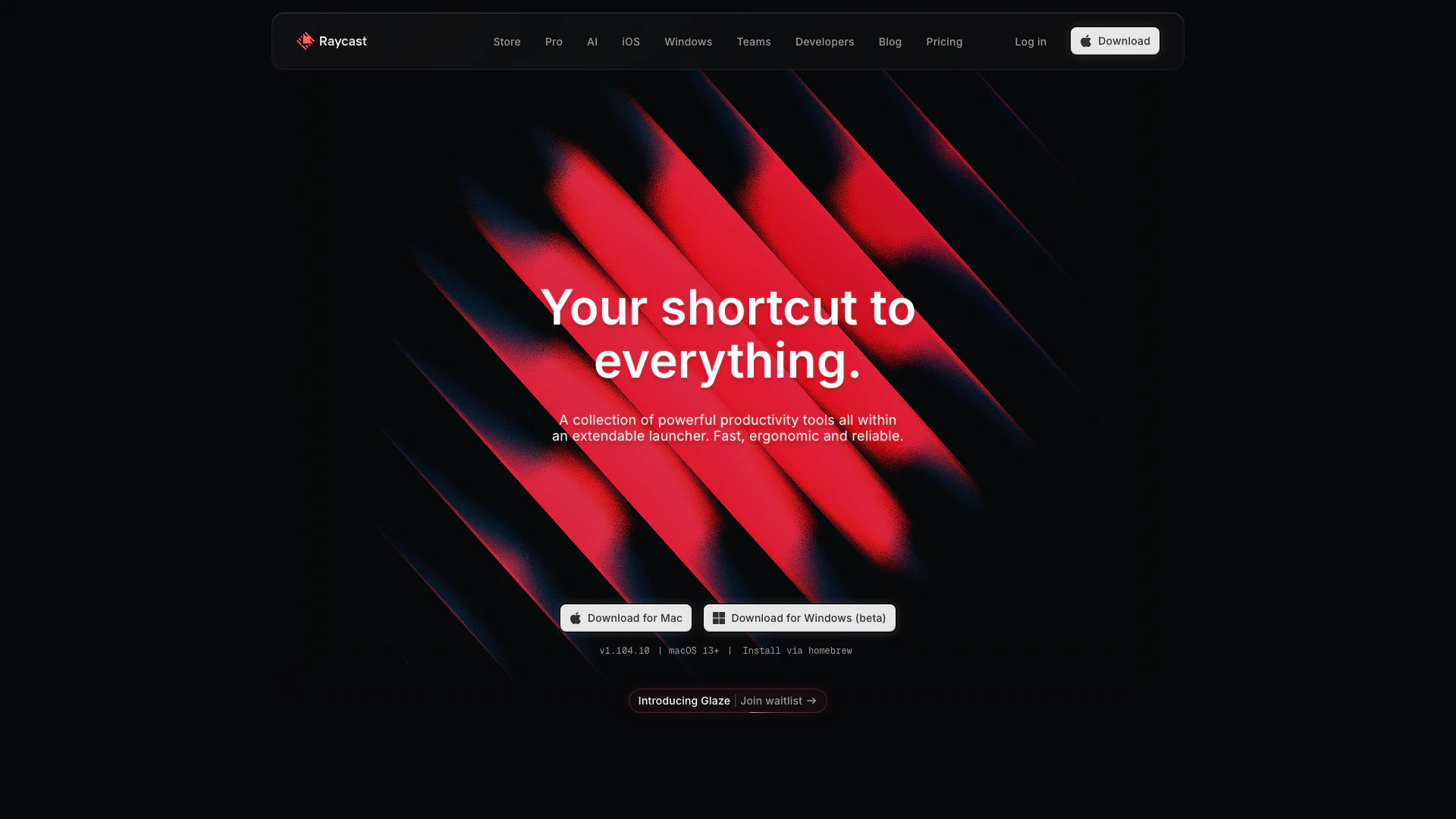


What is Raycast?
Raycast is a powerful productivity tool that functions as an extendable launcher, designed to streamline workflows and enhance efficiency. It allows users to access a variety of productivity tools quickly and ergonomically, enabling them to perform tasks faster and with less effort. With a focus on native performance and a crash-free experience, Raycast is ideal for professionals looking to optimize their daily routines. It integrates seamlessly with various applications, making it a versatile solution for enhancing productivity across different tasks.
How to use Raycast?
- Download and install Raycast from the official website.
- Launch Raycast and familiarize yourself with the keyboard shortcuts for quick access.
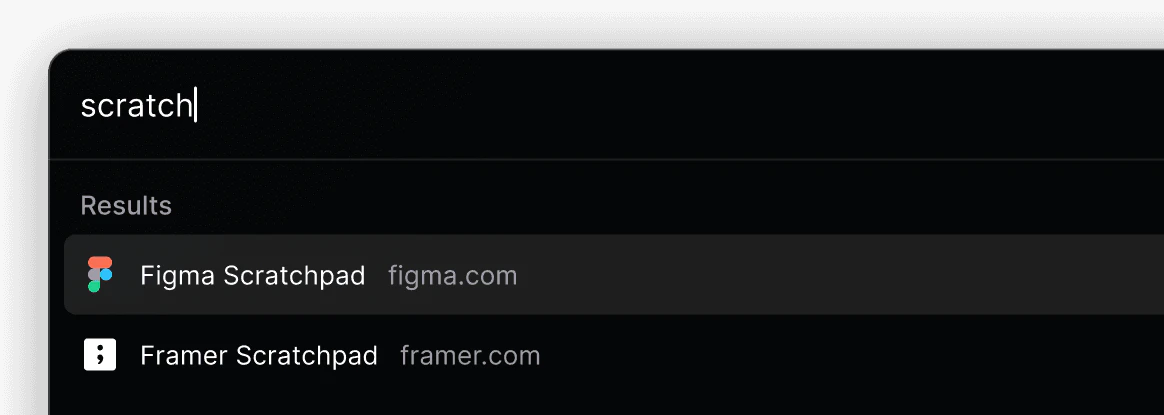
- Use the search bar to find applications or commands quickly. You can type commands directly without navigating through menus.
- Explore the available extensions to integrate your favorite tools and services, enhancing functionality.
- Customize your workflow by creating snippets, quick links, and setting up automation commands for repetitive tasks.
What are the main features of Raycast?
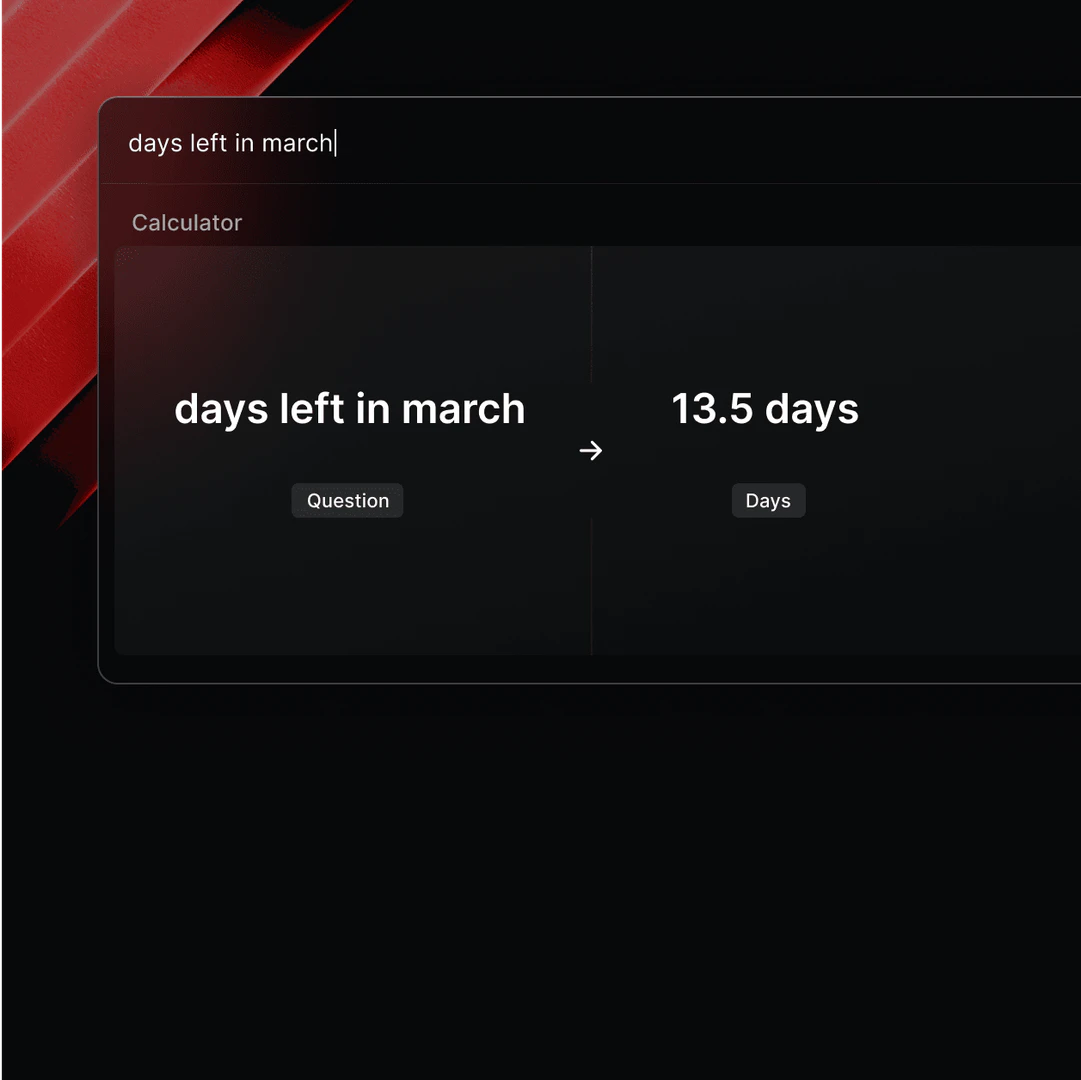
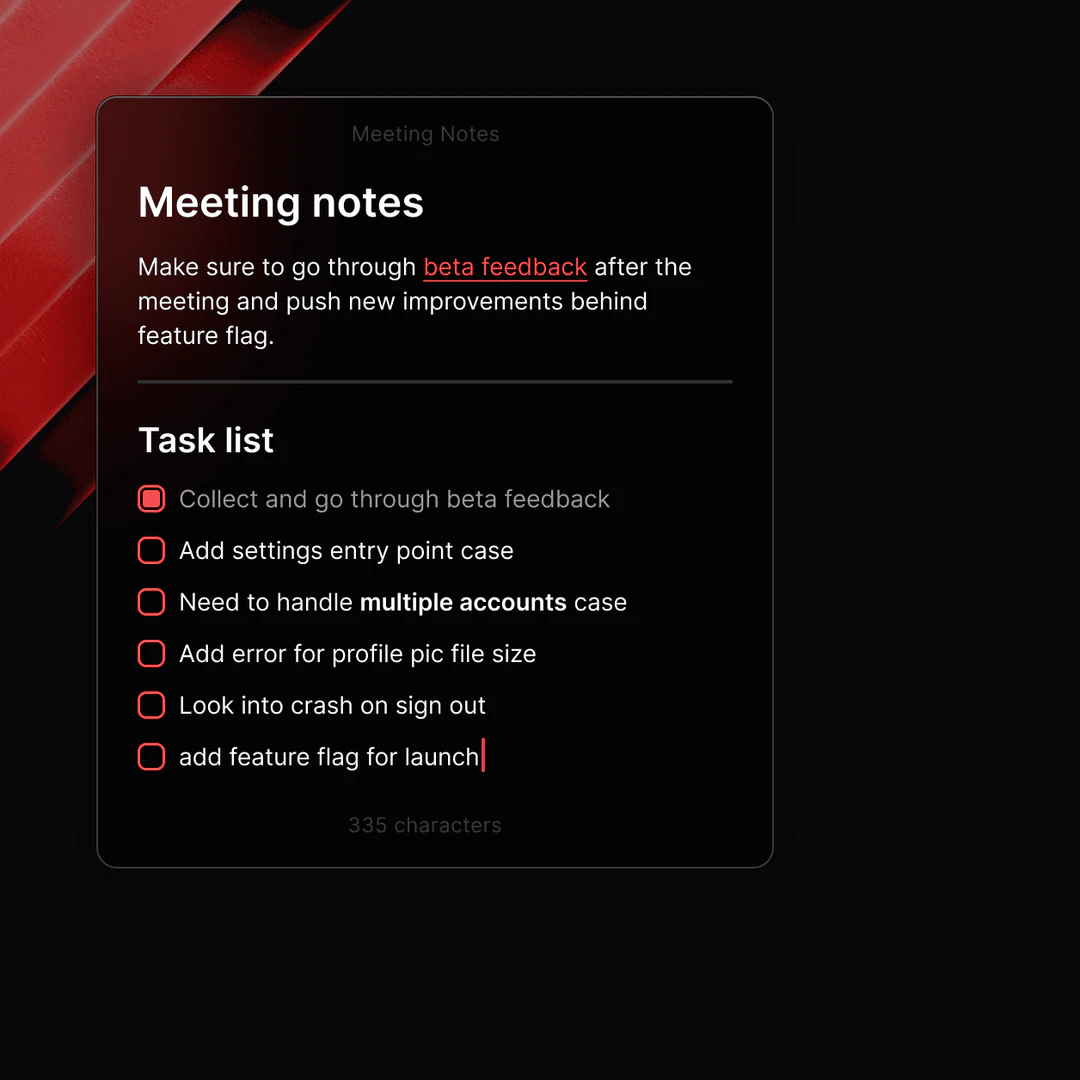
- Productivity Tools: A collection of tools designed to enhance productivity, including notes, timers, and task management.
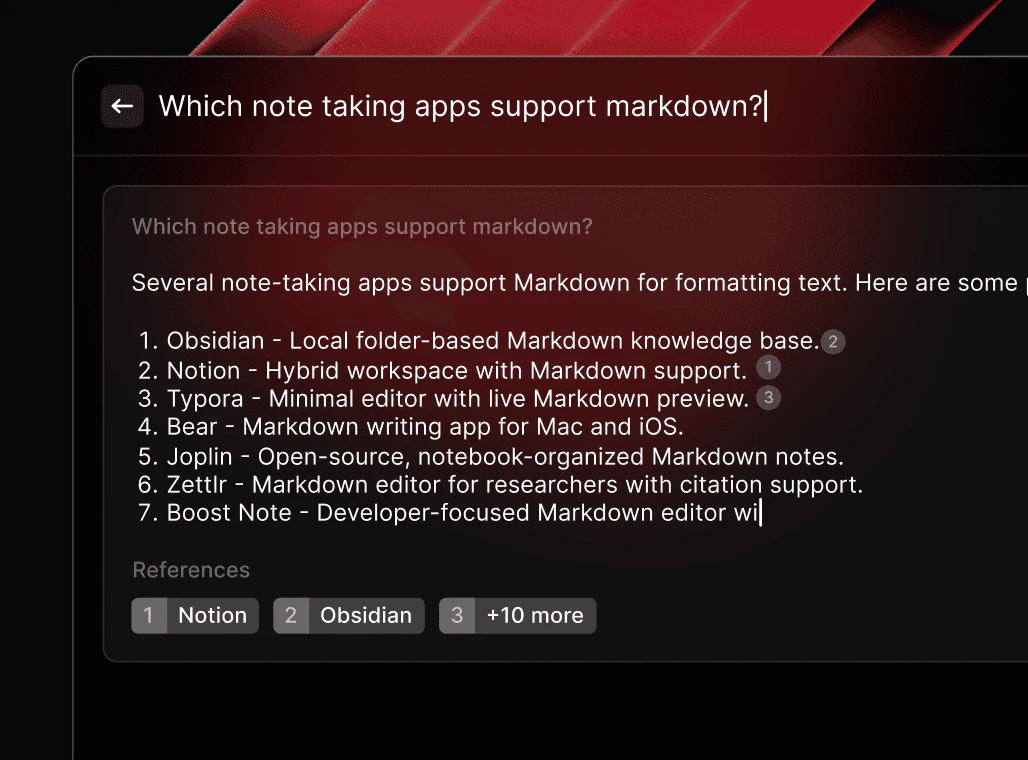
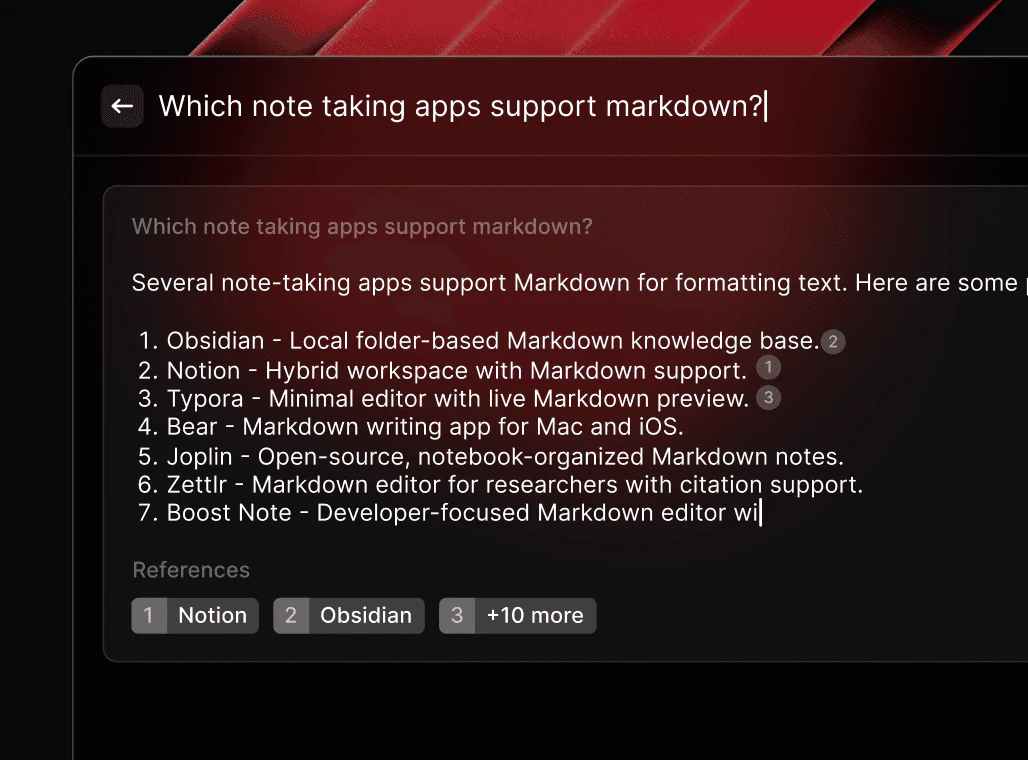
- AI Integration: Utilize AI to answer questions and automate tasks directly within your OS.
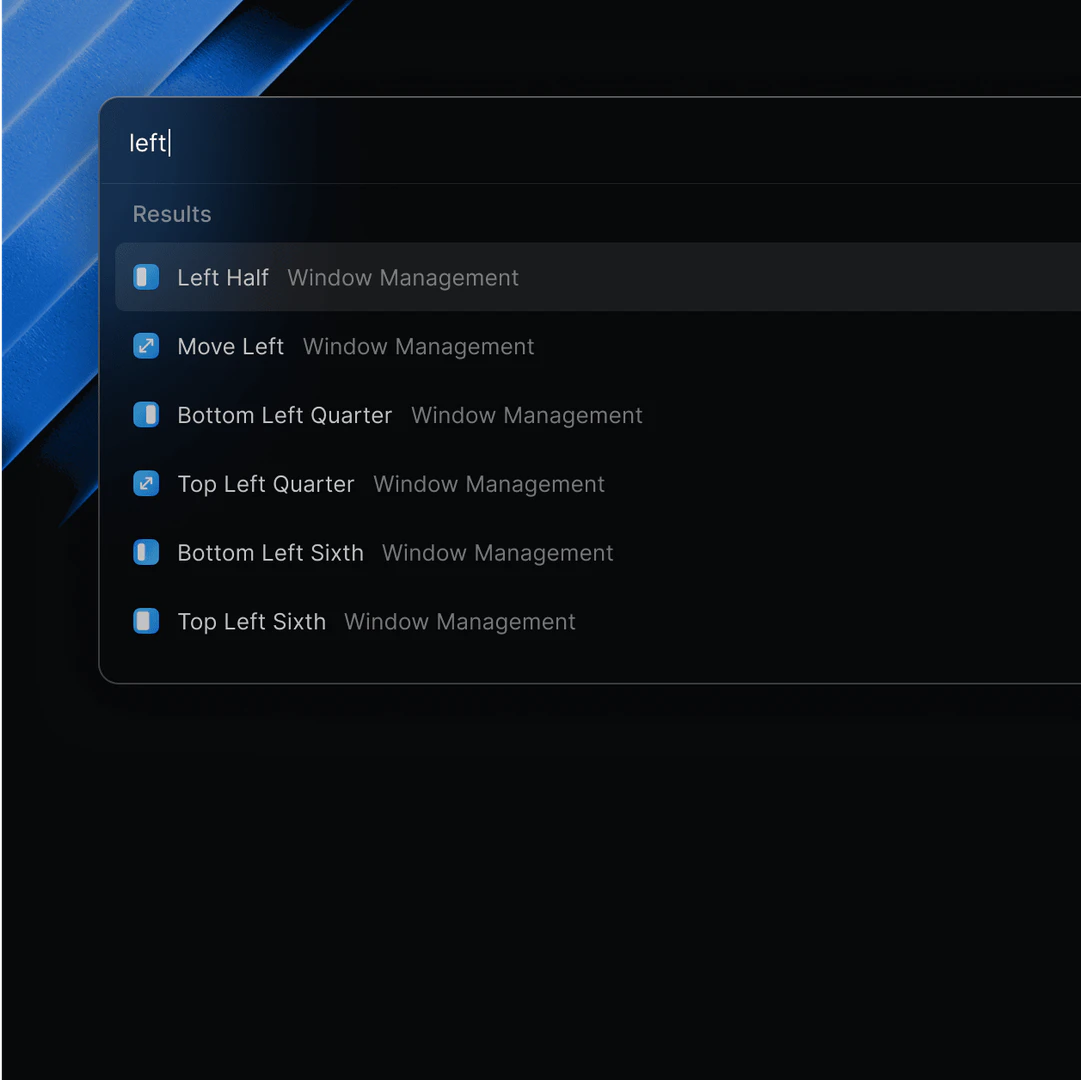
- Window Management: Efficiently manage application windows to improve multitasking capabilities.
- Custom Snippets: Create and use snippets for frequently typed text to save time.
- Quick Links: Set up quick links to launch applications or tasks without navigating through menus.
Who is Raycast for?
Raycast is designed for professionals and productivity enthusiasts who seek to optimize their workflow. This includes software developers, designers, project managers, and anyone who relies heavily on their computer for daily tasks. Its ergonomic design and extensive feature set make it suitable for users who want to streamline their processes, reduce repetitive tasks, and enhance their overall efficiency.
What are the use cases of Raycast?
- Task Management: Use Raycast to manage to-do lists and track project progress without switching applications.
- Quick Access to Tools: Launch design or development tools quickly with keyboard shortcuts, enhancing workflow efficiency.
- Automating Repetitive Tasks: Create snippets and automation commands to reduce time spent on repetitive typing and actions.
Product Images




Raycast Pros and Cons
Pros
- Powerful Productivity Tools: Raycast offers a collection of powerful productivity tools that enhance workflow efficiency by integrating various functionalities into a single launcher.
- Fast and Ergonomic: Designed for speed, Raycast allows users to perform tasks in milliseconds, promoting an ergonomic keyboard-first approach for a seamless user experience.
- High Reliability: With a 99.8% crash-free rate, Raycast ensures a reliable user experience, minimizing disruptions during work.
- Extensible and Customizable: Raycast supports extensions, enabling users to integrate their favorite tools and automate repetitive tasks, making it highly customizable to individual workflows.
Cons
No cons data detected for this tool
Raycast Pricing
Free
Core features, including: Clipboard History, Quicklinks, Calculator, Snippets, Window Management + more. Thousands of extensions. 50 messages for Raycast AI. 5 notes for Raycast Notes. Free, Forever.
Team
Includes all features of Free plan plus: Unlimited Clipboard History Size, Unlimited Raycast AI messages, Unlimited Raycast Notes, Unlimited Team Members, Unlimited Shared Commands, Unlimited Shared Quicklinks, Unlimited Shared Snippets. Monthly Subscription: $10 / month, Annual Subscription: $8 / month.
Enterprise
Includes all features of Team plan plus: Custom Extensions, Advanced AI Add-on (+ $8 / user / month), Organization-Wide Toggle, Organization Admin Controls, and more. Monthly Subscription: $15 / user / month, Annual Subscription: $12 / user / month.
For the latest pricing, please visit this link: https://www.raycast.com/pricing
Prices are subject to change. Please visit the official website for the most up-to-date pricing information.
Analytics of Raycast
Raycast Website Traffic Analysis
Visits Over Time
Traffic Sources
Dec 2025 - Feb 2026 Worldwide Desktop Only
- Direct: 48.44%
- Search: 42.04%
- Referrals: 6.60%
- Social: 2.16%
- Paid Referrals: 0.69%
- Mail: 0.07%
Top Keywords
| Keyword | Volume | CPC | Estimated Value |
|---|---|---|---|
| raycast | 169.83K | $0.23 | $180790.00 |
| raycast mac | 9.14K | $0.29 | $8490.00 |
| raycast windows | 5.46K | $0.37 | $4980.00 |
| raycast extensions | 3.41K | $1.08 | $2950.00 |
| raycast ai | 2.89K | $1.06 | $2780.00 |




Raycast Social Listening
The best tool for IT Pros and ...
In this video, I'm going to sh...
Raycast - Full Tutorial
Raycast (SAVE 10% with our aff...
My Raycast Setup: The Ultimate...
Sponsorship: Go to https://sur...
Unlock to view 43 social media results.