


Twitter-color Created with Sketch. Amazon-color Created with Sketch. Facebook-color Created with Sketch. github [#142] Created with Sketch. meta_fill Pinterest-color Created with Sketch. ProductHunt-color Created with Sketch. Spotify-color Created with Sketch. Threads Logo Streamline Icon: https://streamlinehq.com Yelp-color Created with Sketch. Youtube-color Created with Sketch.
TopAIToolsTopAITools
  • Free Tools
  • Category
  • Leaderboard
  • Deals
  • Submit
EN
TopAIToolsTopAITools
TopAI

TopAITools

TopAITools, The Best Top AI Tools

AI Glossary|English简体中文繁體中文한국어日本語PortuguêsEspañolDeutschFrançaisTiếng Việt|Map

© 2026 TopAITools. All rights reserved.

About

  • Privacy Policy
  • Terms of use

Contact Us

business@topaitoolsreview.com
Home
macOS Menu Bar Utilities
Freeupmymac
Last updated: July 22, 2026
Freeupmymac logo

Freeupmymac

Get deal
5.0|0 Comments|0 Saved
Introduction:
Quickly free up storage on your Mac.
Launch Date:
December 4, 2025
Monthly Visits:
--
Inputs:
Tabular
Outputs:
Tabular
Supported Languages:
EN
Website
50% OFF
💼Work🎨Creativity
macOS Menu Bar Utilities8Data Recovery and System Repair ToolsPersonal Data Management Tools10
Freeupmymac website screenshot showing Quickly free up storage on your Mac. interface and features
Use tool
Update this tool
Buzz Mail logo

Buzz Mail

Buzz Mail - Google Workspace Marketplace

Docsgpt logo

Docsgpt

DocsGPT for Google Docs™ - Google Workspace Marketplace

Notion 1771246560178 logo

Notion 1771246560178

Notion AI enhances productivity by integrating AI tools directly into your workspace.

Workgpt logo

Workgpt

WorkGPT: ChatGPT Gemini AI GPT in Sheets Doc Slide - Google Workspace Marketplace

Gemini logo

Gemini

Discover Gemini, Google's versatile AI assistant for writing and planning.

Freeupmymac Overview

What is FreeUpMyMac?

FreeUpMyMac is a powerful tool designed to help Mac users[6] reclaim storage space quickly and safely. It allows users to identify large files and differentiate between essential system files and unnecessary junk, ensuring that they can clean up their Mac without the risk of deleting vital data. The tool performs a full scan of the system in under two minutes and provides an intuitive interface to visualize storage usage, making it easy to understand where storage is being consumed.


How to use FreeUpMyMac?

To use FreeUpMyMac, follow these simple steps: 1. Scan: Launch the application and click on the 'Scan' button to analyze your entire computer in under 2 minutes. 2. Browse: Once the scan is complete, explore the results to identify large and unnecessary files taking up space on your Mac. 3. Smart Check: For each file, you can tap 'Analyze' to see detailed information about what it does and whether it's safe to remove.


What are the main features of FreeUpMyMac?

FreeUpMyMac offers several key features that enhance its utility for Mac users: - Fast Scan[1]: Completes a full scan of your Mac in under 2 minutes. - Junk Identification[2]: Safely distinguishes between junk files and essential system files. - Storage Visualization[3]: Provides charts and graphs to visualize how storage is being utilized. - System Data Reduction[4]: Helps identify and reduce bloated system data that consumes space. - On-Device Analysis[5]: Ensures that all analysis is conducted locally on your Mac, keeping your data private.


Who is FreeUpMyMac for?

FreeUpMyMac is ideal for any Mac user looking to optimize their device's storage. This tool is particularly beneficial for those who frequently encounter storage issues, such as students, professionals, and anyone who uses their Mac for extensive media storage. It is also suitable for users who may not have technical expertise but want an easy-to-use solution for cleaning up their system without risking important files.


What are the use cases of FreeUpMyMac?

Here are some specific use cases for FreeUpMyMac: 1. Clearing Out Unused Applications: Users can identify and remove applications that are no longer needed, freeing up valuable disk space. 2. Cleaning Temporary Files: The tool can help in locating and deleting temporary files, caches, and logs that accumulate over time. 3. Optimizing System Performance: By removing junk files and optimizing storage, users can enhance their Mac's performance and speed.

Product Images

FreeUpMyMac scan operation interface
FreeUpMyMac browse results
FreeUpMyMac smart check feature
FreeUpMyMac system data reduction feature
FreeUpMyMac product overview
1 / 5

Freeupmymac Pros and Cons

Pros

  • Fast Scanning Speed: Scans the entire Mac in under 2 minutes, allowing users to quickly identify storage issues.
  • Safe File Identification: Distinguishes between junk files and essential system files, ensuring users do not accidentally delete important data.
  • 100% On-Device Analysis: All data analysis is performed locally on the Mac, ensuring user privacy and data security.

Cons

No cons data detected for this tool

Freeupmymac Pricing

Lifetime Deal

$29

Pay once, keep it forever. Full Mac Scan in minutes, Clean up GBs of junk, AI safety check, Visualize file usage with charts, Clear System Data.

For the latest pricing, please visit this link: https://freeupmymac.com/#pricing

Prices are subject to change. Please visit the official website for the most up-to-date pricing information.

Freeupmymac Compare

Tool NameIntroductionPricing
Type
RatingLaunch DateLearn more
Civitai logo
Civitai
Civitai: The Home of Open-Source Generative AI
Free
🎨Creativity
November 2, 2022
Get deal
Autodraw logo
Autodraw
AutoDraw
Free
🎨Creativity
January 2, 1998
Get deal
Outfits Ai logo
Outfits Ai
Try on any outfits using AI!
Free
🙋‍♂️Personal🎨Creativity
January 7, 2023
Get deal

Info current as of post date. Offers and availability may vary by location and are subject to change.

Freeupmymac Q&A

Yes, FreeUpMyMac is safe to use. It is notarized by Apple, ensuring that it meets Apple's security standards.

Freeupmymac Launch embeds

Use website badges to drive support from your community for your TopAITools Review. They're easy to embed on your homepage or footer.

FEATURED ONTopaitoolsreview.com

Freeupmymac Alternatives

Imyfone screenshot

Imyfone

iMyFone provides powerful tools for data recovery and system repair.

Website
Free
💼Work🎨Creativity
Lifestyle & UtilitiesData Recovery and System Repair ToolsPersonal Data Management ToolsSmartphone Unlocking Tools
  • Lifestyle & Utilities
  • Data Recovery and System Repair Tools
  • Personal Data Management Tools
  • Smartphone Unlocking Tools
Use tool
5.1M
Search72.24%
Direct23.54%
Referrals2.66%
Wondershare screenshot

Wondershare

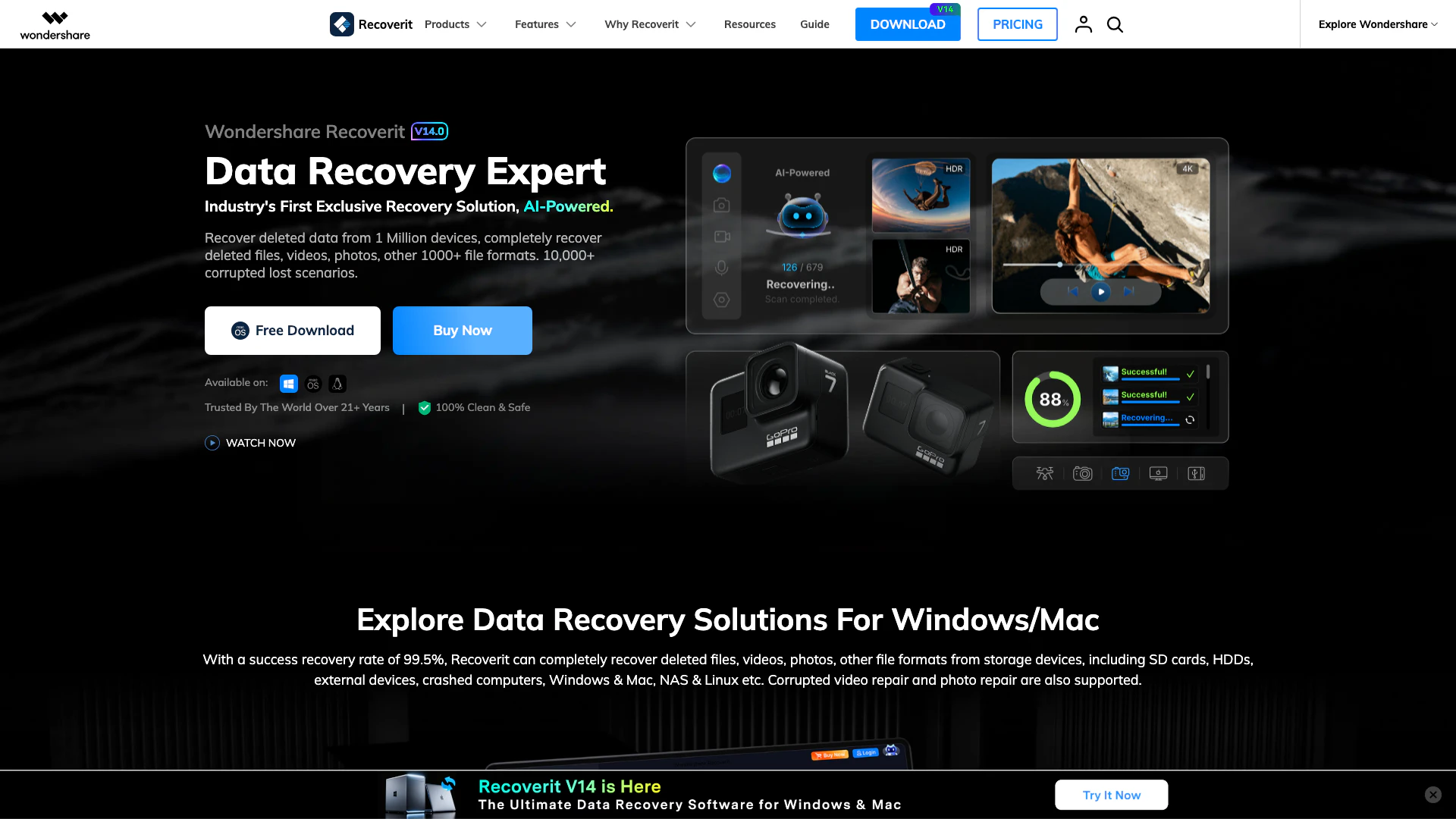
Recoverit is an AI-powered data recovery software that helps you recover deleted files, photos, videos, and documents from various storage devices.

Website
Free
💼Work
Lifestyle & UtilitiesData Recovery and System Repair ToolsPersonal Data Management ToolsCloud Storage and File Transfer Tools
  • Lifestyle & Utilities
  • Data Recovery and System Repair Tools
  • Personal Data Management Tools
  • Cloud Storage and File Transfer Tools
Use tool
692.9K
Search59.14%
Direct29.89%
Referrals7.85%
Vexly screenshot

Vexly

Effortlessly track and manage all your subscriptions.

Website
Free
💼Work🎨Creativity
Lifestyle & UtilitiesPersonal Data Management ToolsSubscription Management ToolsRecurring Payment Management Tools
  • Lifestyle & Utilities
  • Personal Data Management Tools
  • Subscription Management Tools
  • Recurring Payment Management Tools
Use tool
26.5K
Direct59.57%
Search21.55%
Referrals13.46%

Freeupmymac Tags

Storage ManagementDisk CleanupFile AnalysisJunk File RemovalPrivacy ProtectionSystem Data Management

Also used for

macOS Menu Bar Utilities8Data Recovery and System Repair Tools3Personal Data Management Tools10AI DNS Tools4AI Network Tools4AI Language Learning3Tennis and Pickleball Tools2Sports Performance Analysis2AI Lifestyle Assistant81AI Personalization Tools13AI Lifestyle Coaching16Limousine and Black Car Services1Wedding Transportation Services1Local Ride Booking Services1Community Based Transportation Services1

Sources (6)

Freeupmymac logo
FreeupmymacFree Trial
Get deal

Freeupmymac Comments (0)

Your rating

?
0/2000

No comments yet

Be the first to share your thoughts!

Freeupmymac Prompts (0)

Prompts And Results

Add your own prompts and outputs to help others understand how to use this AI.

🚀0
🚀0