Turtlebar





What is TurtleBar?
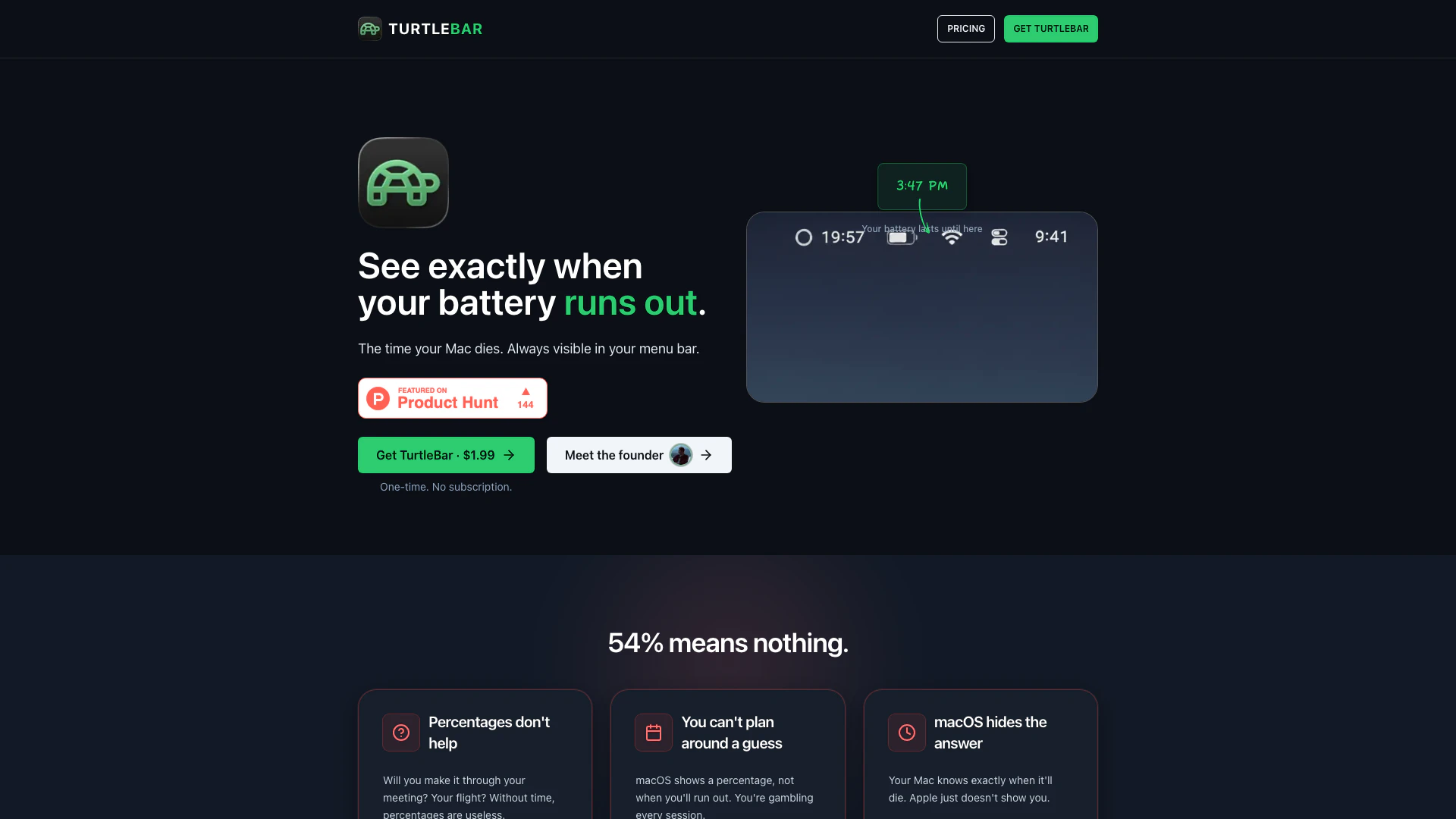
TurtleBar is a lightweight menu bar application designed specifically for macOS users to provide precise information about their Mac's battery life[1]. Unlike the default macOS battery indicator, which only shows the percentage of battery remaining, TurtleBar restores the ability to see the estimated time remaining until the battery runs out. This tool helps users plan their activities without the uncertainty of guessing how long their battery will last, especially during critical tasks like meetings or travel.
How to use TurtleBar?
- Download and install TurtleBar from the official website.
- Launch the application; it will automatically integrate into your Mac's menu bar.
- Click on the TurtleBar icon to view the exact time remaining until your battery dies, or switch to the duration format.
- Adjust settings as needed, such as enabling low power mode or setting app-based automation rules.
What are the main features of TurtleBar?
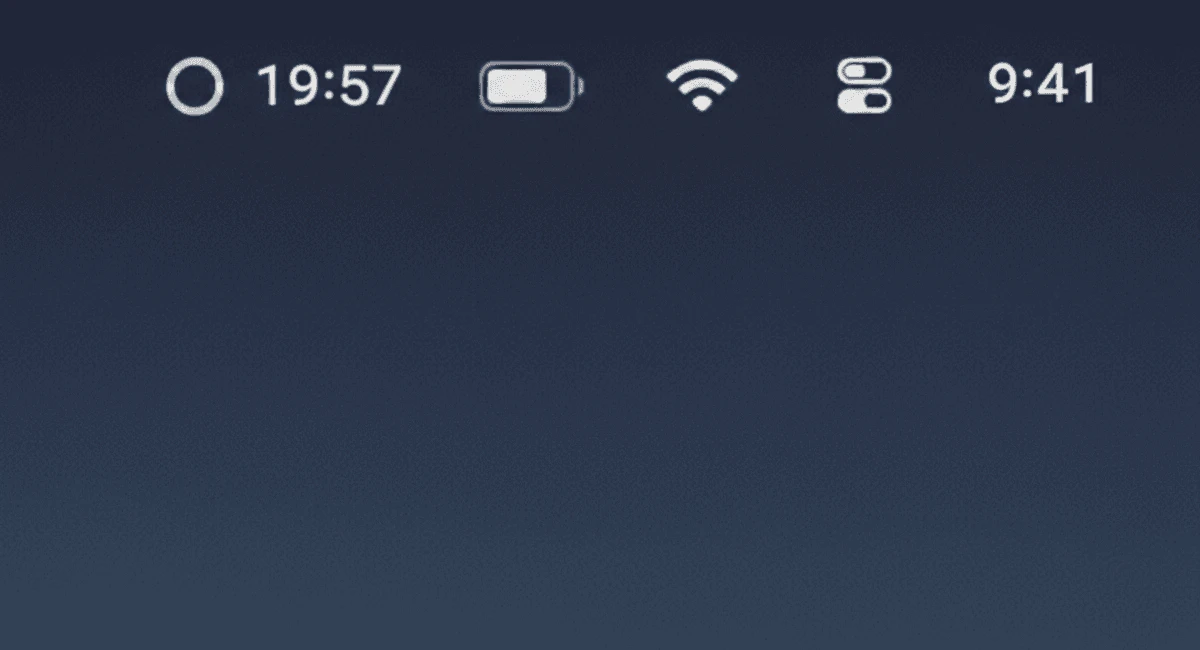
- Exact time remaining displayed in the menu bar (e.g., '3:47 PM').
- Option to view battery duration (e.g., '2h 34m').
- Real-time updates based on current usage.
- Low CPU usage (< 1%).
- Privacy-focused with zero tracking.
- Native macOS application, compatible with both Intel and Apple Silicon.
- Includes features like low power mode toggle and app-based automation rules.
Who is TurtleBar for?
TurtleBar is designed for Mac users who want precise information about their battery life. It is particularly useful for professionals who rely on their laptops for meetings, travel, or work sessions and need to know exactly how long they can continue working without needing to recharge. This tool is ideal for anyone who finds the standard percentage display inadequate for planning their activities.
What are the use cases of TurtleBar?
- During business meetings, users can easily check how much battery life they have left without guessing.
- While traveling, TurtleBar helps users manage their battery life to ensure their devices last through flights or long journeys.
- For creative professionals, it allows for better planning during resource-intensive tasks, like video editing or graphic design, by providing real-time battery time estimates.
Product Images


Turtlebar Pros and Cons
Pros
- Exact Time Display: TurtleBar shows the exact time remaining for your Mac battery, allowing users to plan their activities without guessing.
- Real-time Updates: The app provides real-time updates on battery life based on actual usage, adjusting as you work.
- Lightweight and Efficient: TurtleBar uses less than 1% CPU, ensuring it runs smoothly without affecting system performance.
Cons
No cons data detected for this tool
Turtlebar Pricing
Standard
Know exactly when your battery runs out - Exact time in menu bar (e.g. '3:47 PM') - Or duration format ('2h 34m') - Real-time updates as you work - Works on Intel & Apple Silicon
Team (5 seats)
For teams who need battery certainty - 5 device licenses included - Team deployment guide - Exact time in menu bar - Priority email support
For the latest pricing, please visit this link: https://turtlebar.app/#pricing
Prices are subject to change. Please visit the official website for the most up-to-date pricing information.