Commanigy





What is Commanigy?
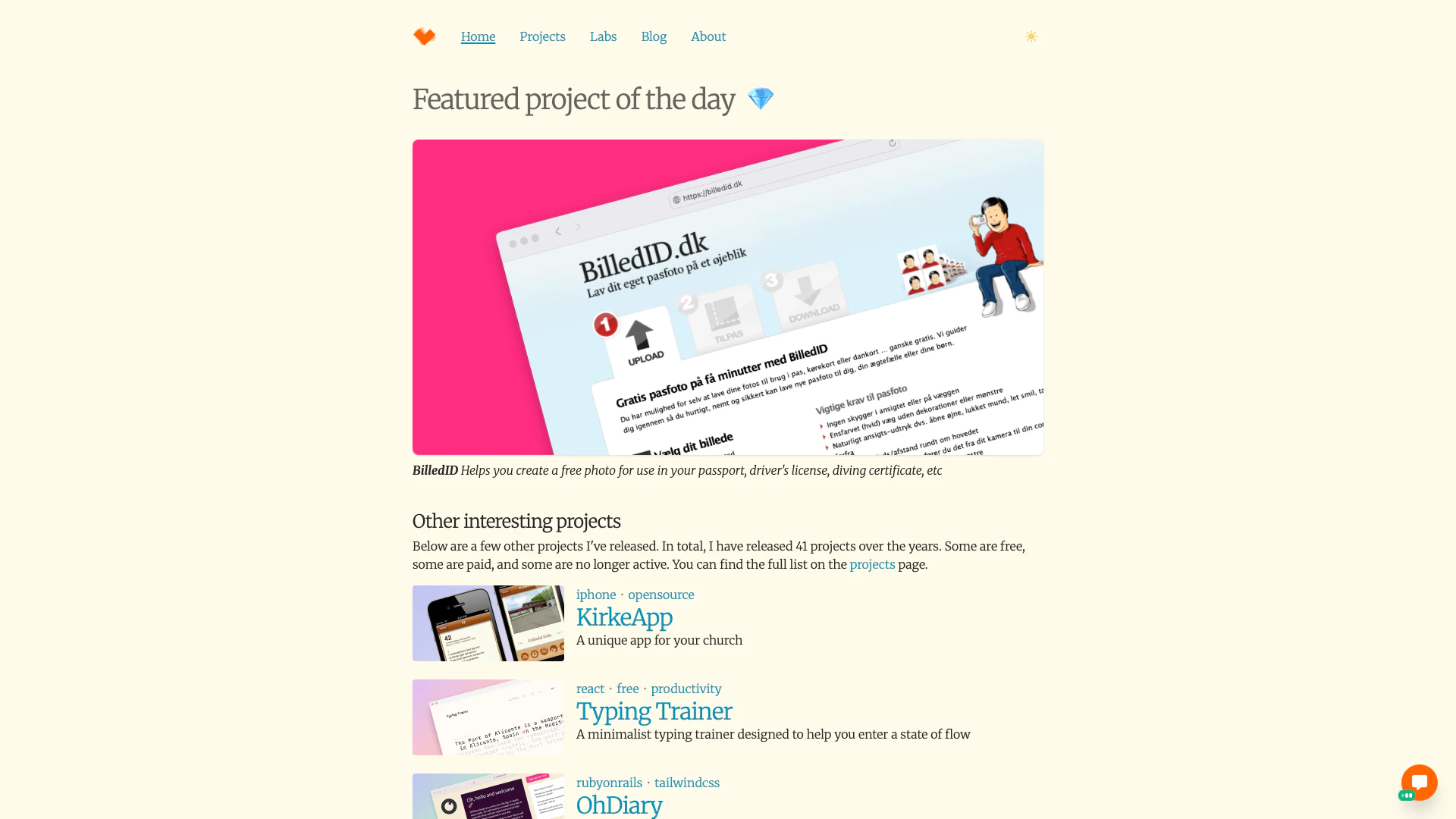
Commanigy is a Copenhagen-based software development[1] company focused on creating simple and intelligent applications for Mac, Windows, and iPhone. Founded by Peter Theill, Commanigy aims to enhance productivity and efficiency through automation of tedious tasks. The company is known for its commitment to delivering user-friendly software solutions that cater to a variety of needs, offering a range of projects that include both free and paid applications.
How to use Commanigy?
- Visit the Commanigy website at https://www.commanigy.com/.
- Browse through the list of available projects and tools.
- Select a project that meets your needs and follow the provided instructions to download or use the software.
- For applications that require installation, follow the installation prompts on your device.
- Start utilizing the software to automate tasks and enhance your productivity.
What are the main features of Commanigy?
- User-friendly interface[2] designed for ease of use across Mac, Windows, and iPhone platforms.
- A variety of software applications including productivity tools[3] like BilledID for photo creation, KirkeApp for church management, and Typing Trainer for improving typing skills.
- Focus on automation to enhance efficiency by reducing manual tasks.
- Availability of both free and paid projects catering to different user needs.
Who is Commanigy for?
Commanigy is designed for individuals and organizations looking for efficient software solutions that simplify tasks and improve productivity. This includes students, professionals, and businesses that require tools for project management, typing training, and digital content creation. The software is particularly beneficial for users on Mac, Windows, and iPhone platforms who seek intuitive applications that can help automate repetitive tasks.
What are the use cases of Commanigy?
- Creating passport and identification photos using BilledID, which provides users with a simple way to generate compliant images.
- Managing church activities and community engagement through the KirkeApp, tailored for church organizations.
- Enhancing typing skills and productivity with the Typing Trainer, which offers a minimalist environment to practice and improve typing speed.
Product Images

Commanigy Pros and Cons
Pros
- Cross-Platform Compatibility: Commanigy offers software solutions for Mac, Windows, and iPhone, ensuring a wide range of compatibility across different devices.
- Focus on Simplicity and Intelligence: The software is designed to be simple and intelligent, enhancing user productivity by automating tedious tasks.
- Diverse Project Portfolio: Commanigy has released a variety of projects, including both free and paid options, catering to different user needs.
Cons
No cons data detected for this tool
Analytics of Commanigy
Commanigy Website Traffic Analysis
Visits Over Time
Traffic Sources
Dec 2025 - Jan 2026 Worldwide Desktop Only
- Search: 41.53%
- Direct: 35.82%
- Referrals: 13.03%
- Social: 6.16%
- Paid Referrals: 1.67%
- Mail: 0.21%
Top Keywords
| Keyword | Volume | CPC | Estimated Value |
|---|---|---|---|
| text colorizer | 380 | $0.00 | $0.00 |
| knipsmig | 240 | $0.00 | $0.00 |
| ohdiary | 220 | $0.00 | $0.00 |
| text colorizer html free | 170 | $0.00 | $0.00 |
| knipsmig collage builder | 130 | $0.00 | $0.00 |