

Devapt
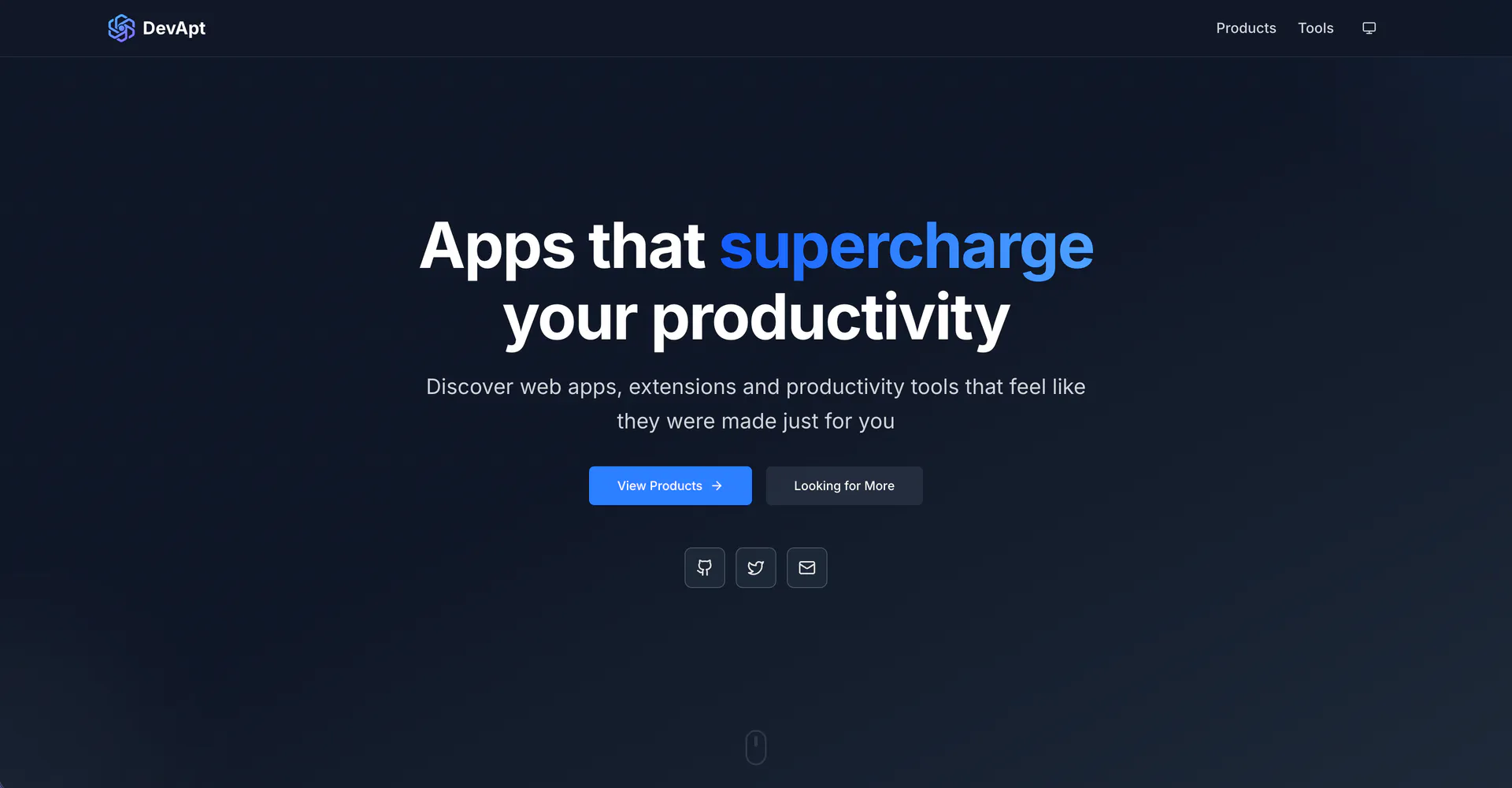





What is DevApt?
DevApt is a productivity-enhancing platform that eliminates daily friction by providing browser extensions and web applications designed to transform tedious, repetitive tasks into efficient, one-click solutions. With a focus on user experience, DevApt's tools empower users to streamline their workflows, allowing them to concentrate on what truly matters. Whether it's copying text effortlessly, managing bookmarks, or working with PDFs, DevApt's suite of applications is crafted to address real problems and enhance productivity.
How to use DevApt?
- Visit the DevApt website and choose the desired tool or extension from the product list.
- Click on the tool to access its specific page, where you can find detailed descriptions and features.
- Follow the provided instructions to install the browser extension or use the web application directly in your browser.
- For tools like 'Copy Text Easily', simply click the extension icon to copy text without highlighting.
- Explore additional features and functionalities to maximize your productivity.
What are the main features of DevApt?
- One-click solutions: Transform repetitive tasks into simple actions with a single click.
- Browser extensions: Access tools directly from your browser to enhance productivity.
- PDF tools: Merge, split, compress, and convert PDFs without leaving your browser.
- Bookmark management: Organize and access bookmarks instantly without switching tabs.
- Custom extension creation: Get a tailored Chrome extension built specifically for your workflow.
Who is DevApt for?
DevApt is designed for professionals, students, and anyone who frequently performs repetitive online tasks. Its tools are ideal for users looking to enhance their productivity by minimizing time spent on mundane activities. Whether you are a content creator needing to manage links, a student looking to streamline research, or a professional needing efficient PDF handling, DevApt offers tailored solutions to meet diverse needs.
What are the use cases of DevApt?
- Copying text: Quickly copy text from any website without the hassle of highlighting.
- Bookmark management: Organize and preview bookmarks in one place without leaving your current page.
- PDF manipulation: Easily merge, split, and convert PDFs using the PDFJar tool, all within your browser.
Devapt Pros and Cons
Pros
- Streamlined Task Automation: DevApt provides browser extensions and web applications that automate repetitive tasks, allowing users to complete them with just one click.
- User-Friendly Tools: The tools are designed with user experience in mind, making them easy to use without requiring extensive technical knowledge.
- Custom Chrome Extensions: DevApt offers the ability to create custom Chrome extensions tailored to specific workflows, enhancing productivity.
Cons
No cons data detected for this tool
Analytics of Devapt
Devapt Website Traffic Analysis
Visits Over Time
Traffic Sources
Oct 2025 - Dec 2025 Worldwide Desktop Only
- Direct: 51.64%
- Search: 25.75%
- Referrals: 11.55%
- Social: 9.49%
- Paid Referrals: 1.26%
- Mail: 0.13%
Top Keywords
| Keyword | Volume | CPC | Estimated Value |
|---|---|---|---|
| copy extension | 2.05K | $0.29 | $0.00 |
| copy text extension | 1.53K | $1.09 | $0.00 |
| copy extension chrome | 1.51K | $0.00 | $0.00 |
| copy text easily | 760 | $0.00 | $10.00 |
| copy all text extension | 190 | $0.00 | $60.00 |






Devapt Social Listening
GPT-5 Codex 王炸发布!手把手教你用GPT-5 C...
GPT-5 Codex 王炸发布!这期视频将手把手教你用GP...
全网最简单的DeepSeek教程!5大神级用法,新手也能轻松...
DeepSeek 最全上手教程!🎯 这5个神仙用法是我最近...
【Agent】🎯 2025首个王炸教程!✨零基础入门:Di...
【Agent】🎯 2025首個王炸教學!✨新手零基礎入門:...
Unlock to view 25 social media results.