Ticoai





What is Ticoai?
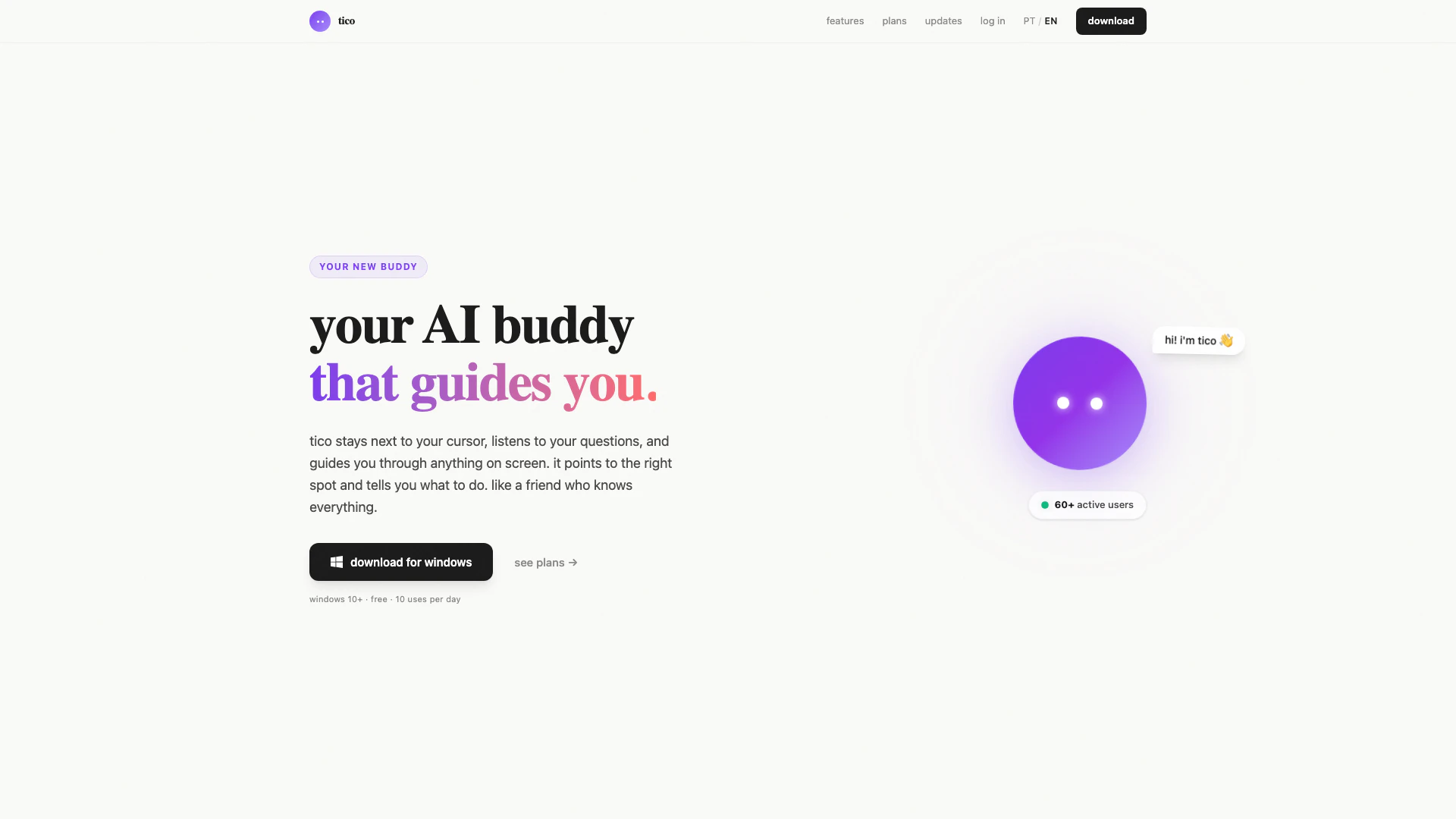
Ticoai is an innovative AI assistant designed to enhance your productivity by providing real-time guidance as you work on your computer. Positioned alongside your cursor, Ticoai listens to your questions and interprets the content on your screen, offering verbal instructions and visual cues to help you navigate through tasks seamlessly. This tool acts like a knowledgeable friend, ready to assist you in various applications, making it an essential companion for anyone looking to improve their workflow.
How to use Ticoai?
- Press the F8 key and hold it down while you speak your question aloud.
- Release the key; Ticoai will listen and analyze the content on your screen.
- Follow the verbal instructions provided by Ticoai, as it guides you to the relevant elements on your screen.
What are the main features of Ticoai?
- Real-time voice assistance that responds to questions based on screen content.
- Contextual understanding that analyzes the current screen elements.
- Visual guidance that points to the correct location on the screen.
- Compatibility with various applications, enhancing productivity in design, coding, and navigation tasks.
- Available in both Portuguese and English, making it accessible to a wider audience.
Who is Ticoai for?
Ticoai is designed for a diverse range of users, including designers, developers, students, and anyone who frequently interacts with digital tools. It is particularly beneficial for individuals who are learning new software or need assistance navigating complex interfaces. Whether you are a professional seeking to streamline your workflow or a student aiming to enhance your learning experience, Ticoai serves as a valuable resource to boost your productivity and efficiency.
What are the use cases of Ticoai?
- Assisting designers in finding tools and features within design software like Figma or Adobe products.
- Helping developers navigate coding environments such as VSCode or terminal applications effectively.
- Guiding students through learning new software like Blender, providing step-by-step assistance.
Ticoai Pros and Cons
Pros
- Voice-Activated Guidance: Ticoai allows users to ask questions verbally and provides real-time guidance by analyzing the screen context, making it easier to navigate tasks.
- User-Friendly Interface: The tool is designed to be intuitive, with a simple shortcut (F8) to activate voice commands, enhancing user experience and accessibility.
- Free Basic Plan: Ticoai offers a free plan with 10 uses per day, allowing users to experience its features without any financial commitment.
Cons
No cons data detected for this tool
Ticoai Pricing
Free Plan
10 usos por dia, voz natural em português, tico cursor inteligente, modelo claude sonnet.
Pro Plan
500 usos por mês, voz natural em português, tico cursor + pointing, modelo claude sonnet, suporte prioritário.
Unlimited Plan
Usos ilimitados, voz natural em português, tico cursor + pointing, modelo claude opus, suporte prioritário, acesso antecipado a novidades.
For the latest pricing, please visit this link: https://www.ticoai.app/#pricing
Prices are subject to change. Please visit the official website for the most up-to-date pricing information.