Dissectmac



What is DissectMac?
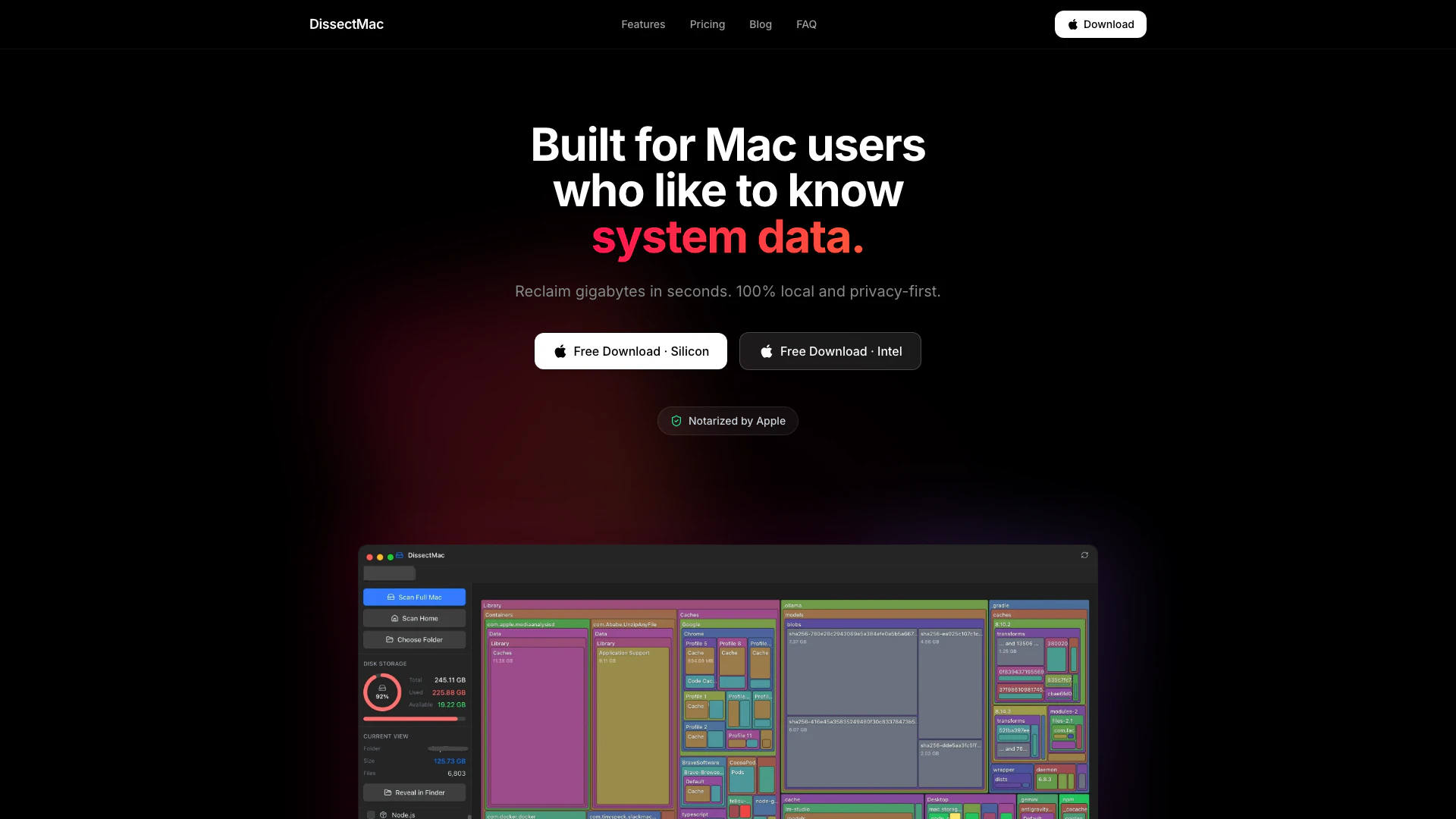
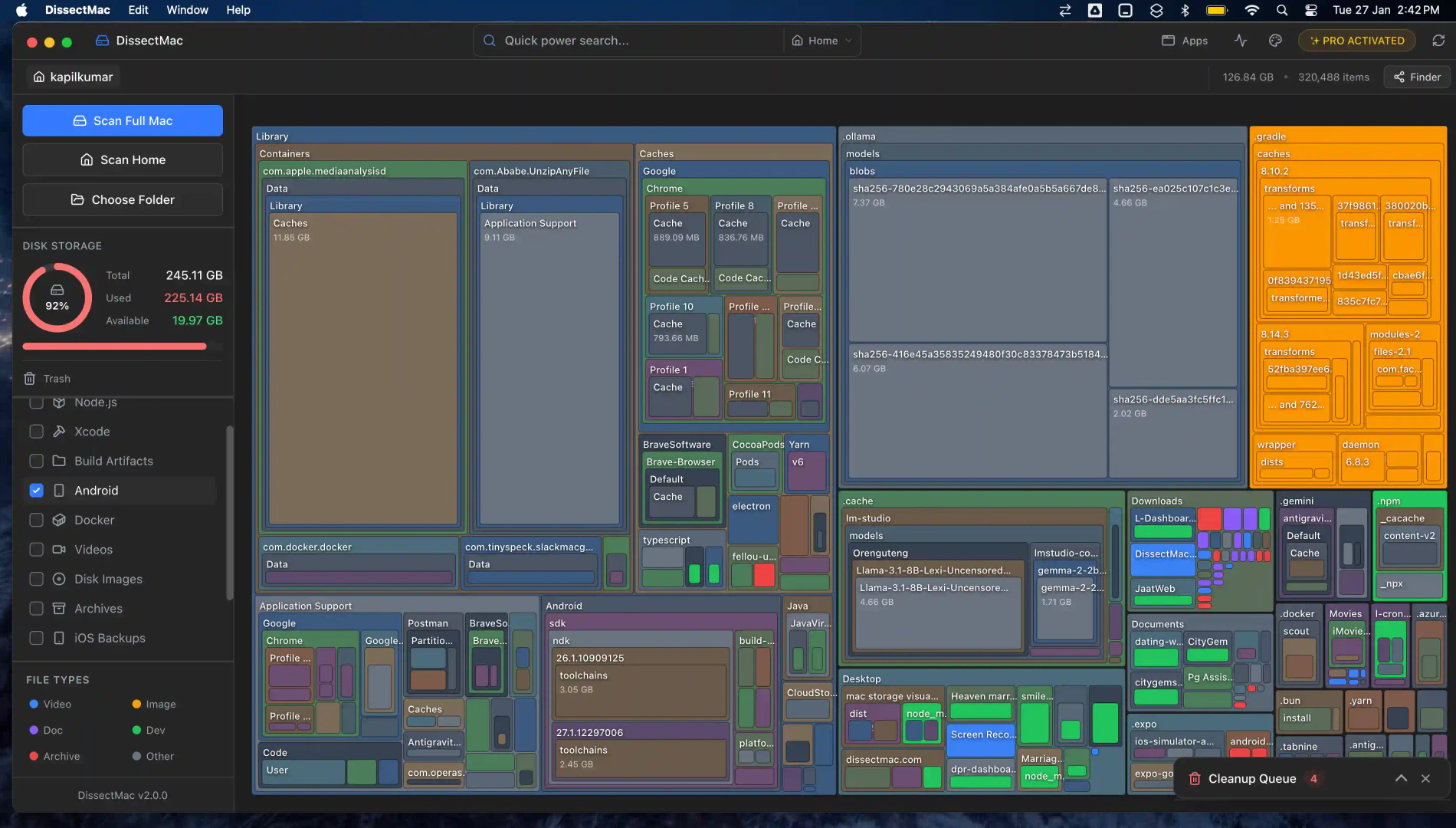
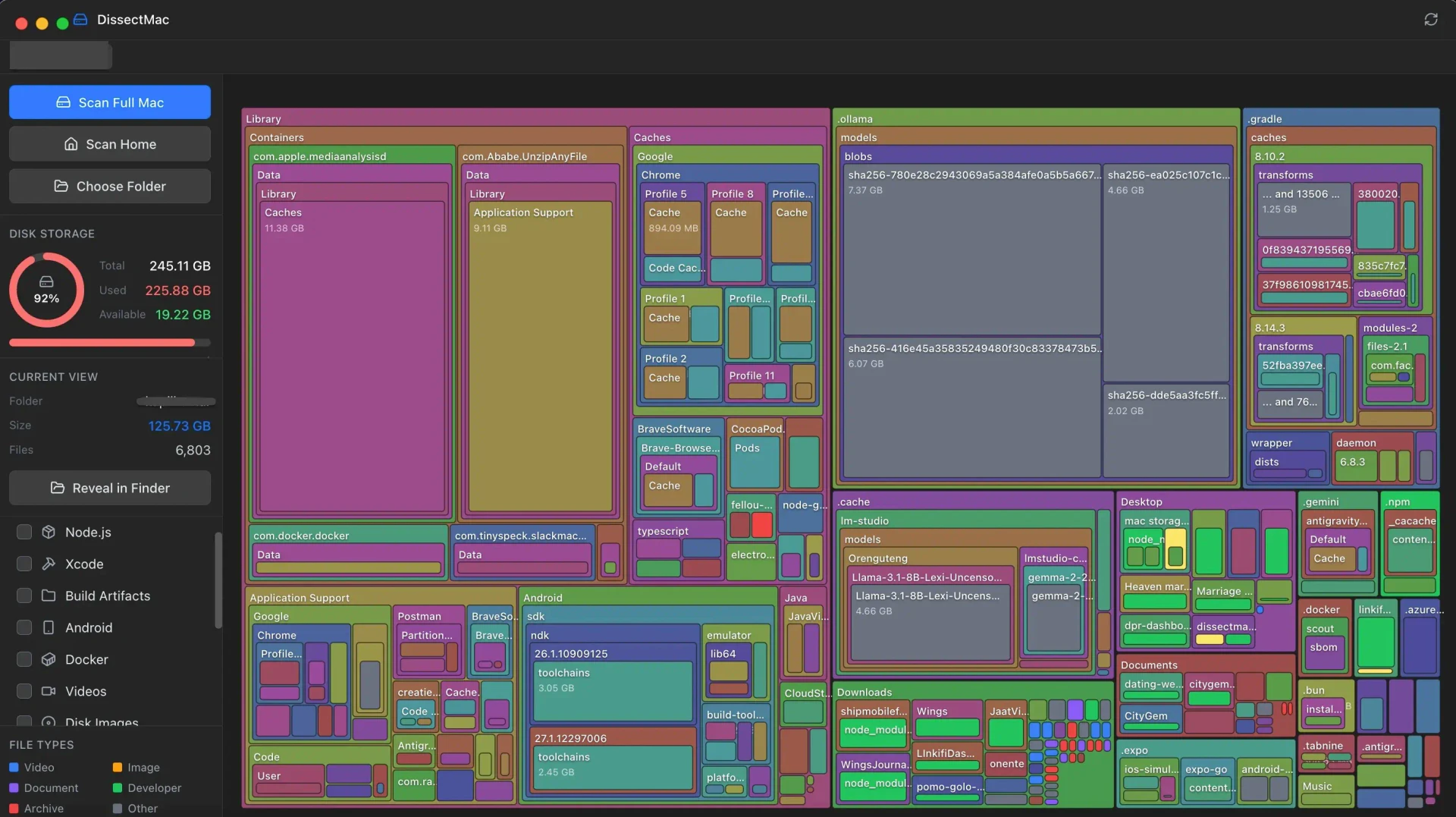
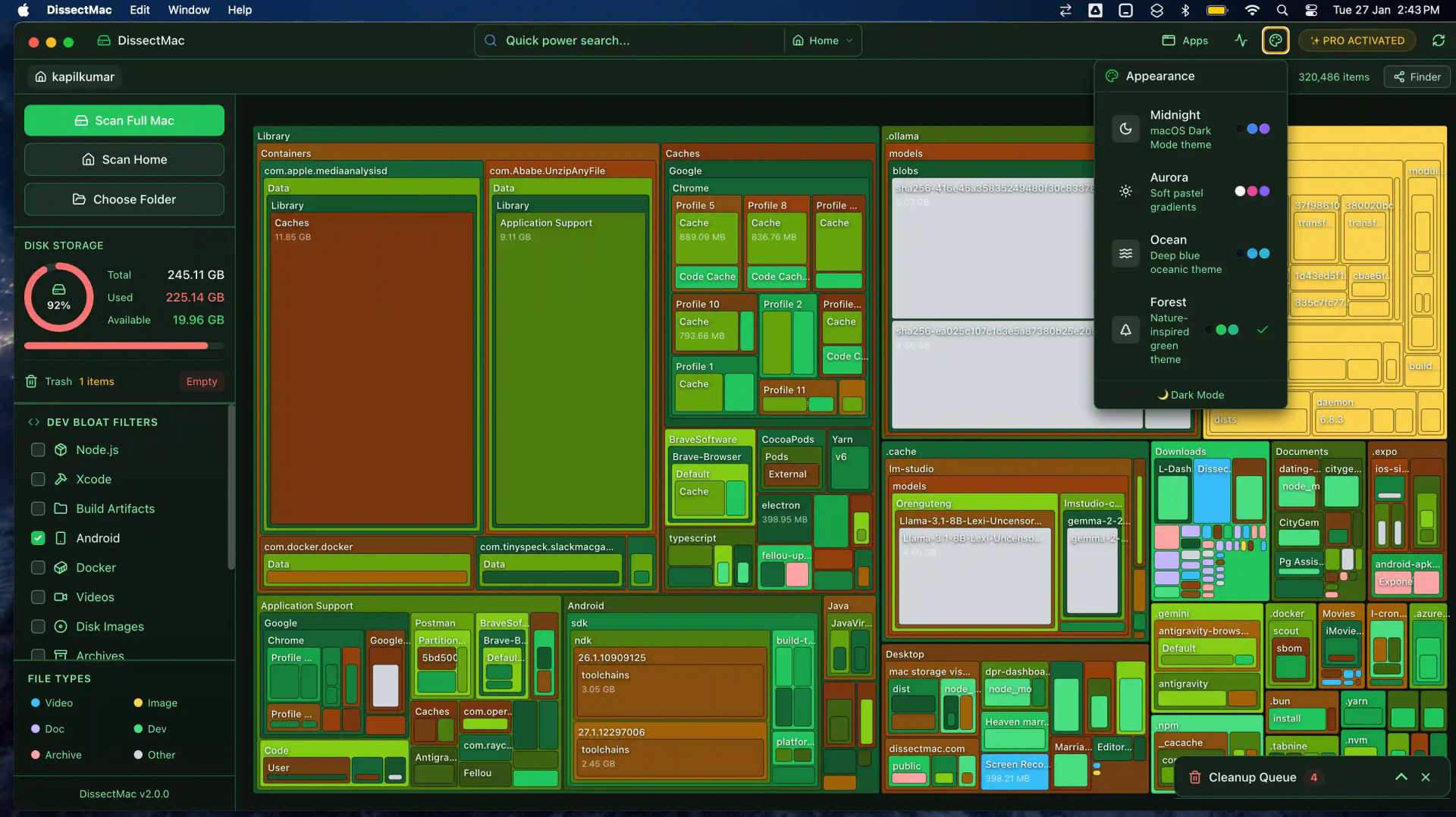
DissectMac is a free Mac storage analyzer[1] designed to help users visualize and manage disk usage[2] on their Mac devices. It offers an interactive treemap[3] that clearly illustrates what is taking up space on the hard drive, allowing users to identify large files and folders quickly. Built for macOS Sonoma, Sequoia, and Apple Silicon, DissectMac emphasizes local processing to maintain user privacy, ensuring that files never leave the user's device. With its powerful features, DissectMac enables users to reclaim storage space efficiently and effectively.
How to use DissectMac?
- Download: Visit the DissectMac website and download the lightweight native macOS app suitable for your system (Silicon or Intel).
- Install: Open the downloaded file and follow the prompts to install the application on your Mac.
- Scan: Launch DissectMac and select any drive or folder you wish to analyze for disk usage.
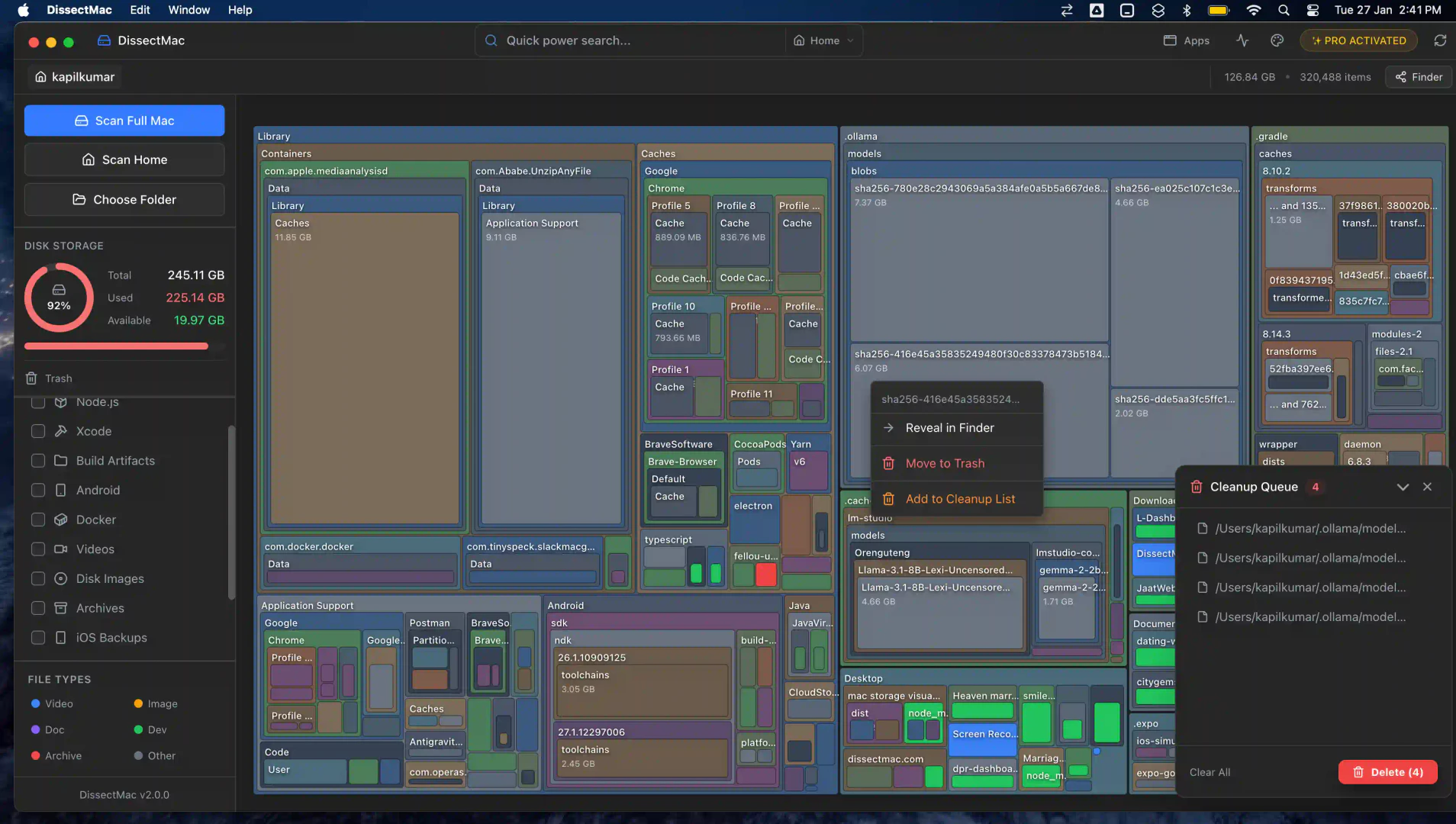
- Visualize: Use the interactive treemap to view which files and folders are consuming the most space.
- Reclaim Space: Identify and delete unwanted files or applications to free up storage space.
What are the main features of DissectMac?
- Interactive Treemap: Visualize disk usage with an interactive map that shows what is taking up space on your Mac.
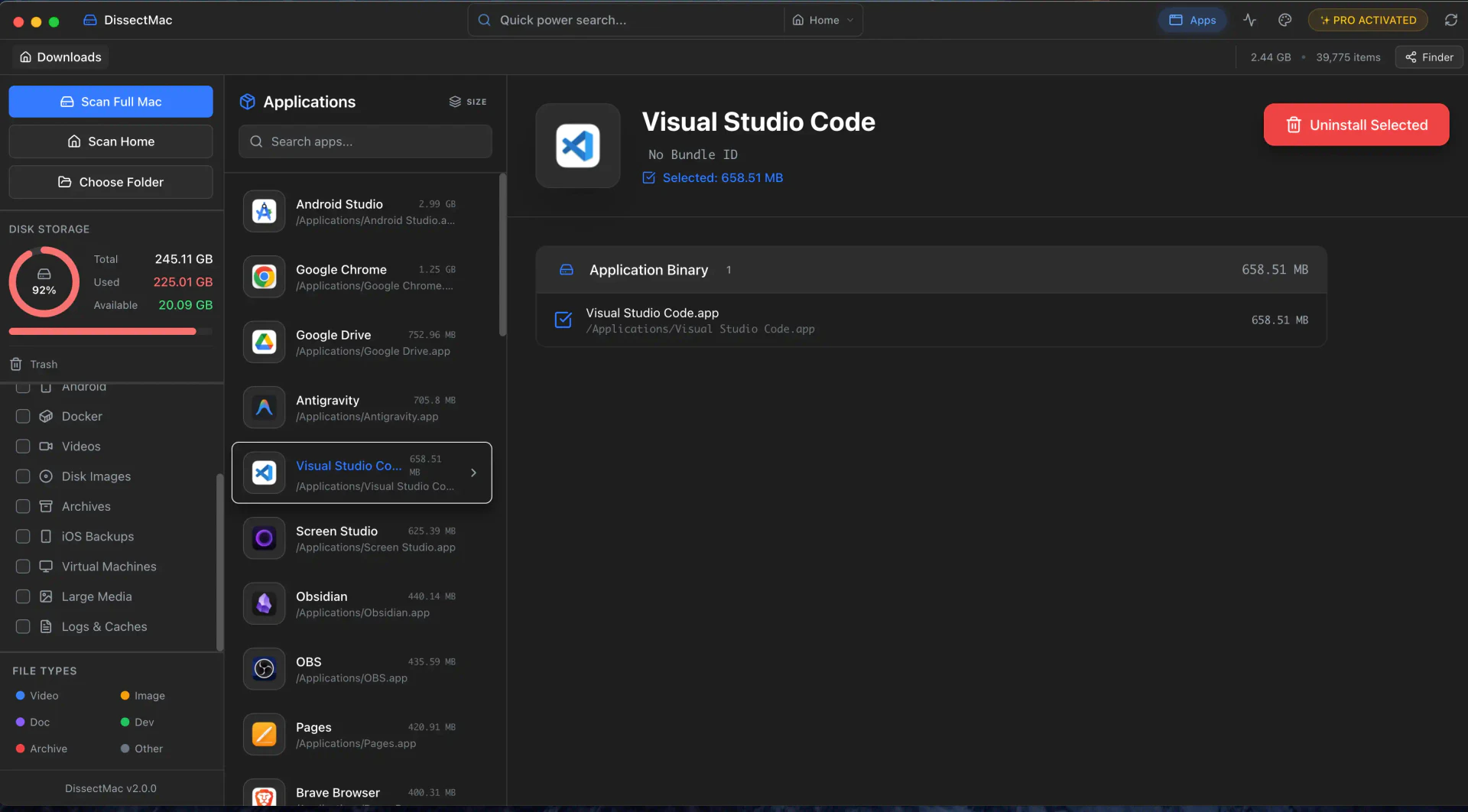
- App Uninstaller[4]: Completely remove applications along with their leftover files to prevent junk accumulation.
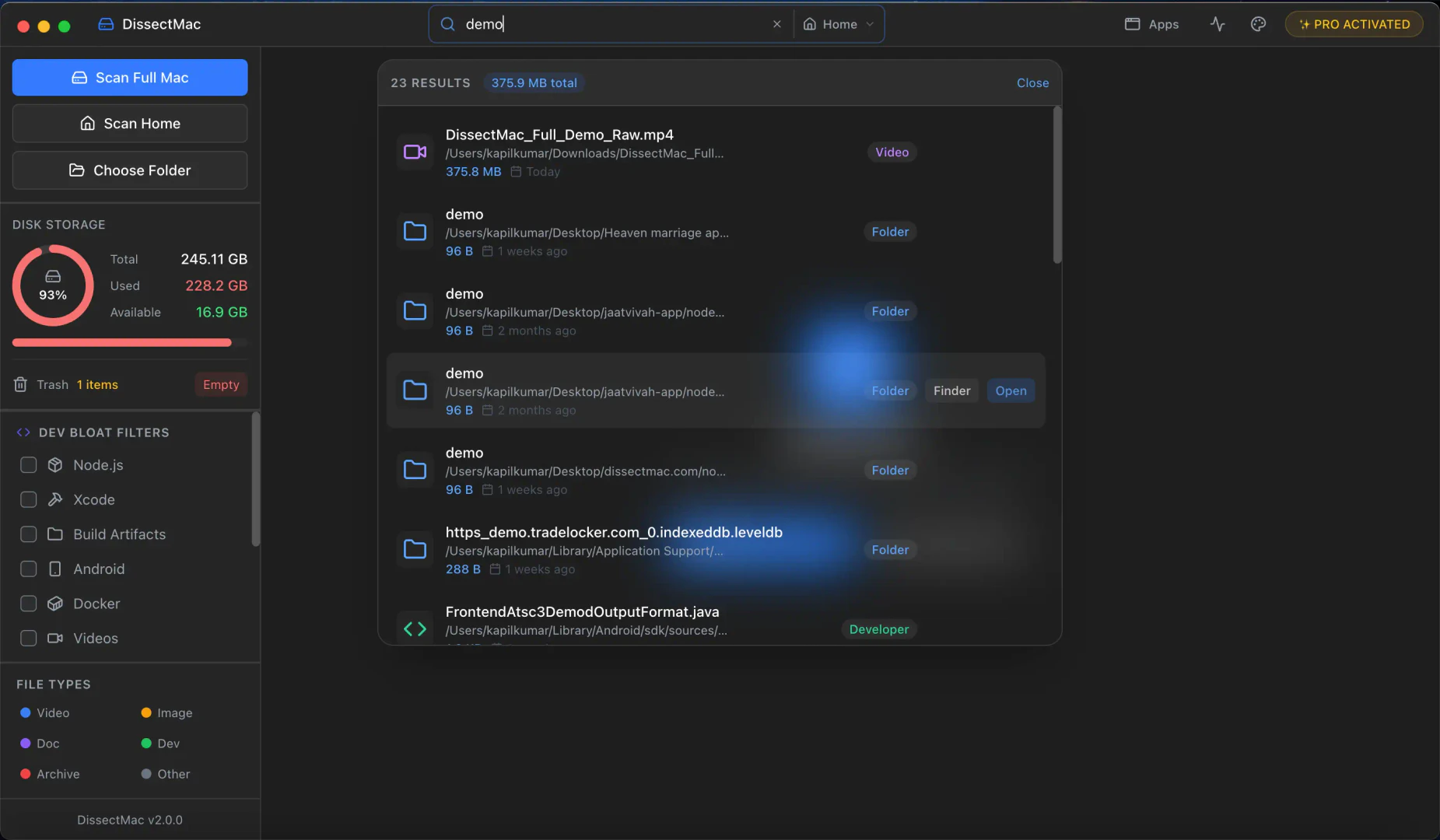
- Smart Search: A fast and efficient search tool that allows users to find files across their Mac quickly.
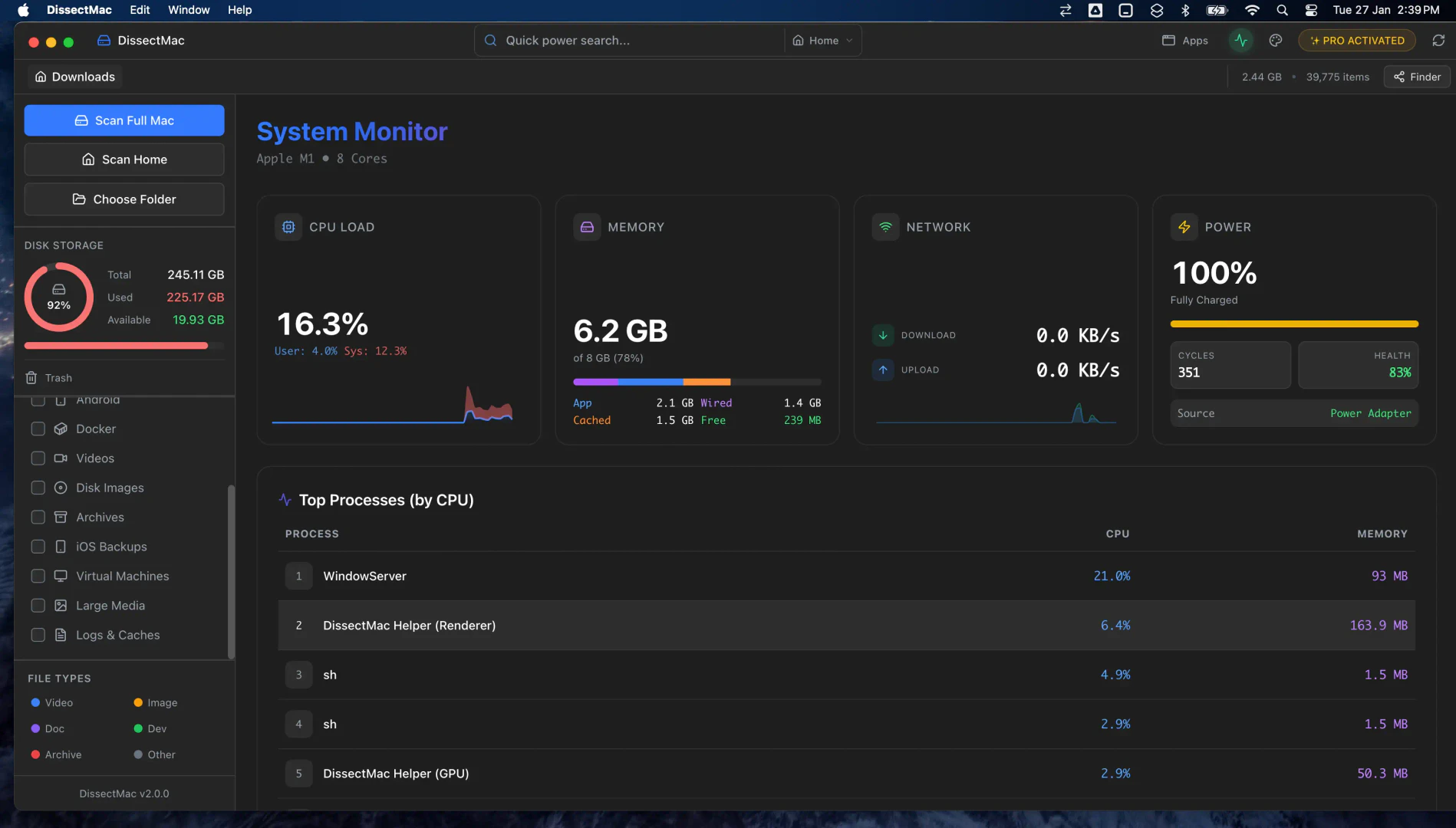
- Real-time Monitoring: Monitor CPU, RAM, and network usage in real-time to identify performance bottlenecks.
- Privacy First: All processing is done locally, ensuring that user data remains secure and private.
Who is DissectMac for?
DissectMac is ideal for Mac users who want to take control of their storage management. It is particularly beneficial for individuals who frequently download large files, run multiple applications, or those who have limited disk space and need a straightforward way to visualize and reclaim storage. Additionally, developers and power users who require real-time monitoring of system resources will find DissectMac's features especially useful for optimizing their workflows.
What are the use cases of DissectMac?
- Storage Management: Quickly identify large files and folders that are consuming disk space, allowing users to make informed decisions about what to delete or move.
- Application Cleanup: Efficiently uninstall applications and remove associated leftover files, ensuring a cleaner system and optimized performance.
- System Monitoring: Use real-time monitoring features to track system performance metrics, helping users troubleshoot issues during resource-intensive tasks.
Product Images
Dissectmac Pros and Cons
Pros
- Fast Scanning Speed: DissectMac offers blazing fast scanning capabilities, utilizing native Apple Silicon support to analyze your entire drive in seconds.
- Interactive Treemap Visualization: The tool provides an interactive treemap that visually represents disk usage, making it easy to identify what is consuming storage space.
- Privacy-Focused Local Processing: DissectMac processes all data locally on your Mac, ensuring that your files remain private and never leave your device.
- Comprehensive App Uninstaller: The app uninstaller feature removes applications along with their associated leftover files, ensuring a complete cleanup.
Cons
No cons data detected for this tool
Dissectmac Pricing
The Essentials
Perfect for visualizing what's taking up space.
The Power Suite
Actionable tools for deep cleaning and control.
For the latest pricing, please visit this link: https://dissectmac.com/pricing
Prices are subject to change. Please visit the official website for the most up-to-date pricing information.