Znote Ai




What is Znote Ai?
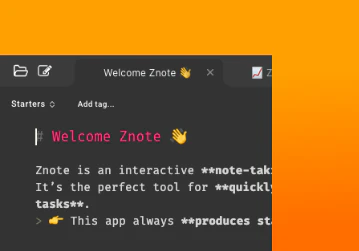
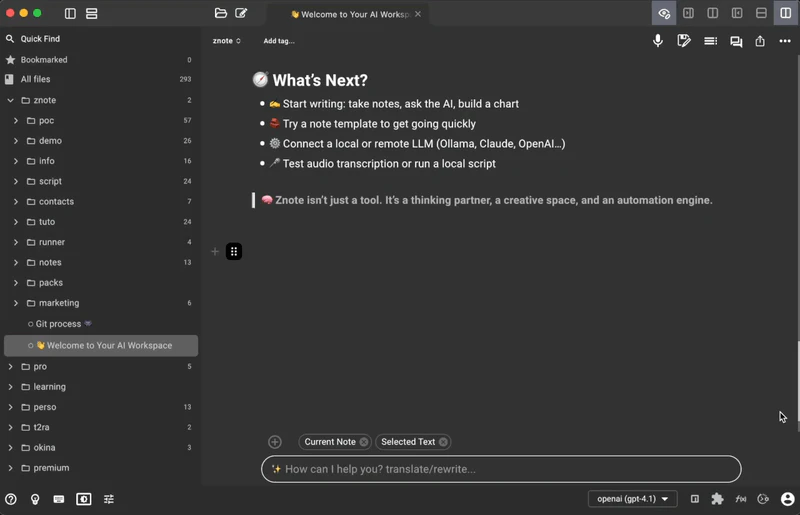
Znote Ai is an innovative note-taking application designed to enhance productivity for developers, students, and makers. It integrates markdown editing with powerful AI capabilities, allowing users to engage in interactive conversations, run code, and record meetings all within a single platform. Unlike traditional note-taking apps, Znote operates locally, ensuring that your data remains private and secure while providing a seamless user experience.
How to use Znote Ai?
- Download and install Znote Ai from the official website.
- Open the application and create a new note using Markdown syntax.
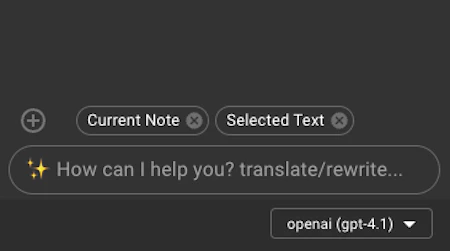
- To interact with the AI, type your queries or commands within the note, such as asking for summaries or code execution.
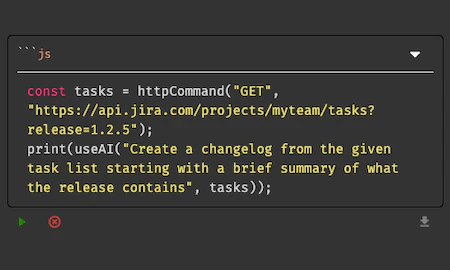
- Use the built-in code editor to write and run JavaScript or Node.js scripts directly within your notes.
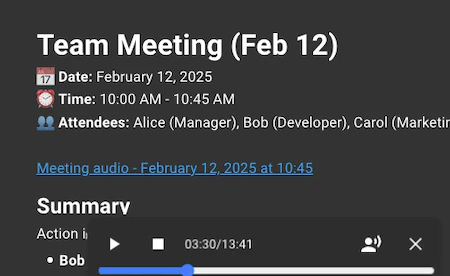
- Record meetings by selecting the recording feature and transcribe audio files for future reference.
What are the main features of Znote Ai?
- Integrated AI chat that allows users to interact with their notes dynamically.
- Markdown support combined with the ability to run JavaScript and Node.js code.
- Local recording and transcription of meetings without the need for cloud services.
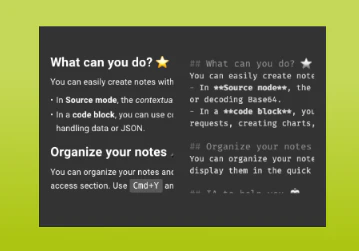
- Two editing modes: a WYSIWYG editor for text and a code editor with auto-complete.
- Organization tools such as tags, folders, and full-text search for easy navigation.
Who is Znote Ai for?
Znote Ai is designed for a diverse audience including developers who need a robust tool for documenting APIs and testing code snippets, students who want to transcribe lectures and generate AI-powered summaries, and indie makers who require a platform for brainstorming ideas and prototyping. Its local-first approach makes it ideal for users who prioritize privacy and offline functionality.
What are the use cases of Znote Ai?
- Developers can document their code and run scripts directly within the notes for efficient debugging.
- Students can take lecture notes and instantly summarize them using AI, enhancing their study sessions.
- Indie makers can brainstorm and prototype ideas without the overhead of subscription fees, utilizing the app as a creative playground.
Product Images
Znote Ai Pros and Cons
Pros
- Interactive Note-taking: Transforms Markdown files into interactive AI chats, allowing users to rewrite, summarize, and brainstorm directly in their notes.
- Code Execution: Allows users to run Node.js and Bash scripts directly within their notes without switching apps.
- Privacy and Security: Records and transcribes meetings locally without cloud processing, ensuring privacy.
- User Control Over AI: No vendor lock-in, and users can choose their own AI models, enhancing flexibility.
- User-Friendly Interface: The platform is user-friendly with a clean interface, making it easy to navigate and manage projects.
Cons
No cons data detected for this tool
Znote Ai Pricing
Pro License
Unlocks AI, code execution, meeting transcription, themes, and removes the 'Unlicensed' label.
For the latest pricing, please visit this link: https://znote.io/checkout.html
Prices are subject to change. Please visit the official website for the most up-to-date pricing information.
Analytics of Znote Ai
Znote Ai Website Traffic Analysis
Visits Over Time
Traffic Sources
Oct 2025 - Dec 2025 Worldwide Desktop Only
- Search: 33.10%
- Referrals: 30.88%
- Direct: 28.21%
- Social: 5.90%
- Paid Referrals: 1.15%
- Mail: 0.29%
Top Keywords
| Keyword | Volume | CPC | Estimated Value |
|---|---|---|---|
| how run js in jupyter | 0 | $0.00 | $10.00 |
| znotes | 15.57K | $2.37 | $0.00 |
| z notes | 2.05K | $0.43 | $0.00 |
| znote | 950 | $0.00 | $30.00 |
| z note | 330 | $0.00 | $0.00 |