
Twitter-color Created with Sketch. Amazon-color Created with Sketch. Facebook-color Created with Sketch. github [#142] Created with Sketch. meta_fill Pinterest-color Created with Sketch. ProductHunt-color Created with Sketch. Spotify-color Created with Sketch. Threads Logo Streamline Icon: https://streamlinehq.com Yelp-color Created with Sketch. Youtube-color Created with Sketch.
TopAIToolsTopAITools
  • Free Tools
  • Category
  • Leaderboard
  • Deals
  • Submit
EN
TopAIToolsTopAITools
TopAI

TopAITools

TopAITools, The Best Top AI Tools

AI Glossary|English简体中文繁體中文한국어日本語PortuguêsEspañolDeutschFrançaisTiếng Việt|Map

© 2026 TopAITools. All rights reserved.

About

  • Privacy Policy
  • Terms of use

Contact Us

business@topaitoolsreview.com
Home
Ai Productivity Tools
Withpanorama
Last updated: July 27, 2026
Withpanorama logo

Withpanorama

Use tool
5.0|0 Comments|0 Saved
Introduction:
Withpanorama automates your team's boring tasks, allowing you to focus on creativity and evolution.
Launch Date:
July 11, 2024
Social links:
Monthly Visits:
--
Inputs:
Text
Outputs:
Text
Website
💼Work
Ai Productivity Tools263Efficiency Enhancement Tools66Productivity Resource and Template Tools
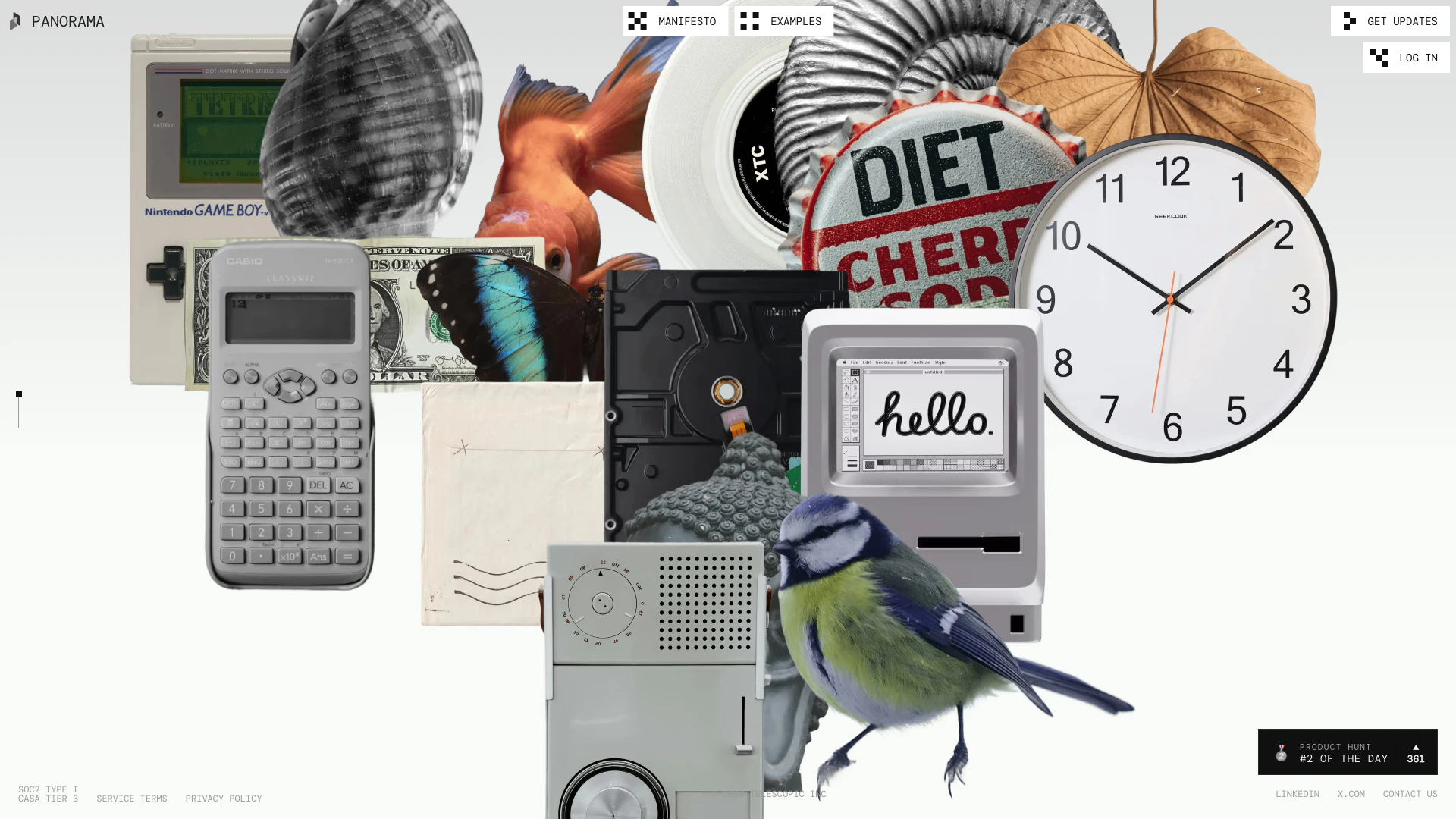
Withpanorama website screenshot showing Withpanorama automates your team's borin... interface and features
Use tool
Update this tool
Notion 1771246560178 logo

Notion 1771246560178

Notion AI enhances productivity by integrating AI tools directly into your workspace.

AI Models logo

AI Models

We believe our research will eventually lead to artificial general intelligence, a system that can solve human-level problems. Building safe and beneficial AGI is our mission.

Workgpt logo

Workgpt

WorkGPT: ChatGPT Gemini AI GPT in Sheets Doc Slide - Google Workspace Marketplace

Deepseek V4 logo

Deepseek V4

Explore cutting-edge AI models with Deepseek.

Adobe logo

Adobe

Adobe empowers users to create and optimize digital content.

Withpanorama Overview

What is Withpanorama?

Withpanorama is an innovative automation tool designed to streamline and enhance workplace productivity by handling repetitive and mundane tasks. It leverages a deep understanding of workplace data to free up valuable time for creative and strategic work. By maintaining continuity in the tasks learned from past experiences, Withpanorama empowers users to focus on evolving their ideas and projects, thus making space for creativity and innovation in their daily workflows.


How to use Withpanorama?

  1. Sign Up: Visit the Withpanorama website and create an account to get started.
  2. Integrate Your Tools: Connect Withpanorama to your existing workplace applications and data sources to enable seamless automation.
  3. Set Up Automations: Identify the repetitive tasks you want to automate and configure the settings within Withpanorama to handle these tasks efficiently.
  4. Monitor Performance: Use the dashboard to track the performance of your automations and make adjustments as necessary to optimize your workflows.
  5. Focus on Creativity: With mundane tasks automated, dedicate your time and energy to creative projects and strategic initiatives.

What are the main features of Withpanorama?

  • Task Automation: Automates repetitive tasks to save time and reduce human error.
  • Data Integration: Connects seamlessly with various workplace applications to gather and utilize data effectively.
  • User-Friendly Dashboard: Provides an intuitive interface for monitoring and managing automations.
  • Continuous Learning: Adapts and evolves based on past experiences to improve task handling over time.
  • Focus on Creativity: Allows users to prioritize creative work by eliminating mundane tasks.

Who is Withpanorama for?

Withpanorama is designed for professionals and teams across various industries who seek to enhance their productivity by automating routine tasks. It is particularly beneficial for creative teams, project managers, and businesses that rely on data-driven decision-making. By freeing users from monotonous activities, Withpanorama allows them to focus on innovation and creativity, making it ideal for anyone looking to improve their workflow efficiency.


What are the use cases of Withpanorama?

  1. Marketing Teams: Automate social media posting and analytics reporting to focus on campaign strategy and content creation.
  2. Project Management: Streamline task assignments and progress tracking, allowing project managers to concentrate on team collaboration and project outcomes.
  3. Sales Departments: Automate lead tracking and follow-up communications to enhance client relationships and sales strategies.

Withpanorama Pros and Cons

Pros

  • Automates Boring Tasks: Panorama automates repetitive and mundane tasks, allowing teams to focus on more creative and strategic work.
  • Enhances Creativity: By managing routine tasks, Panorama provides users with more time and mental space to innovate and evolve in their work.
  • Data-Driven Insights: Utilizes a deep understanding of workplace data to optimize processes and improve team efficiency.

Cons

No cons data detected for this tool

Withpanorama Compare

Tool NameIntroductionPricing
Type
RatingLaunch DateLearn more
Jackrabbit Ops logo
Jackrabbit Ops
Never miss a new customer | Jackrabbit Ops
Free
💼Work
June 17, 2022
Get deal
Rewind Ai logo
Rewind Ai
Rewind
Free
🙋‍♂️Personal💼Work
February 2, 2018
Get deal
Uniskai By Profisea Labs logo
Uniskai By Prof...
AI-Based Cloud Cost Reduction Platform | Profisea Labs
Free
💼Work
May 1, 2020
Get deal

Info current as of post date. Offers and availability may vary by location and are subject to change.

Withpanorama Launch embeds

Use website badges to drive support from your community for your TopAITools Review. They're easy to embed on your homepage or footer.

FEATURED ONTopaitoolsreview.com

Withpanorama Alternatives

Chatspot screenshot

Chatspot

Boost Productivity in HubSpot with Breeze Copilot | HubSpot

Website
Free
💼Work🎨Creativity
Operations & ManagementAI CRM ToolsAi Productivity Tools
  • Operations & Management
  • AI CRM Tools
  • Ai Productivity Tools
Use tool
33.1M
Direct71.33%
Search20.60%
Referrals6.40%
AI Repurpose screenshot

AI Repurpose

OpusClip turns long videos into high-quality viral clips for you to share on TikTok, YouTube Shorts, and Reels to increase social media reach.

Website
FreeWriting & EditingAI Content RepurposingAI Text GeneratorAI Social Media Tools
  • Writing & Editing
  • AI Content Repurposing
  • AI Text Generator
  • AI Social Media Tools
Use tool
4.9M
Direct60.14%
Search34.01%
Referrals3.64%
Youlearn screenshot

Youlearn

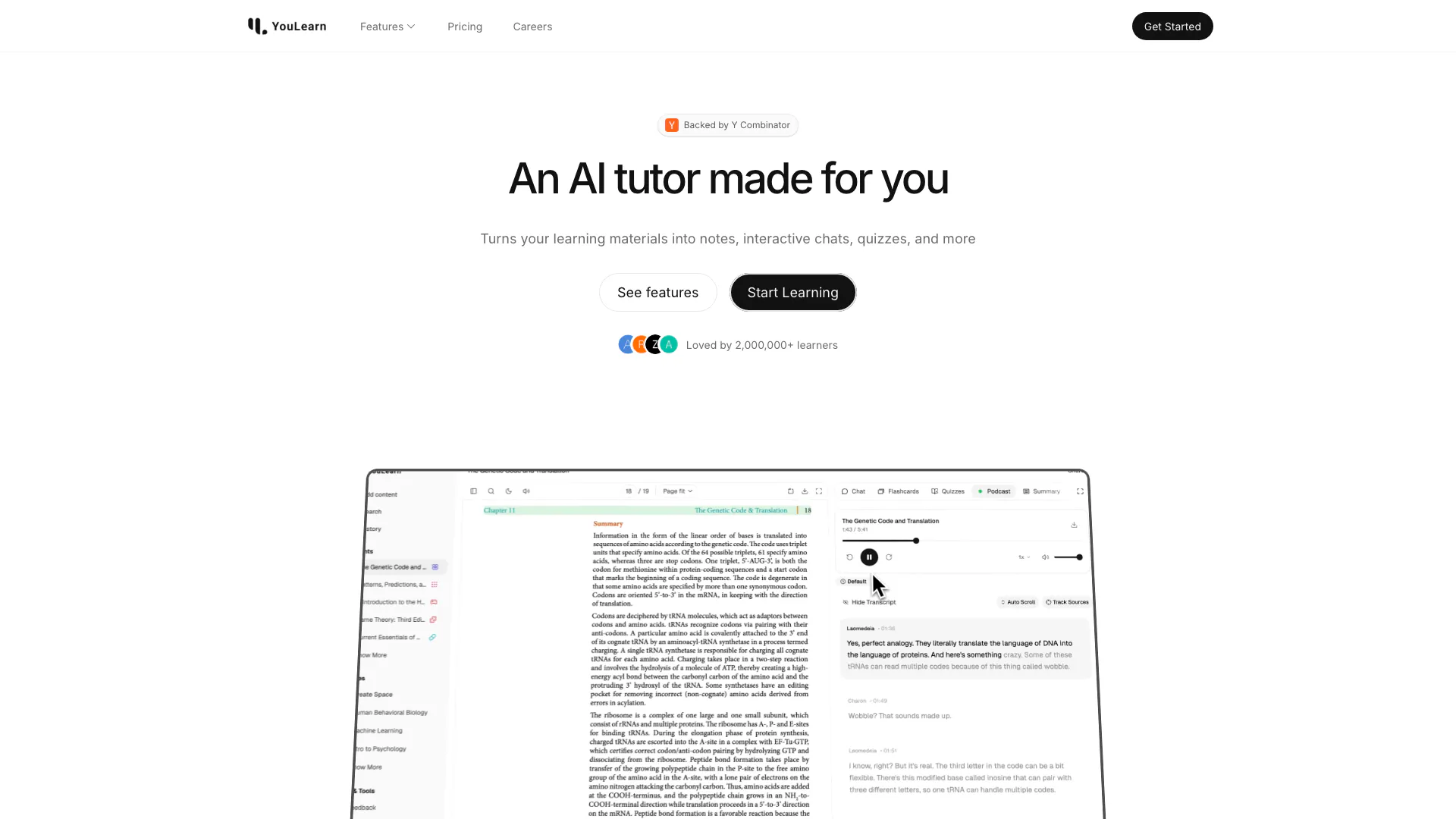
An AI tutor made for you. Learn from an AI tutor that understands your pdfs, youtube videos, and recorded lectures.

Website
Free
🙋‍♂️Personal💼Work
EducationAI Language LearningAi Productivity Tools
  • Education
  • AI Language Learning
  • Ai Productivity Tools
Use tool
1.5M
Direct52.53%
Search41.81%
Referrals3.99%

Withpanorama Tags

Task Automationcreative workspacedata-drivenTeam Collaborationworkflow optimization

Also used for

Ai Productivity Tools263Efficiency Enhancement Tools66Productivity Resource and Template Tools3AI Identity Protection5AI Security Tools2AI Keyboard Tools6AI Productivity Tools313AI Information Management Tools162AI Spreadsheet Tools27AI Spreadsheet Automation Tools29AI File Management Tools22AI Document Processing Tools91AI Business Planning Tools59AI Pitch Deck Generators37AI Branding Tools6
Withpanorama logo
WithpanoramaPaid
Use Withpanorama

Withpanorama Comments (0)

Your rating

?
0/2000

No comments yet

Be the first to share your thoughts!

Withpanorama Prompts (0)

Prompts And Results

Add your own prompts and outputs to help others understand how to use this AI.

🚀0
🚀0