Voxdub



What is Voxdub?
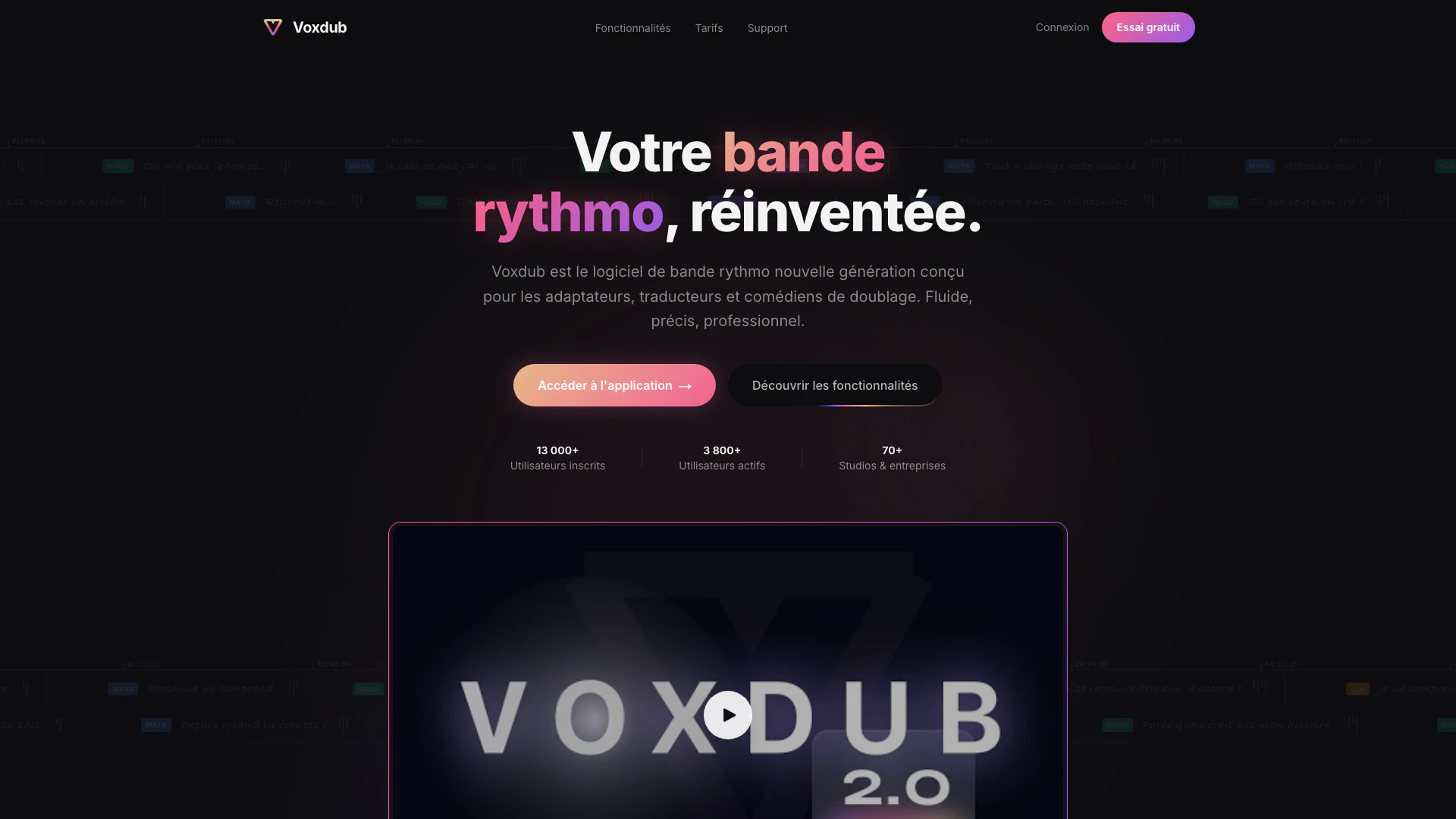
Voxdub is a leading online software designed for creating synchronized rhythmic tracks with your videos. Ideal for dubbing, post-synchronization, and professional studios, Voxdub offers a comprehensive suite of tools tailored for voice actors, translators, and adaptation professionals. Its user-friendly interface and advanced features make it the go-to solution for anyone looking to enhance their dubbing workflow.
How to use Voxdub?
- Sign up for a free account on the Voxdub website and log in to the application.
- Upload your video file to the platform, allowing the software to process and prepare it for dubbing.
- Utilize the Band Draw feature to create a synchronized rhythmic track by annotating the dialogue directly on the video timeline.
- Record your voiceovers using the integrated studio recording feature, ensuring real-time monitoring and noise reduction.
- Export your completed project in various professional formats, including BWF, SRT, and ASS, ready for use in studios.
What are the main features of Voxdub?
- Ultra-smooth rhythmic track technology with 240Hz fluidity for optimal reading comfort.
- Advanced project management tools that allow real-time tracking of dubbing progress.
- Complete customization options to adapt the interface to your workflow preferences.
- Integrated studio recording capabilities with noise reduction and real-time monitoring.
- Automatic subtitle detection and transcription with export options in multiple formats.
- Professional export features compatible with industry-standard software like Pro Tools and Logic Pro.
- Built-in translation tools for multilingual subtitle adaptation.
Who is Voxdub for?
Voxdub is designed for professionals in the dubbing and voice acting industry, including voice actors, translators, and adaptation specialists. It caters to those working in professional studios as well as freelance artists looking to enhance their dubbing projects. The tool is also suitable for teams collaborating on projects, allowing multiple users to work simultaneously and efficiently.
What are the use cases of Voxdub?
- Creating synchronized voiceovers for animated films or series, ensuring the dialogue matches the lip movements accurately.
- Adapting foreign films for local audiences by translating and dubbing the original content into the target language.
- Collaborating with multiple team members on a dubbing project, allowing real-time updates and contributions from voice actors and directors.
Voxdub Pros and Cons
Pros
- Advanced Project Management: Voxdub offers advanced project management features, allowing users to track the progress of each adaptation in real-time, providing a clear overview of the entire dubbing project.
- Integrated Studio Recording: The tool includes integrated studio recording capabilities with noise reduction, real-time monitoring, and BWF export, making it suitable for professional dubbing environments.
- Customizable Interface: Users can fully customize the interface to fit their workflow preferences, enhancing usability for different roles such as adapters, translators, and actors.
Cons
No cons data detected for this tool
Voxdub Pricing
Free
Accédez à tous les outils de base pour commencer à doubler vos vidéos. 2 projets, 100 Mo de stockage cloud, Speech to Text, Filtre de suppression de voix, 3 exports, Traduction des sous-titres, Maquette de voix avec IA, Enregistrement audio, Mode studio, Export 4K 60 FPS, Export audio BWF, Mode dessin sur la vidéo, Sans filigrane, Collaboration en équipe, Support prioritaire.
Pro
Accédez à tous les outils et fonctionnalités les plus avancés. Nombre de projets illimité, Stockage cloud illimité, Speech to Text, Filtre de suppression de voix, Exports illimités, Traduction des sous-titres, Maquette de voix avec IA, Enregistrement audio, Mode studio, Export 4K 60 FPS, Export audio BWF, Mode dessin sur la vidéo, Sans filigrane, Collaboration en équipe, Support prioritaire.
For the latest pricing, please visit this link: https://voxdub.com/#tarifs
Prices are subject to change. Please visit the official website for the most up-to-date pricing information.
Analytics of Voxdub
Voxdub Website Traffic Analysis
Visits Over Time
Traffic Sources
Jan 2026 - Mar 2026 Worldwide Desktop Only
- Search: 49.34%
- Direct: 36.03%
- Referrals: 8.22%
- Social: 4.93%
- Paid Referrals: 1.29%
- Mail: 0.20%
Top Keywords
| Keyword | Volume | CPC | Estimated Value |
|---|---|---|---|
| bande rythmo | 530 | $0.00 | $60.00 |
| des bandes rythmos | 230 | $0.00 | $0.00 |
| voxhub | 210 | $0.00 | $0.00 |
| voxdub | 180 | $0.00 | $60.00 |
| bande rythmo doublage | 110 | $0.00 | $90.00 |