

Twitter-color Created with Sketch. Amazon-color Created with Sketch. Facebook-color Created with Sketch. github [#142] Created with Sketch. meta_fill Pinterest-color Created with Sketch. ProductHunt-color Created with Sketch. Spotify-color Created with Sketch. Threads Logo Streamline Icon: https://streamlinehq.com Yelp-color Created with Sketch. Youtube-color Created with Sketch.
TopAIToolsTopAITools
  • Free Tools
  • Category
  • Leaderboard
  • Deals
  • Submit
EN
TopAIToolsTopAITools
TopAI

TopAITools

TopAITools, The Best Top AI Tools

AI Glossary|English简体中文繁體中文한국어日本語PortuguêsEspañolDeutschFrançaisTiếng Việt|Map

© 2026 TopAITools. All rights reserved.

About

  • Privacy Policy
  • Terms of use

Contact Us

business@topaitoolsreview.com
Home
AI Video Dubbing Tool
Dubtube
Last updated: May 25, 2026
Dubtube logo

Dubtube

Get deal
4.0|0 Comments|0 Saved
Introduction:
AI dubbing tool for global video reach.
Launch Date:
April 18, 2025
Monthly Visits:
--
Inputs:
Video
Outputs:
Audio
Supported Languages:
ENESFRDEZHJAKOPTITRUNLTRHIARVIIDTHSVDAFINOPLCSHUROBGELSKSLLTLVETTLSW
AI Models:
AI Voice
Website
💼Work🎨Creativity
AI Video Dubbing ToolAI Video Localization ToolAI Multilingual Video Enhancement Tool
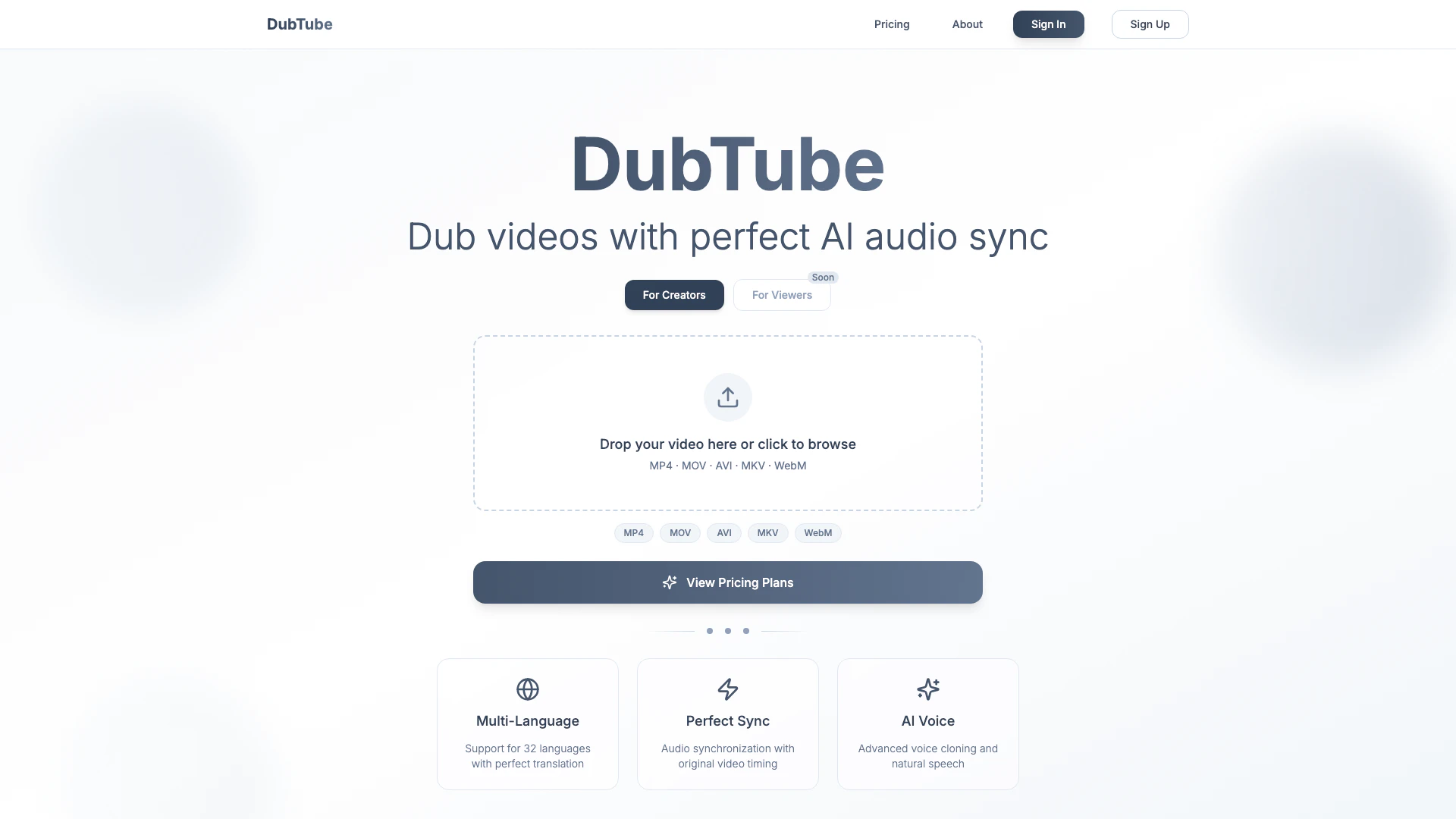
Dubtube website screenshot showing AI dubbing tool for global video reach. interface and features
Use tool
Update this tool
Notion logo

Notion

Notion is an AI-powered workspace that automates tasks and enhances team collaboration.

Deepseek logo

Deepseek

DeepSeek focuses on pioneering general AI technologies and models.

Workgpt logo

Workgpt

WorkGPT: ChatGPT Gemini AI GPT in Sheets Doc Slide - Google Workspace Marketplace

Slack logo

Slack

Enhance collaboration and productivity with Slack's AI features.

Notion 1771246560178 logo

Notion 1771246560178

Notion AI enhances productivity by integrating AI tools directly into your workspace.

Dubtube Overview

What is Dubtube?

Dubtube is an innovative AI video dubbing[1] tool designed for content creators who want to reach a global audience. With support for over 30 languages, Dubtube allows users to easily upload their videos, select a target language, and receive professional-quality dubbed audio in just minutes. This tool leverages advanced voice cloning technology[3] to ensure that the dubbed audio is not only synchronized perfectly with the original video but also sounds natural and engaging. By using Dubtube, creators can enhance their content's accessibility and expand their reach across different linguistic demographics.


How to use Dubtube?

  1. Visit the Dubtube website and sign up for an account if you haven't already.
  2. Upload your video file in formats like MP4, MOV, AVI, MKV, or WebM.
  3. Select the target language for dubbing from the available options.
  4. Click on the 'Dub' button to initiate the dubbing process.
  5. Once the dubbing is complete, download your dubbed video with professional audio synchronization.

What are the main features of Dubtube?

  • Multi-Language Support[2]: Dubtube supports dubbing in 32 different languages, making it easier for creators to reach diverse audiences.
  • Perfect Sync: The tool ensures that the dubbed audio is perfectly synchronized with the original video, maintaining the flow and timing of the content.
  • AI Voice Technology: Dubtube utilizes advanced voice cloning technology to produce natural-sounding speech that enhances viewer engagement.

Who is Dubtube for?

Dubtube is primarily designed for content creators, including YouTubers, educators, marketers, and businesses that want to localize their video content. It is ideal for anyone looking to expand their audience by providing multilingual video content, making it particularly useful for creators who produce tutorials, promotional videos, or entertainment content that can benefit from wider accessibility.


What are the use cases of Dubtube?

  1. YouTube Channels: Creators can dub their videos into multiple languages to attract international subscribers and enhance viewer engagement.
  2. Online Courses: Educators can provide course materials in various languages, making learning accessible to non-native speakers.
  3. Marketing Campaigns: Businesses can localize promotional videos to reach potential customers in different regions, increasing their market presence.

Dubtube Pros and Cons

Pros

  • Multi-Language Support: Supports dubbing in 32 languages, allowing creators to reach a global audience.
  • Perfect Audio Sync: Ensures audio is perfectly synchronized with the original video timing, enhancing viewer experience.
  • Advanced AI Voice Technology: Utilizes advanced voice cloning and natural speech technology for high-quality audio dubbing.

Cons

No cons data detected for this tool

Dubtube Pricing

Starter

$19/month

Perfect for getting started. 3 projects / month, Up to 1 GB per video, All languages, Voice cloning, Standard support.

Pro

$49/month

For active creators. 10 projects / month, Up to 3 GB per video, All languages, Voice cloning, Priority support.

Business

$89/month

For high-volume production. Unlimited projects, Up to 10 GB per video, All languages, Voice cloning, Priority processing.

For the latest pricing, please visit this link: https://dubtube.net/pricing

Prices are subject to change. Please visit the official website for the most up-to-date pricing information.


Dubtube Compare

Tool NameIntroductionPricing
Type
RatingLaunch DateLearn more
Rewind Ai logo
Rewind Ai
Rewind
Free
🙋‍♂️Personal💼Work
February 2, 2018
Get deal
Outfits Ai logo
Outfits Ai
Try on any outfits using AI!
Free
🙋‍♂️Personal🎨Creativity
January 7, 2023
Get deal
Pixelhunter logo
Pixelhunter
🧠 AI-powered image resizer for social media
Free
💼Work🎨Creativity
June 8, 2021
Get deal

Info current as of post date. Offers and availability may vary by location and are subject to change.

Dubtube Launch embeds

Use website badges to drive support from your community for your TopAITools Review. They're easy to embed on your homepage or footer.

FEATURED ONTopaitoolsreview.com

Dubtube Alternatives

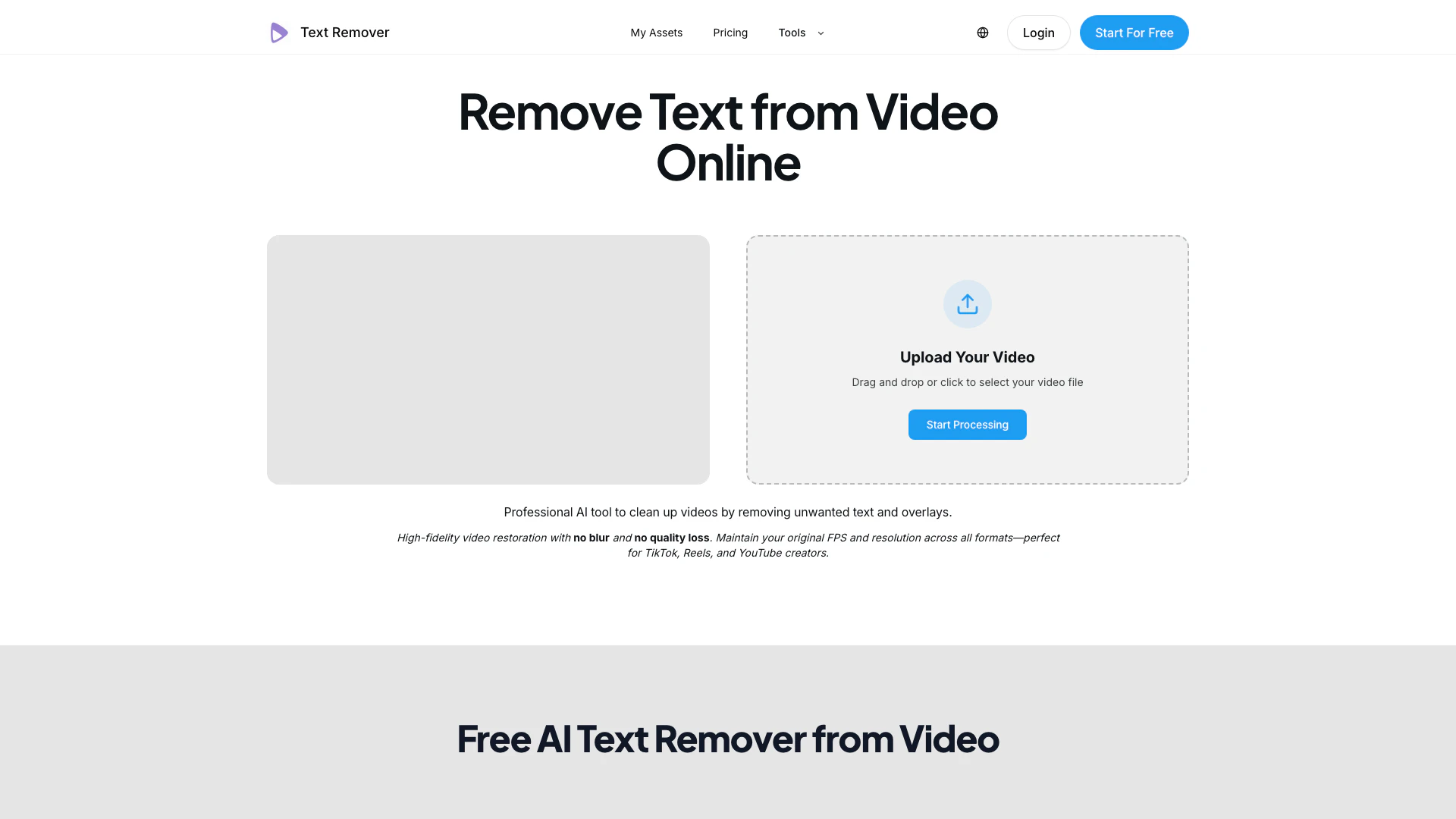
Removetextfromvideo screenshot

Removetextfromvideo

Effortlessly remove text from videos with AI precision.

Website
Free Trial
💼Work🎨Creativity
Video & AnimationAI Video EditorAI Watermark Removal ToolAI Video Dubbing Tool
  • Video & Animation
  • AI Video Editor
  • AI Watermark Removal Tool
  • AI Video Dubbing Tool
Use tool
Voxdub screenshot

Voxdub

Voxdub is the leading online software for creating synchronized rhythm tracks with your videos, perfect for dubbing, post-synchronization, and professional studios.

Website
FreeVideo & AnimationAI Video Dubbing ToolAI Video Localization ToolAI Multilingual Video Enhancement Tool
  • Video & Animation
  • AI Video Dubbing Tool
  • AI Video Localization Tool
  • AI Multilingual Video Enhancement Tool
Use tool
2.3K
Search49.34%
Direct36.03%
Referrals8.22%
Autosubtitles screenshot

Autosubtitles

Generate accurate subtitles and animated captions for any video in seconds with Autosubtitles.

Website
FreeVideo & AnimationAI Video Localization ToolAI Multilingual Video Enhancement Tool
  • Video & Animation
  • AI Video Localization Tool
  • AI Multilingual Video Enhancement Tool
Use tool

Dubtube Tags

AI video dubbingMulti-language supportaudio synchronizationVoice Cloningcontent creators

Also used for

AI Video Dubbing Tool4AI Video Localization Tool4AI Multilingual Video Enhancement Tool4AI Video Creation Suite125AI Creative Video Production33AI Image and Video Synthesis64AI Video and Image Creator47AI Creative Video Production31AI Video and Image CreatorAI Creative Video and Image Generation25AI Creative Video Content Generator97AI Professional Video Production34AI Creative Multimedia Generator1Ai Character Consistent Video Generator21AI Watermark Removal Tool10

Sources (3)

Dubtube logo
DubtubeFree Trial
Get deal

Dubtube Comments (0)

Your rating

?
0/2000

No comments yet

Be the first to share your thoughts!

Dubtube Prompts (0)

Prompts And Results

Add your own prompts and outputs to help others understand how to use this AI.

🚀0
🚀0