

Removetextfromvideo



What is Removetextfromvideo?
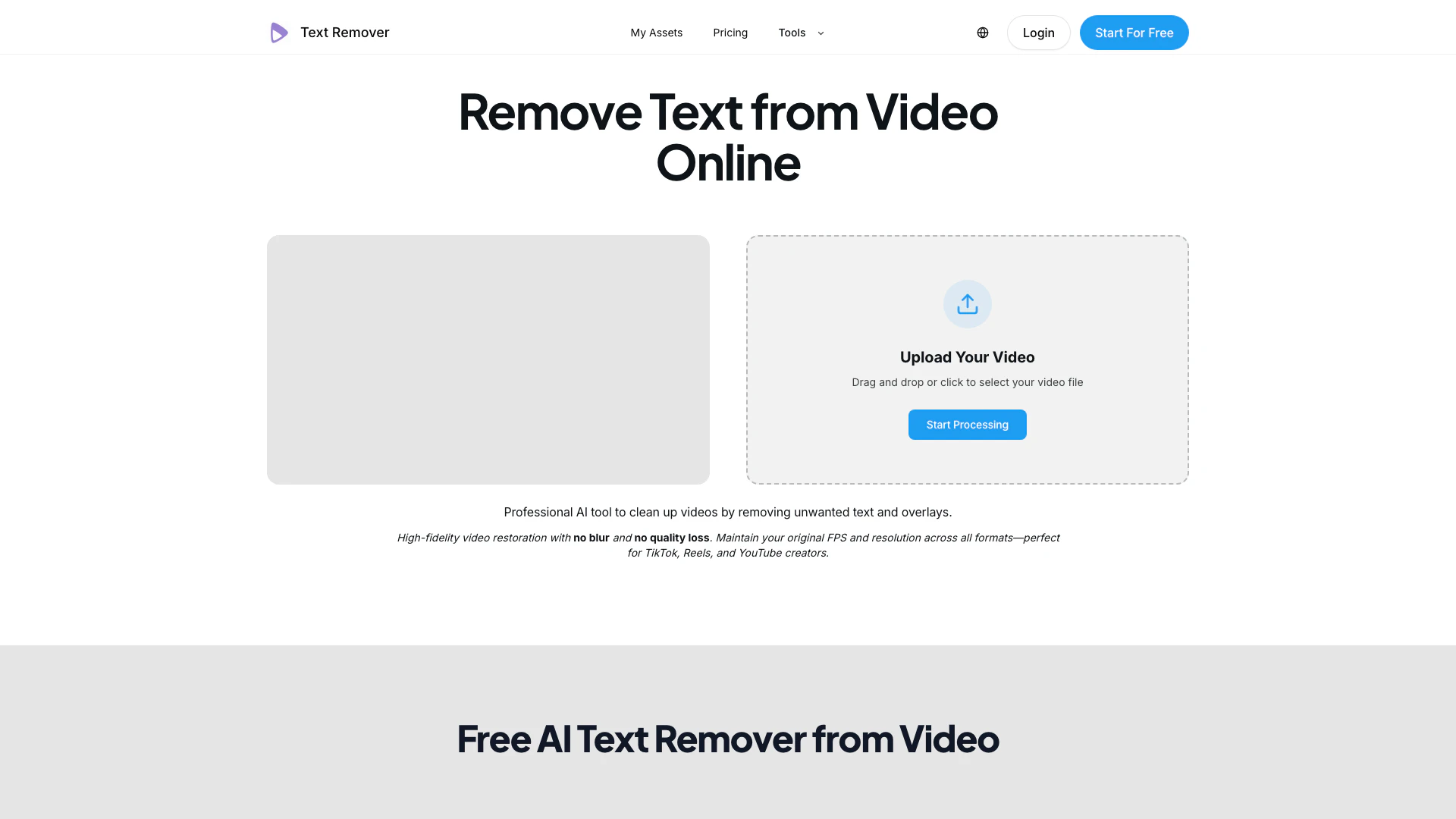
Removetextfromvideo is an advanced online AI tool designed to remove unwanted text and overlays from videos effortlessly. It provides high-fidelity video restoration, ensuring that the original quality, frame rate, and resolution are maintained without any blurring or loss of detail. This tool is particularly beneficial for content creators on platforms like TikTok, Instagram Reels, and YouTube, enabling them to repurpose their content by eliminating distracting text elements.
How to use Removetextfromvideo?
- Upload Your Media: Drag and drop or click to select your video file in formats such as MP4 or MOV.
- AI-Powered Text Removal: The AI automatically detects and selects unwanted text or overlays to erase, reconstructing the background for a seamless result.
- Preview & Download: Instantly preview the cleaned video and export it in high-definition quality without any hidden watermarks.
What are the main features of Removetextfromvideo?
- Automatic Text Detection: The tool automatically identifies and removes text overlays, captions, and hardcoded subtitles from videos.
- High-Quality Restoration: Maintains original video quality, frame rate, and resolution, ensuring no blurring occurs after text removal.
- Support for Various Formats: Compatible with all major video formats including MP4 and MOV, making it versatile for different types of video content.
- Frame-by-Frame Processing: Ensures precision in removing text and reconstructing the background seamlessly for a clean finish.
- User-Friendly Interface: Designed for ease of use, allowing quick uploads and efficient processing.
Who is Removetextfromvideo for?
Removetextfromvideo is ideal for content creators, video editors, and marketing professionals who need to remove text overlays from videos efficiently. It caters to users looking to repurpose existing video content for platforms like TikTok, YouTube, and Instagram. Additionally, it serves professionals in post-production who require a reliable tool for cleaning up footage by eliminating unwanted text, making it suitable for both individual creators and agencies.
What are the use cases of Removetextfromvideo?
- Removing Subtitles: Ideal for creators needing to eliminate hardcoded subtitles from videos before adding new translations.
- Clearing Watermarks: Useful for removing watermarks or logos from video clips to prepare them for repurposing.
- Editing Social Media Content: Perfect for content creators who want to clean up videos for social media platforms, ensuring a professional look without distracting text elements.
Product Images


Removetextfromvideo Pros and Cons
Pros
- High-Quality Video Restoration: The tool ensures high-fidelity video restoration without blur or quality loss, maintaining original FPS and resolution.
- Automatic Text Detection: Automatically detects and removes unwanted text, captions, and overlays without manual selection, streamlining the editing process.
- Versatile Format Support: Supports various video formats including MP4 and MOV, making it suitable for different video sources and platforms.
Cons
No cons data detected for this tool
Removetextfromvideo Pricing
Starter
Easy subtitle removal for your project.
Plus
More credits for regular use.
Premium
Maximum credits for power users.
Credits Pack
One-time purchase, valid for 30 days.
For the latest pricing, please visit this link: https://removetextfromvideo.com/pricing
Prices are subject to change. Please visit the official website for the most up-to-date pricing information.




