Sleekdemo



What is Sleekdemo?
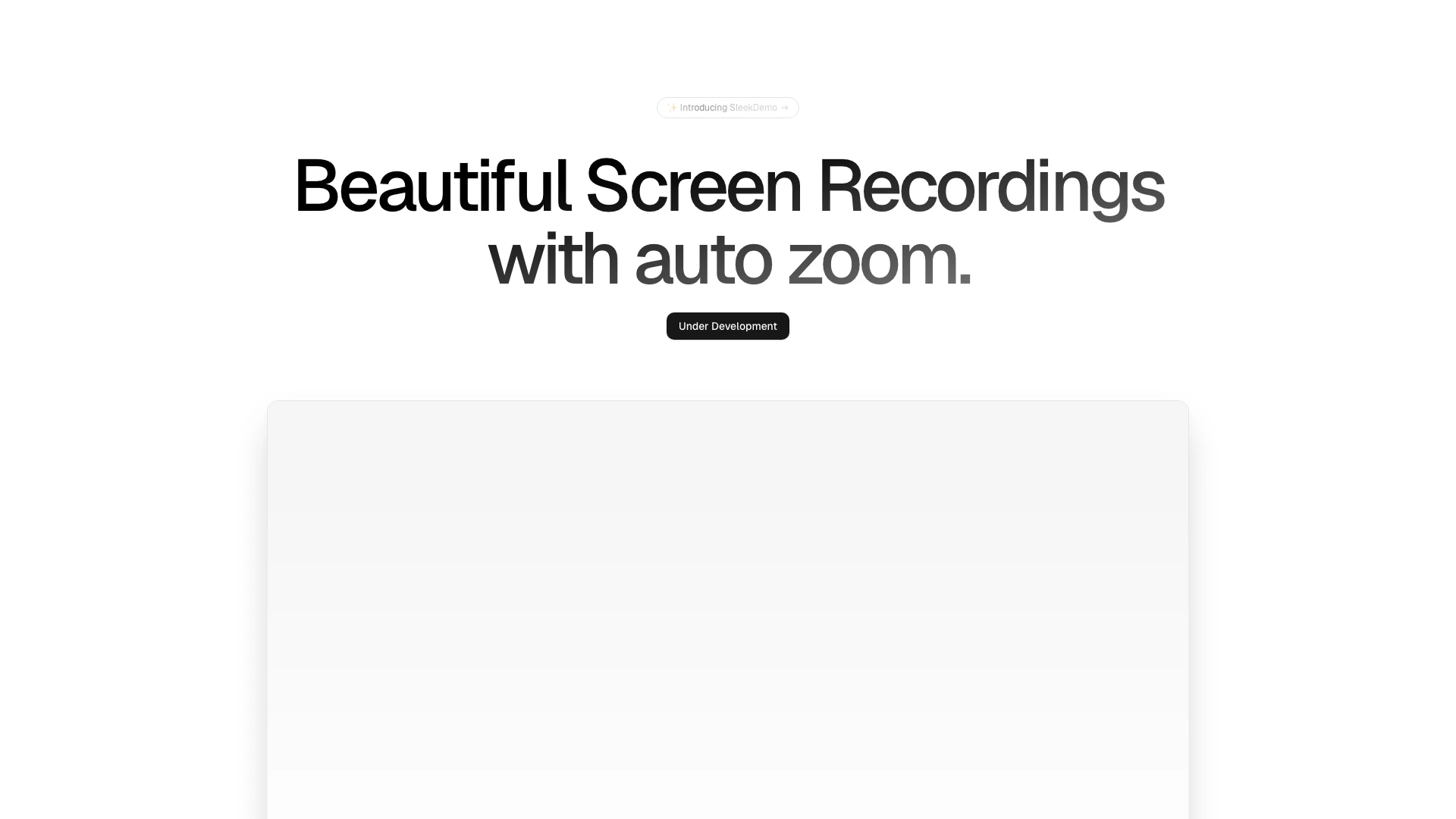
Sleekdemo is an innovative auto zoom screen recorder designed to enhance the way users create screen recordings. By automatically zooming in on specific areas of the screen, Sleekdemo enables the production of visually appealing and focused recordings that are ideal for tutorials, presentations, and demonstrations. This tool is currently under development, promising a unique approach to screen capturing that prioritizes clarity and engagement.
How to use Sleekdemo?
- Visit the Sleekdemo website at https://sleekdemo.com/ and sign up for an account if required.
- Download and install the Sleekdemo application on your device.
- Launch the application and select the screen area you wish to record.
- Adjust the auto zoom settings according to your preferences for focus and clarity.
- Start recording your screen, and Sleekdemo will automatically zoom in on the selected areas during the recording process.
- Once finished, stop the recording and save your video for sharing or editing.
What are the main features of Sleekdemo?
- Automatic zoom functionality that enhances focus on important screen areas.
- User-friendly interface that simplifies the screen recording process.
- High-quality video output for professional-looking recordings.
- Ideal for creating tutorials, presentations, and product demonstrations.
- Under development, with potential future features to enhance user experience.
Who is Sleekdemo for?
Sleekdemo is designed for content creators, educators, and professionals who need to produce high-quality screen recordings. Whether you are creating instructional videos, product demos, or engaging presentations, Sleekdemo's automatic zoom feature helps maintain viewer interest and clarity. It is suitable for anyone looking to improve their screen recording capabilities and deliver visually appealing content.
What are the use cases of Sleekdemo?
- Creating educational tutorials that require focus on specific software features or processes.
- Producing engaging product demonstrations for marketing purposes.
- Developing presentations that showcase software applications with clarity and emphasis on key points.
Sleekdemo Pros and Cons
Pros
- Automatic Zoom Feature: SleekDemo offers an automatic zoom feature that enhances the focus on important parts of the screen during recordings, making it easier for viewers to follow along.
- User-Friendly Interface: The tool is designed with a user-friendly interface, allowing users to easily navigate and create screen recordings without a steep learning curve.
- High-Quality Recordings: SleekDemo enables the creation of beautiful, high-quality screen recordings, which can be beneficial for professional presentations and tutorials.
Cons
No cons data detected for this tool