Utilengine





What is Utilengine?
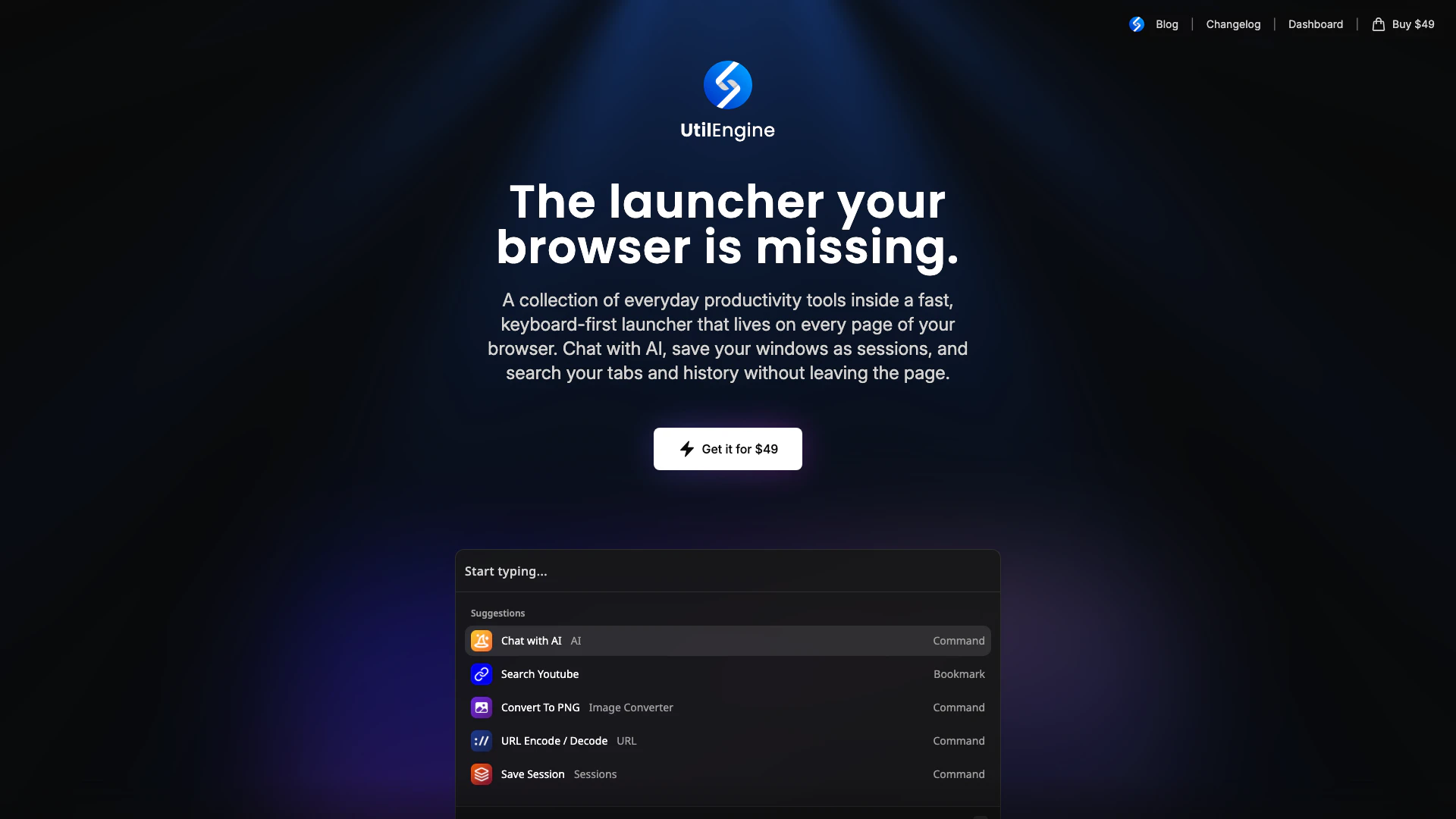
Utilengine is a versatile browser launcher designed to enhance your online experience by integrating AI chat, saved sessions, tab search, and essential productivity tools directly into your browser. It acts as a powerful shortcut that streamlines access to various functionalities, making it easier for users to manage their browsing activities without switching between tabs or applications. With a one-time purchase model, Utilengine provides lasting value by offering tools that work seamlessly across any webpage you visit, ensuring that everything you need is just a shortcut away.
How to use Utilengine?
- Install Utilengine from the official website and add it to your browser.
- Press Alt+Z (default shortcut) or your customized shortcut to open the Utilengine launcher.
- Use the search bar to access various tools like the calculator, AI chat, and bookmarks by typing your query directly.
- To manage your tabs, type 't' to find open tabs or close multiple tabs at once.
- Save any window as a session for easy restoration later.
- Access AI commands by typing your question or command in the search bar to get immediate assistance.
What are the main features of Utilengine?
- AI Chat: Engage in a full chat with any AI model directly on any tab.
- Saved Sessions: Save your browsing windows as sessions and restore them anytime.
- Tab Search: Quickly find and manage open tabs with a simple command.
- Calculator: Perform mathematical calculations directly from the search bar with inline functions.
- Bookmarks: Save websites with placeholders and launch them by name from any page.
- History Access: Easily find any visited page by typing a keyword or pasting a URL.
- AI Commands: Use reusable prompts with dynamic variables for tailored AI interactions.
- Multi-Browser Support: Your sessions and bookmarks sync across different browsers like Chrome, Brave, and Edge.
Who is Utilengine for?
Utilengine is tailored for a diverse range of users, including students, professionals, and anyone who frequently navigates the web for research or work. It is particularly beneficial for those who require quick access to AI tools, want to manage multiple tabs efficiently, or need to perform calculations and access bookmarks seamlessly. The tool is ideal for individuals who value productivity and efficiency in their browsing experience, allowing them to stay focused on their tasks without unnecessary distractions.
What are the use cases of Utilengine?
- Research and Learning: Use AI chat to ask questions about topics you are studying while browsing relevant pages.
- Productivity Enhancement: Manage your tabs and sessions efficiently, allowing for a more organized workflow.
- Mathematical Calculations: Quickly perform calculations without leaving your current browsing context, making it ideal for students and professionals alike.
Utilengine Pros and Cons
Pros
- Comprehensive Toolset: Utilengine provides a comprehensive set of tools and commands that enhance productivity directly within the browser, allowing users to perform various tasks without needing to switch tabs.
- Seamless AI Integration: The AI chat feature allows users to interact with different AI models seamlessly on any tab, providing flexibility and enhancing the browsing experience.
- Session Management: Utilengine allows users to save sessions and restore them anytime, making it easy to manage multiple tasks and workflows efficiently.
Cons
- Learning Curve: The tool's functionality may require users to adapt to new shortcuts and commands, which could pose a learning curve for some.
- Compatibility Limitations: Utilengine may have compatibility limitations with certain browsers or operating systems, which could restrict its usability for some users.
- Paid Features: Some advanced features may only be available through paid options, limiting access to users who do not wish to purchase.
Utilengine Pricing
Lifetime Access
Lifetime access to all tools and AI commands, including all future updates. Use on up to 10 devices simultaneously. One-time payment with VAT included. 14-day refund policy.
For the latest pricing, please visit this link: https://utilengine.com/#pricing
Prices are subject to change. Please visit the official website for the most up-to-date pricing information.