

Uizard


What is Uizard?
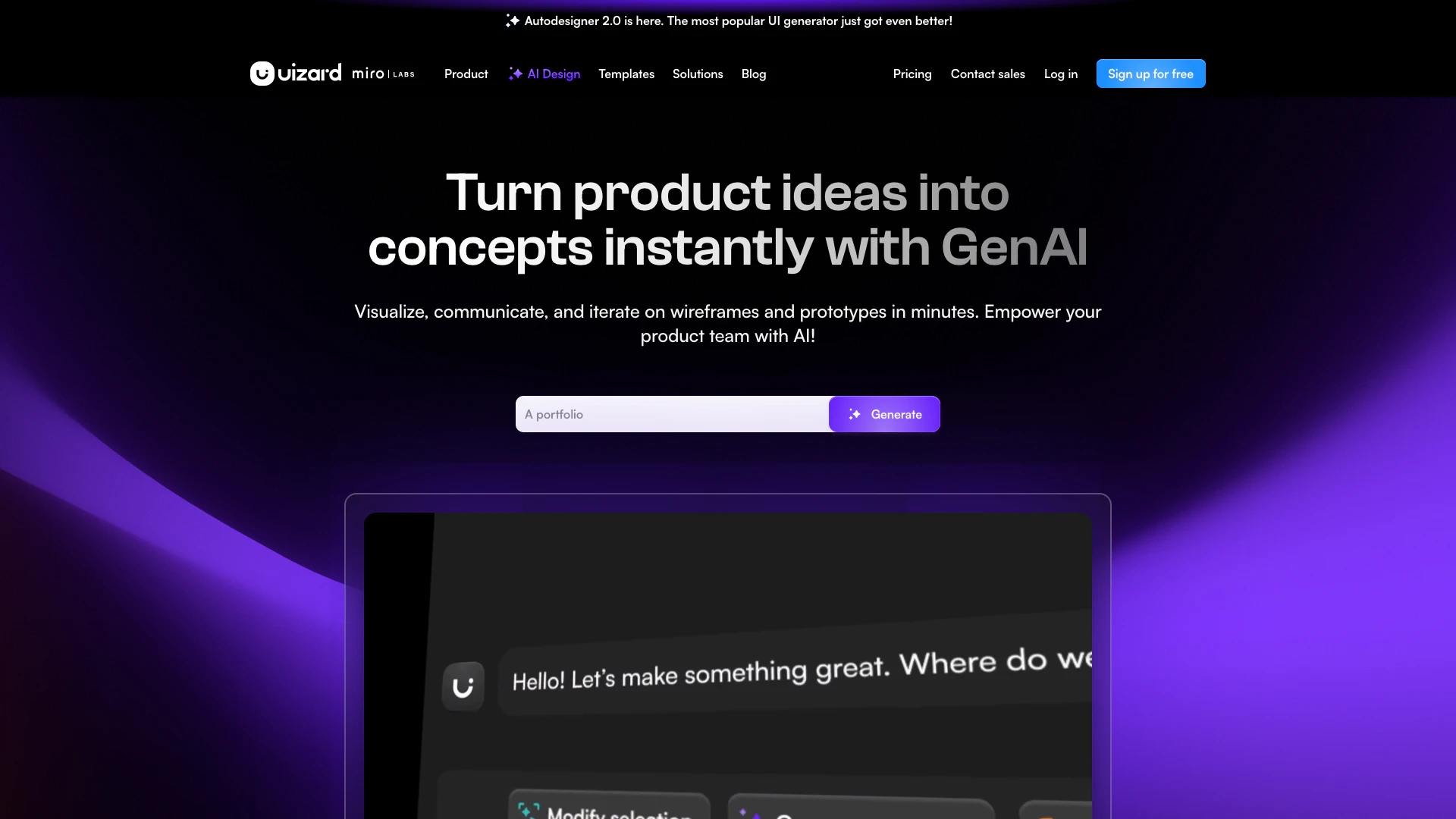
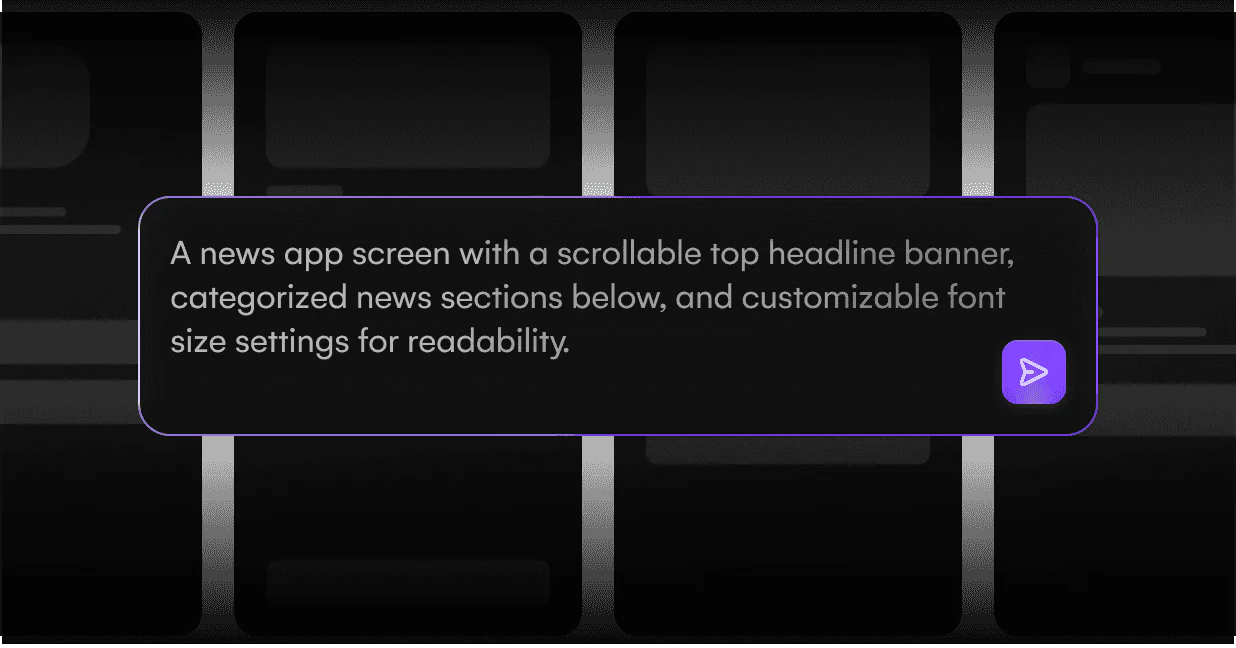
Uizard is an innovative UI design[1] tool that enables users to create designs for apps, websites, and desktop software in a matter of minutes. With its intuitive interface, Uizard is designed for anyone who can use basic presentation software like Google Slides or PowerPoint, making it accessible to both designers and non-designers alike. The tool leverages AI technology to streamline the design process, allowing users to visualize and iterate on their product ideas quickly and effectively. Uizard's core value lies in its ability to transform simple text prompts into fully functional UI designs, significantly reducing the time and effort typically required for UI design.
How to use Uizard?
- Sign up for a free account on the Uizard website and log in to your dashboard.
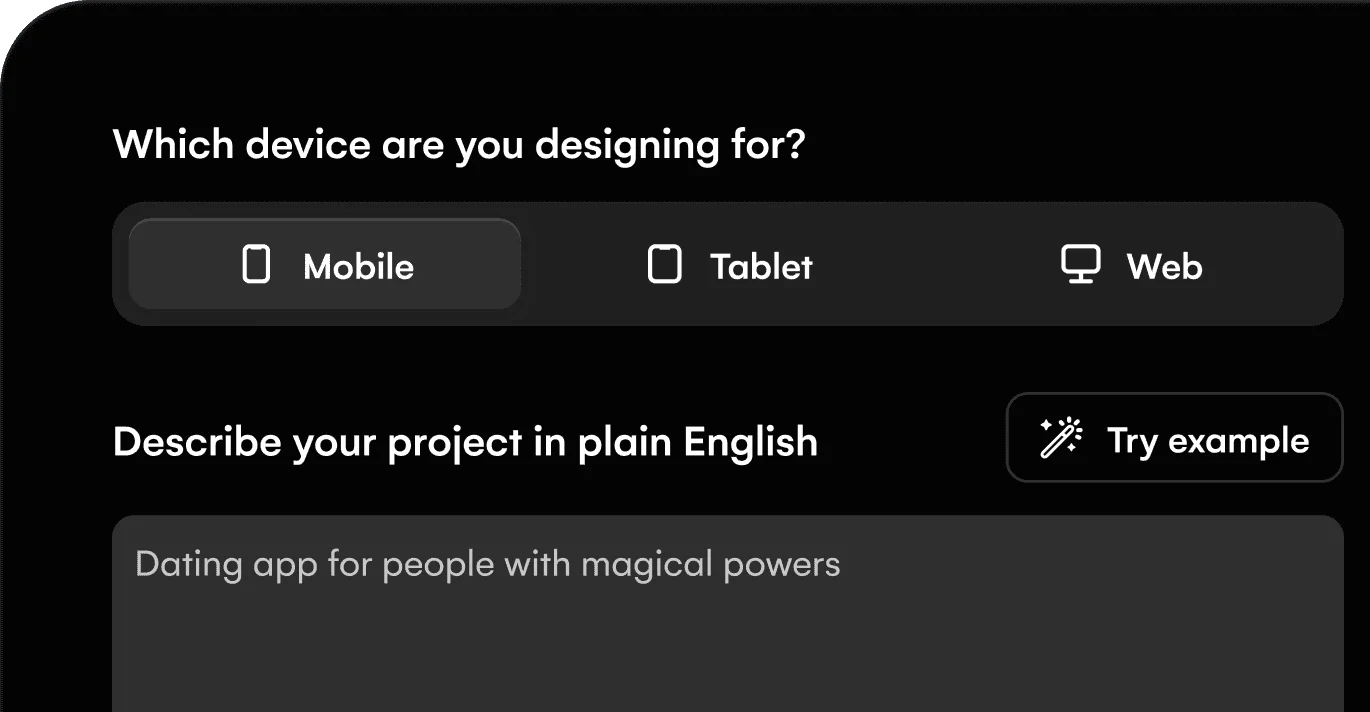
- Choose the type of project you want to create (e.g., mobile app, website, or desktop software).
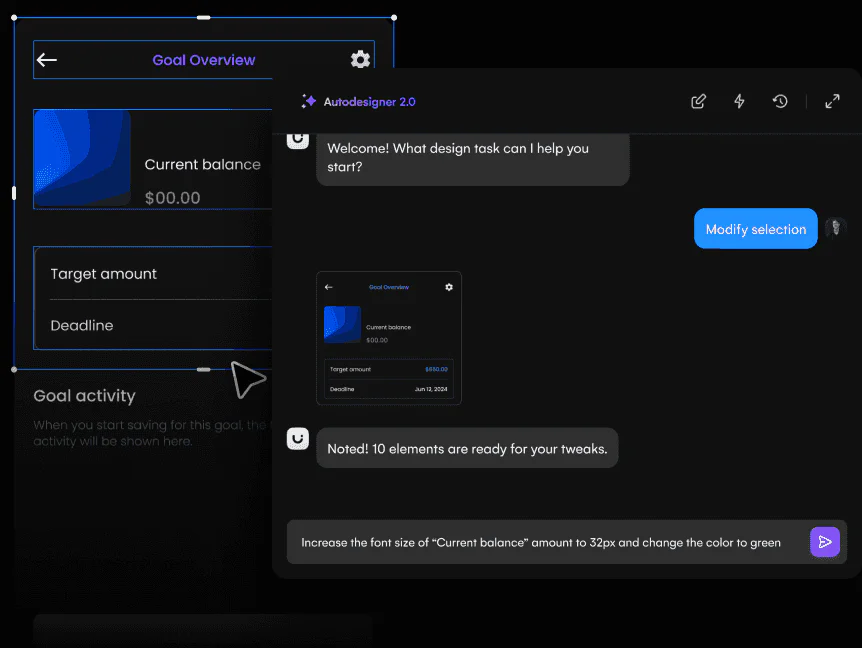
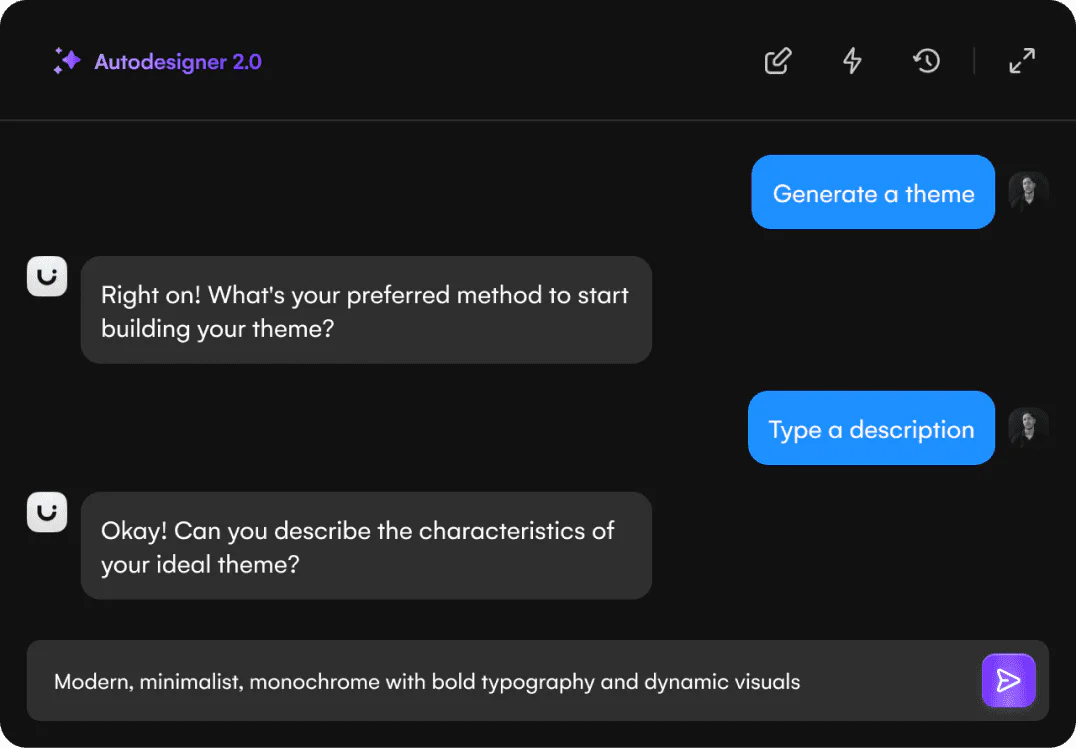
- Use the AI-powered[2] Autodesigner[3] feature to input your design prompts or upload screenshots to turn them into editable mockups.
- Customize your design by selecting components, modifying styles, and generating new screens as needed.
- Collaborate with your team in real-time, iterating on designs and making adjustments quickly.
What are the main features of Uizard?
- AI-powered UI design that transforms text prompts into editable designs.
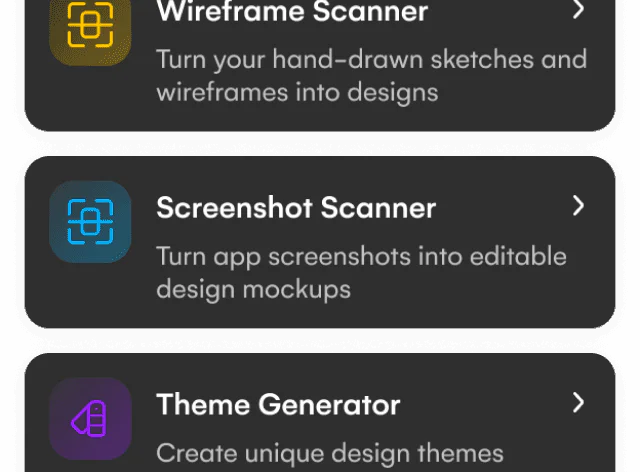
- Screenshot Scanner[4] that converts screenshots into editable mockups.
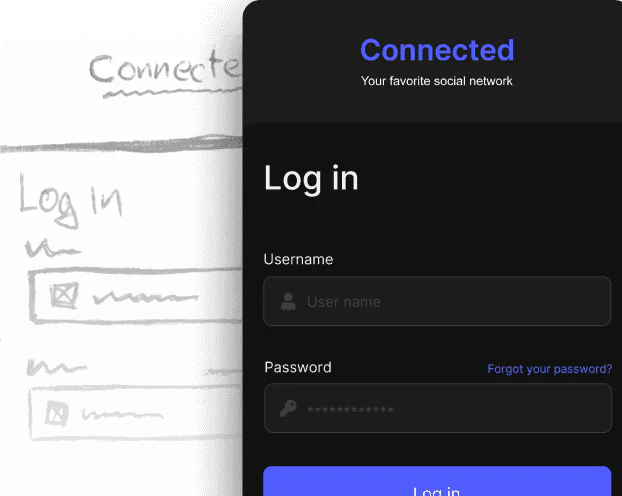
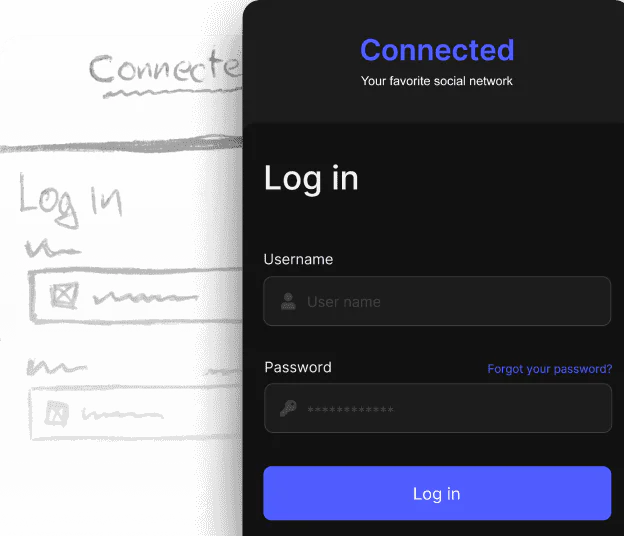
- Wireframe Scanner[5] for digitizing hand-drawn wireframes into digital formats.
- Autodesigner feature for generating multi-screen prototypes quickly.
- Real-time collaboration[6] tools that allow teams to work together seamlessly.
- Template library[7] for various design types including mobile apps, websites, and web applications.
Who is Uizard for?
Uizard is designed for a wide range of users, including product managers, UX/UI designers, marketers, startup founders, and developers. It caters to those who need to create quick prototypes or mockups without extensive design skills or coding knowledge. Uizard is particularly beneficial for teams that require rapid iteration and collaboration on design projects, making it an ideal tool for agile development environments.
What are the use cases of Uizard?
- Rapidly generating UI mockups for client presentations or stakeholder reviews.
- Transforming hand-drawn wireframes into digital designs using the Wireframe Scanner.
- Quickly prototyping new app features or website designs to test with users.
Product Images

Uizard Pros and Cons
Pros
- AI-Powered Design Generation: Uizard utilizes AI to generate UI designs quickly from text prompts or screenshots, making it accessible for users without design skills.
- User-Friendly Interface: The tool is designed for ease of use, allowing anyone familiar with Google Slides or PowerPoint to create designs effortlessly.
- Rapid Prototyping: Users can create multi-screen, editable prototypes in seconds, significantly speeding up the design process.
- Versatile Design Tools: Uizard offers a variety of features including wireframing, mockups, and theme generation, catering to different design needs.
Cons
No cons data detected for this tool
Uizard Pricing
Free
Free for everyone. Unlimited free viewers/commenters, 3 AI generations per month, AI engine: Autodesigner 1.5, 2 projects, 10 free templates.
Pro
For startups and organizations. Unlimited free viewers/commenters, 500 AI generations per month, AI engine: Autodesigner 2.0, Developer handoff React CSS, up to 100 projects, Private projects, Access to all templates.
Business
For large organizations. Everything from Pro, 5,000 AI generations per month, Faster AI generation, Custom brand kit, Unlimited projects, Priority support.
Enterprise
Custom solution to your needs. Everything from Business, Unlimited AI generations, Unlimited teams, Design system setup, AI data SLA, Custom billing, Whiteglove onboarding support.
For the latest pricing, please visit this link: https://uizard.io/pricing/
Prices are subject to change. Please visit the official website for the most up-to-date pricing information.
Analytics of Uizard
Uizard Website Traffic Analysis
Visits Over Time
Traffic Sources
Oct 2025 - Dec 2025 Worldwide Desktop Only
- Search: 50.57%
- Direct: 38.98%
- Referrals: 8.15%
- Social: 1.58%
- Paid Referrals: 0.57%
- Mail: 0.14%
Top Keywords
| Keyword | Volume | CPC | Estimated Value |
|---|---|---|---|
| uizard | 89.43K | $0.77 | $73720.00 |
| screenshot editor | 25.59K | $0.20 | $2940.00 |
| uizard ai | 7.54K | $1.06 | $5050.00 |
| ui design ai | 5.80K | $1.72 | $1520.00 |
| uizard io | 5.49K | $0.51 | $4270.00 |




Uizard Social Listening
A Beginner's Guide to Uizard (...
New to Uizard? Want to learn h...
Uizard Autodesigner Full Walkt...
Uizard Autodesigner is here! J...
Turn a hand drawn sketch into ...
Design magic like you've never...
Unlock to view 36 social media results.