

Steve Ai



What is Steve Ai?
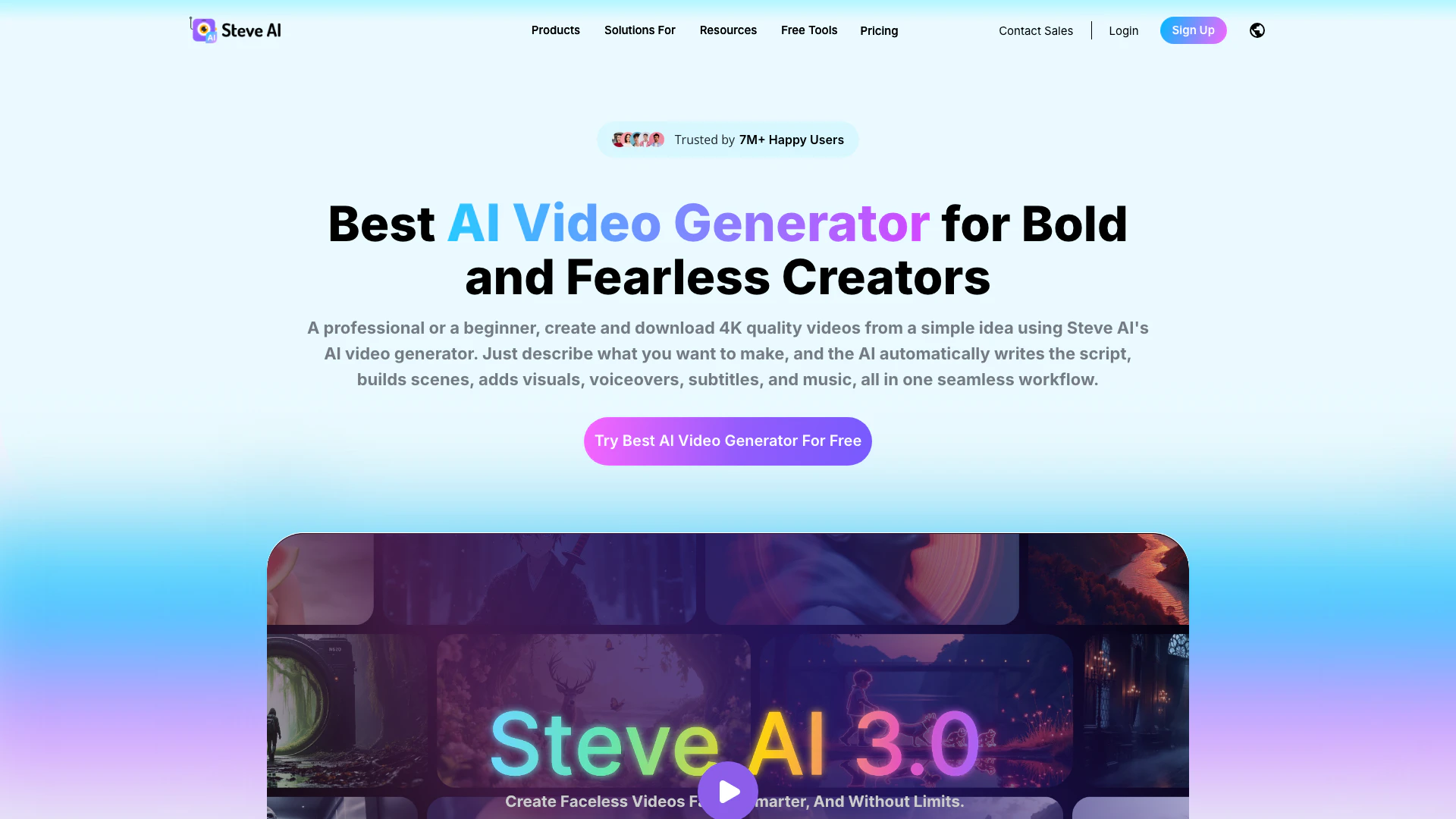
Steve AI is a patented AI video generator that allows users to create videos in over five distinct styles. This innovative tool is designed to simplify the video creation process, enabling users to transform text, scripts, or ideas into engaging videos quickly. With features like hyper-realistic voiceovers, a library of over 300 characters, and more than 50 generative AI templates, Steve AI stands out as one of the best AI tools for video production. Users can explore its capabilities for free, making it accessible for anyone looking to enhance their video content.
How to use Steve Ai?
- Sign Up: Visit the [Steve AI website](https://www.steve.ai/) and create a free account to start using the tool.
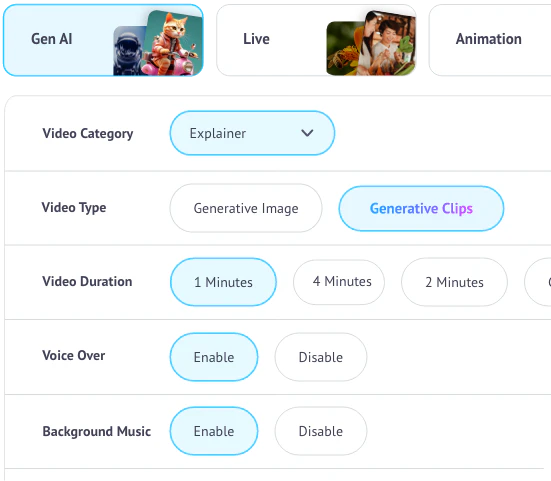
- Choose a Video Style: Select from various video styles available, including animations, live videos, and generative AI formats.
- Input Your Content: Enter your text, script, or idea into the tool. Steve AI's advanced prompter will help shape your input into a ready-to-use script.
- Customize Your Video: Use the available features to add characters, voiceovers, and motion effects to your video.
- Preview and Edit: Review your video and make any necessary adjustments to ensure it meets your expectations.
- Export Your Video: Once satisfied, download your video or publish it directly to platforms like YouTube.
What are the main features of Steve Ai?
- Multi-Style Video Generation: Create videos in over five styles, including animations and live videos.
- Hyper-Realistic Voices: Utilize lifelike AI voices for natural-sounding narration and character dialogue.
- Extensive Character Library: Access over 300 animated characters to enhance your videos.
- Generative AI Templates: Choose from more than 50 templates tailored for various content types.
- AI Script Generator: Automatically generate scripts based on user input, streamlining the video creation process.
- Easy Export Options: Download videos in HD quality or publish directly to social media platforms.
Who is Steve Ai for?
Steve AI is designed for a wide range of users, including content creators, marketers, educators, and businesses looking to enhance their video production capabilities. It is particularly beneficial for those who prefer to create faceless content, such as YouTube creators, social media marketers, and educators who want to produce engaging instructional videos without appearing on camera. The tool is user-friendly, making it suitable for both beginners and experienced video creators.
What are the use cases of Steve Ai?
- Educational Videos: Create engaging tutorials and instructional content for online courses or training sessions.
- Marketing Content: Produce promotional videos, explainer videos, and social media ads to boost brand visibility.
- Storytelling and Entertainment: Generate animated stories or kids’ content, making it fun and engaging for younger audiences.
Product Images

Steve Ai Pros and Cons
Pros
- Ease of Use: Steve AI allows users to create full videos in minutes, significantly reducing the time spent on video creation compared to traditional methods.
- AI Integration: The tool seamlessly integrates artificial intelligence to generate videos from prompts, scripts, and audio, making video creation accessible to users of all experience levels.
- Comprehensive Features: Steve AI offers a variety of video output styles including animations and live training videos, catering to different content needs.
- Value for Money: Users have rated Steve AI highly for its quality of output and the value it provides, making it a competitive choice in the market.
Cons
No cons data detected for this tool
Steve Ai Pricing
Free
20 minutes of AI videos per month, 200 AI asset credits, unlimited video generation, and 2 free local downloads. You can also publish directly to YouTube.
Generative AI
1x Power Up, 15 Mins Generative Credits, 400 mins AI Videos/month, 3200 AI Images & Premium Stock/month, 2K Video Resolution, 100% Human-like Voices, No Steve AI Watermark, Unlimited Video Exports, 300+ Animated Characters.
For the latest pricing, please visit this link: https://app.steve.ai/pricing
Prices are subject to change. Please visit the official website for the most up-to-date pricing information.
Analytics of Steve Ai
Steve Ai Website Traffic Analysis
Visits Over Time
Traffic Sources
Oct 2025 - Dec 2025 Worldwide Desktop Only
- Search: 58.11%
- Direct: 31.53%
- Referrals: 7.49%
- Social: 2.03%
- Paid Referrals: 0.68%
- Mail: 0.10%
Top Keywords
| Keyword | Volume | CPC | Estimated Value |
|---|---|---|---|
| ai video generator | 491.33K | $0.53 | $340.00 |
| steve ai | 12.27K | $0.97 | $7070.00 |
| audio to video ai | 6.63K | $0.58 | $420.00 |
| steve.ai | 1.56K | $0.00 | $1020.00 |
| steven ai | 790 | $1.09 | $410.00 |





Steve Ai Social Listening
AI影片生成教學!新手用Nano Banana、ChatGP...
用Nano Banana生的圖,怎麼轉成影片?想用AI做動畫...
Seedance 2.0 免费发布!导演级AI视频生成神器,...
【更多资源】▶https://bittly.cc/lingd...
Create Stunning Animated Expla...
#AI #video #steveai Are you ...
Unlock to view 32 social media results.