Typeaheadai





What is Typeaheadai?
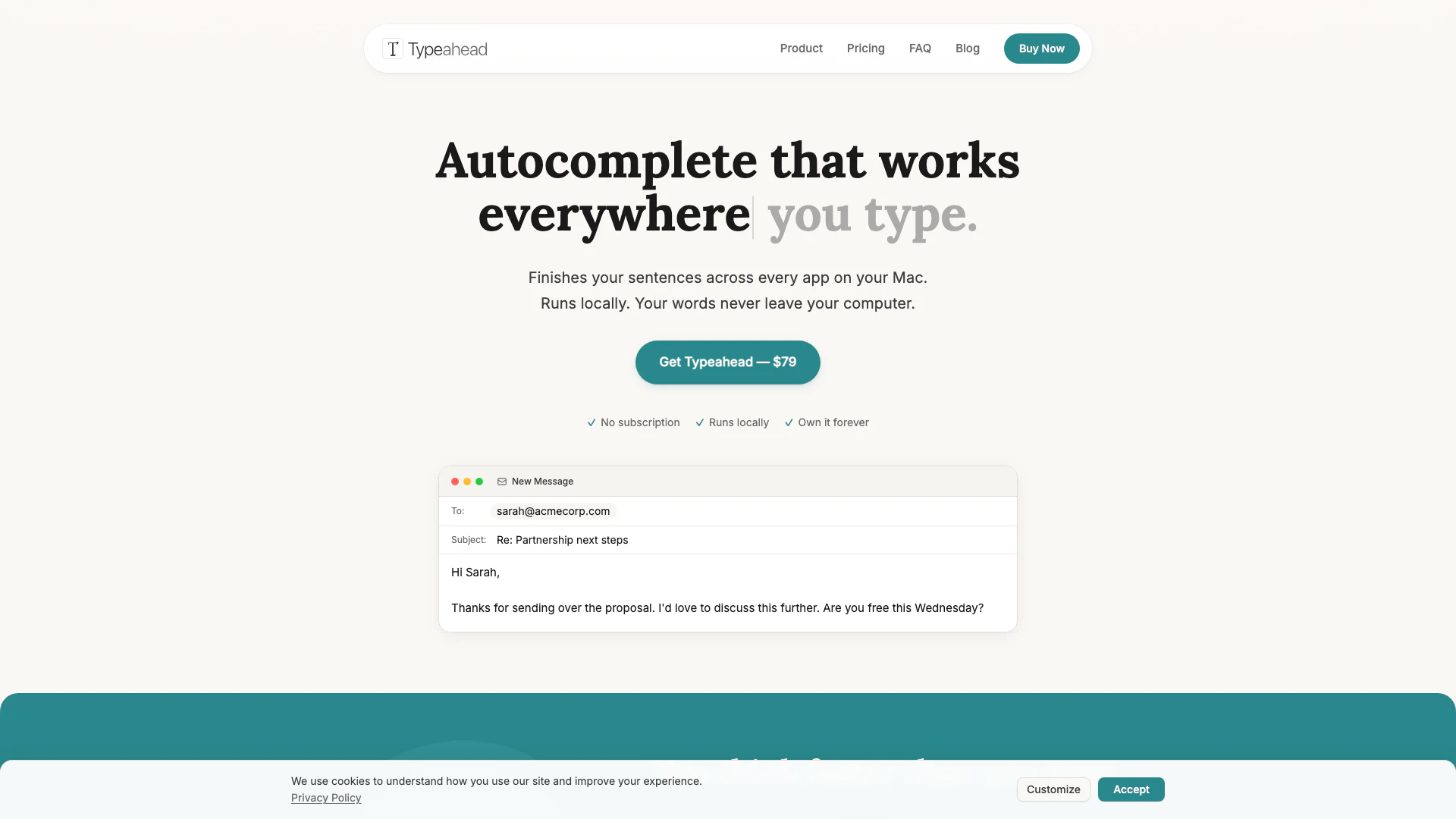
Typeaheadai is a system-wide AI autocomplete tool designed specifically for macOS users. It enhances productivity by providing intelligent suggestions as you type in any application on your Mac. Unlike other cloud-based solutions, Typeaheadai runs locally on your device, ensuring that your words never leave your computer. This means you can enjoy the benefits of AI-assisted writing while maintaining complete privacy and control over your data.
How to use Typeaheadai?
- Download and install Typeaheadai from the official website.
- Open any application on your Mac where you want to use autocomplete features.
- Start typing your text; suggestions will appear inline as you type.
- Press the 'Tab' key to accept a suggestion and complete your thought instantly.
What are the main features of Typeaheadai?
- System-wide AI autocomplete that works in every app on macOS.
- Native Mac app optimized for Apple Silicon, ensuring fast and lightweight performance.
- Inline suggestions that appear as you type, with simple tab acceptance.
- Learns your writing style over time to provide personalized suggestions.
- GPU-accelerated performance for zero lag.
- 100% privacy with no data sent to servers or cloud, ensuring complete control over your writing.
Who is Typeaheadai for?
Typeaheadai is designed for anyone who spends a significant amount of time typing on their Mac. This includes professionals like writers, developers, salespeople, and support teams, as well as non-native speakers who may need assistance with fluent writing. If you often find yourself repeating phrases or struggling with typing speed, Typeaheadai can help streamline your writing process and enhance your productivity.
What are the use cases of Typeaheadai?
- Writers can use Typeaheadai to quickly finish sentences and maintain their writing flow without interruptions.
- Sales professionals can benefit from faster email responses and repetitive phrase completions.
- Developers can streamline communication in platforms like Slack and create documentation more efficiently.
Typeaheadai Pros and Cons
Pros
- System-wide Integration: Typeahead works seamlessly across all Mac applications, enhancing productivity in email, writing, and coding.
- 100% Privacy: The tool operates locally on your Mac, ensuring that your data remains private and is not sent to servers.
- One-Time Purchase: Users can buy Typeahead with a single payment of $79, avoiding recurring subscription fees.
- Fast and Efficient: Typeahead is optimized for Apple Silicon, providing lightning-fast autocomplete suggestions with zero lag.
Cons
No cons data detected for this tool
Typeaheadai Pricing
Typeahead One-Time Purchase
Get early access to Typeahead with unlimited usage forever. Smart autocomplete in every Mac app, unlimited usage — no caps, no quotas, all language models included, free updates for life, and a 30-day money-back guarantee.
For the latest pricing, please visit this link: https://typeahead.ai/
Prices are subject to change. Please visit the official website for the most up-to-date pricing information.