

Tempo





What is Tempo?
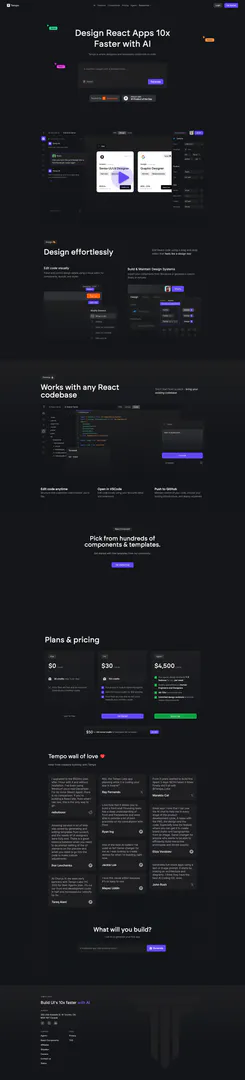
Tempo is an AI-powered platform designed to simplify the process of web development by allowing users to prompt, develop, and design code effortlessly. It facilitates seamless collaboration between designers and developers, enabling them to work together on React applications. Tempo’s core value lies in its ability to enhance productivity in web development, making it faster and smarter through advanced solutions and tools.
How to use Tempo?
- Sign up for an account on the Tempo website to access the platform.
- Import your existing React codebase or start a new project using the drag-and-drop editor.
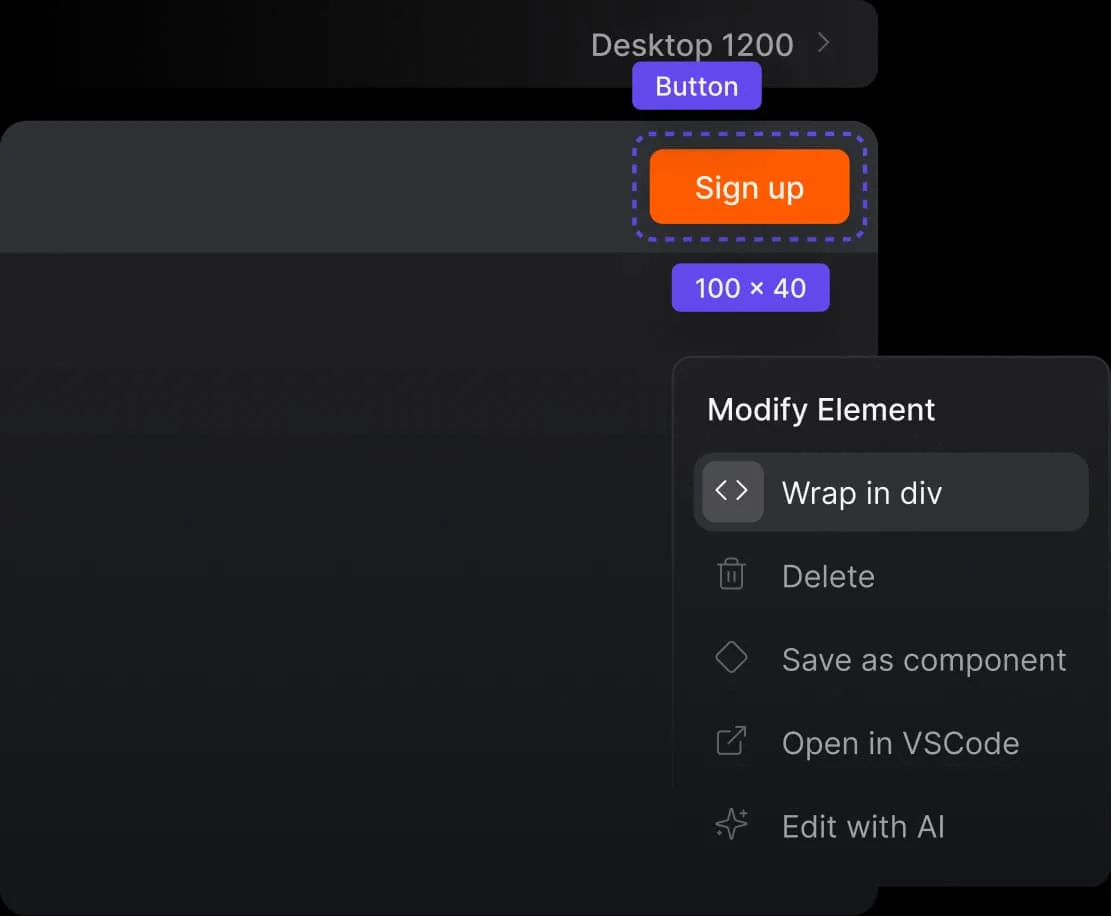
- Use the visual editor to edit your code, customize components, and manage design details easily.
- Open the project in your preferred code editor like VSCode for further customization.
- Push your changes to GitHub to maintain control over your code and deploy it to your chosen hosting infrastructure.
What are the main features of Tempo?
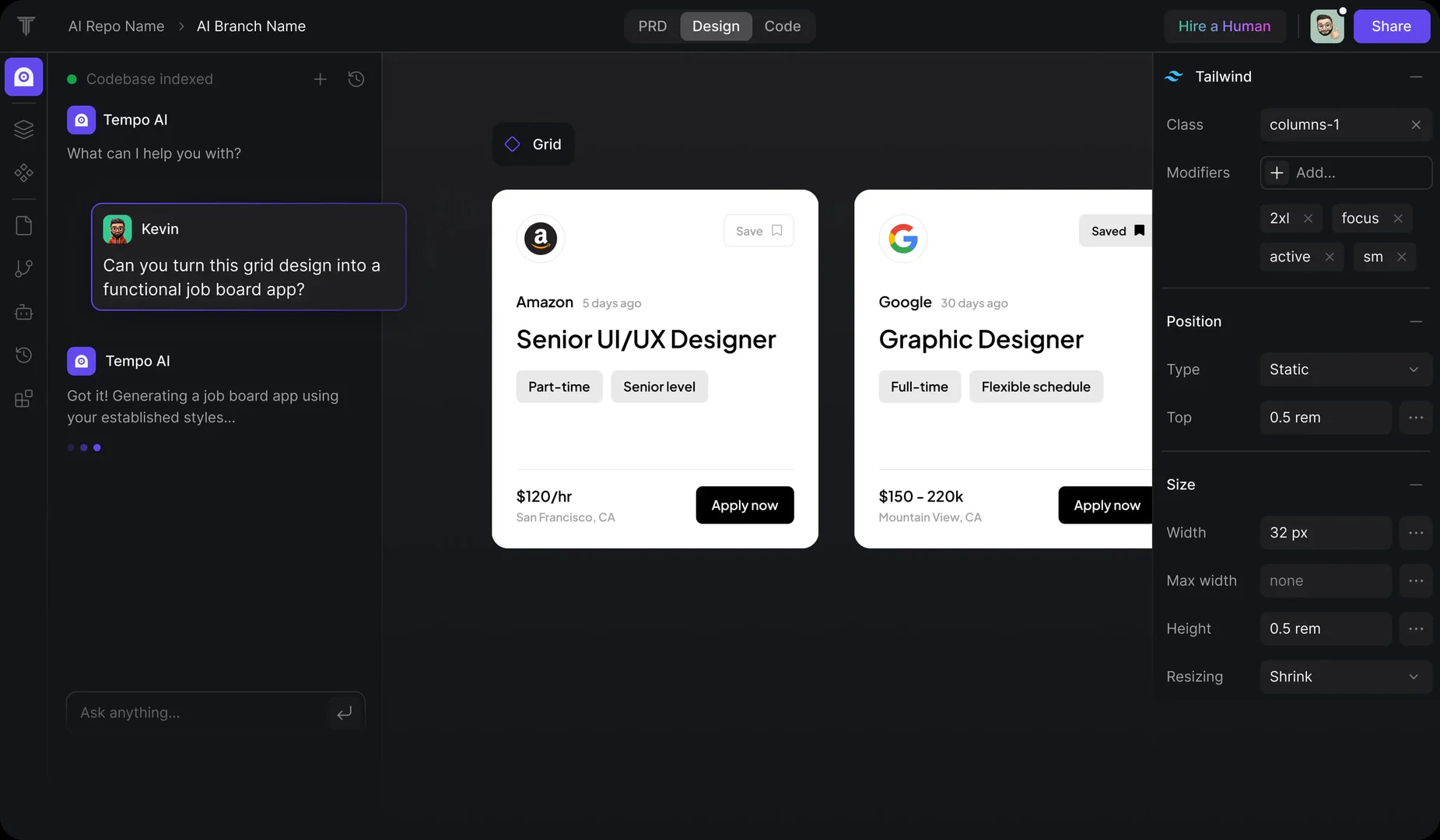
- AI-powered code generation for React applications.
- Visual editor for easy drag-and-drop interface design.
- Integration with existing codebases, allowing for seamless transitions.
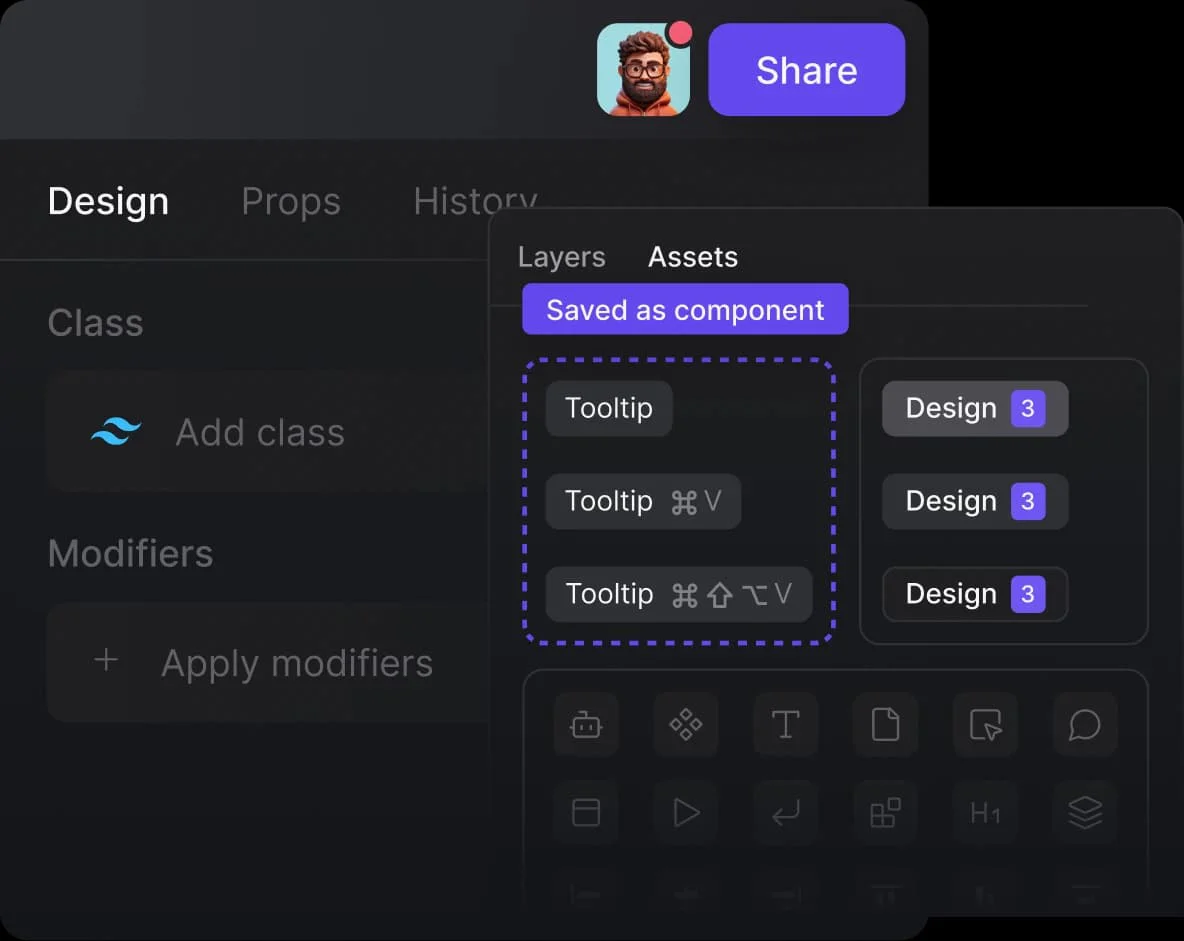
- Ability to import components from Storybook or create custom libraries.
- Local editing capabilities using popular code editors like VSCode.
- Options to push code to GitHub for version control and deployment.
Who is Tempo for?
Tempo is designed for web developers, UI/UX designers, and teams looking to enhance their productivity in building React applications. It is particularly beneficial for those who want to streamline their workflow, collaborate efficiently on code, and leverage AI tools to reduce development time. Whether you are an independent developer or part of a larger team, Tempo offers solutions that cater to various stages of the development process.
What are the use cases of Tempo?
- Rapidly prototyping user interfaces for React applications using AI-generated components.
- Collaborating on design and development within teams to ensure consistency and efficiency.
- Importing and managing design systems from platforms like Storybook to maintain design integrity.
- Customizing existing codebases without starting from scratch, saving time and resources.
- Utilizing AI chat features to assist throughout the product development cycle, including planning and coding.
Product Images

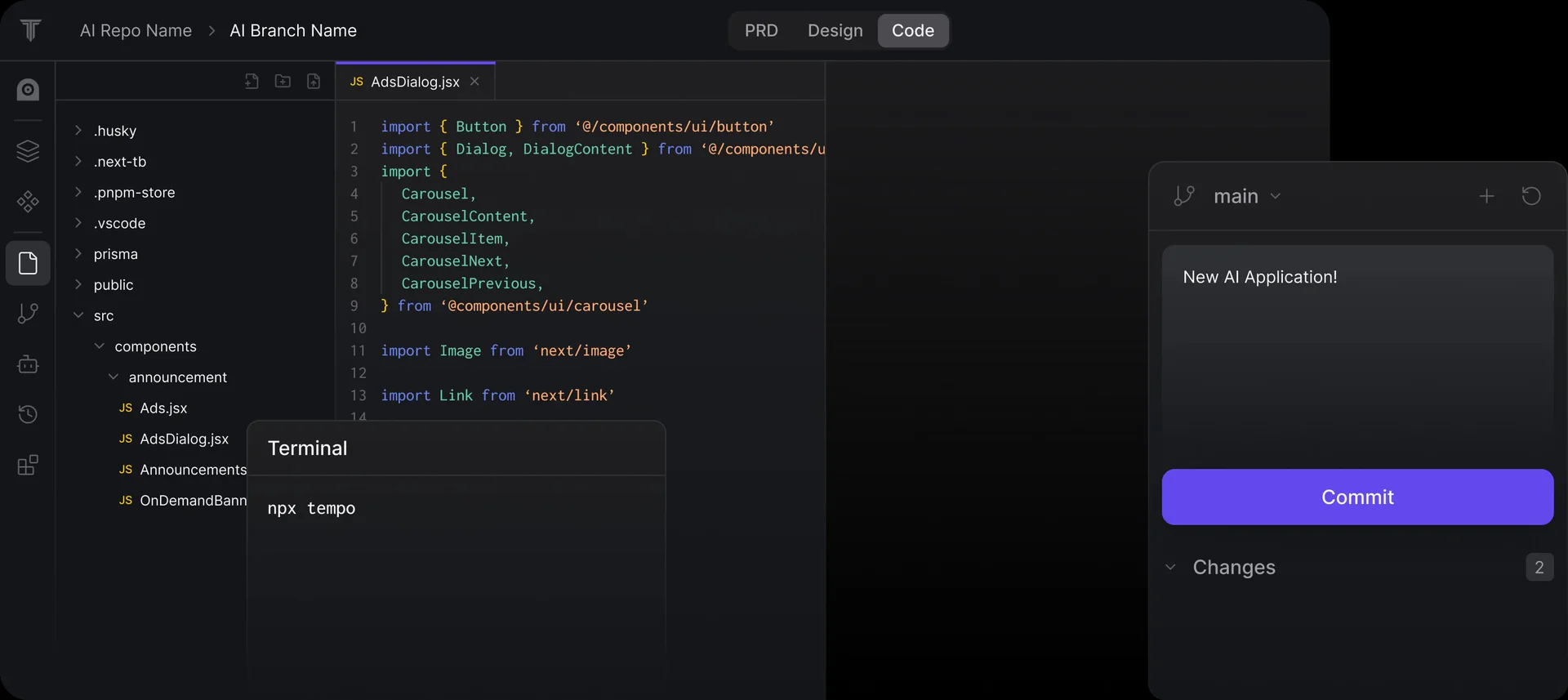
Tempo Pros and Cons
Pros
- AI-Powered Code Generation: Tempo utilizes AI to facilitate effortless code prompting, development, and design, enhancing productivity for developers.
- Visual Code Editing: The drag-and-drop editor allows users to edit React code visually, making it accessible for designers and developers alike.
- Seamless Collaboration: Tempo enables designers and developers to collaborate efficiently on code, streamlining the web development process.
Cons
No cons data detected for this tool
Tempo Pricing
Free
30 credits (max 5 per day). Error fixes are free and do not count towards your monthly credits.
Pro
150 credits. Full access to code & reasoning agents. Add 250 bonus credits for $50 anytime. Error fixes are free and do not count towards your monthly credits.
Agent+
Our agents design and build 1-3 features for you per week. Quality guaranteed by Human Engineers and Designers. 48-72hr turnaround time. Unlimited design revisions and code review improvements.
For the latest pricing, please visit this link: https://www.tempo.new/
Prices are subject to change. Please visit the official website for the most up-to-date pricing information.
Analytics of Tempo
Tempo Website Traffic Analysis
Visits Over Time
Traffic Sources
Oct 2025 - Dec 2025 Worldwide Desktop Only
- Search: 46.46%
- Direct: 38.50%
- Referrals: 7.64%
- Social: 6.27%
- Paid Referrals: 0.94%
- Mail: 0.11%
Top Keywords
| Keyword | Volume | CPC | Estimated Value |
|---|---|---|---|
| tempo | 802.57K | $1.41 | $3890.00 |
| tempo ai | 5.69K | $1.98 | $3680.00 |
| tempo labs | 1.49K | $3.19 | $1180.00 |
| tempo app | 1.38K | $0.14 | $530.00 |
| tempolabs | 1.25K | $4.09 | $870.00 |
Tempo Reviews
I upgraded to the $50/mo plan after 1 hour with it and without hesitation. I've been using Windsurf since mid-December. For its niche (React Apps), there is no comparison. If you're building a React site, from what I can see, this is the only way to go. nebulousx
NGL the Tempo Labs app planning while it is coding your app is insane! Ray Fernando
From 3 years wanted to build this Spent 3 days 18/24 Failed 3 times Finally did it all with @Tempo_Labs Marekto Cat
For more reviews, visit this link: https://www.tempo.new/#wall-of-love





Tempo Social Listening
Tempo Studio Smart Home Gym Re...
✅ Click the discount link to g...
Tempo Move Review (Before You ...
Buy Tempo Move: https://bit.ly...
Introducing Tempo V2 - AI web ...
Tempo 2.0 is Here – Just Ship ...
Unlock to view 34 social media results.