

Jsonviewer
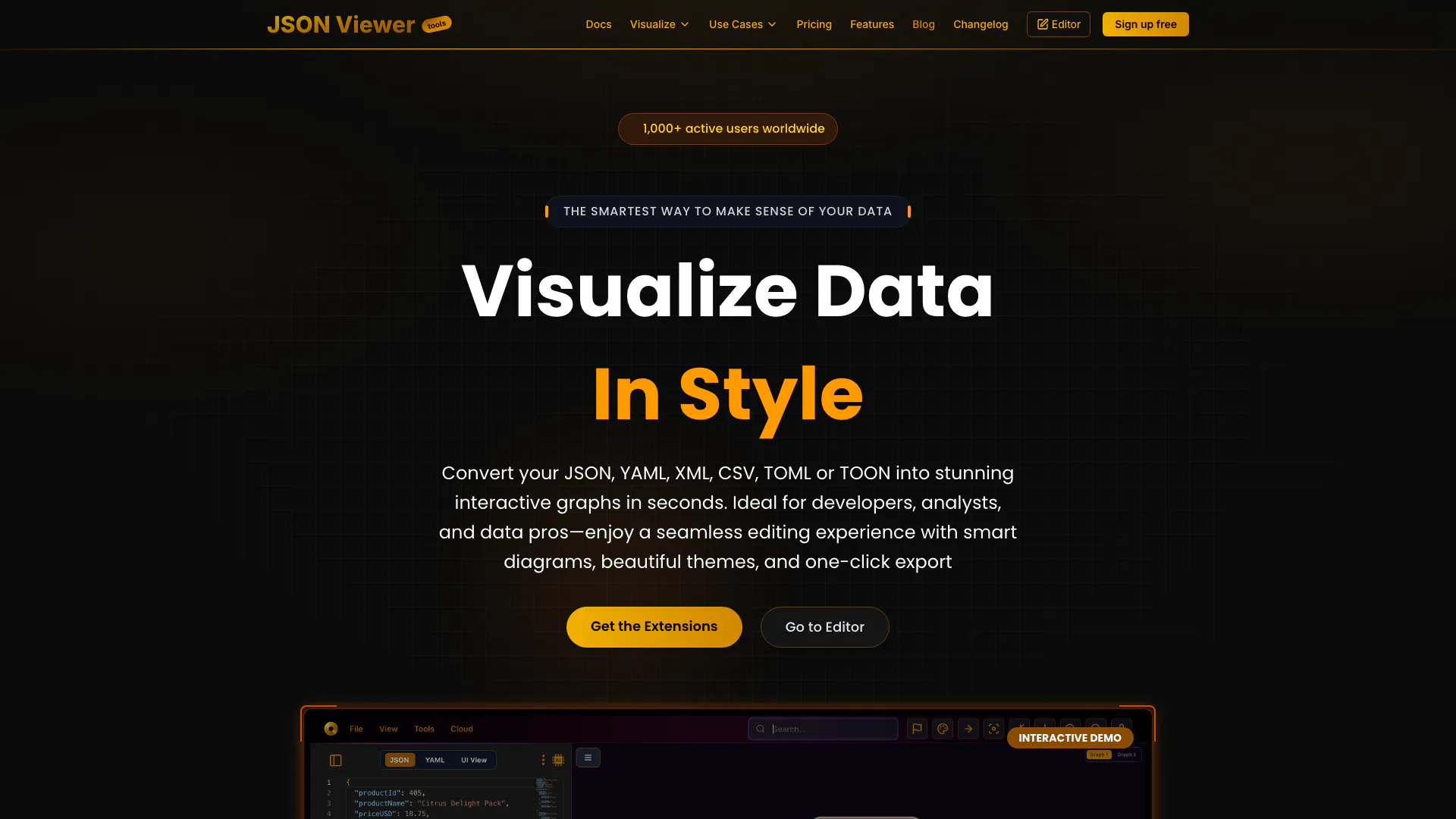





What is JSON Viewer[1]?
JSON Viewer is a modern tool designed for developers and data enthusiasts to explore, format, compare, and visualize JSON data in an interactive manner. It allows users to convert JSON, YAML, XML, CSV, TOML, and TOON files into stunning graphs, charts, tables, and diagrams. The tool aims to simplify data visualization[2], making it intuitive and accessible, thus enhancing the data analysis experience.
How to use JSON Viewer?
- Visit the JSON Viewer website at https://jsonviewer.tools/.
- Choose the format of your data (JSON, YAML, XML, CSV, TOML, or TOON) and upload your file or paste your data into the provided editor.
- Use the various visualization options to convert your data into interactive graphs[3], charts, or tables.
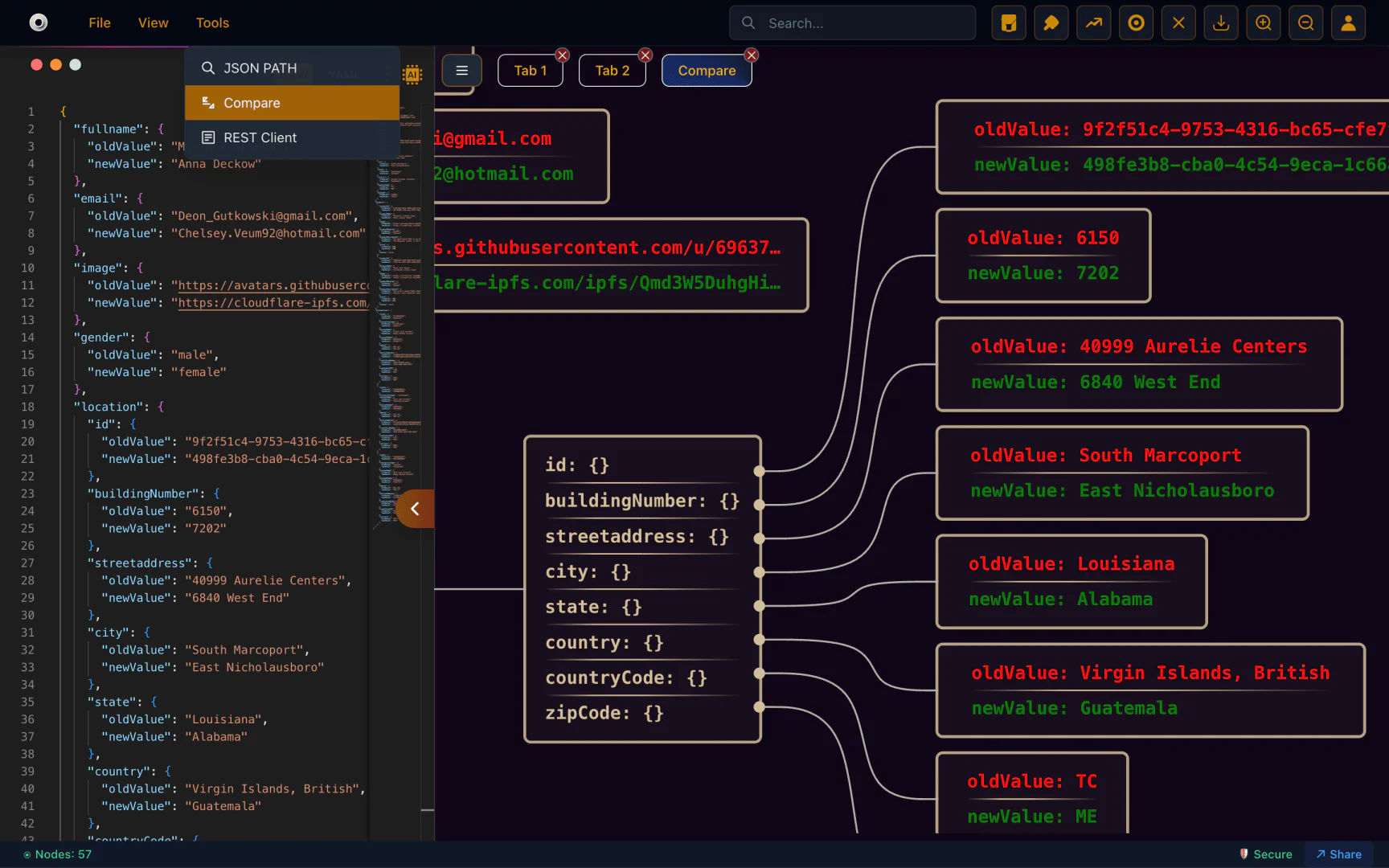
- For comparisons, select multiple JSON files to visualize differences side by side.
- Customize your visualizations and export them as needed.
What are the main features of JSON Viewer?
- Multi-Format Support[4]: Visualize and convert data from JSON, YAML, XML, CSV, TOML, and TOON formats.
- Interactive Graphs and Charts: Create stunning visual representations of your data quickly and easily.
- Graphical JSON Comparison: Compare multiple JSON files side by side with a visual diff viewer.
- AI-Powered Features[5]: Generate JSON from images and create dummy JSON effortlessly.
- Custom Diagrams[6]: Edit JSON data directly from diagrams for enhanced usability.
- Secure Cloud Storage: Your data privacy is assured; it is stored only when manually uploaded.
- User-Friendly Interface: Designed for simplicity, ensuring a seamless experience even for beginners.
Who is JSON Viewer for?
JSON Viewer is primarily designed for developers, data analysts, and visualization enthusiasts who require a robust tool to handle JSON and other data formats. It is ideal for those involved in API design, system architecture, and data management, as well as professionals who need to visualize complex data structures in a clear and interactive way. Additionally, hobbyists and students exploring data visualization can also benefit from its user-friendly interface.
What are the use cases of JSON Viewer?
- API Design: Visualize API responses and structures for better understanding and documentation.
- Data Analysis: Analyze and compare large datasets to identify trends and discrepancies.
- System Design: Create diagrams and charts to represent system architectures and workflows.
- CI/CD & DevOps: Visualize configuration files and workflows to streamline development processes.
- Education: Teach students about data structures and visualization techniques in a hands-on manner.
Product Images
Jsonviewer Pros and Cons
Pros
- Interactive Visualization Tools: Jsonviewer offers interactive graphs, charts, tables, and diagrams, making it easy for developers and analysts to visualize JSON data effectively.
- Multi-Format Support: Supports various data formats including JSON, YAML, XML, CSV, TOML, and TOON, enhancing its usability for different data types.
- AI-Powered Features: Utilizes AI capabilities to generate JSON from images and create dummy JSON, simplifying data generation and boosting productivity.
Cons
No cons data detected for this tool
Jsonviewer Pricing
Free
Perfect for viewing and exploring JSON data. * Upload & Process Small Files * Powerful Chrome/VS Code Extension * Unlimited Downloads – No Restrictions * Visualize Data with Tables, Charts & Essential Tools
Pro
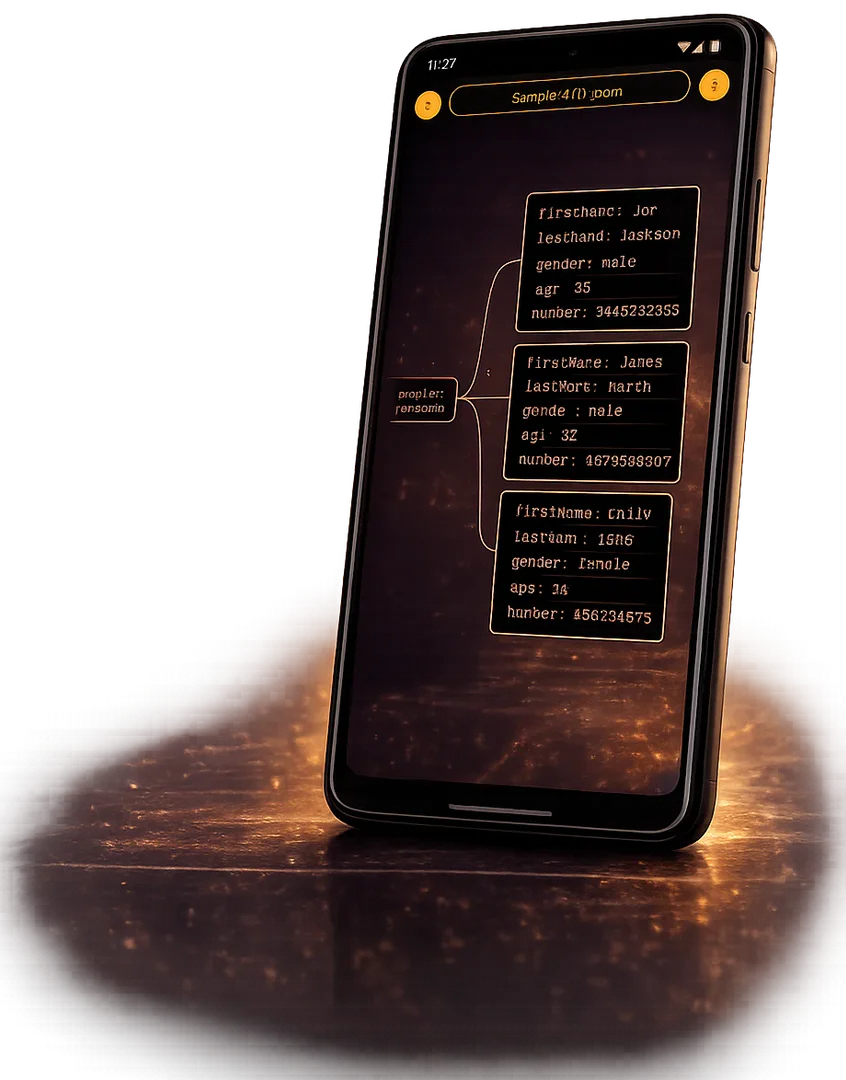
Ideal for advanced JSON analysis and data management. * Ad-Free Experience * Compare & Analyze Data * Edit JSON Directly from Diagrams * Unlimited Diagrams & Customization * Personalized Themes * Unlimited Downloads (No Watermark) * Save and Share Documents * API Access * Large Files (up to 5MB) * AI-Powered Assistant * Android App (Beta) * Updates & Support
Lifetime
One-time payment for lifetime access to all Pro features + future updates. * Ad-Free Experience * Compare & Analyze Data * Edit JSON Directly from Diagrams * Unlimited Diagrams & Customization * Personalized Themes * Unlimited Downloads (No Watermark) * Save and Share Documents * API Access * Large Files (up to 5MB) * AI-Powered Assistant * Android App (Beta) * Lifetime Updates & Support
For the latest pricing, please visit this link: https://jsonviewer.tools/pricing
Prices are subject to change. Please visit the official website for the most up-to-date pricing information.
Analytics of Jsonviewer
Jsonviewer Website Traffic Analysis
Visits Over Time
Traffic Sources
Oct 2025 - Dec 2025 Worldwide Desktop Only
- Search: 46.49%
- Direct: 36.75%
- Referrals: 9.80%
- Social: 4.97%
- Paid Referrals: 1.43%
- Mail: 0.17%
Top Keywords
| Keyword | Volume | CPC | Estimated Value |
|---|---|---|---|
| json to toon converter | 2.14K | $0.00 | $140.00 |
| json to image | 650 | $0.00 | $170.00 |
| json to image viewer | 150 | $0.00 | $120.00 |
| visual diagram for json.data | 120 | $0.00 | $120.00 |
| csv to toon converter | 100 | $0.00 | $100.00 |





